
Defender Control 2.1 for Windows
SHA-256 listed
Turns Microsoft Defender on or off from one screen
All ages
Age rating
Screenshots
Description
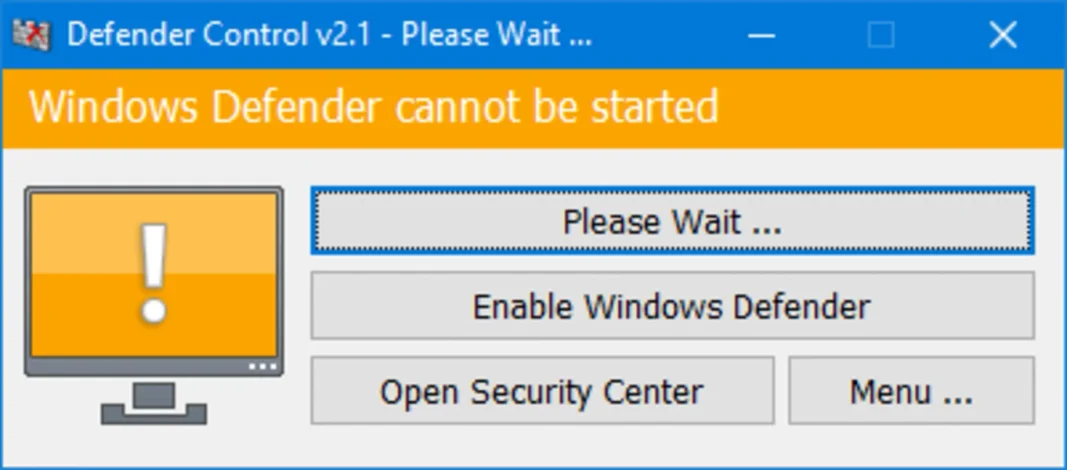
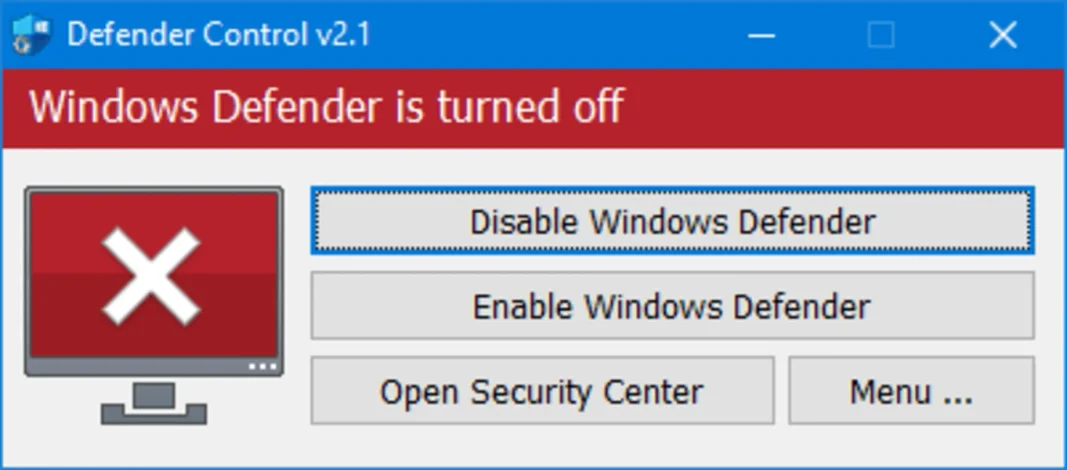
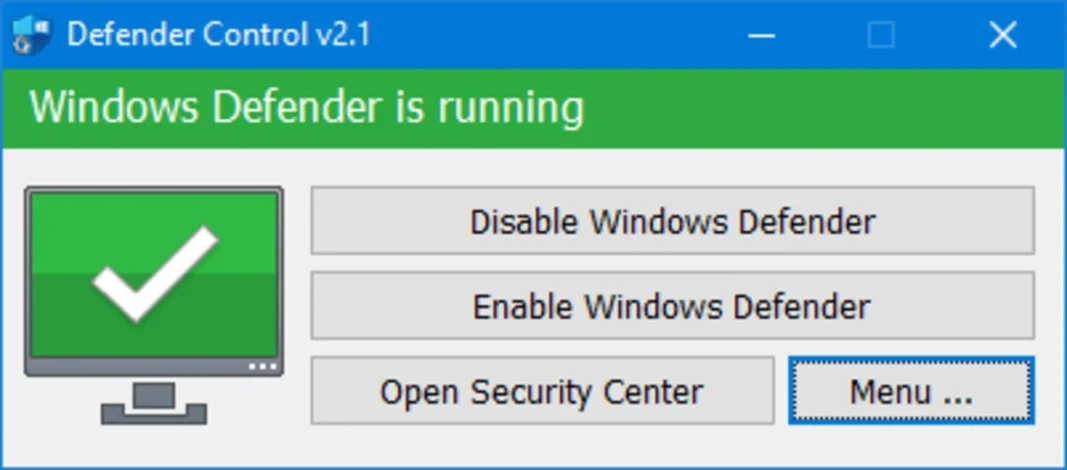
Defender Control turns Microsoft Defender off. The main screen has two buttons, one to enable Defender and one to disable it. The interface shows the current state in red or green.
Microsoft Defender can conflict with other antivirus software and reduce system performance, which is where this program comes in. It targets Windows versions from Vista onward. Through the menu, the program can add itself to the Windows antivirus exclusion list. SORDUM.ORG recommends adding it to that list to avoid false positives.
The installer archive password is sordum.
Download files
System requirements
Available on:
Minimum OS:
Windows Windows 10 or later
Additional information
Developer
Latest release
2.1 · May 7, 2026
Size
447.5 KB
File type
ZIP
SHA-256
f0dfda80cd905ffc133668198dad0fd61460c96876df4e1f6f80e3018a4d8895