Deskreen 3.2.16 for Windows
Turns any browser-equipped device into a second PC display
You are on macOS — this is the Windows version. See the macOS version
Screenshots

Description
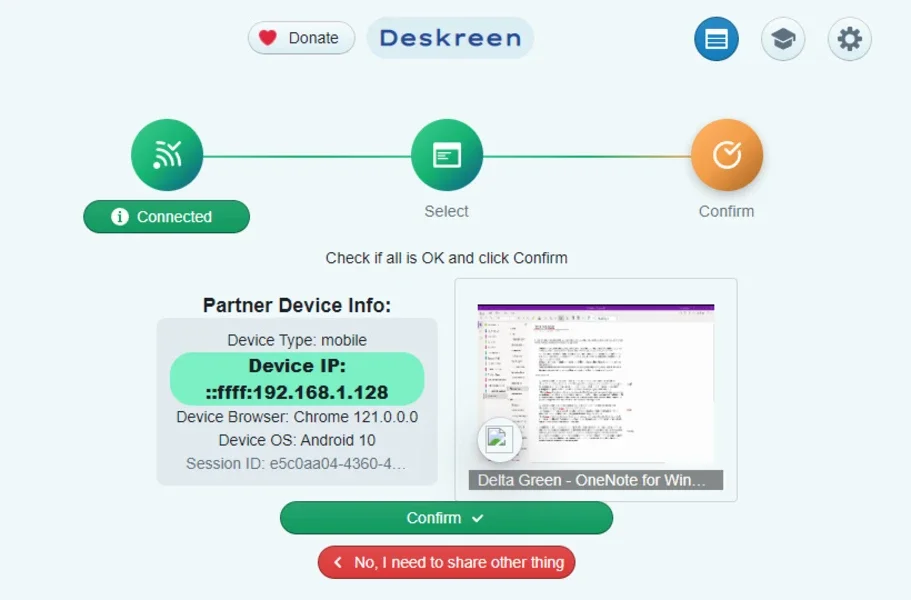
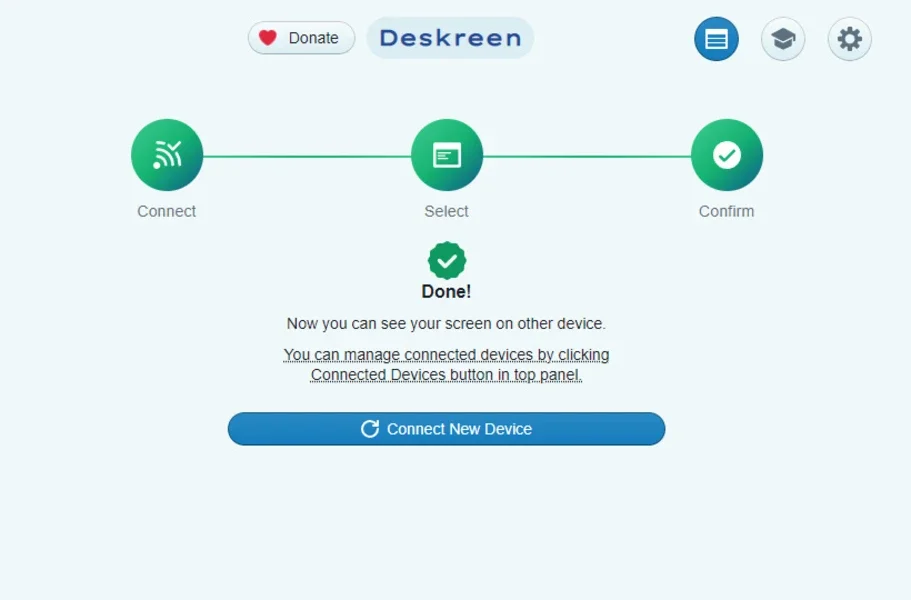
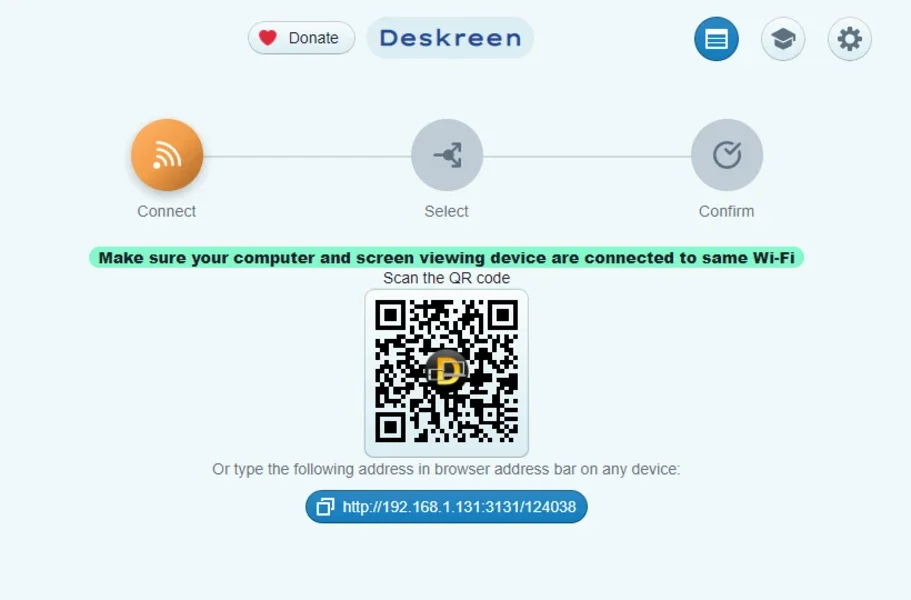
Deskreen turns any device with a web browser into a second display for a PC. You open the app and it shows a QR code; scan it with a browser-equipped device and the screens connect. No camera on the device is no obstacle, since you can paste a web address into the browser's navigation bar instead.
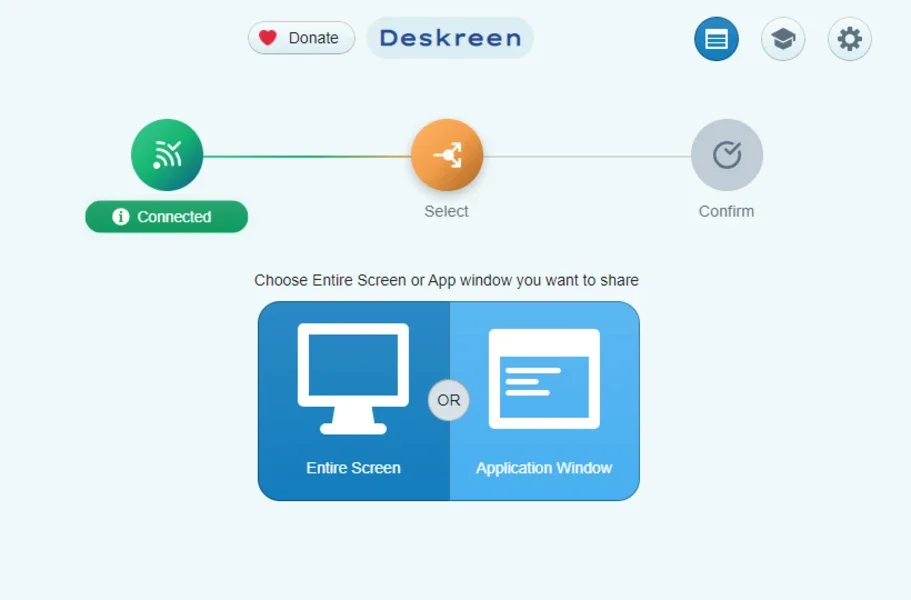
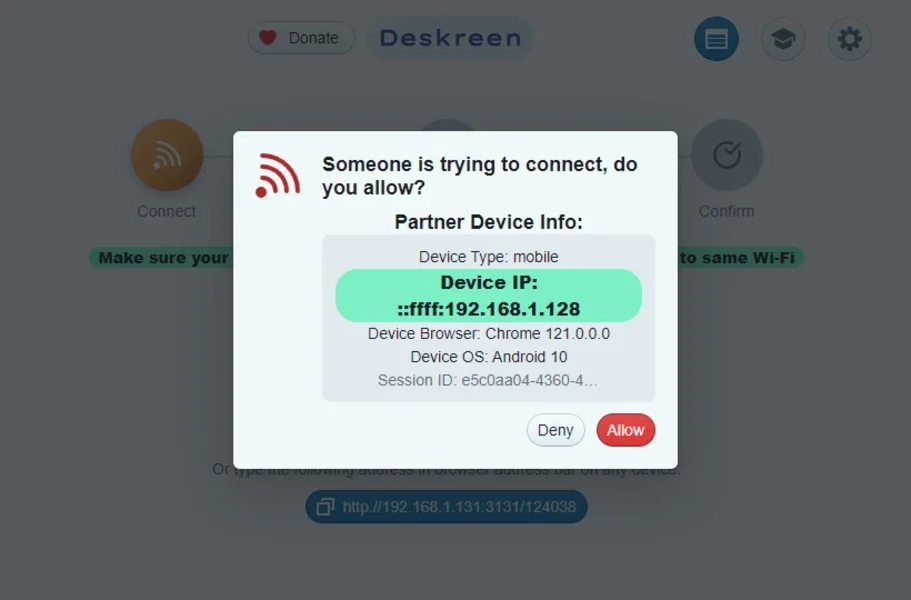
Once connected, you choose to share the whole PC screen or a single window, and streaming one or the other is the usual mode. Devices have to be on the same Wi-Fi network as the PC. The number of extra screens you can add is unlimited, and each new one goes through the same setup again. Everything external is managed from the app's interface, so the displays are handled in one place rather than one by one at the device. A virtual display adapter makes the computer treat the second device as a real additional display; these adapters are often inexpensive and smaller than a flash drive. The stream is end-to-end encrypted. Installation takes less than a minute.
Deskreen is free, runs on Windows, and is released under AGPL 3.0. The latest version is 3.2.14.
Download files
de6052a0d5dc893e0d16da6a8da82aacae5803602a3efdde50037b536e3213f8
Signed by SERVICES DE DÉVELOPPEMENT DE LOGICIELS EFFICACES · valid until Jul 9, 202607395486a0ef007946810dc06ef07a0a3ac3ced5bd504013daccd43af1bfb9e6
Signed by SERVICES DE DÉVELOPPEMENT DE LOGICIELS EFFICACES · valid until Feb 11, 2026d8a72923e173966ebfe20d38bbd8f9926a1512b0bc87ea56eac774782fdd18c0
b00e0a3c311fc71417096305341fc6103c0f43dc6683dbe1b0783bad9e85c8b4
2b938db85510dc043b5d4ead13415efd86325daf16fe205c4e69ab3dcf3ef4c6
System requirements
Additional information
Developer
Latest release
Size
Category
File type
SHA-256
de6052a0d5dc893e0d16da6a8da82aacae5803602a3efdde50037b536e3213f8