
Desktop Plant 3.8.4 for Windows
Grows 3D plants on your Windows desktop
Screenshots
Description
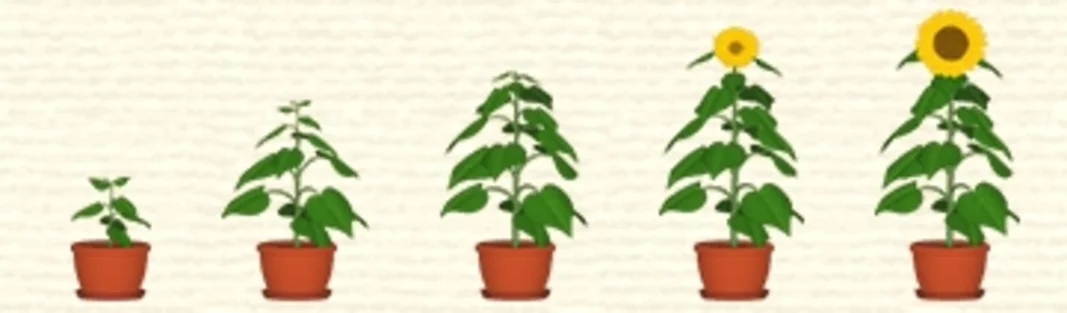
Desktop Plant puts a growing 3D plant on your Windows desktop, and you keep it alive by hand. Care is interactive: you water, fertilize, and adjust light and temperature yourself, the way you would tend a simple virtual pet. A real-time growth engine runs the plant's life span across days and weeks, with development phases and a decline, and a neglected plant wilts or dies. Each instance grows differently because growth behavior is randomized.
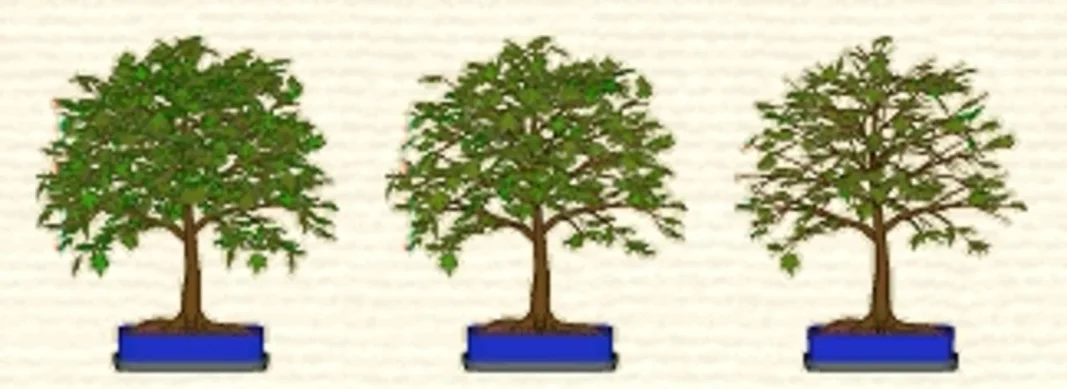
You place, move, and resize every plant, and several can run at once. Species include Azalea, Cactus, Maple Tree, Philodendron, and Sunflower. The developer calls the visuals photorealistic, and the rendering is kept light so it does not disrupt everyday tasks. It also keeps GPU and CPU use low during idle periods.
No external content libraries are needed. It suits casual personalization and basic educational use for younger users, and it is aimed at office workers, students, and children. A silent installation option deploys the same configuration across multiple machines, and legacy installers exist for older systems.
Download files
2c2ca77fe609308f11c228589052a059f8b48fc6ba2c8767df611159e41de8ed
No digital signature2c2ca77fe609308f11c228589052a059f8b48fc6ba2c8767df611159e41de8ed
No digital signaturece92267516805418a0dc1ee0ad70cb470f28c17ba8221f1de2557a9bb12d7926
071a76e1909edd4f2b5647186063c1b33daf4763a6e48c889a54da323ba648c9
4653d9c62c7345b0c36ff96c97a3f02164f8e2b4e0f10eb1bfbee48de8e16691
System requirements
Available on:
Additional information
Developer
Latest release
Size
Category
File type
SHA-256
2c2ca77fe609308f11c228589052a059f8b48fc6ba2c8767df611159e41de8ed