Desktops 2.01 for Windows
Runs separate virtual desktops on Windows, each with its own open windows
Screenshots
Description
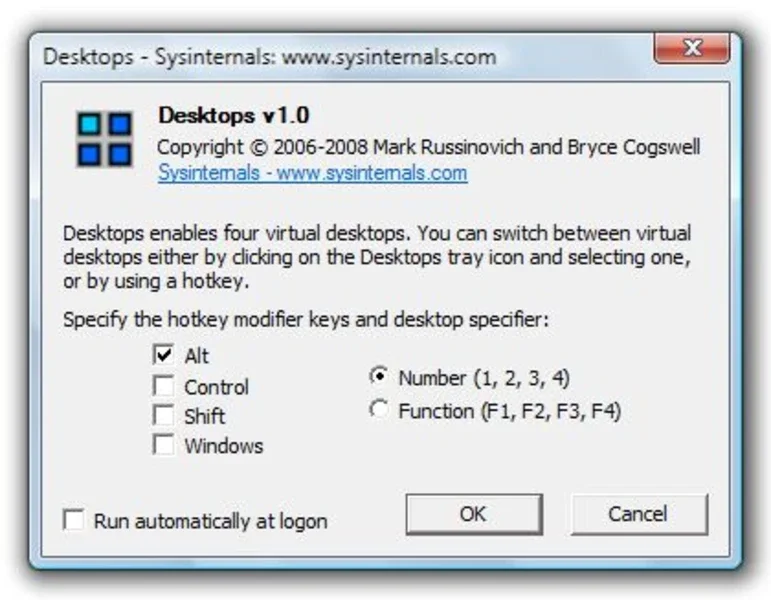
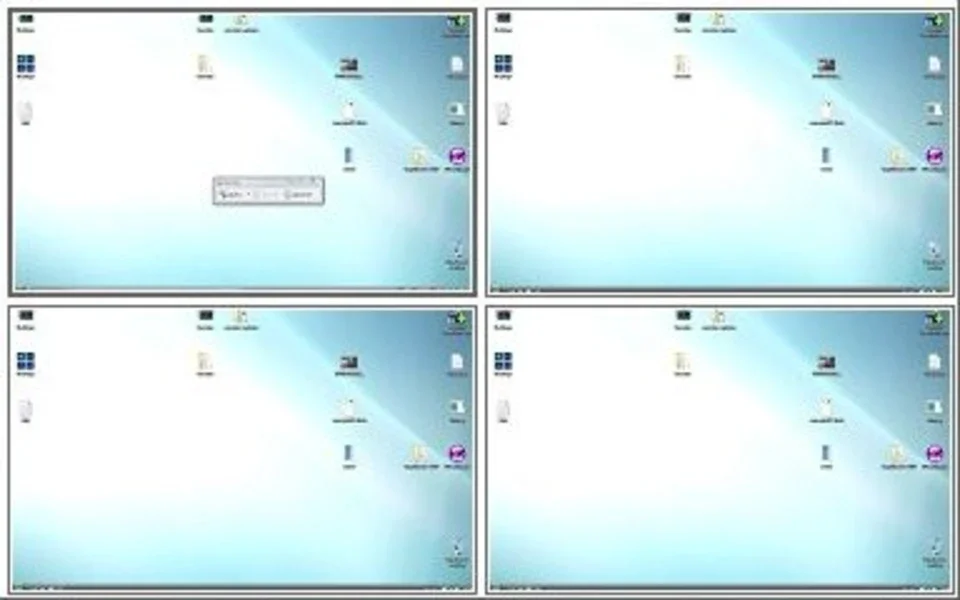
Desktops runs several virtual desktops at once on Windows, imitating how GNU/Linux handles workspaces. Click the Desktops icon in the system tray and a graphic interchanger comes up for switching between them. Hotkeys do the same job without the mouse.
Each virtual desktop holds its own open windows, so apps on one desktop stay out of the way of the others. You move between them with the tray icon or the hotkeys; windows stay where you put them. The background cannot be personalized or changed, so every desktop looks the same. Separating work this way keeps a set of windows together and off the rest of the screen.
The program is free on Windows and its latest version is 2.01.
Download files
fbba8b7267911c55bcd0252002b407603e9b0569f4e18eee0b7c664a195857f2
467c4db36ff13b4e5b9c4eaad66ce3f022509effa6c535f991f727adeccd62cf
a931d7885a5cec7141b109d41e8997c8d787c24ca5c41c8d07d574c4a29ff75b
06babc527ec573ef4f6d5fbef918c65e17a4792f4a38aedca63cf1dbb4e53fdb
System requirements
Available on:
Minimum OS:
Windows XP or later
Additional information
Developer
Latest release
Size
Category
File type
SHA-256
fbba8b7267911c55bcd0252002b407603e9b0569f4e18eee0b7c664a195857f2