

Dia Browser 1.30.0 for Windows
Windows browser with an integrated AI assistant and visual organization
Screenshots
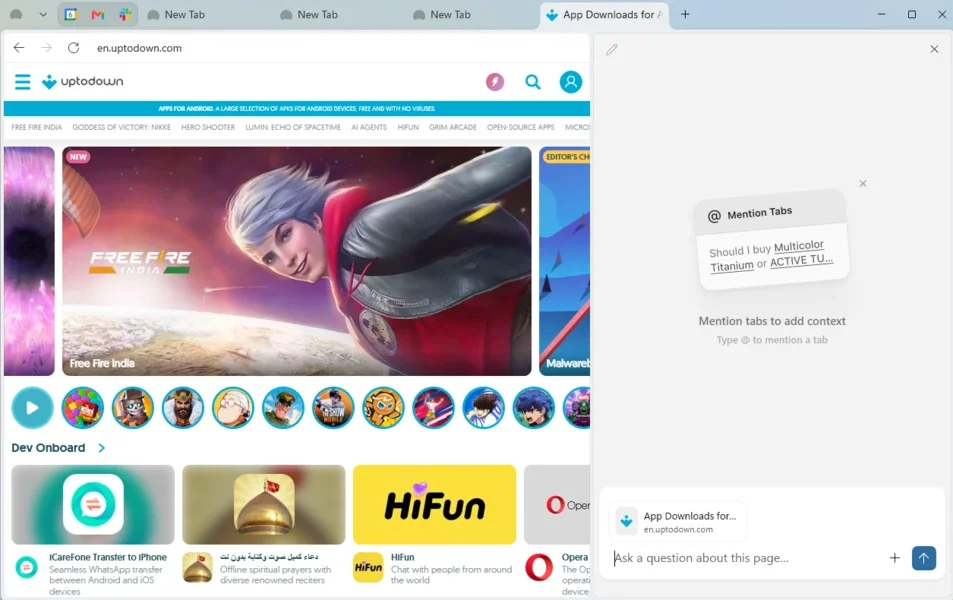
Description
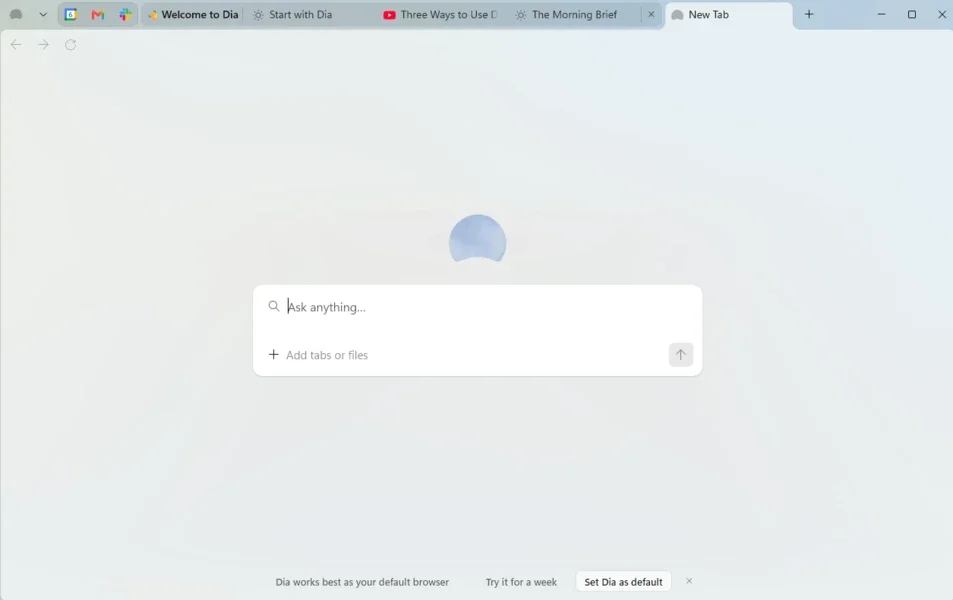
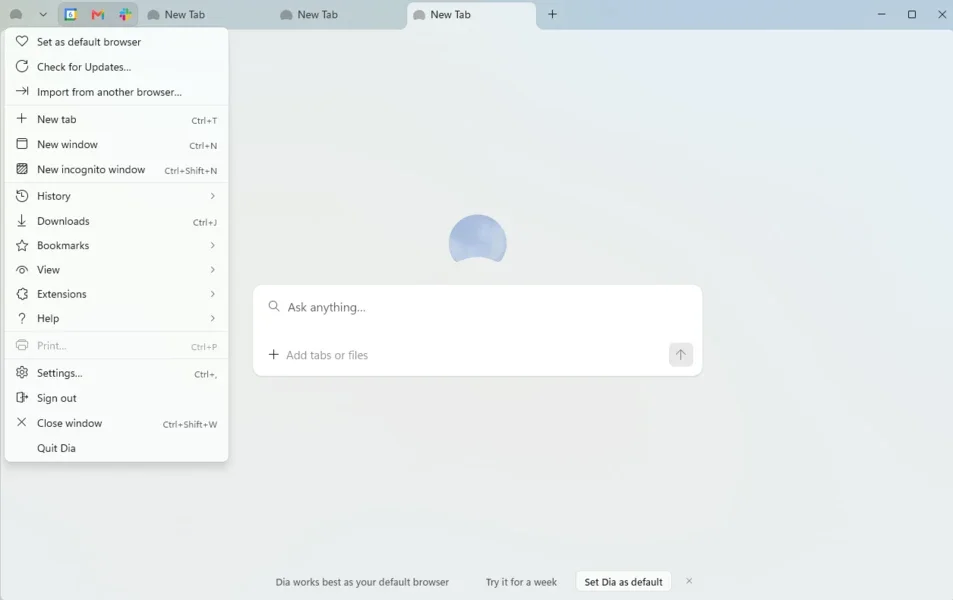
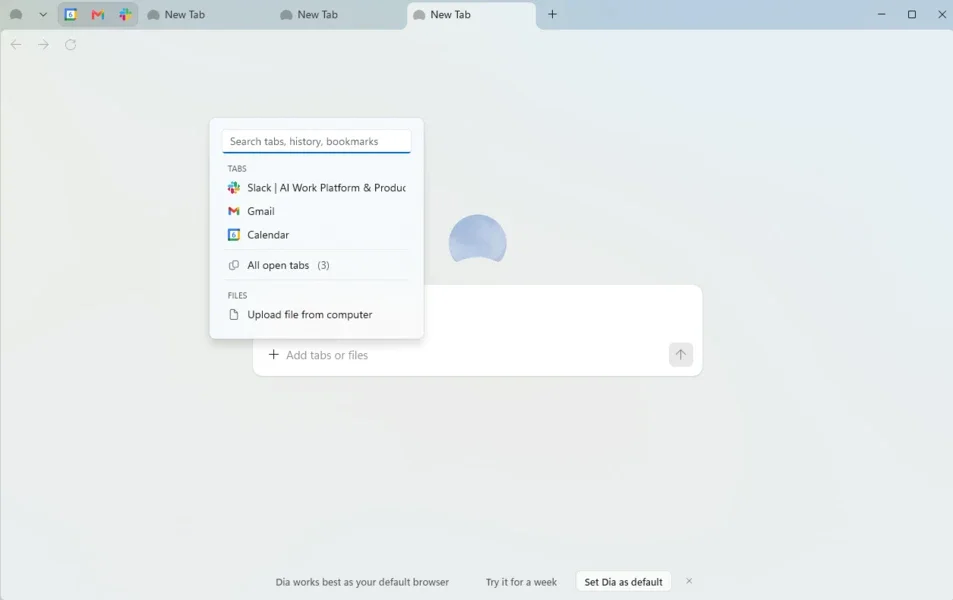
Dia Browser is a Windows web browser with an assistant built in for consulting pages as you read them. Click into that assistant and it answers questions about the content on screen, drafts text, summarizes, and brainstorms titles. Give it context and the answers get more tailored. It sits alongside the usual browsing tools rather than replacing them.
Pages, profiles, and plans
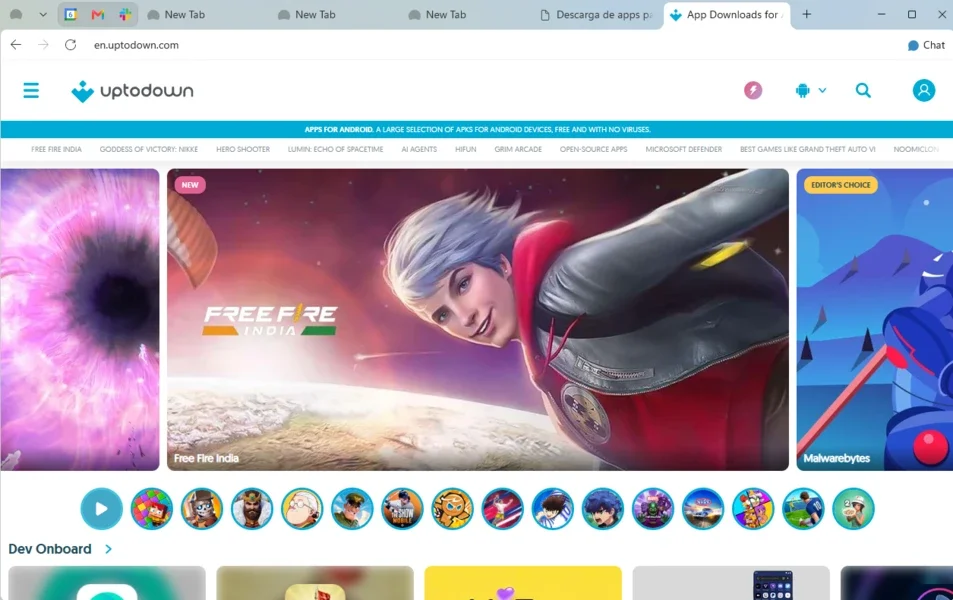
Related tabs can be grouped and named so a project stays recognizable, and split view puts two pages side by side. Switching between activities does not require reorganizing open pages. Independent profiles keep logins, tabs, and context distinct, which separates work from personal tasks. Visual organization is part of the design. The free version centers on navigation; advanced AI capabilities come with paid plans, so which AI features you get depends on the plan. AI features can turn scattered information into structured material, slide presentations, and presentations. With available work context, the assistant can generate reports, summaries, and recaps.
When you use the assistant, relevant content is shared with third-party providers.
Download files
b868db670fe0c179f63c991602d4e187824bc656af17bc6684bca35df3355e3d
Signed by THE BROWSER COMPANY OF NEW YORK INC. · valid until May 20, 2027System requirements
Available on:
Additional information
Developer
Latest release
Size
Category
File type
SHA-256
b868db670fe0c179f63c991602d4e187824bc656af17bc6684bca35df3355e3d