
DiccioGuay 1.0 for Windows
SHA-256 listed
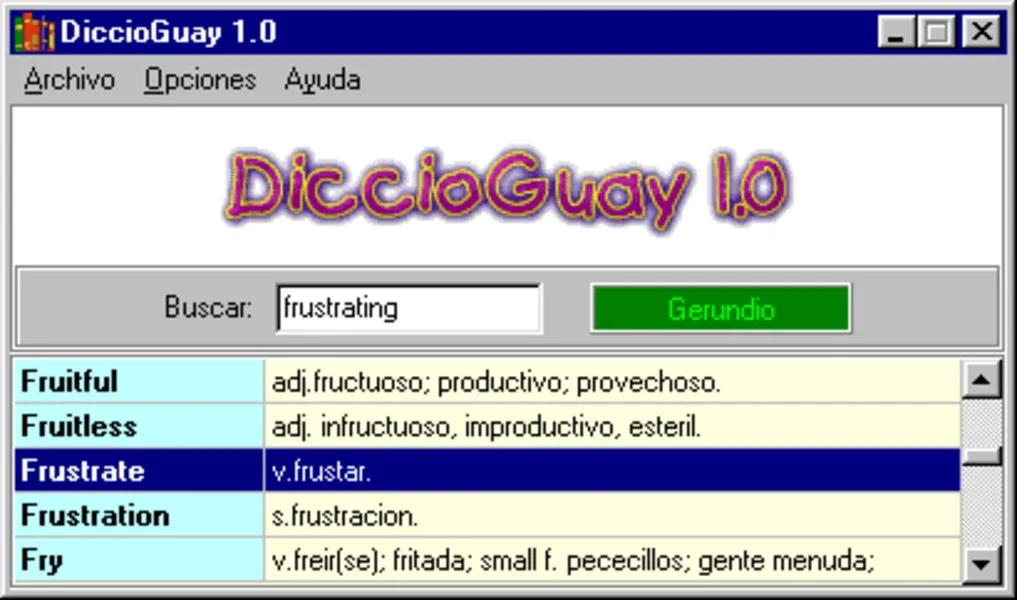
Select an English word, copy it, and the Spanish translation pops up at the pointer
All ages
Age rating
Screenshots
Description
Select a word in any application and copy it. DiccioGuay watches the clipboard, and a window with the Spanish translation appears right where the mouse cursor is. The fastest way to select is usually a double-click, though that depends on the application. If it follows the Windows CUA standard, Ctrl+C copies.
The program stays resident once started, with an icon in the taskbar next to the clock. It is a simple English-Spanish dictionary, not a translator, and it can help in most situations where you need to work with English texts.
Punctuation marks in the selection are ignored, so a copied phrase with a comma or full stop still gets looked up.
Download files
File1.0ZIP
Version1.0
ReleasedMar 14, 2003
Size752.2 KB
SHA-256
Get
8ee1116cadc92d7845c44c6810ca2b091e14c4e4e19bba9434f742aa739ec169
System requirements
Available on:
Additional information
Developer
Latest release
1.0 · Mar 14, 2003
Size
752.2 KB
Category
File type
ZIP
SHA-256
8ee1116cadc92d7845c44c6810ca2b091e14c4e4e19bba9434f742aa739ec169