Disk Recovery Wizard 1.6.1.0 for Windows
Walks you through picking a disk, scanning it and pulling back deleted files
Screenshots
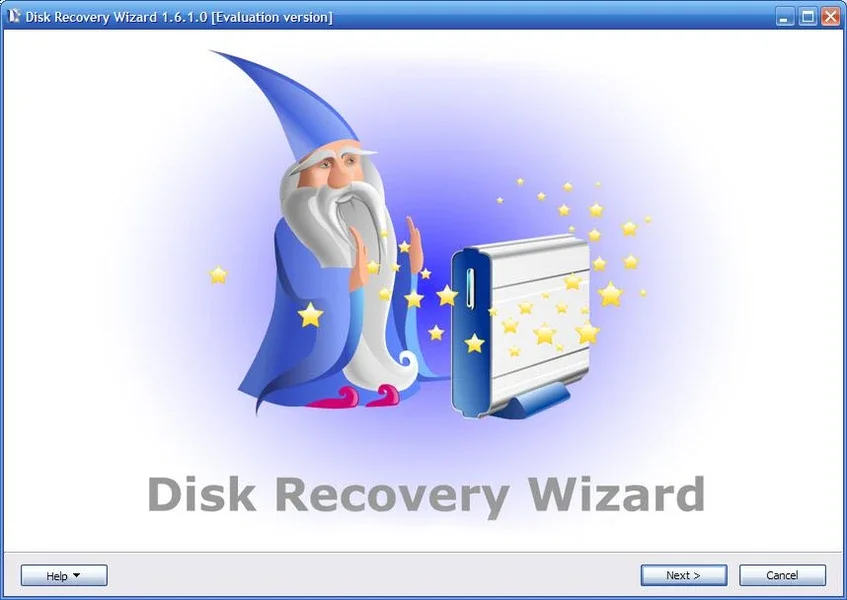
Description
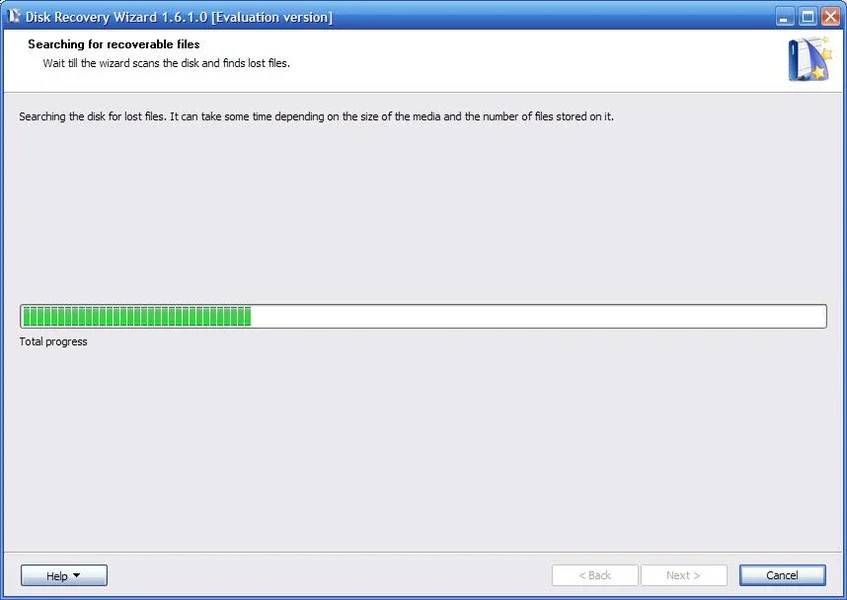
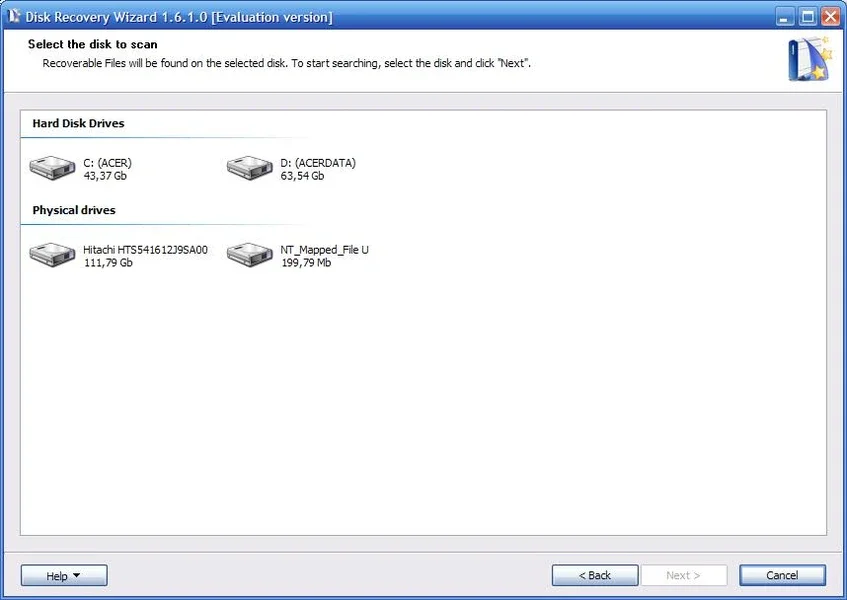
Disk Recovery Wizard is used by pointing it at the drive you want examined and stepping through the screens it puts in front of you. You choose which hard drives it should look at. The program then scans them and recovers files that were deleted from a hard disk by mistake. How long a scan runs depends on the computer's capacity and on the size of the disk being examined.
What comes back is shown as a tree diagram, and you move through it the way you would in a conventional file browser. Where the file format permits, the contents of a file can be viewed before you decide anything. Disks are not the only source: the program reads external memory devices too, among them SD cards, MMC, CompactFlash, Memory Sticks, USB sticks and external disks. Digital cameras plugged into the PC are handled as well. FAT and NTFS are the file systems it supports.
The interface carries the steps, so the sequence of choosing a drive, scanning and sorting through results stays visible as you go. It runs on Windows.
Download files
8c916a50d071f5fb987e1e4ab3146fe4d17a1abdaac4ffe5456e8320770b2924
No digital signatureSystem requirements
Available on:
Additional information
Developer
Latest release
Size
Category
File type
SHA-256
8c916a50d071f5fb987e1e4ab3146fe4d17a1abdaac4ffe5456e8320770b2924