
DS4Windows 3.5 for Windows
Pairs DualShock 4 controllers with Windows over USB or Bluetooth
Screenshots
Description
DS4Windows connects a PlayStation 4 controller to a Windows PC. Wired or over Bluetooth, it makes the DualShock 4 act as an Xbox joystick. It is a free program made specifically for DualShock 4 devices and runs only on Windows.
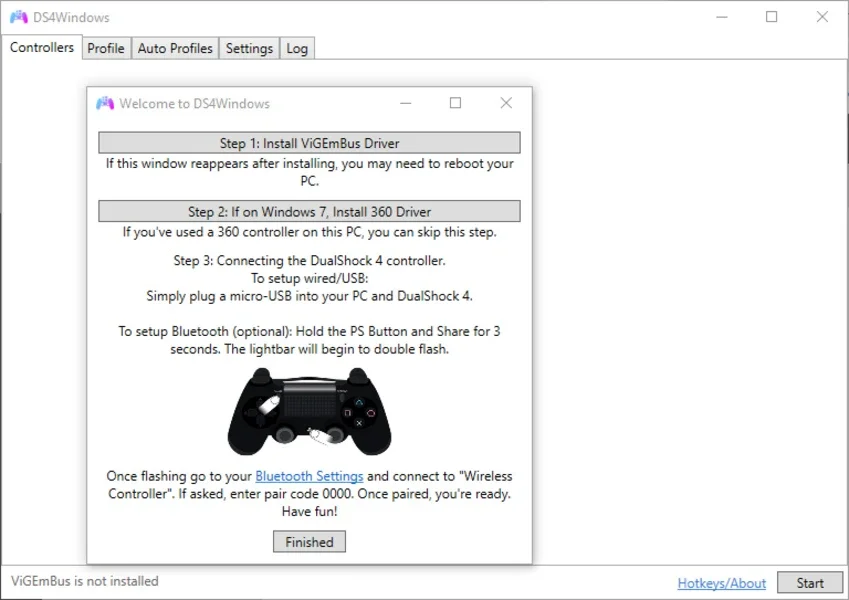
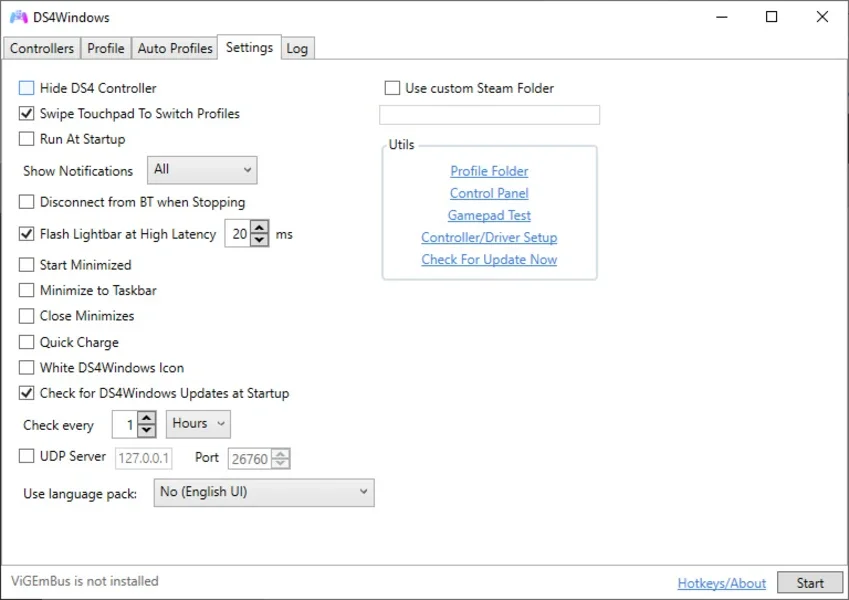
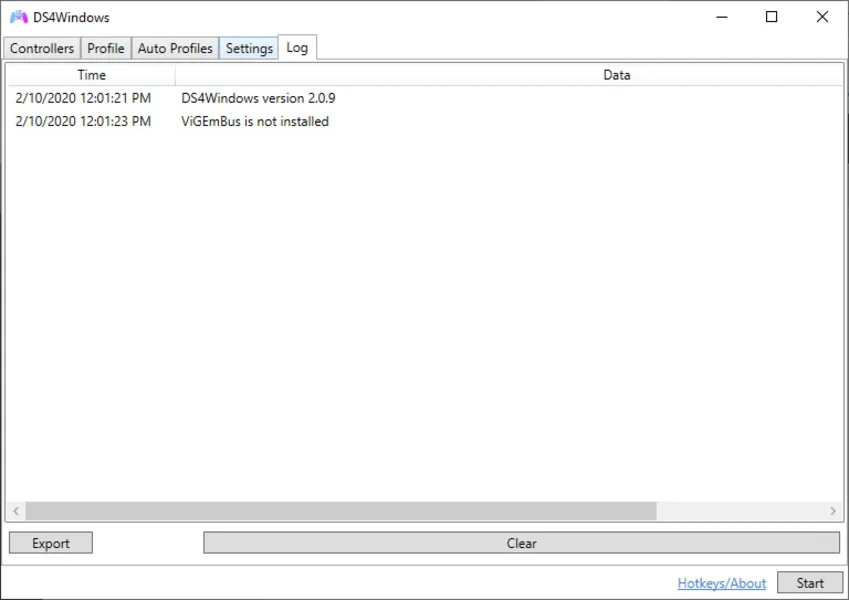
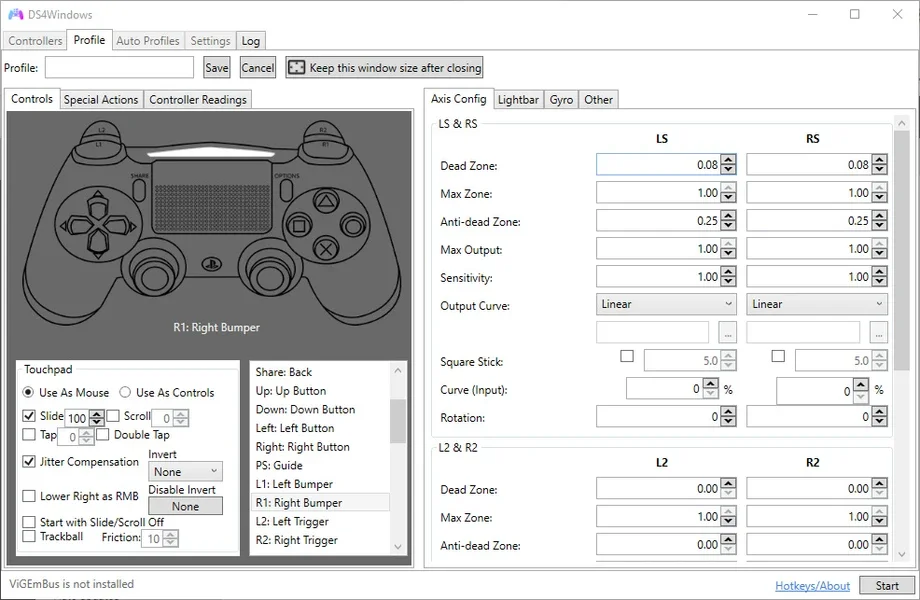
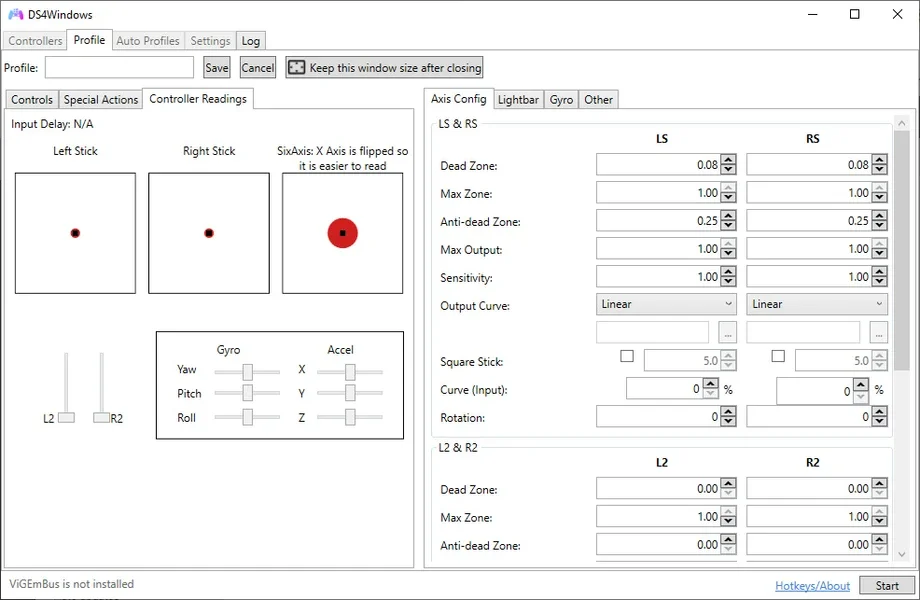
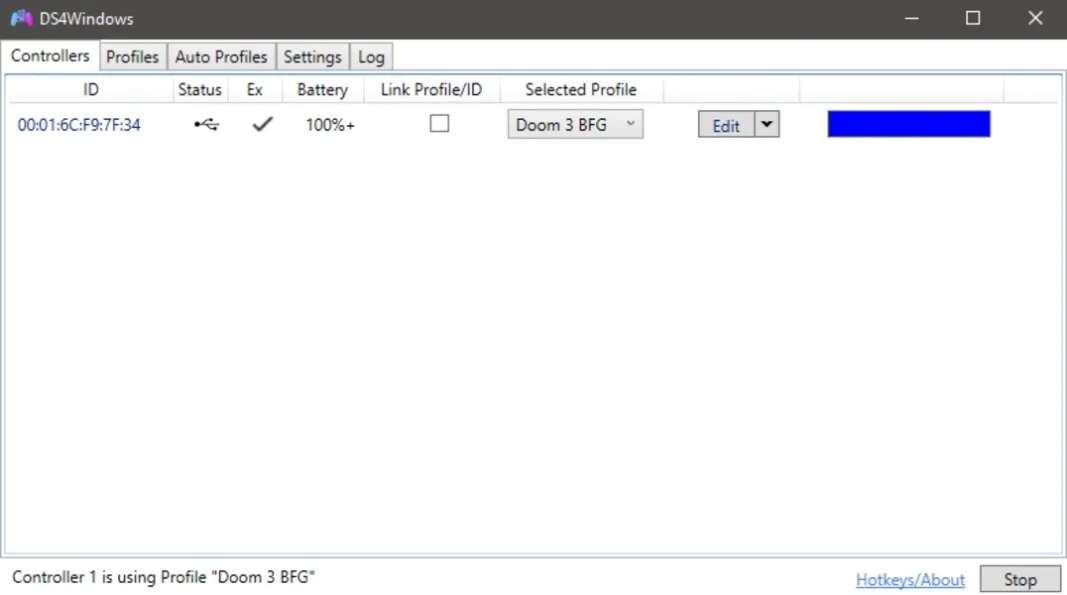
You need the controller, a micro-USB charging cable, and the program. Install, then plug the controller in; the DualShock 4 shows up in the Controllers section right away. For Bluetooth, open Windows' Bluetooth & other devices window, disconnect any wireless controllers already connected, then choose Add Bluetooth or other devices and click Bluetooth. Put the controller in pairing mode by holding the small left button beside the touchpad together with the Windows start button below the pad for three to five seconds, until the front light flashes in a strobe sequence. The Wireless Controller appears; click it to pair. The Controllers tab lists devices with ID, Status, Battery, and Selected Profile. ID is the name the PS4 device is called by, Status tells you Bluetooth or USB, and Battery reads Full or a percentage. An Edit button beside each device changes the lightbar color: orange, pink, purple, teal, red. In the Profile tab you change the actions mapped to buttons or set keyboard keys to emulate joystick buttons (keyboard emulation). The Controller Readings tab checks that the device matches the profile settings. Leave the profile on Default unless you want something customized. The touchpad moves the cursor, so the controller works as a mouse. Some players report less responsiveness and input lag over both cable and Bluetooth, which affects reaction times; the cable is said to create instability, while wireless delay is put down to the missing physical link. Installing also involves extracting DS4updater, which updates the program automatically. Menu tabs cover Controllers, Profiles, Auto Profiles, Settings, and Log. Language packs include English, French, Greek, Hebrew, Italian, and Japanese. The development team is limited, but updates come regularly.
Input Mapper and ScpToolkit are alternative tools for using the joysticks as a mouse or trackpad. Both are free and work with the DualShock 4. Input Mapper resembles DS4Windows with the same functionalities but looks more pleasing; ScpToolkit looks completely different and is less user-friendly. Program requirements such as Microsoft and Bluetooth can be checked on the official website.
Download files
7f7c55db6d9a8a387088b607c5ba65a9330829a719b63f9075923ecff0a94806
cf5619bcb51b82e4e1765276e9f67fb1e2d23dff968a653657acf35bafff8bf4
b9a7e6d0b4c5e25b449749500b00aa944d297034d5c8889206b3d238587b1b41
28a27da8f05405d16f1f3927f8d66b46326fbf6b89411434d45315bee1945e71
No digital signature3363d483f4b065be266966c7b973bda93982ecf332257bd47c3a336adf7d36ff
System requirements
Available on:
Minimum OS:
Windows XP or later
Additional information
Developer
Latest release
Size
Category
File type
SHA-256
7f7c55db6d9a8a387088b607c5ba65a9330829a719b63f9075923ecff0a94806