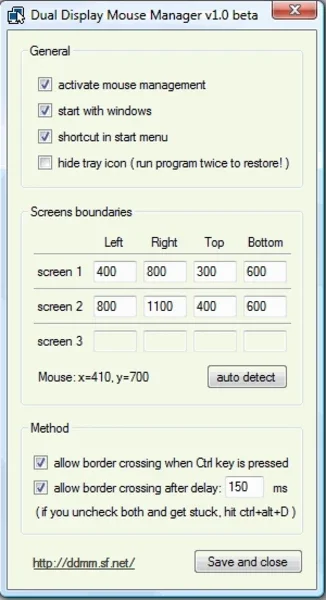

Screenshots
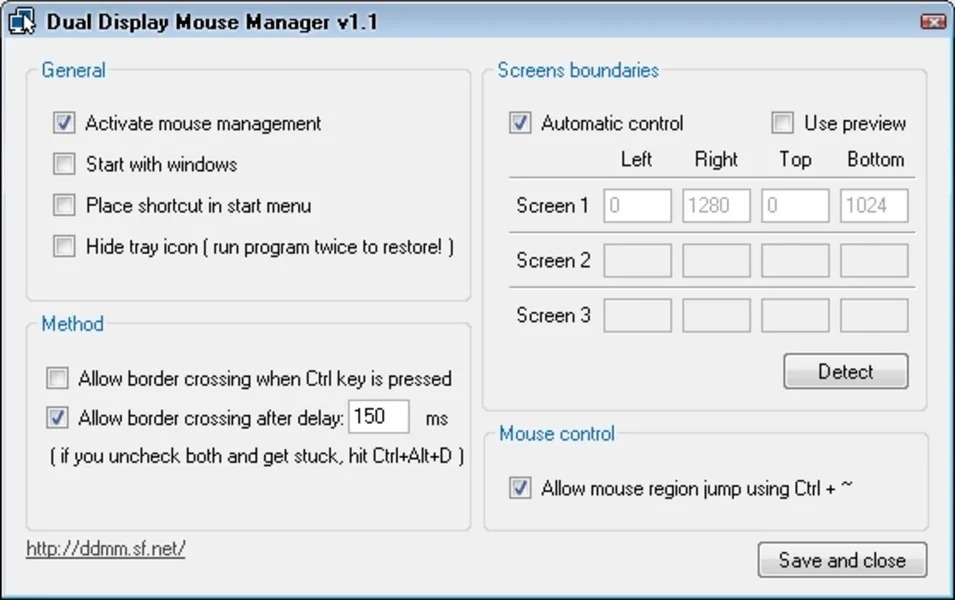
Description
Dual Display Mouse Manager puts an invisible barrier at the edge a monitor shares with the other screen. The pointer stops there instead of crossing over, so it takes a deliberate move to get to the second display. Holding the 'control' key makes the trip between monitors easier.
The program is meant for computers with two monitors attached. Beyond the barrier, it lets you configure the resolution of your screens. Its options are basic, nothing beyond what the two-monitor setup needs. You can set the program to start with Windows, so the barrier is in place from the moment the desktop appears.
It runs on Windows and is free. The current build is 1.0b.
Download files
File1.0bZIP
Version1.0b
ReleasedApr 22, 2010
Size30.0 KB
SHA-256
Get
673fbe49faf2b56d6eb07a6f0a8be10cca1291aaf522e91f26290b0097ccbe97
System requirements
Available on:
Additional information
Developer
Latest release
1.0b · Apr 22, 2010
Size
30.0 KB
File type
ZIP
SHA-256
673fbe49faf2b56d6eb07a6f0a8be10cca1291aaf522e91f26290b0097ccbe97