
Eagle Mode 0.96.4 for Windows
SHA-256 listed
Open source
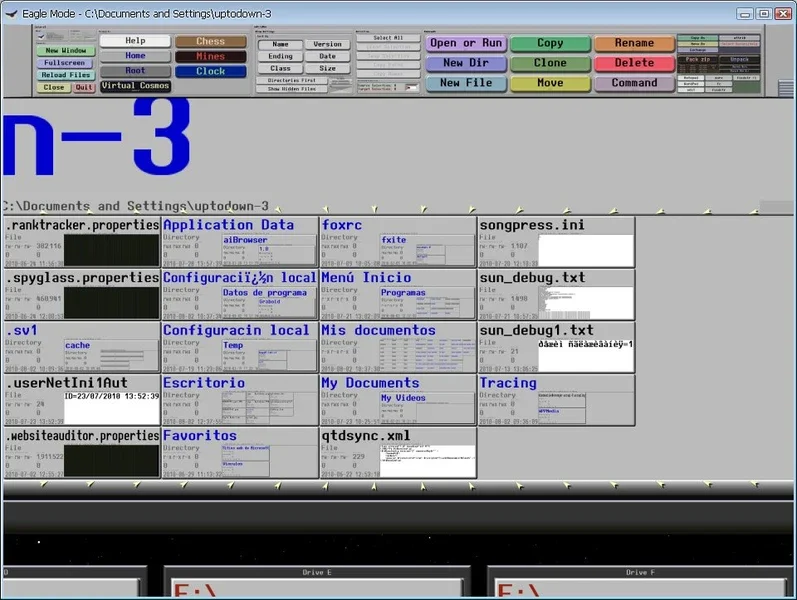
Browse files by zooming into folders instead of opening them
All ages
Age rating
Screenshots
Description
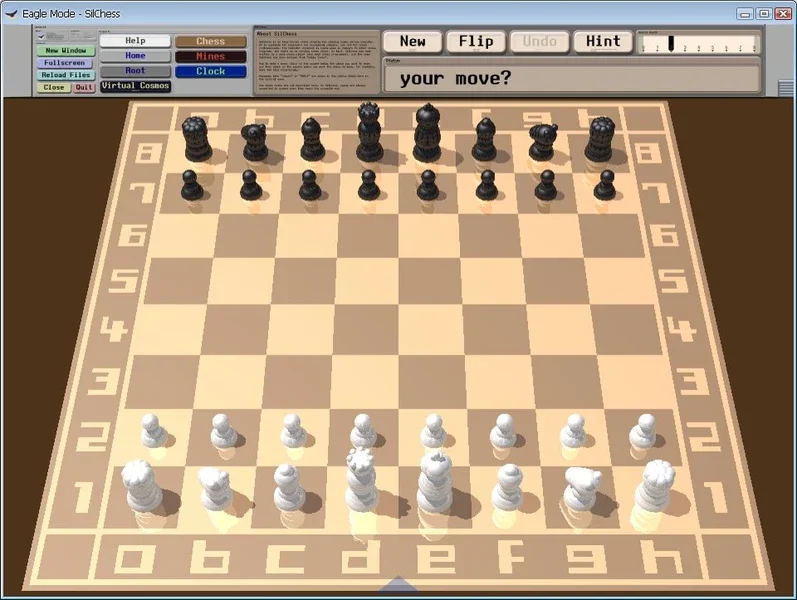
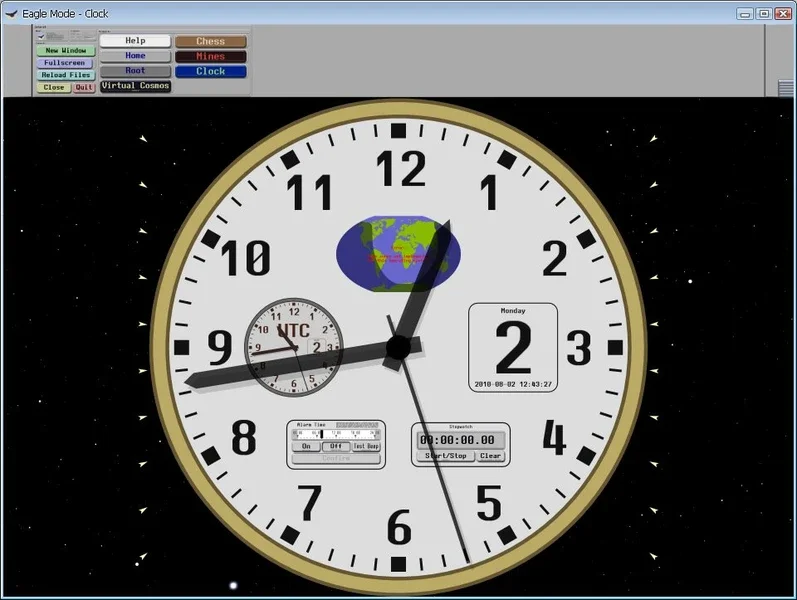
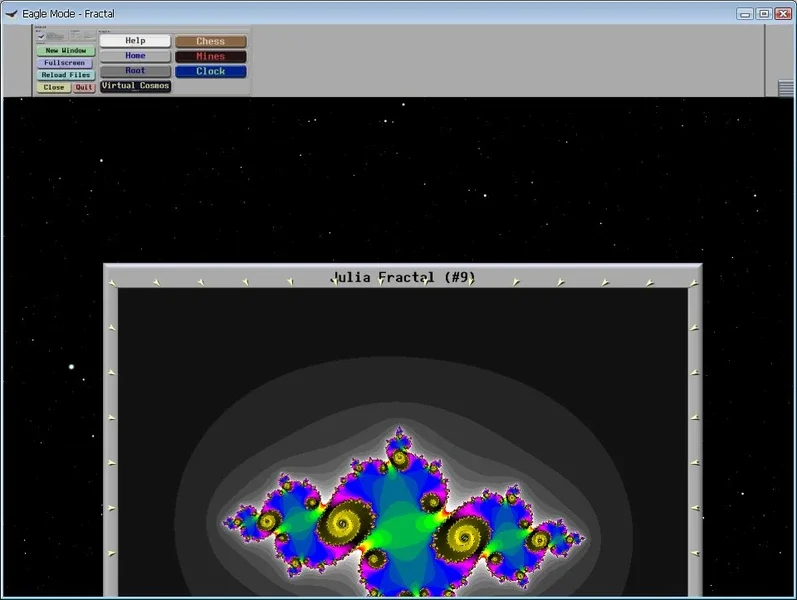
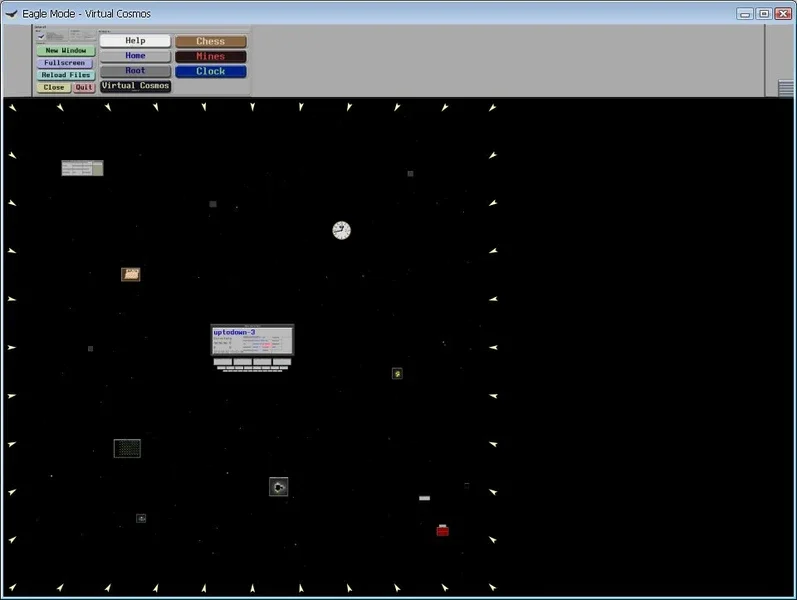
Eagle Mode lets you browse files in a different visual way. You zoom in with the mouse to see the content: zooming into a folder shows the files inside it, and the same works with subfolders. A small window in that view shows the hard drive. It also shows a representation of space that includes stars.
Download files
File0.96.4EXE
Version0.96.4
ReleasedJan 30, 2026
Size52.4 MB
SHA-256
Get
4db989baabc8fff32c90ecfd0052ebc933830a11320e8402659ee2b74f77b231
No digital signatureFileeagle-mode-0.96.2.exeEXE
Version0.96.2
ReleasedAug 16, 2024
Size69.5 MB
SHA-256
Get
c1f0e8fdfa6b5214802db1cb1e4f34d70cdaa792ce4085f78146c75fffdf8e66
Fileeagle-mode-0.96.1.exeEXE
Version0.96.1
ReleasedJul 3, 2023
Size63.3 MB
SHA-256
Get
78728939210ade7a2c6a7fbb739a968b3b18bbcc887b87abfd76b171bf2f98de
Fileeagle-mode-0.96.0.exeEXE
Version0.96.0
ReleasedJan 5, 2023
Size63.6 MB
SHA-256
Get
e9f6297e5fc06469b1aac3b72a22c92a73f88cc9932595536a09dd1d92fd1a96
Fileeagle-mode-0.91.0.exeEXE
Version0.91.0
ReleasedJun 27, 2016
Size18.8 MB
SHA-256
Get
7c8c7d96ef13bf81d6f98a4f930f290f01474ff2031cb2f03bcf52707d50da74
System requirements
Available on:
Additional information
Developer
Latest release
0.96.4 · Jan 30, 2026
Size
52.4 MB
Category
File type
EXE
SHA-256
4db989baabc8fff32c90ecfd0052ebc933830a11320e8402659ee2b74f77b231
Digital signature
No digital signature