EasyBCD 2.4 for Windows
Edits the Windows boot menu and builds bootable media
Screenshots
Description
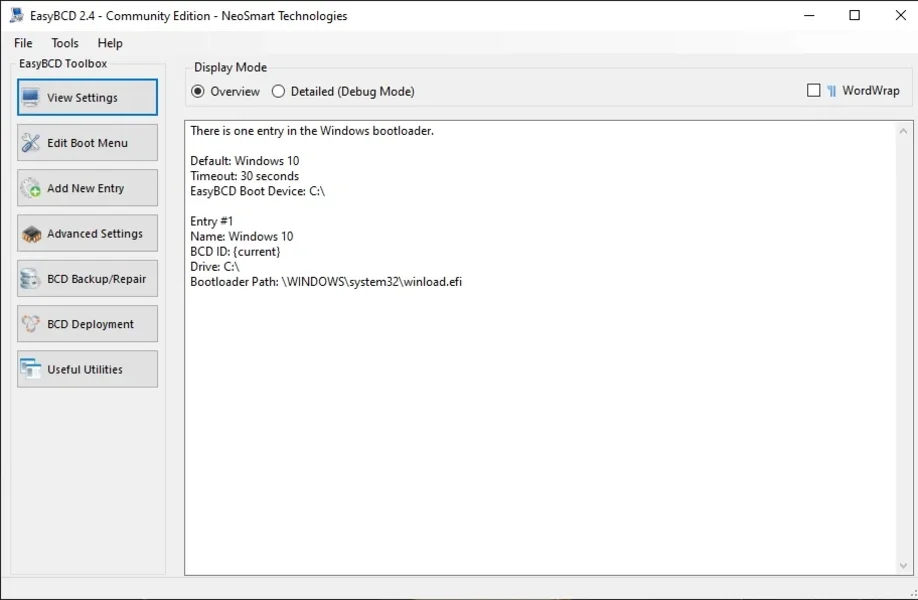
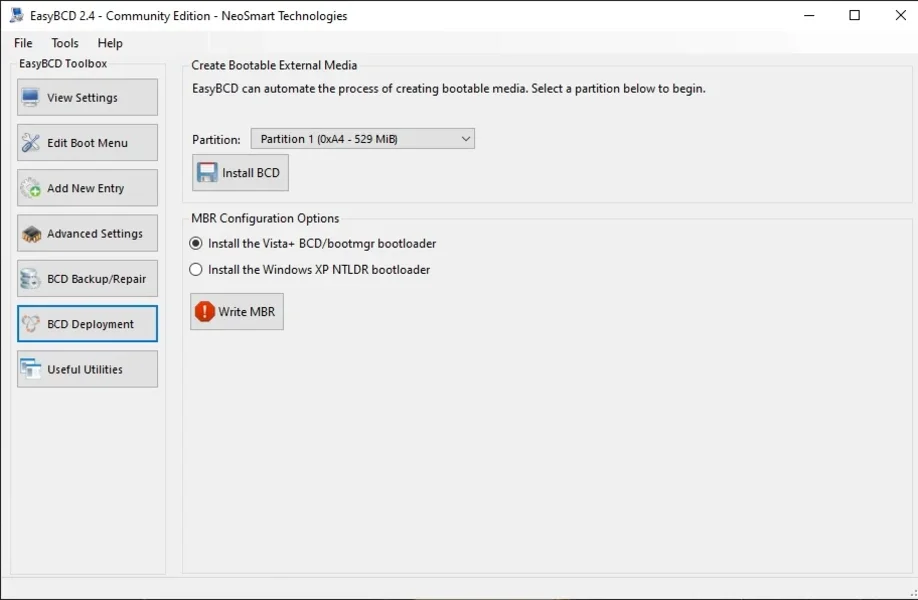
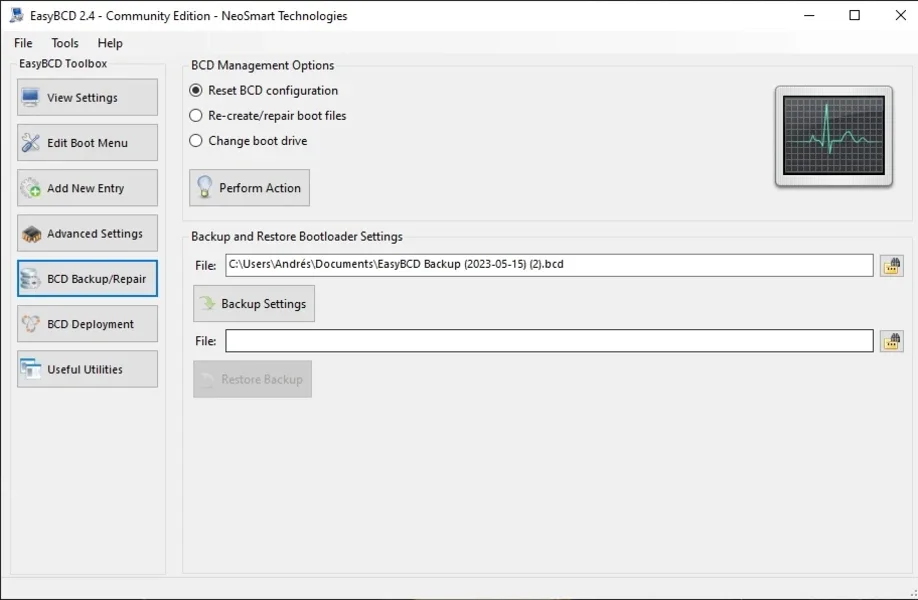
EasyBCD edits what happens between the firmware handing over and Windows starting. Point it at a partition, click Install BCD, and it works on the boot configuration stored there. The left menu lists the jobs in order: check the current configuration, reorder the start menu, create an entry, open the advanced settings, copy or repair the BCD store, and put a bootable copy on external media.
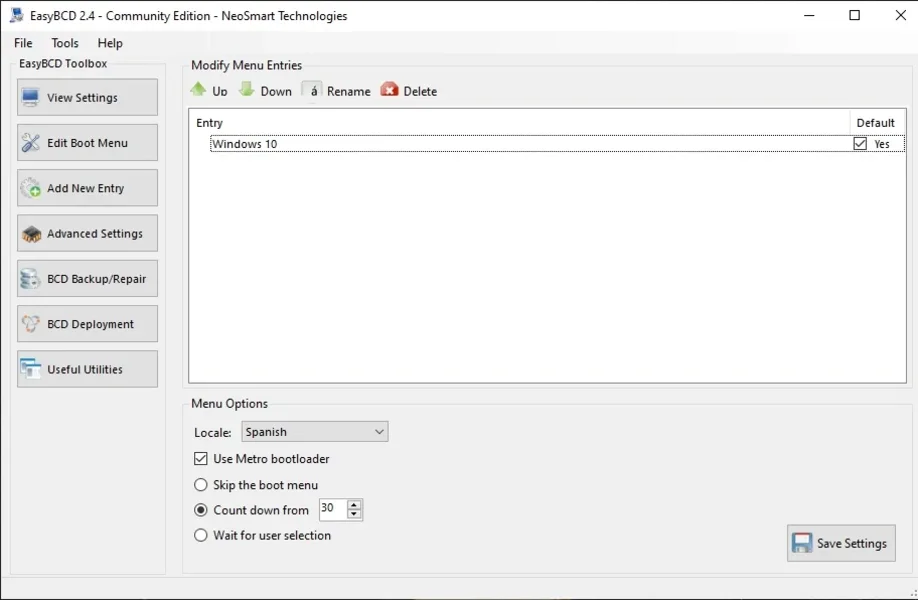
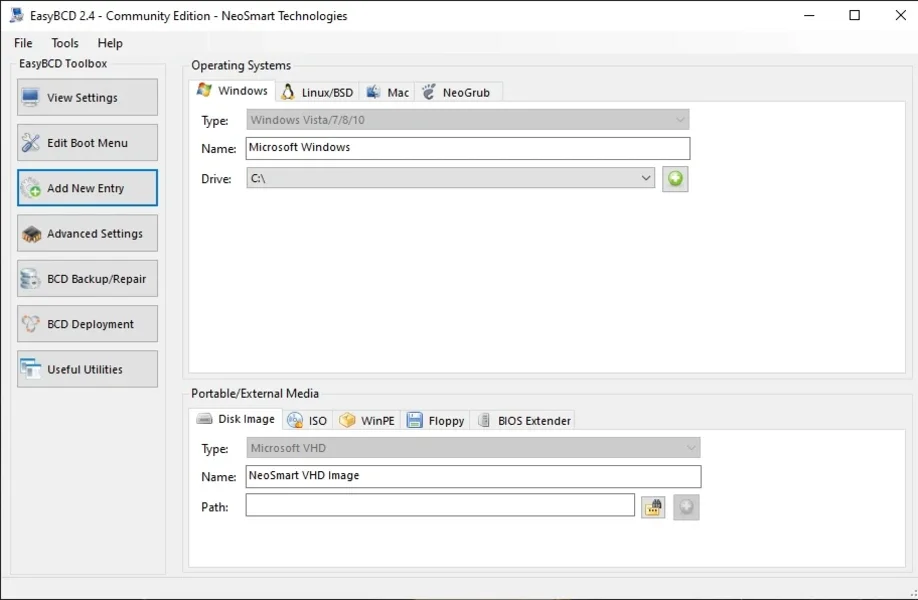
Adding an entry means picking the OS first, from Windows, Linux, Mac, or NeoGrub, then choosing the boot media: an ISO, a disk image, WinPE, a floppy disk image, or a BIOS extension. Add Input writes the new method in a few seconds, and the entry lands at the bottom of the list by default. From the menu editor you can change the order, set the default system and its startup language, adjust the timeout (30 seconds out of the box), or skip the menu entirely. Windows entries can have Hyper-V support or debugging turned on, and you can cap the cores Windows uses. MBR options exist too, though the defaults are usually the safer choice. Boot from USB devices, disk images, and virtual disks is supported, and Deployment builds bootable external media in seconds, which covers almost any OS, old or new.
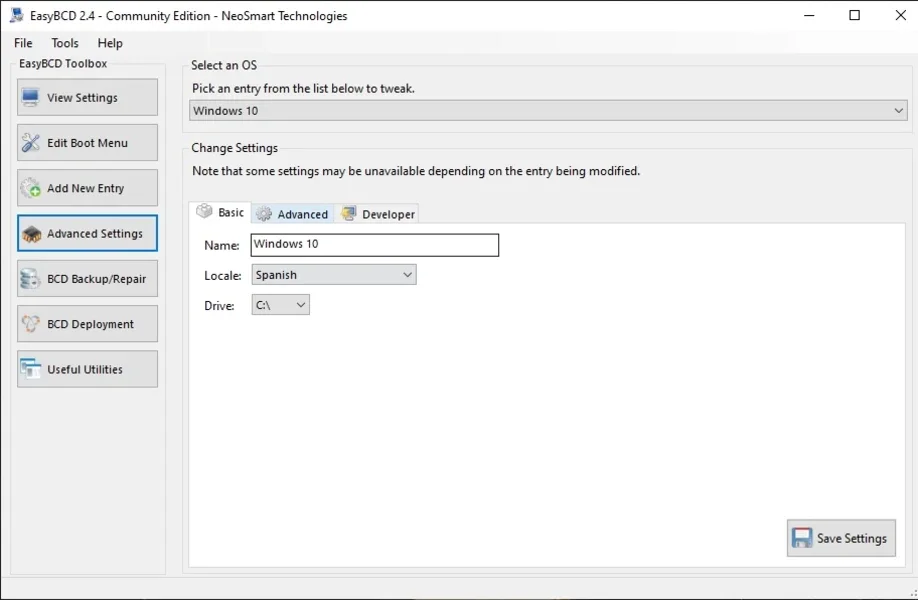
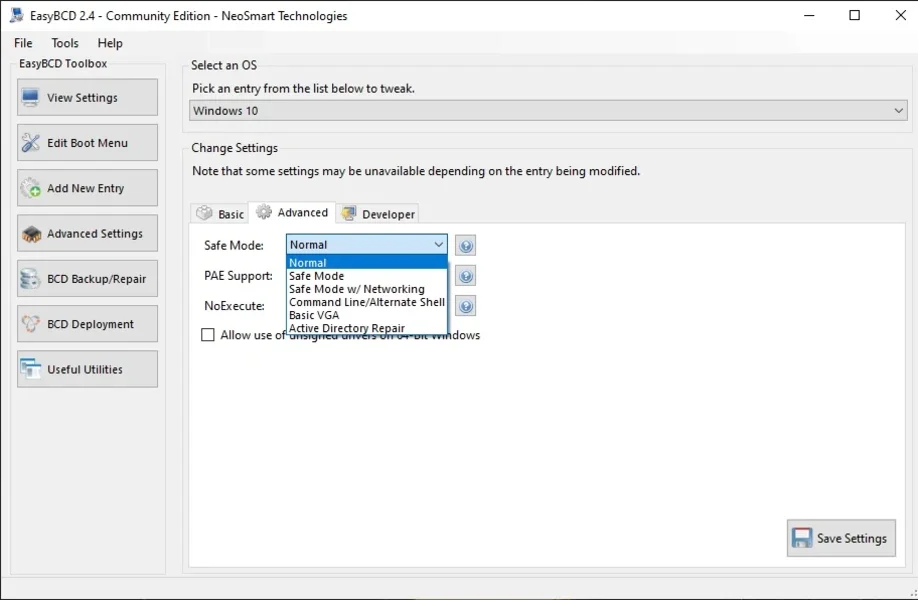
Advanced settings toggle extra boot options per operating system. Change them only if you know what you are doing; they can slow the PC down, though doing real damage to the OS installation is very hard.
Download files
0a94a43af2db7bdbada87b34bf03d3b221110d1ca21bbebec55b08767c1281cc
Signed by NeoSmart Technologies · valid until Oct 1, 201971e0b9cbabdb860292ca08212cbebaf3cfbfbb2799a1f776ade81bed955c6c9c
System requirements
Available on:
Minimum OS:
Windows XP or later
Additional information
Developer
Latest release
Size
Category
File type
SHA-256
0a94a43af2db7bdbada87b34bf03d3b221110d1ca21bbebec55b08767c1281cc





