ElevenClock 4.4.1.1 for Windows
Puts a clock on secondary taskbars in Windows 11
Screenshots
Description
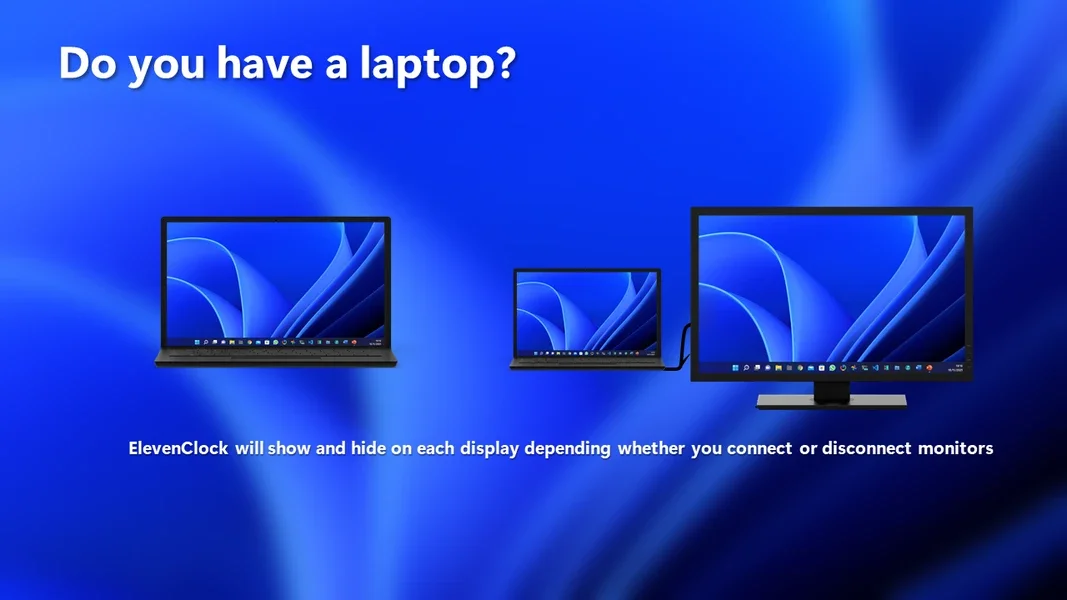
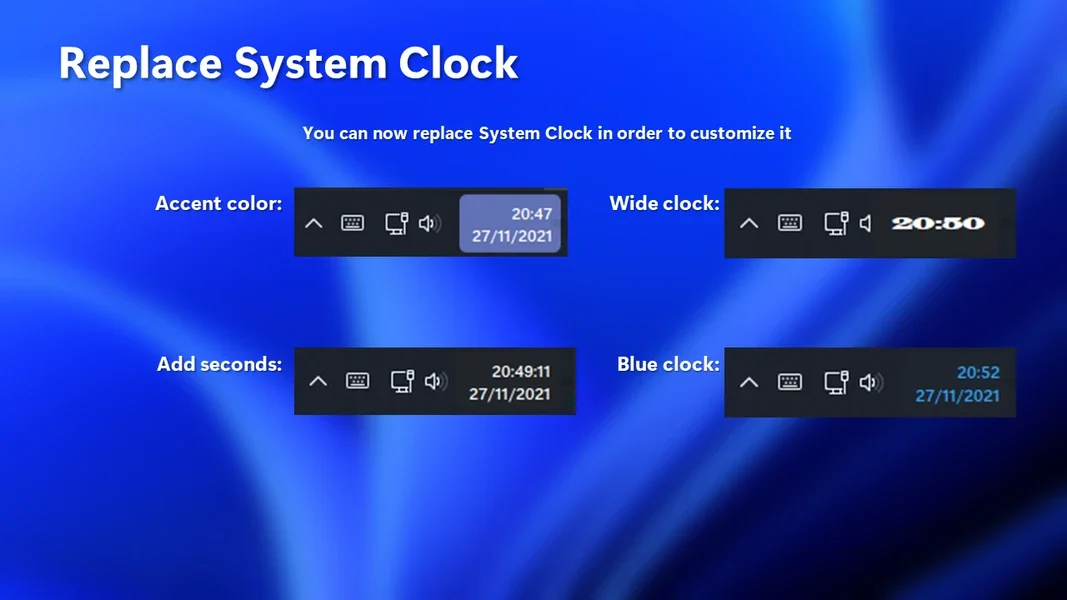
Install ElevenClock and it places a clock on every secondary taskbar in Windows 11, which otherwise only shows one on the primary screen. The clock, calendar and control center windows stay on the primary screen, and so do system tray icons and quick settings shortcuts. You can choose which side of the taskbar the clock sits on. It can display the current day of the week and show seconds. A setting lets the clock stay visible over full-screen apps or games.
The program was made specifically for Windows 11 and integrates like a native built-in tool. It is fast and lightweight, and installation is simple. Its settings menu also covers theming. Martí Climent develops it as a free indie project.
Download files
f47fbf21cfccd24f5873b57cebbf3b7d69f88f27ddbd3bab33ee1a38c8b58780
Signed by Marti Climent · valid until Aug 6, 2024b40bce45e4e5e29d68a479825032bc179b99981982c7bb4c3782bd39c553a5a4
1b117660ea82668b019d2d0d05d60fb05a3efffa21f150f640d042eeaa5dadf8
a658e5ee8dce1a45092531a660af1493b819cdc3a448f4e1ae53c74264053686
f7343ab221bf58bd3ecac8112811171f97a8d554af200e1bb87717459f3a1afc
System requirements
Available on:
Minimum OS:
Windows XP or later
Additional information
Developer
Latest release
Size
Category
File type
SHA-256
f47fbf21cfccd24f5873b57cebbf3b7d69f88f27ddbd3bab33ee1a38c8b58780