
ExplorerPatcher 26100.9711.71.3 for Windows
Free utility that brings Windows 10 taskbar and menus back to Windows 11
You are on macOS — this is the Windows version.
Screenshots
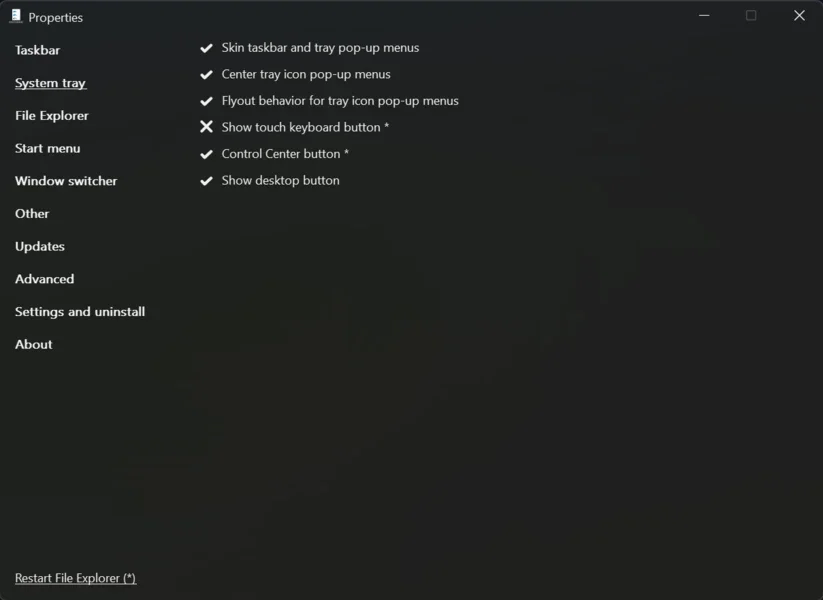
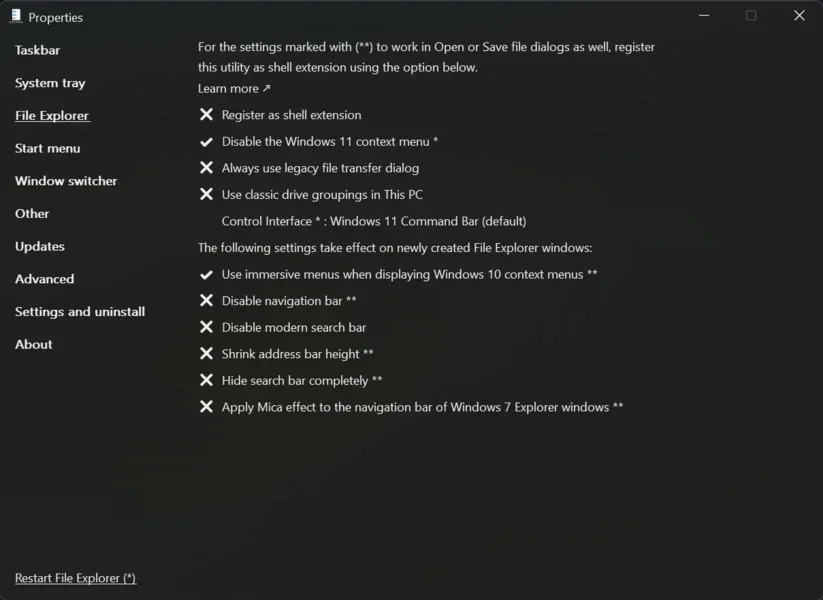
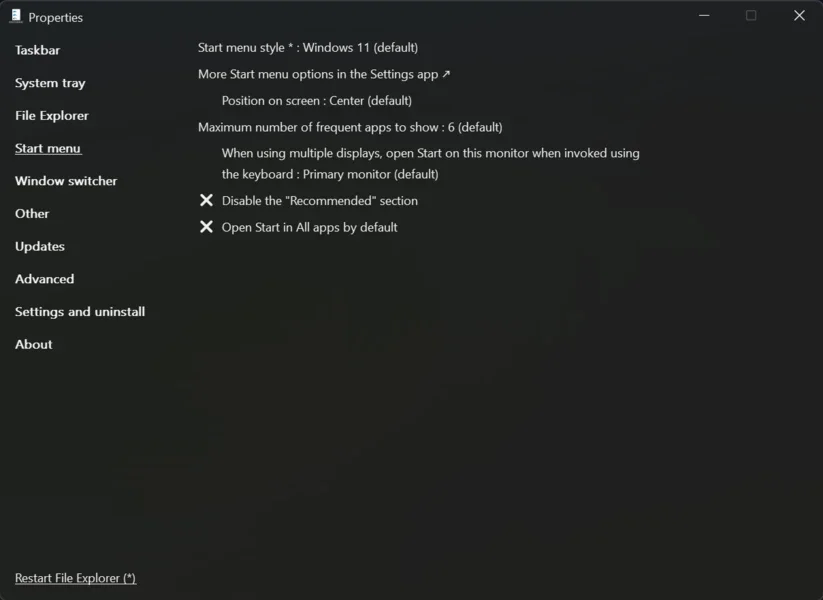
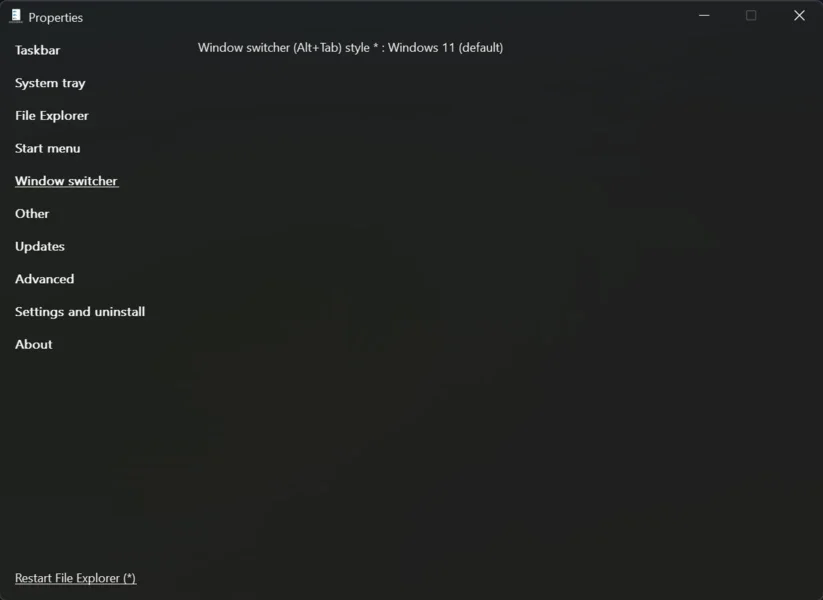
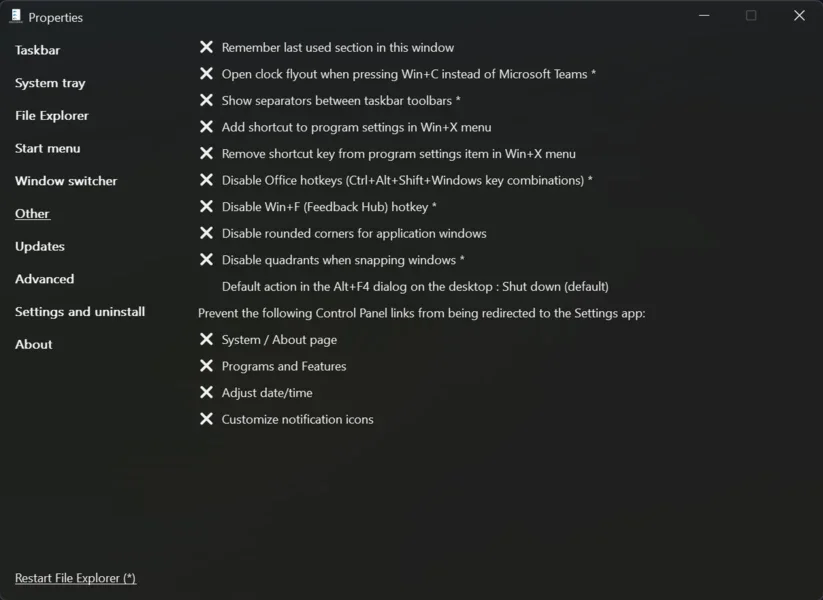
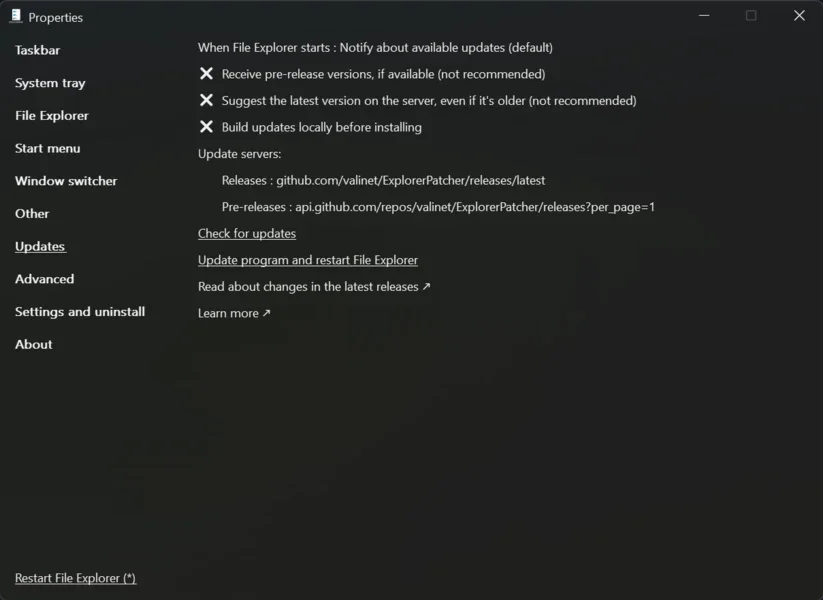
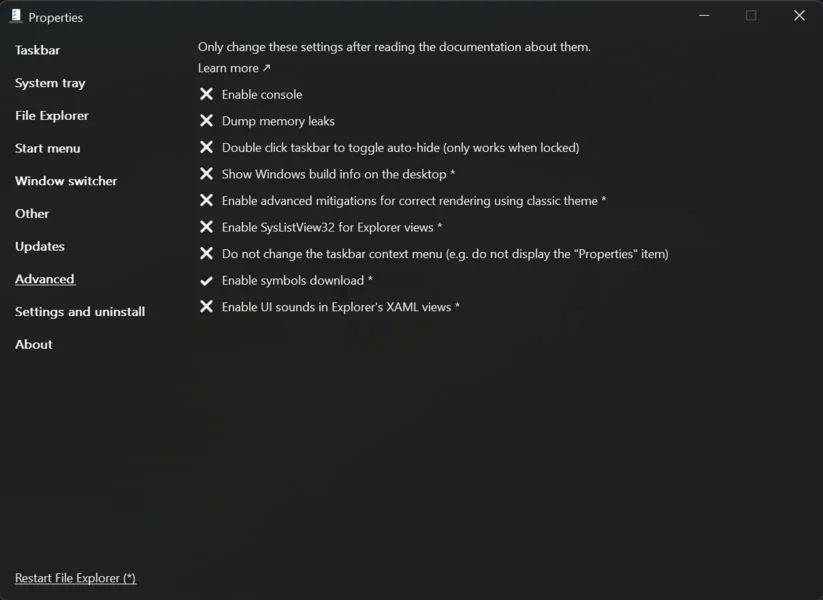
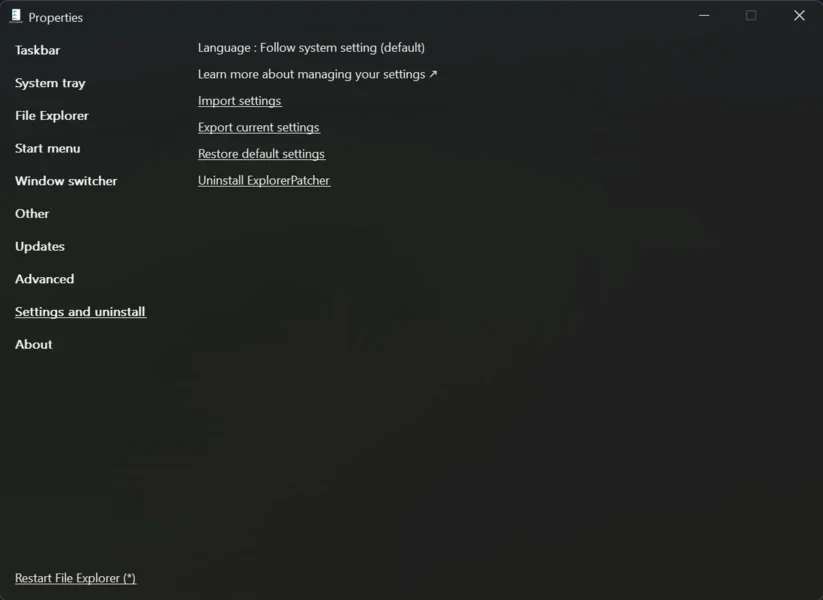
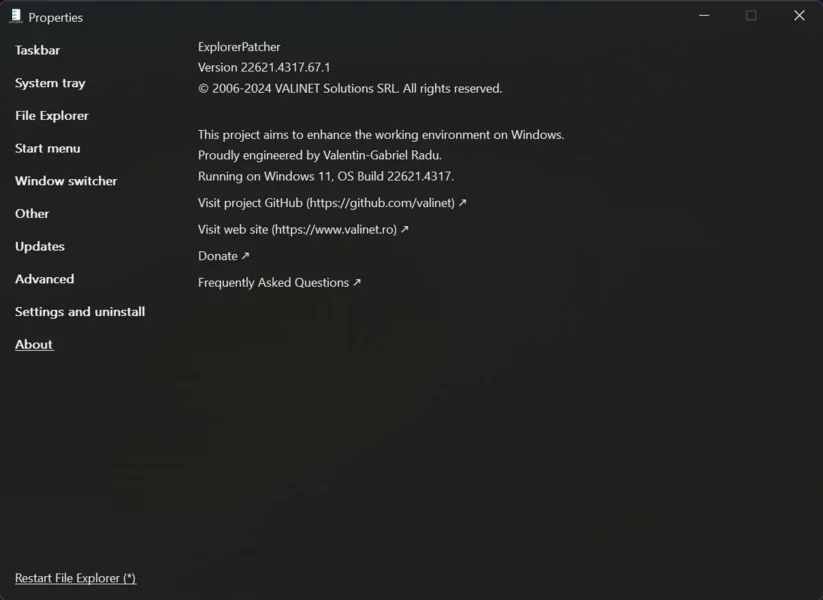
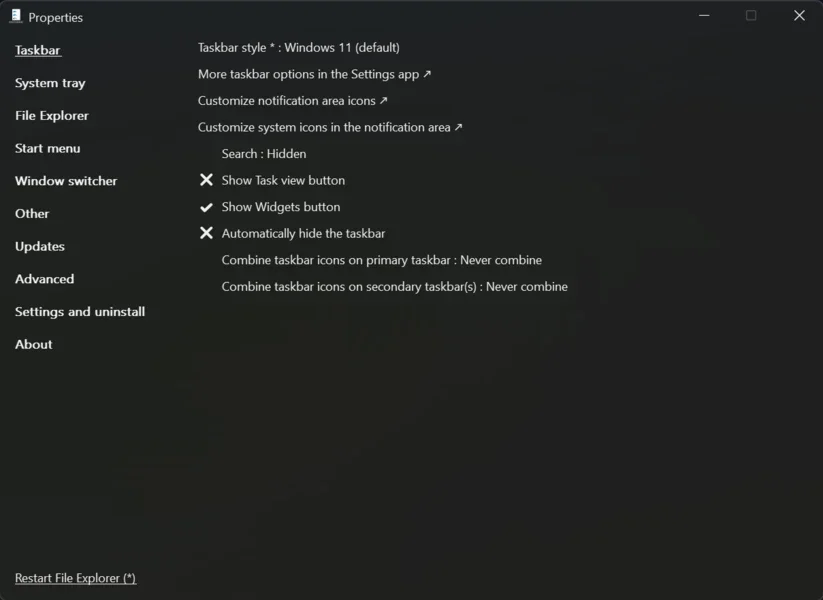
Description
ExplorerPatcher is a free, open-source utility for Windows desktops. Its most specific trick is that it runs as a DLL rather than as a normal application, so installation is required before anything changes.
It restores Windows 10 features on Windows 11 and lets you use elements of both systems side by side. Classic menus come back, and so do taskbar options with label support and small icons. The File Explorer command bar and its Windows 11 right-click menu can be turned off. Windows Search can be deactivated and replaced with the Windows 7 search box. Immersive menus and the use of mitigations can optionally be turned off too, and you can pick what left-click and right-click do on the network icon.
Setup takes a few steps. Put the installer in the main folder of the Windows 11 system first, and keep an internet connection during installation. A restart is prompted afterward so the changes appear. Settings live behind a right-click on the taskbar, then Properties. Pinning shortcuts is not supported by the patcher package.
Download files
25de01dfb87fb98f7b41ed64e079db9d5e827f57032a307375182bbc5c6e03cc
No digital signature2165c7d12f10b1a137472de5b64abdc64dcdd9fc31362c7ff41d7c5b57c8e9e6
No digital signature8146db4d3a87201fb80ad1d3712ba8f56883e9a0811758bd39f62d73a9f2c586
No digital signature8e3dd4f24f65234cfc2aaae7d84f2a9ebc167ab47cb50f4422d5974d44d5ffe7
3f4be6f544daf0067d6eb6811c641a3a073aeeb974e6e6b2bc5f16f6f72daa7e
System requirements
Available on:
Architecture:
64-bit
Additional information
Developer
Latest release
Size
Category
File type
SHA-256
25de01dfb87fb98f7b41ed64e079db9d5e827f57032a307375182bbc5c6e03cc





