
FanCtrl 1.8.0 for Windows
Sets fan speeds from component temperatures and shows RPM
Screenshots
Description
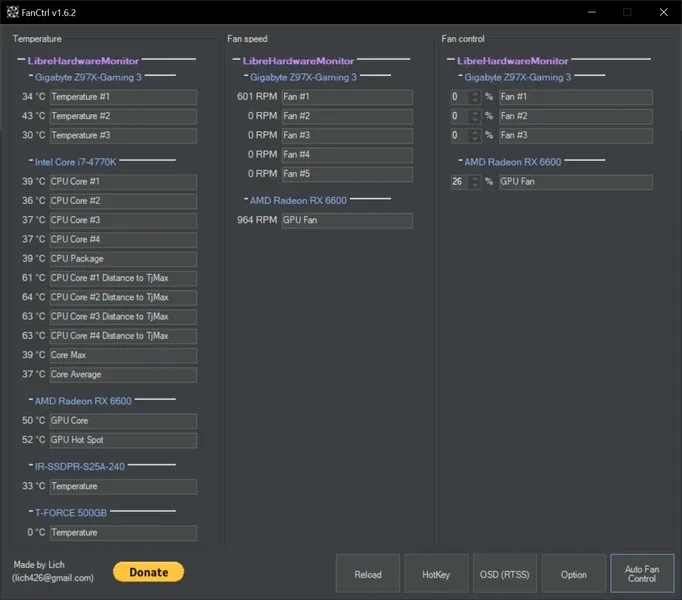
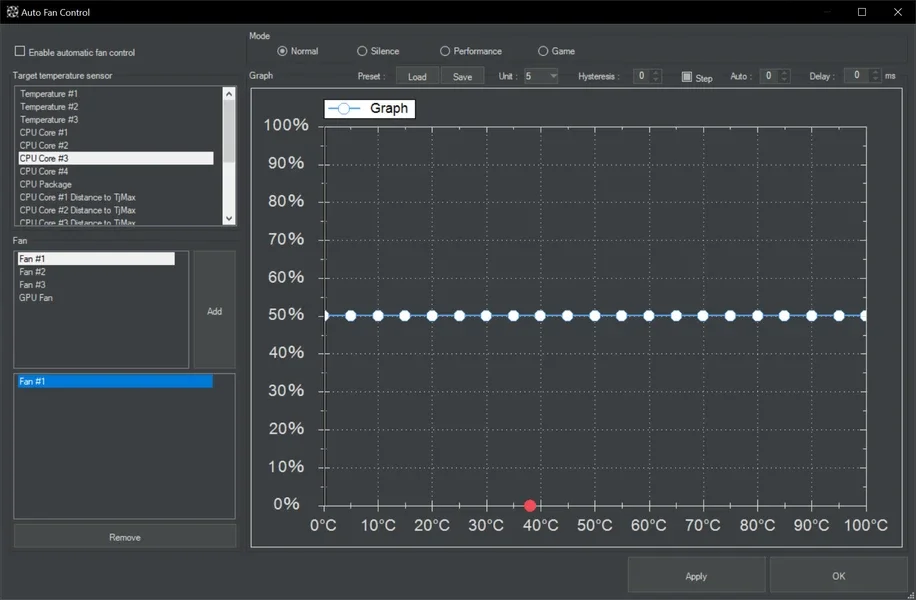
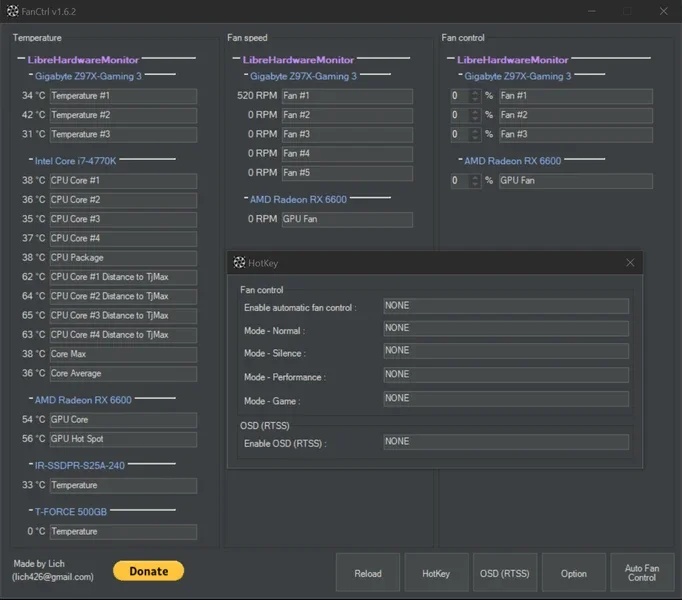
FanCtrl controls all of a computer's fans and sets their performance based on component temperature. Each fan can be tied to the temperature of a chosen component through Auto Fan Control mode, so case fans can be made to spin faster once the CPU temperature passes a set value. Presets can be created for quicker access. Fan speed is reported in RPM for fans connected through a PWM connector, which means both the cable connector and the motherboard header have four pins. The fourth pin is the one used to control speed.
Temperature readings are shown for motherboard components, processor cores, the graphics card and storage units. Each reading can be renamed.
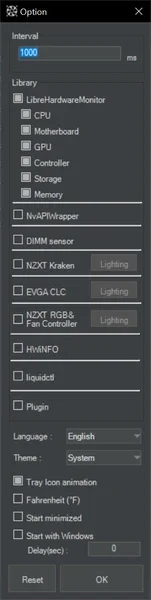
FanCtrl works with several component monitoring programs, including NZXT Kraken, EVGA CLC, HWiNFO and LibreHardwareMonitor.
Download files
5ef94a7c94b9ecdc524a3230e0360b2c1c327b3ddf462981f17aa1e240a7944c
1c2284e523e9070c39708d7f2a3b09b8b6a3b840fe1c345061d6ad68cd5c9956
926e0a66fc34396479238e3dd50b461d451d625e8e9ddf590f006728c09a6b6d
55851d0a56047cb9f95c0b323f7a977b4b2cc79d91315b44104f47814e8edf65
7bcf4f811a733b7fa7f1fad00b60bd125c6b31c36d4e097d679a58587907ee61
System requirements
Available on:
Minimum OS:
Windows XP or later
Additional information
Developer
Latest release
Size
Category
File type
SHA-256
5ef94a7c94b9ecdc524a3230e0360b2c1c327b3ddf462981f17aa1e240a7944c





