
Fast Folder Access 2.0 for Windows
SHA-256 listed
Adds your frequent folders to the Windows right-click menu
All ages
Age rating
Screenshots
Description
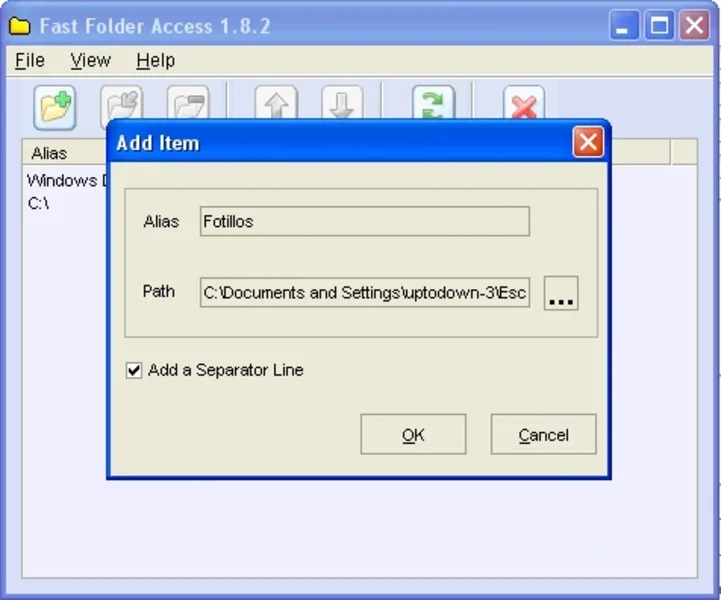
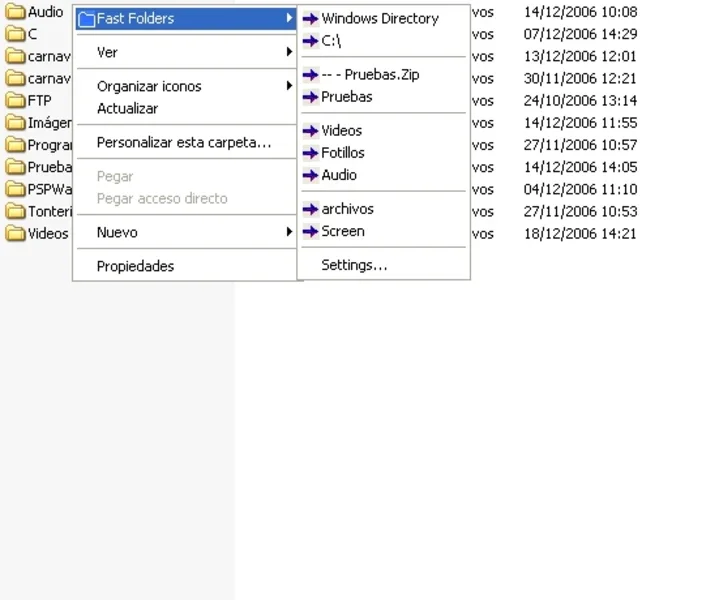
Fast Folder Access puts the folders you use often into the Windows shortcut menu, so a right-click in any window takes you straight to them. Adding a directory means entering its file path; the interface for doing so is straightforward. Clicking anywhere in a Windows window brings up the menu.
Managing the folder list
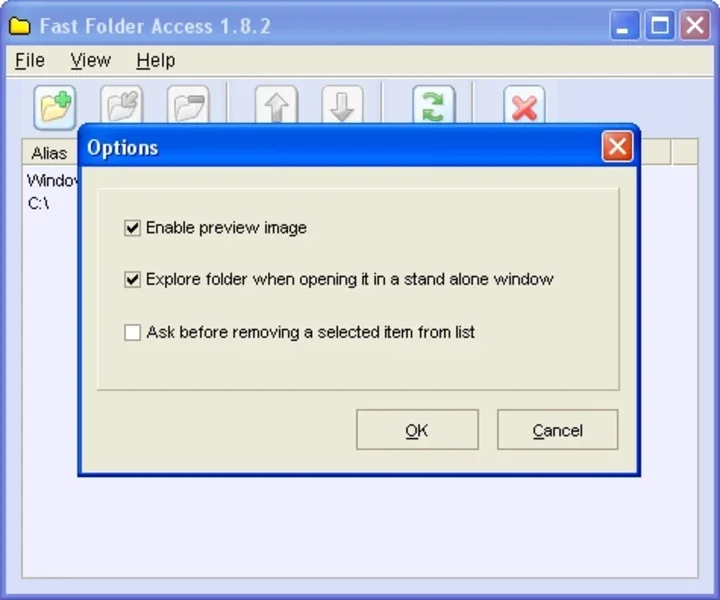
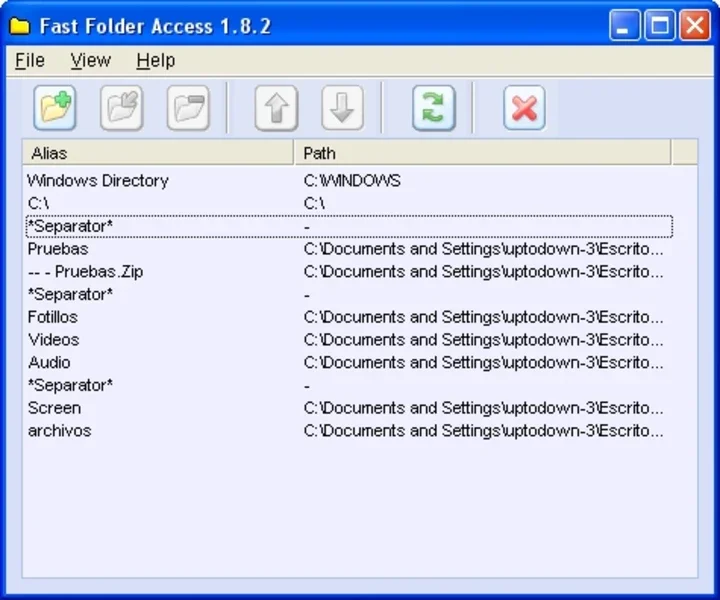
The accesses can be organized from within the menu itself. Separators can be added to keep the menu neat, and the folder list can be imported and exported for future use.
Download files
File2.0EXE
Version2.0
ReleasedMay 20, 2014
Size1.1 MB
SHA-256
Get
786505a04cd2b2fd1f4d43548144317c6cbaf9a24b2866c3aabbeeb7b495f91a
No digital signatureFilefast-folder-access-1.8.3.exeEXE
Version1.8.3
ReleasedApr 9, 2012
Size1.1 MB
SHA-256
Get
4b8c3777f22f4a82096f09b237992d0fbba56cc5242af5801b6221e399de7ca8
Filefast-folder-access-1.8.3.exeEXE
Version1.8.3
ReleasedOct 17, 2008
Size1.1 MB
SHA-256
Get
a2d6c0104ade5a02dd50244ff55334e7e4c4827bc75cefecd18b0541a290f6e1
No digital signatureFilefast-folder-access-1.8.2-Build-20061205.exeEXE
Version1.8.2 Build 20061205
ReleasedDec 22, 2006
Size1,021.4 KB
SHA-256
Get
c8faae066ad1074ea0aedf72125838d2c5cec1b6f1dda472a9adbec41d8f847e
System requirements
Available on:
Additional information
Developer
Latest release
2.0 · May 20, 2014
Size
1.1 MB
Category
File type
EXE
SHA-256
786505a04cd2b2fd1f4d43548144317c6cbaf9a24b2866c3aabbeeb7b495f91a
Digital signature
No digital signature





