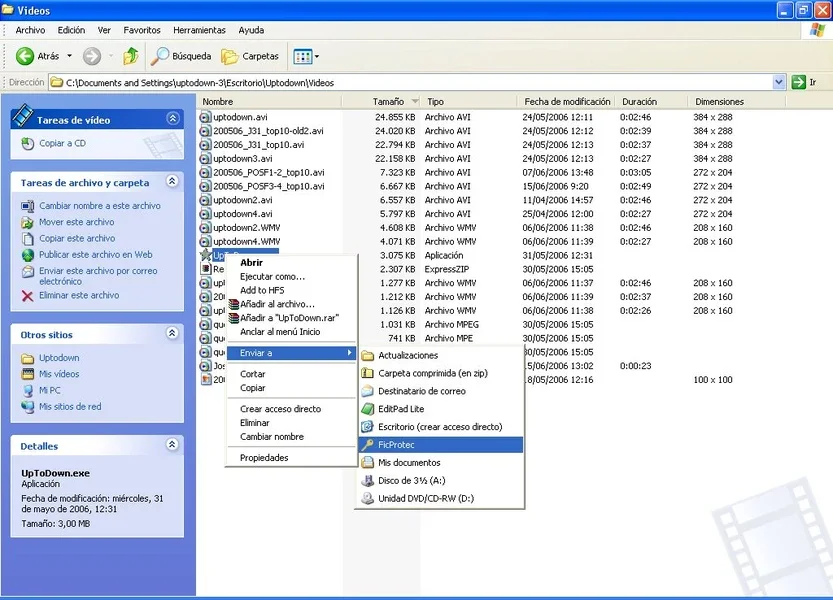

Screenshots
Description
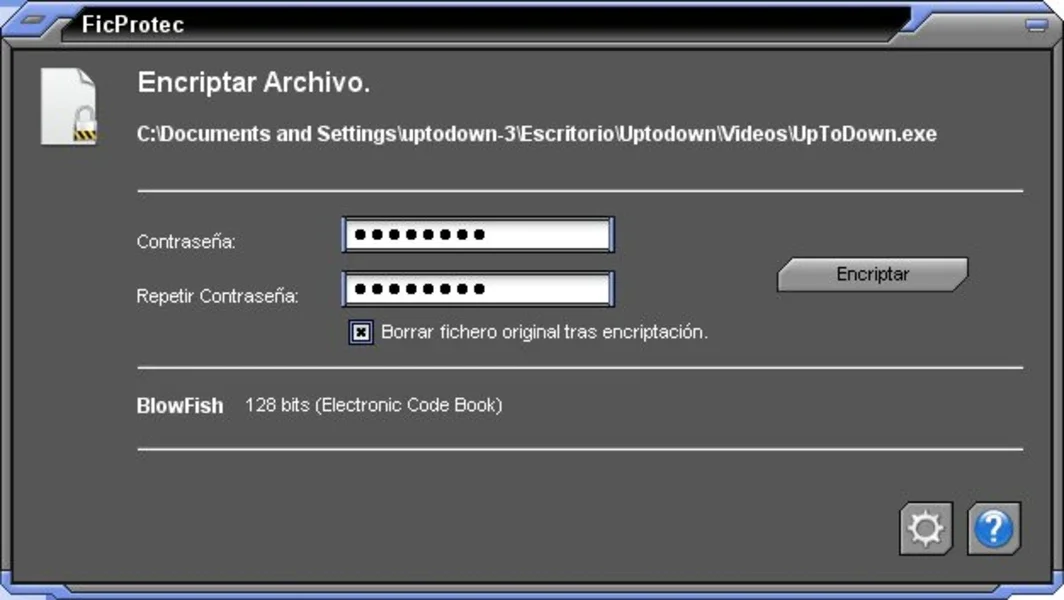
Right-click a file in Windows and FicProtec appears in the context menu after installation. Choose the 'send to FicProtec' option, then assign a key in the program's interface, and the file is encrypted where it sits on the hard drive. No need to move it first.
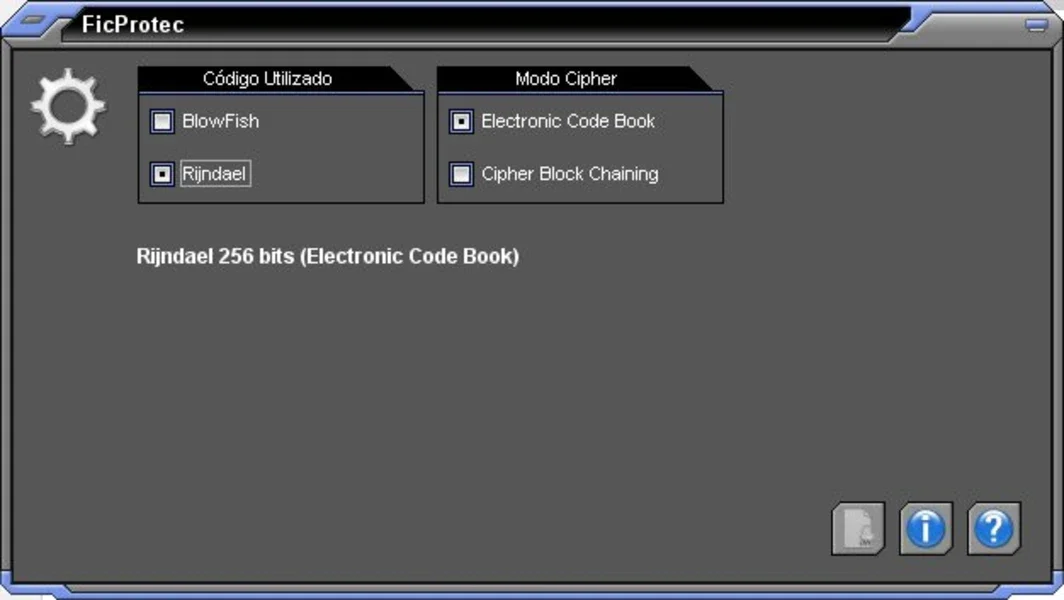
The encryption type is picked per file. FicProtec has two algorithms to choose from: Blowfish at 128 bits and AES Rijndael at 256 bits. You set which one applies as you protect that file, so different files can use different methods.
Once a file is protected, the program can delete the original automatically. That leaves only the encrypted copy behind. FicProtec is free and runs on Windows.
Download files
File1.3.1.426EXE
Version1.3.1.426
ReleasedJun 27, 2006
Size819.1 KB
SHA-256
Get
6836414855bb3c81b8fea1ad9454ff7f98b88c58158483e77c77ef7de6fc9ee0
No digital signatureSystem requirements
Available on:
Additional information
Developer
Latest release
1.3.1.426 · Jun 27, 2006
Size
819.1 KB
File type
EXE
SHA-256
6836414855bb3c81b8fea1ad9454ff7f98b88c58158483e77c77ef7de6fc9ee0
Digital signature
No digital signature