
Fincept Terminal for Windows
Financial analysis and research workstation with AI help
You are on macOS — this is the Windows version. See the macOS version
Screenshots
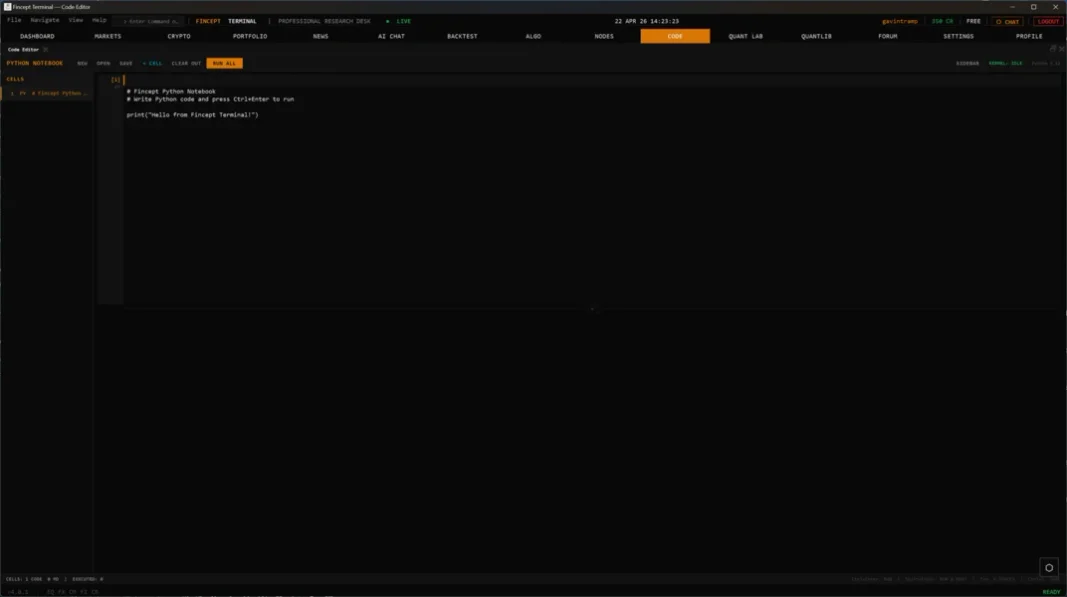
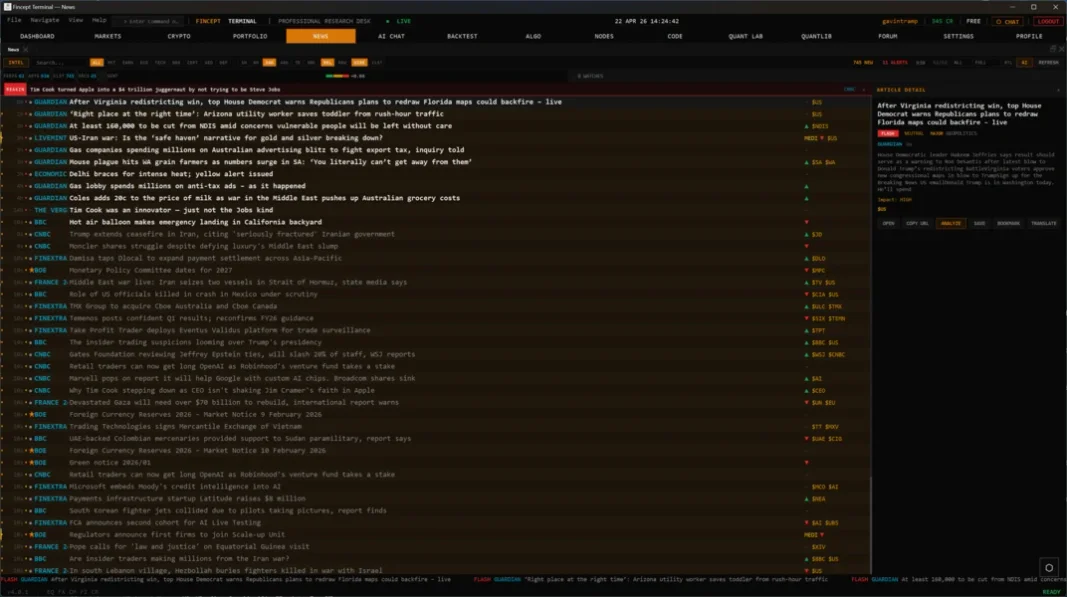
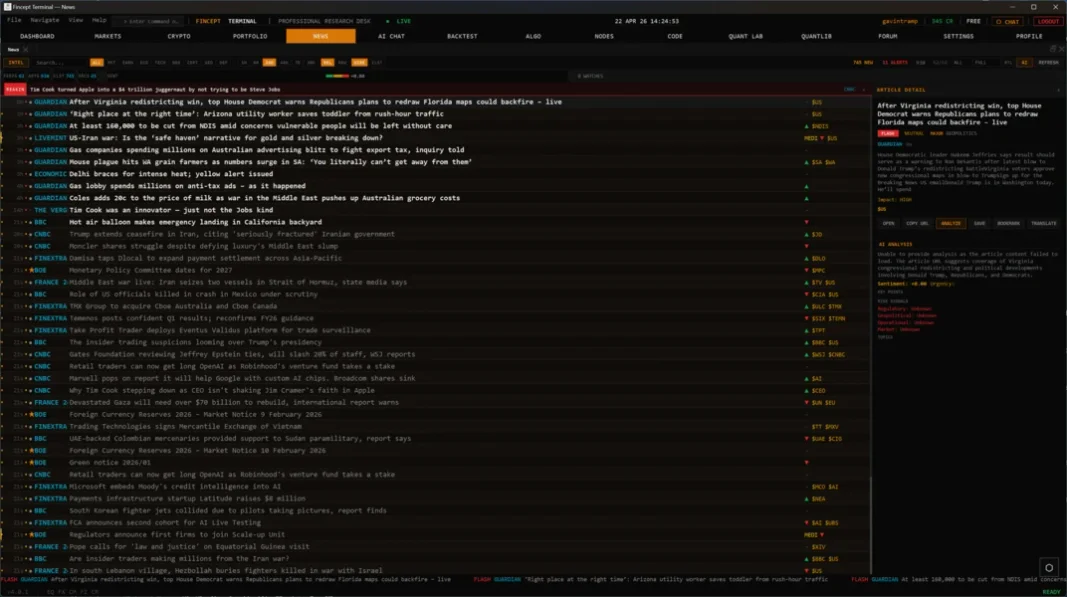
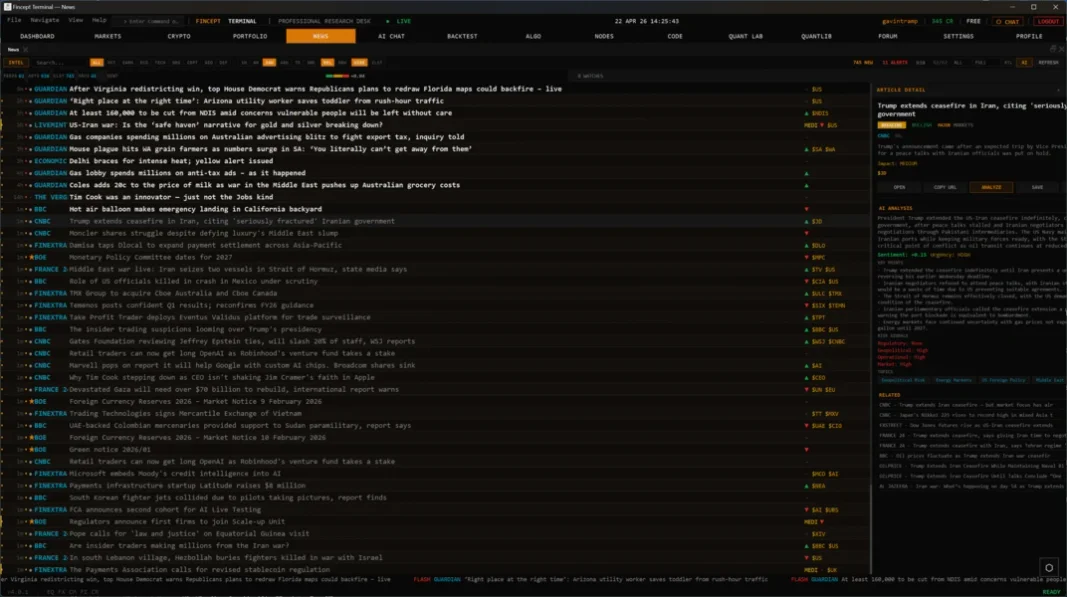
Description
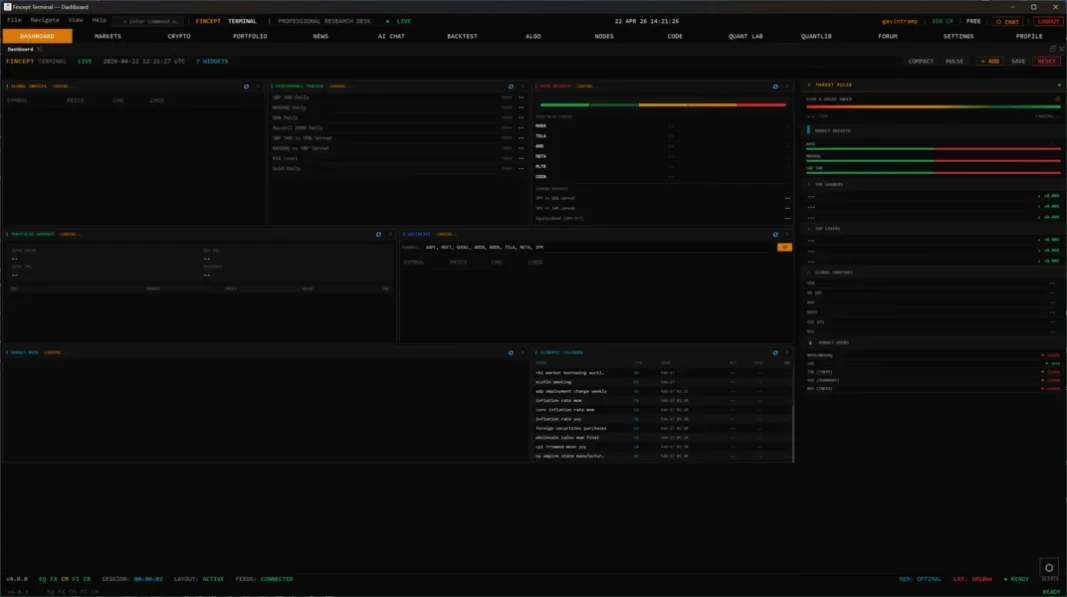
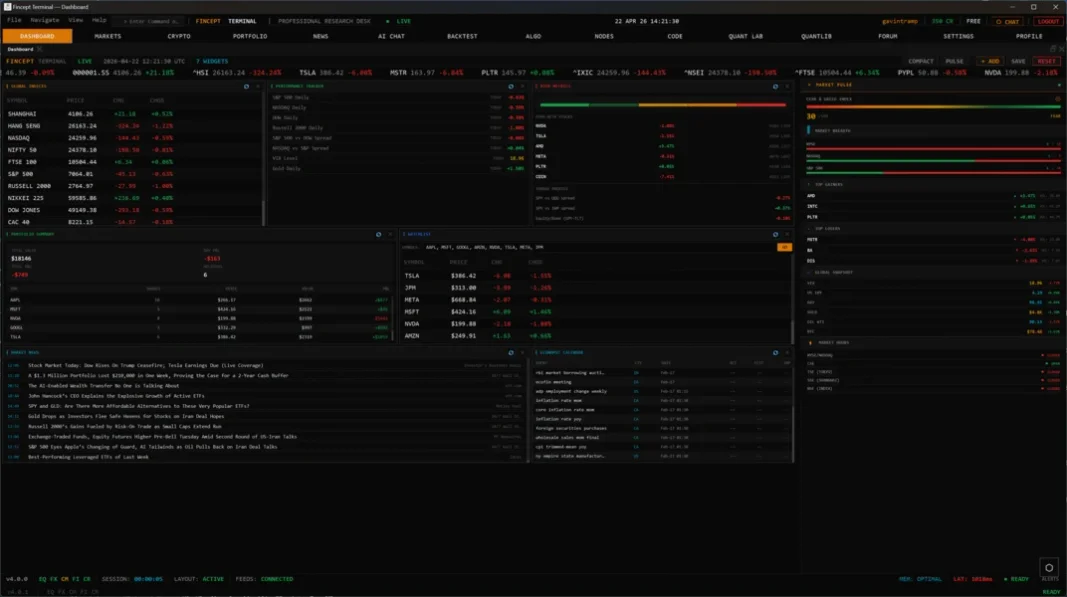
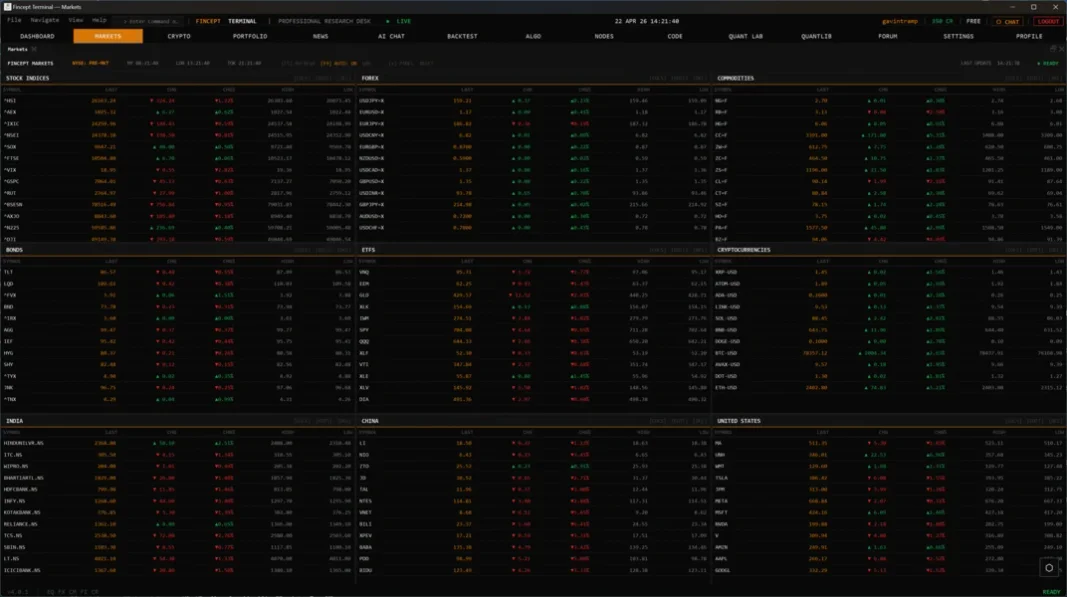
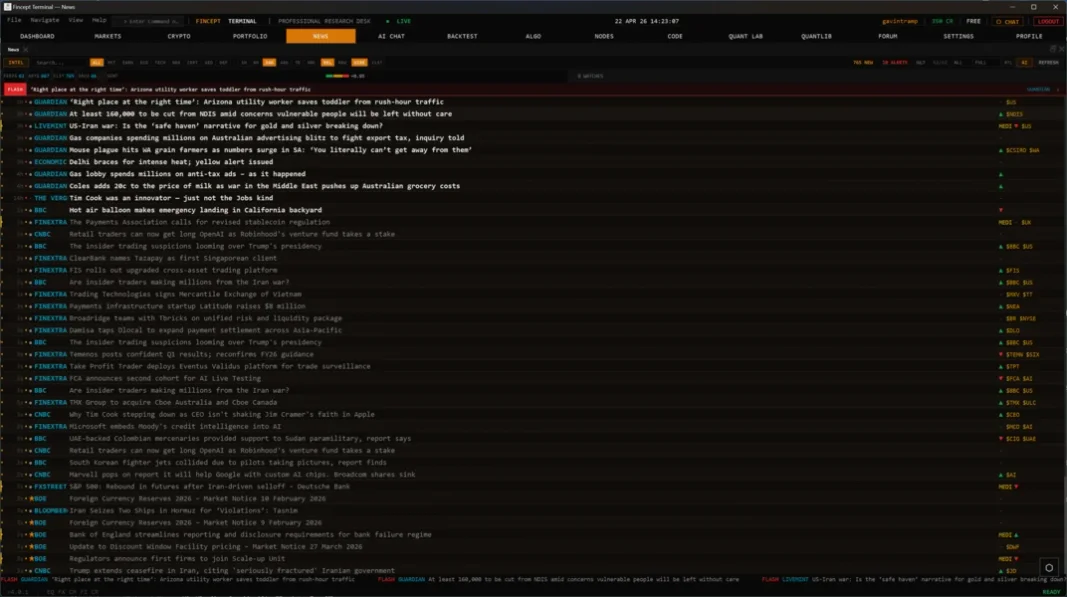
Selecting a stock, currency, commodity or cryptocurrency opens a dashboard with prices, market context and summaries, and you can switch between assets quickly. Fincept Terminal covers a lot on that screen: technical charts, fundamental metrics and portfolio tracking sit in the same place. A global news section carries financial headlines, corporate results and macro movements, and sentiment is pulled from news and social media sources. The asset search engine spans all four asset classes.
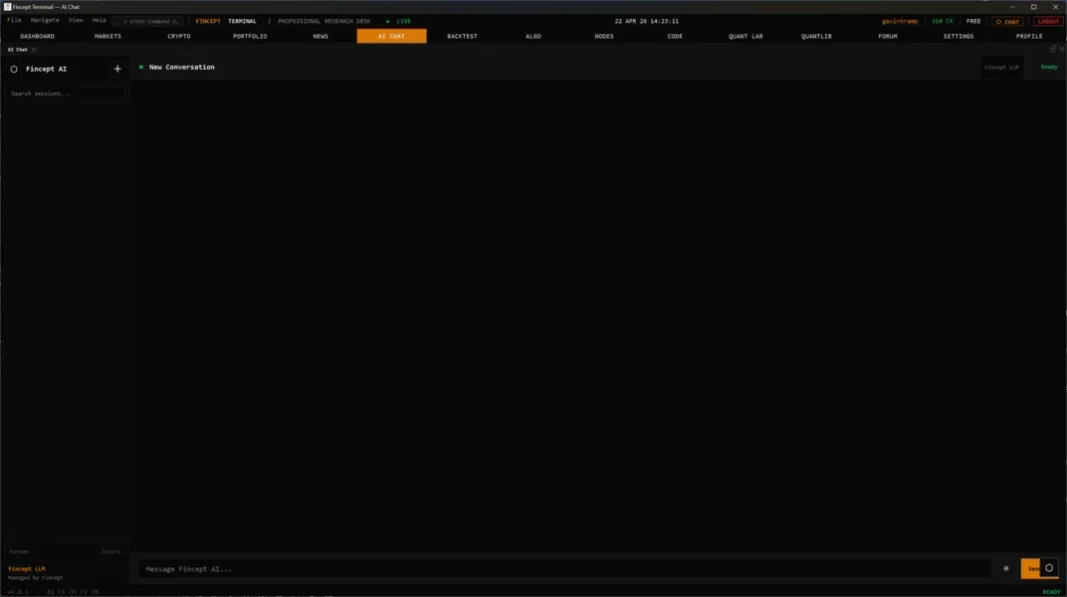
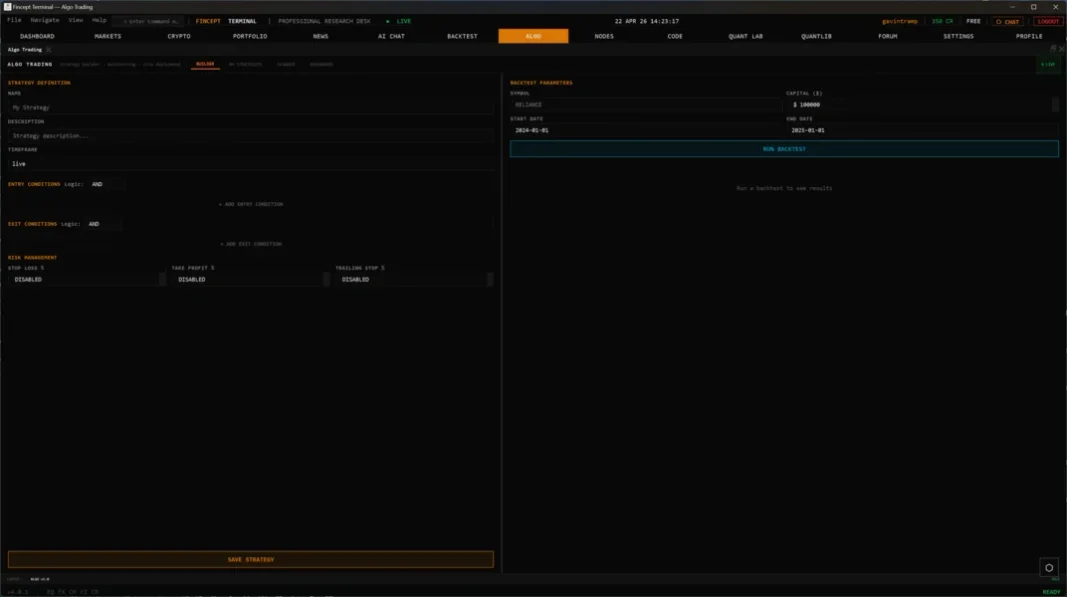
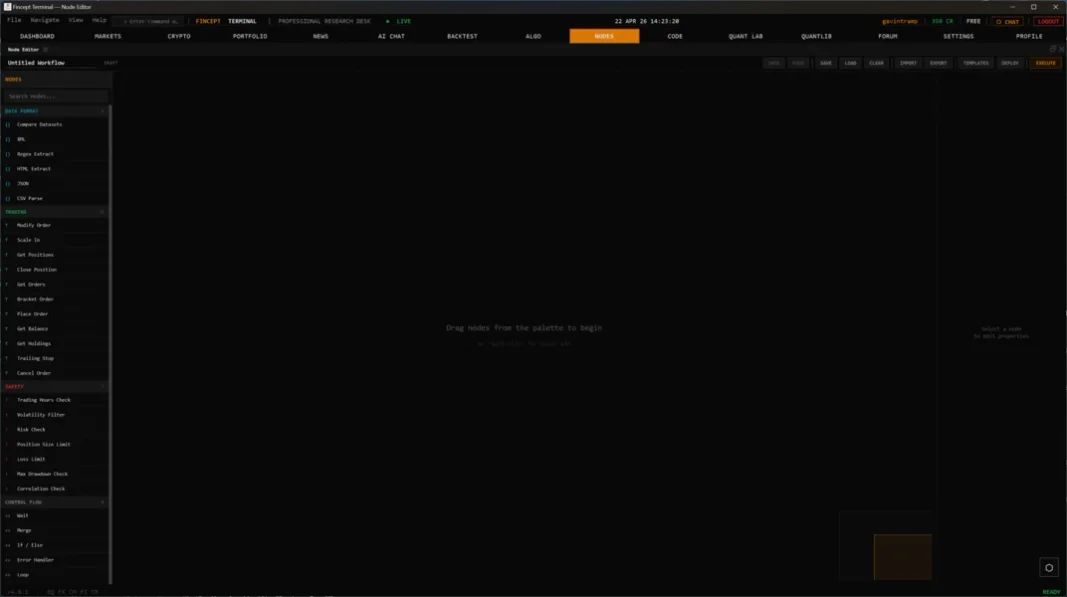
Technical work runs on interactive charts, with tools for trends, levels of support and resistance, and behavioural patterns. Fundamental work covers accounts, valuation metrics and company health. There is backtesting and quantitative functions, and portfolios are built and managed locally, where you can review composition, track performance and compare strategies against historical data. AI handles guided queries and analysis, and credits can be spent on tasks like summarising a news item and judging its effect on a market or stock. Visual flows and agents automate part of the research.
The free version allows almost all features by default. Learning to use it takes time, and it is positioned as an alternative to the Bloomberg terminal.
Download files
382a26ff654b7b828b4b5aabeb5810abda4b820a43cc8f316607a842e4dea007
No digital signatureff43408a839d16b5ee3eaa2afece27fa42ea62d73f1c097dee679e0ad6d20376
No digital signatureSystem requirements
Available on:
Architecture:
64-bit
Additional information
Developer
Size
Category
File type
SHA-256
382a26ff654b7b828b4b5aabeb5810abda4b820a43cc8f316607a842e4dea007





