
Firewall App Blocker 1.9 for Windows
Drag executables onto its window to add them to Windows Firewall
Screenshots
Description
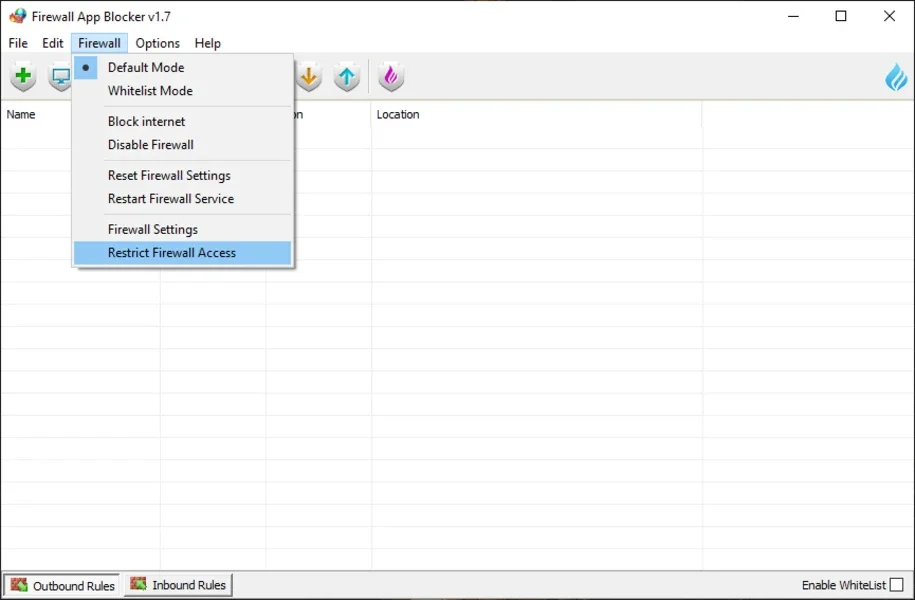
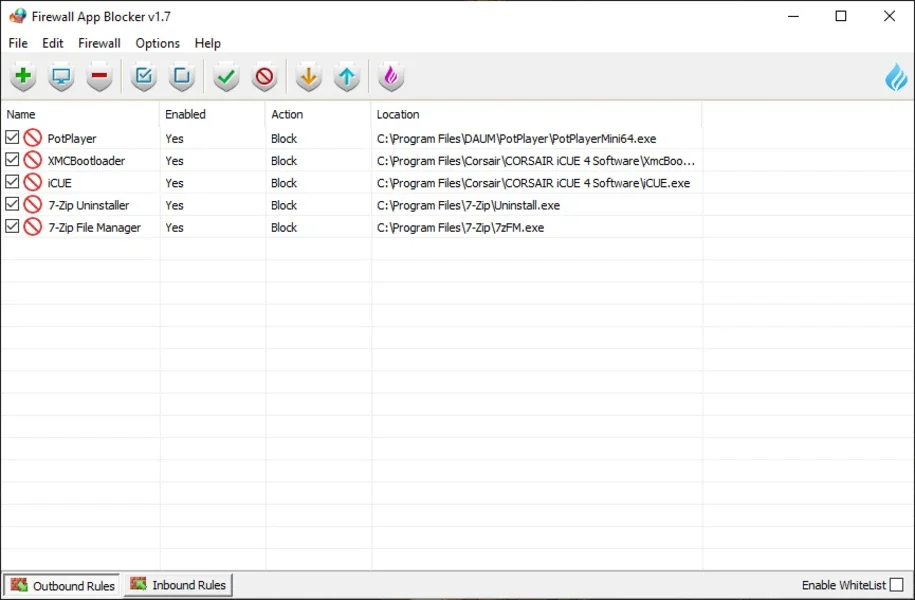
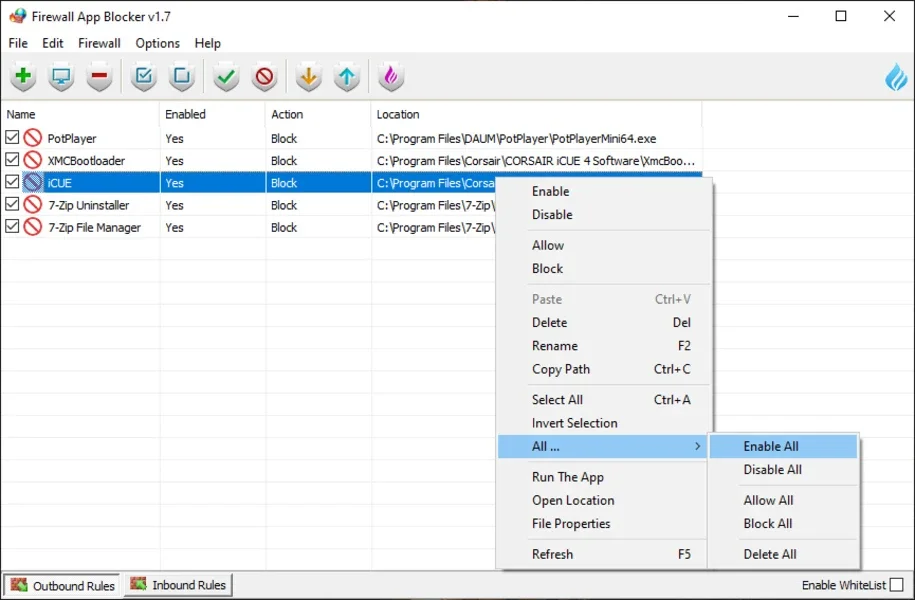
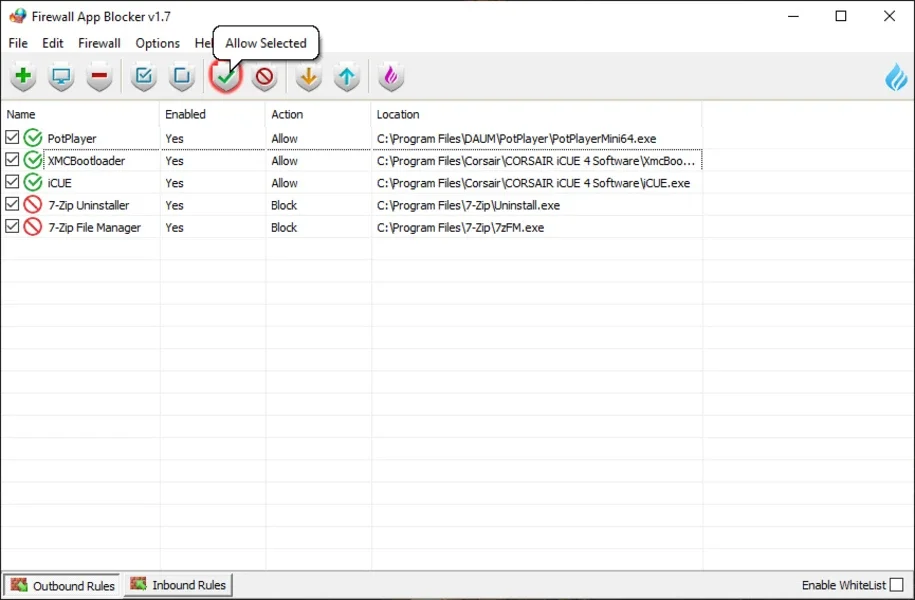
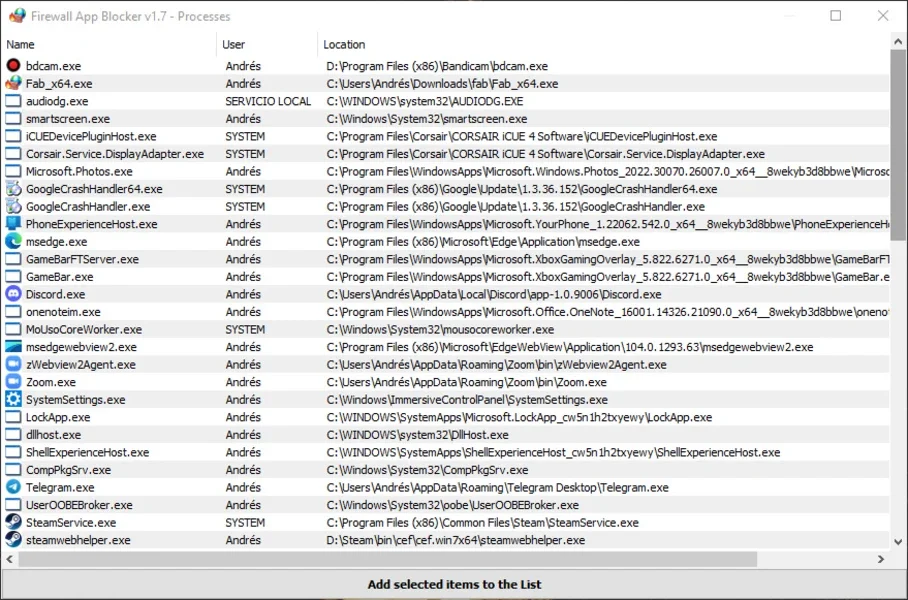
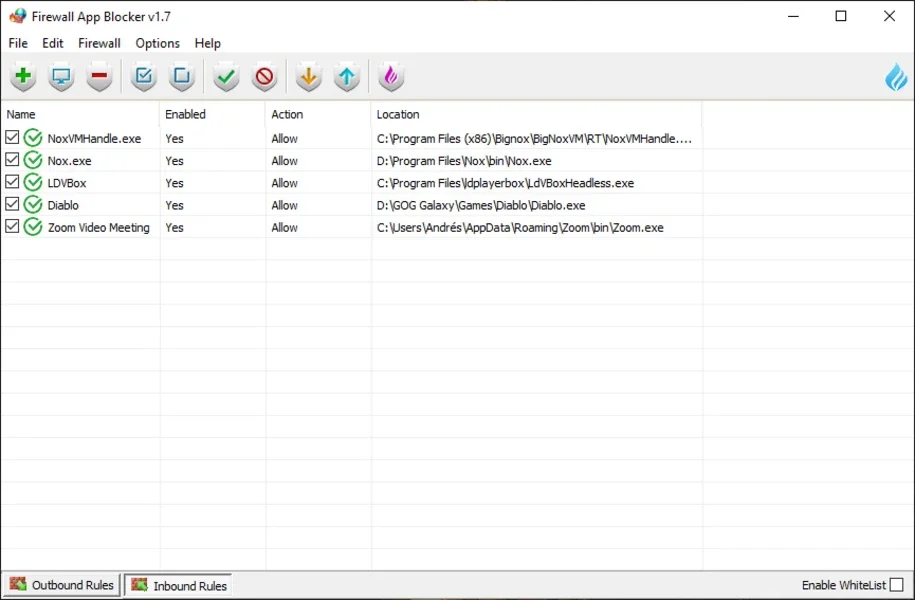
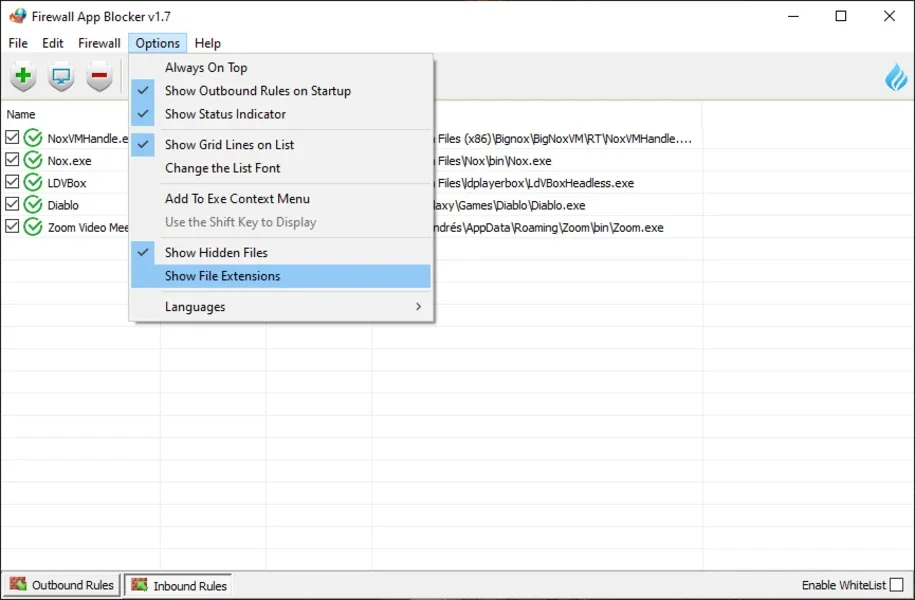
Firewall App Blocker is a program for managing the Windows Firewall. Adding an app to the firewall by hand means opening the Control Panel, going to System and Security, then 'Allow an app through Windows Firewall', and searching for the app and adding it if it is not listed. Firewall App Blocker aims to make that quick and easy: you drag an executable onto the program's interface and it is added. There is no limit on how many executables you put in, and each one takes seconds. The program is useful if you adjust the Windows Firewall more or less regularly, because it saves time in the long run.
It can also create a Whitelist mode. When that mode is active, Internet access is blocked for all apps and processes except the ones on the Whitelist. That makes it useful for testing high-risk programs.
It runs on Windows and is free.
Download files
489a7d6f66d03885523e183657e22ceb2ee827765f074a6d6f1ea2a13c3960e7
8b40a0a88b56faeba19a1cda831beebdafeeab2f206ec42c1e80540c384cacbc
f2b161a91ad6b4e1c9900a4791fc1fac3c89dc824f6328ee0b32c437a2ebdd7f
System requirements
Available on:
Additional information
Developer
Latest release
Size
File type
SHA-256
489a7d6f66d03885523e183657e22ceb2ee827765f074a6d6f1ea2a13c3960e7