
Flyoobe (Flyby11) 3.03.100.0 for Windows
Removes restrictions so Windows 11 installs on unsupported hardware
Screenshots
Description
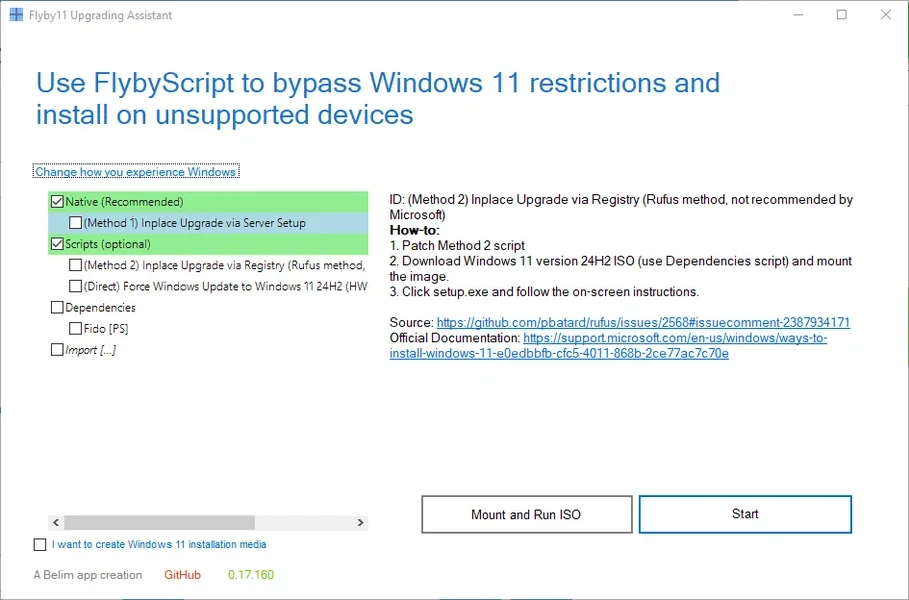
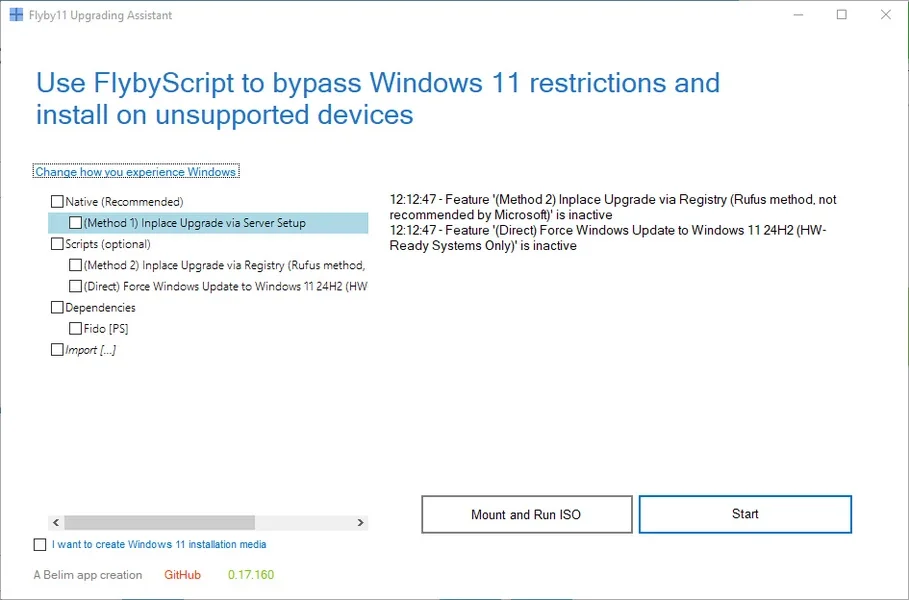
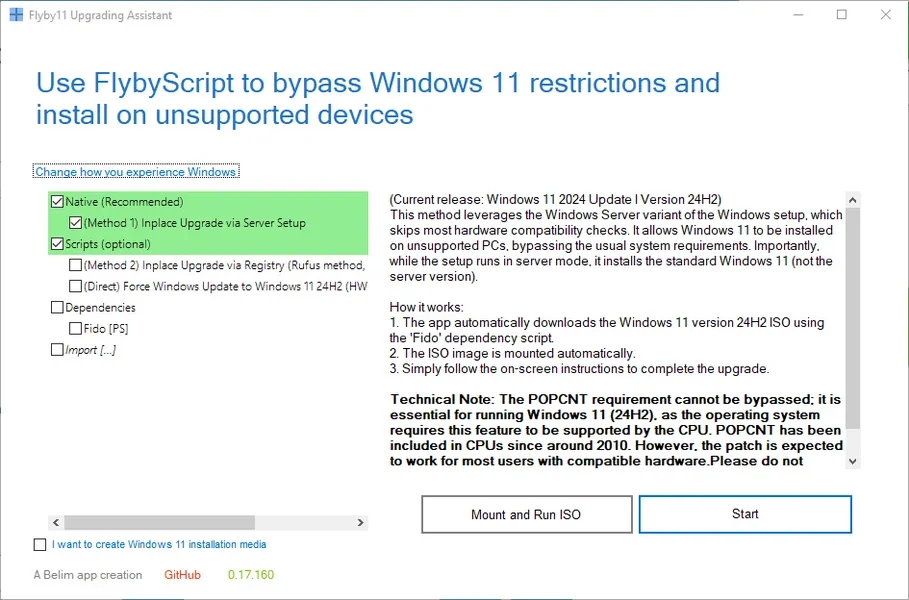
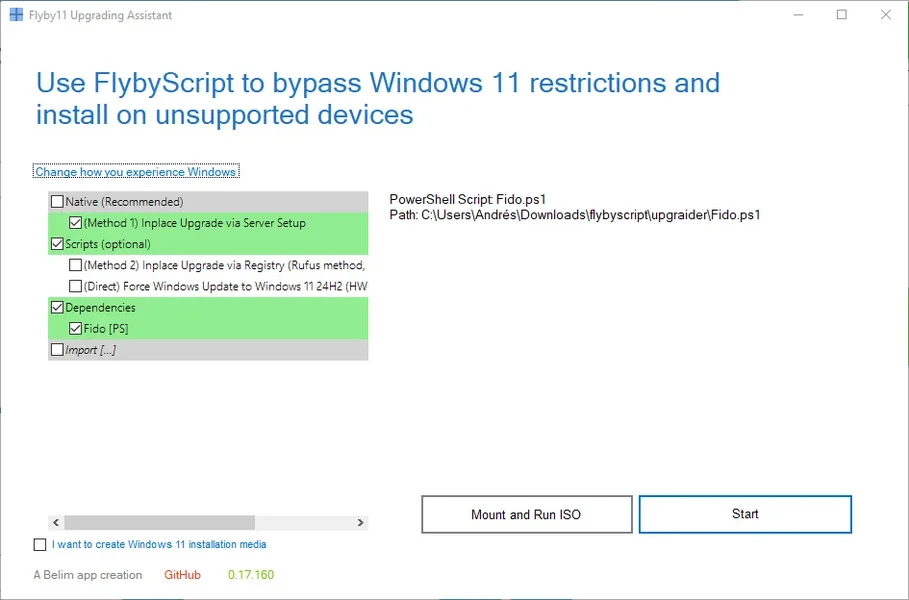
Flyoobe (Flyby11) gets Windows 11 onto a PC that the normal installer would turn away. It does this by using the Server Setup edition of Windows 11's own installation routine, which skips the hardware compatibility checks that the standard Windows 11 setup enforces. That means an old machine, one without TPM, or one with a processor off the official compatibility list can still be installed. The program is small, under 300 KB, and the options sit on the left side of its window. A built-in tutorial walks through the process step by step, and the instructions are clear and detailed. After the download finishes, you click the Mount and Run ISO button, then Start. The app recommends checking the Native box. Expect the process to take several minutes, since the program downloads the Windows 11 24H2 ISO along the way.
It is a lightweight Windows utility. This allows installation on any computer, even one not officially supported.
Download files
c07e641d2e2fbae8b1c3bbcba7a608836598fba9f79465ae22204308a08d162d
cff3d6b13d99de4f28062113fa7a593bcea7d4d1a5db9e70b70d94926f1083dd
c7d07628369da8c27708c8a7ce4ea6370a2f14b13f7a5c01574c59f6a8a1d7db
fb9290f8dca3e5c4401eaa77ffd453eadccfa2f362e8d6c19a1a3e8272c1d24e
c73296243d0d22abf73954940de5c7bddd793b69336e4bdbcab9483fc761ecbd
System requirements
Available on:
Additional information
Developer
Latest release
Size
Category
File type
SHA-256
c07e641d2e2fbae8b1c3bbcba7a608836598fba9f79465ae22204308a08d162d





