
Folder Painter 1.3 for Windows
Recolors Windows folders and swaps their icons, singly or in groups
Screenshots
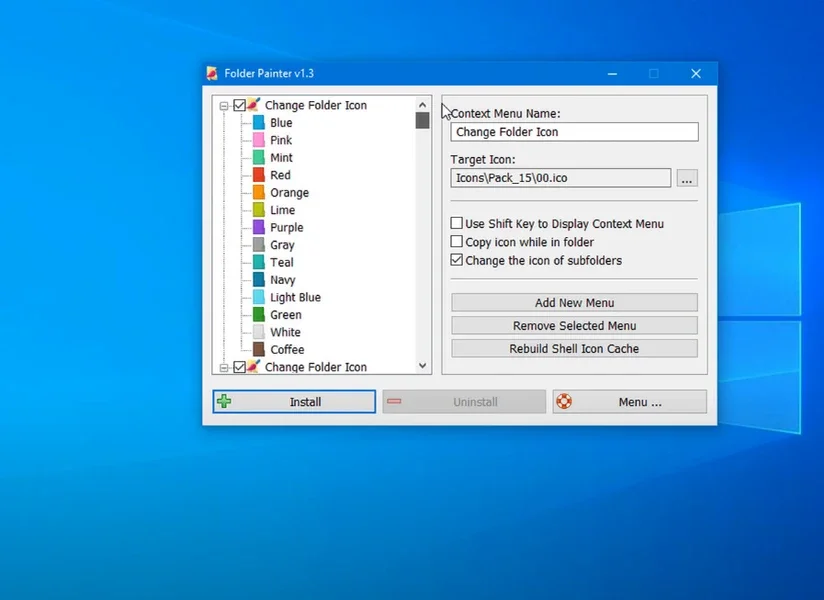
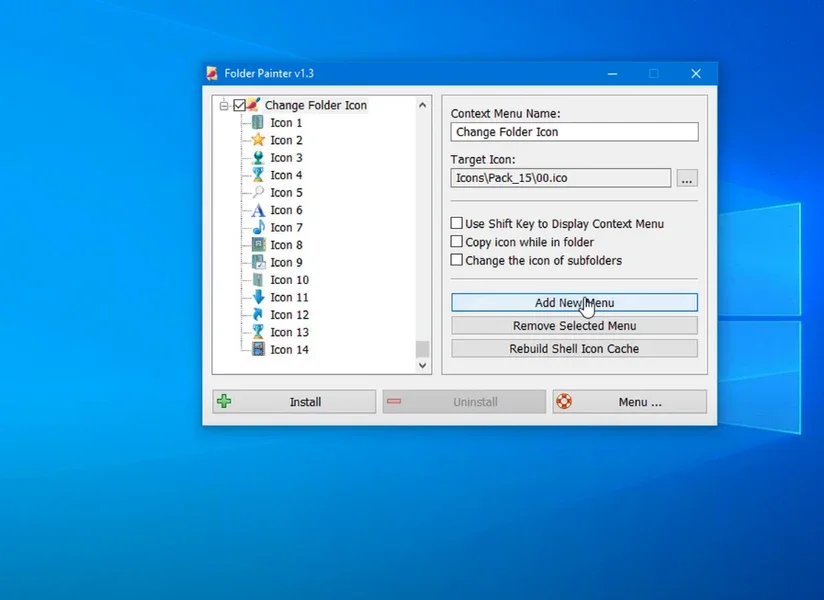
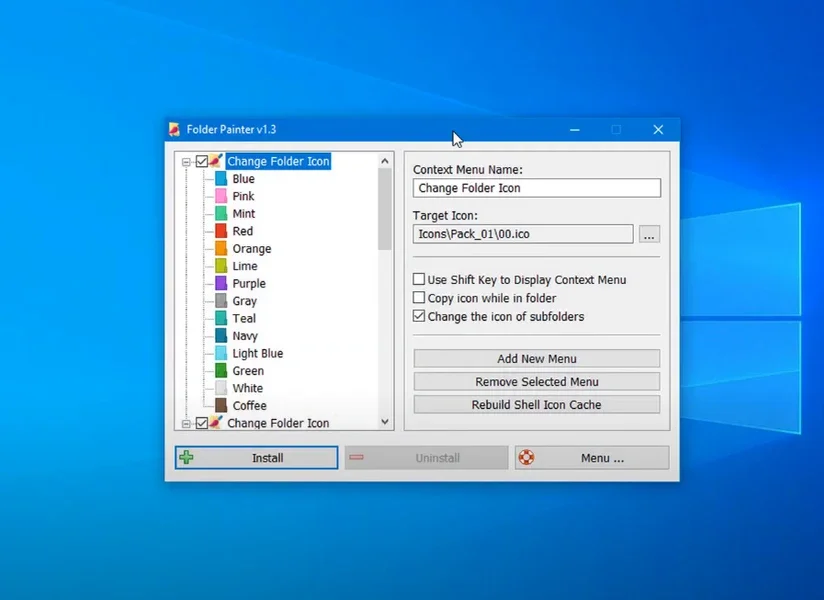
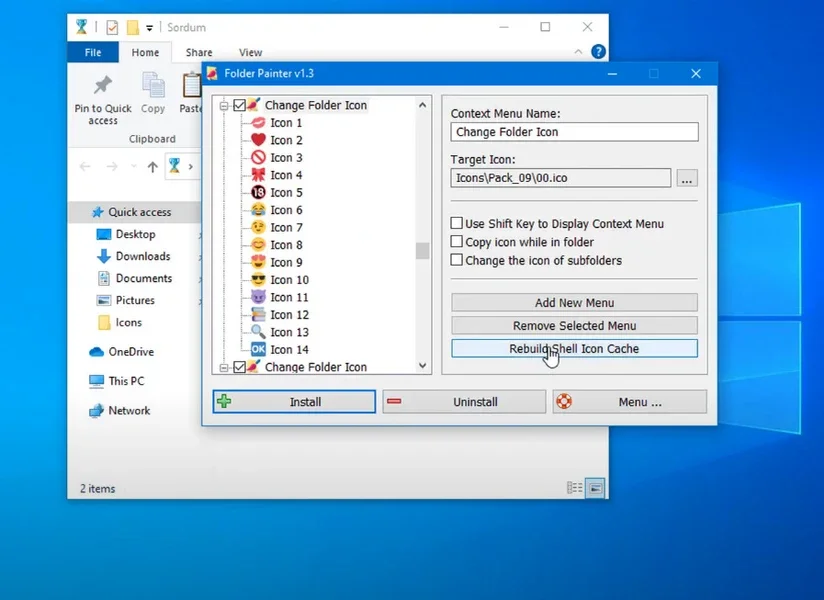
Description
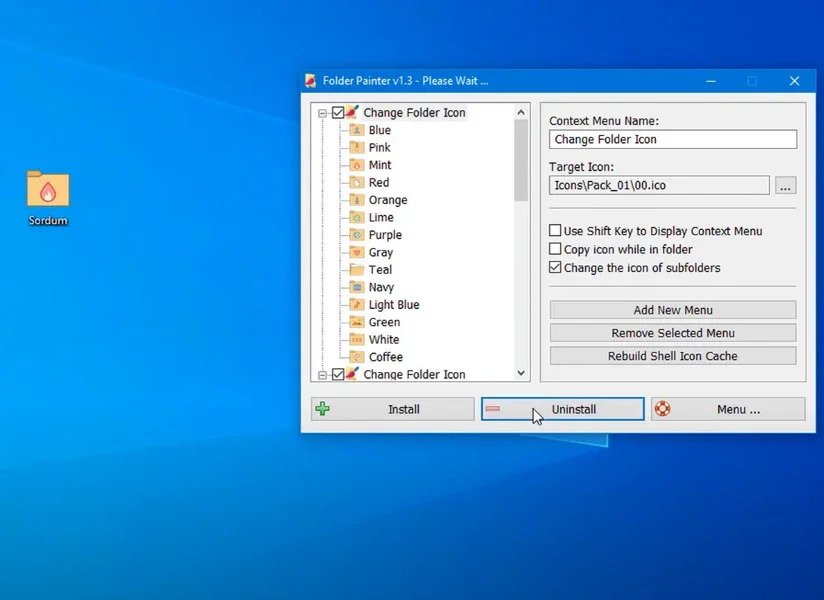
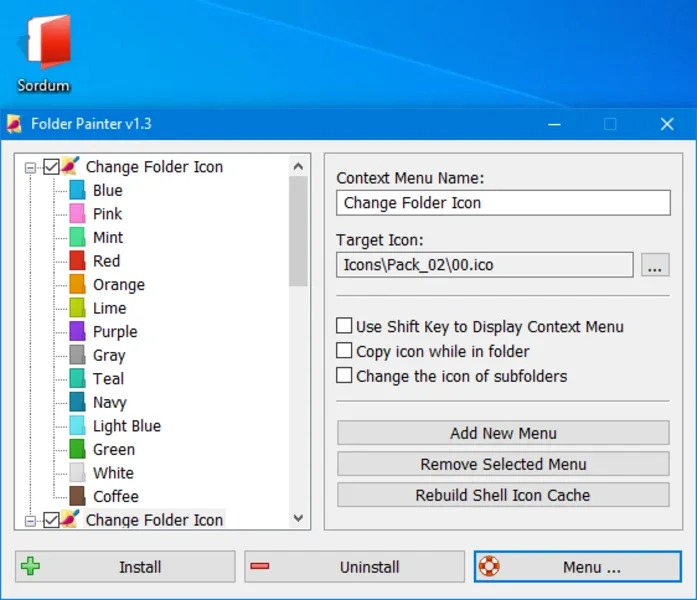
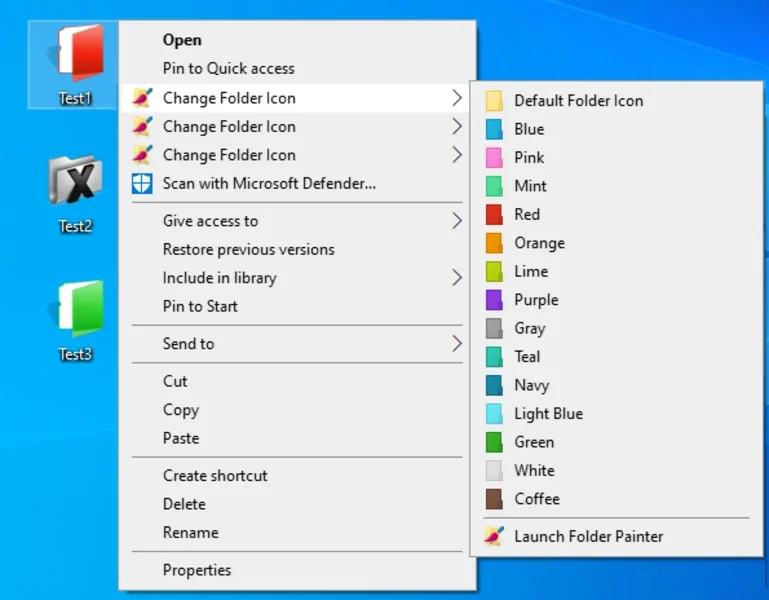
Folder Painter changes the color of folders and the icons they show. You open the options menu, pick a color, and the folder takes it. A palette of many colors is available, so there is room to keep things apart at a glance.
Organizing across machines
The color you set carries over to other desktops, which helps keep things straight when you move between PCs. It is meant for Windows 10, where the system's own settings leave these colors alone. One color can be set as the default for all new folders, so anything you create turns up in it without further work. Colors can be applied to many folders at once, or limited to the ones sitting in a particular location.
- Apply colors to many folders in one pass
- Apply colors only to folders in a chosen location
An icon pack is included, which makes special folders easier to tell apart. A catalog of icons is there to browse, and you can put one on a folder to mark what it holds.
Download files
4d8c1c8416bfdfbcfe354bf08c075221a2a4ac50bcf2d0976d36179ae57a1210
73677d9c11cb833a3ef03846fc610f8accc64b756ebe07b51eda07f298f1c10c
421747eccffa306932d5892a1650f1dafcafa0083d68146202cfac4363008f85
System requirements
Available on:
Minimum OS:
Windows Windows 7 or later
Additional information
Developer
Latest release
Size
File type
SHA-256
4d8c1c8416bfdfbcfe354bf08c075221a2a4ac50bcf2d0976d36179ae57a1210