
Fresh UI 8.84 for Windows
SHA-256 listed
Edits hidden Windows settings from a tree view
All ages
Age rating
Screenshots
Description
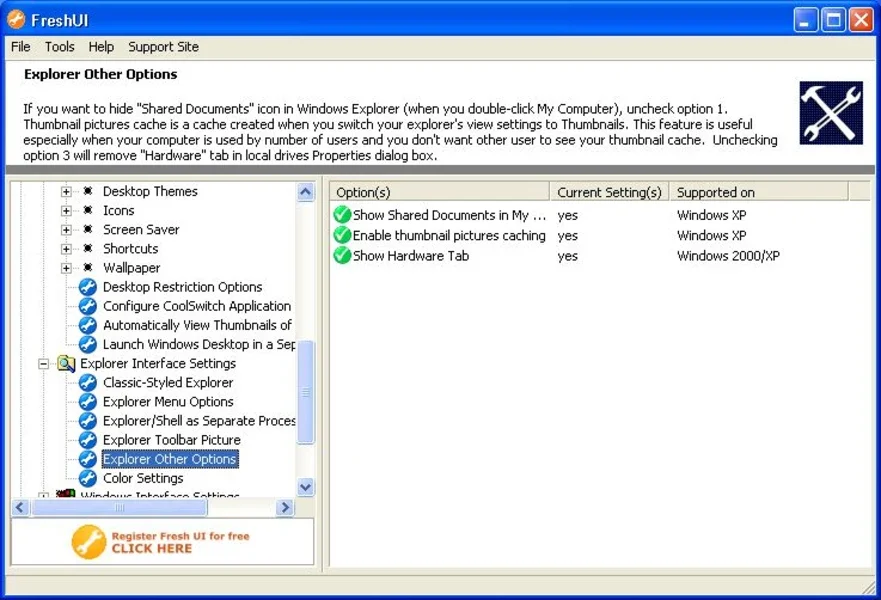
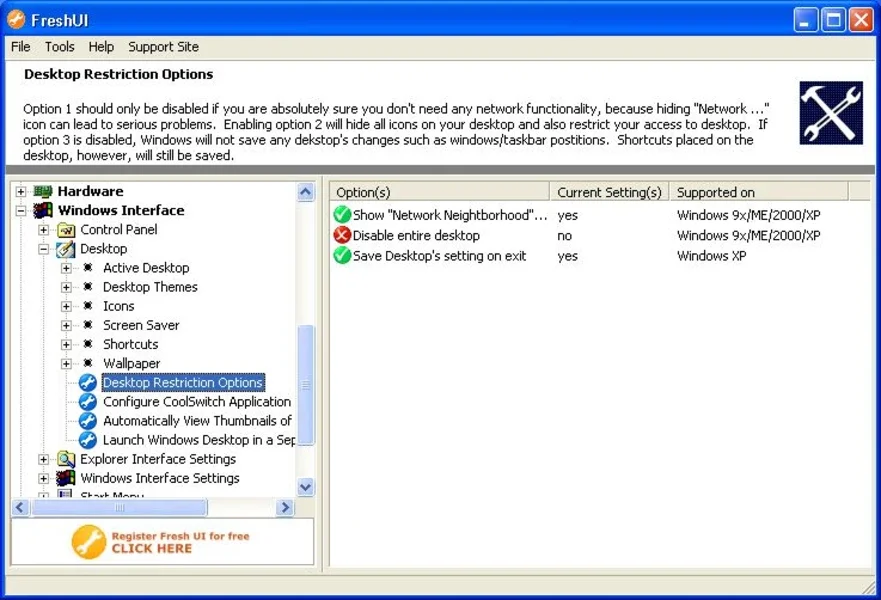
Fresh UI exposes options Windows keeps hidden or protects, and you change them by clicking. Everything sits in an organized tree that runs from Windows options through Explorer options, system, hardware and other areas. You find a setting in the tree, click it, and adjust it. The same tree covers hundreds of hidden settings across Windows XP, 2000, NT, 98, 95 and Me. Parameters can be tuned for better performance, or simply set the way you want the machine configured. The interface is easy to use and built around the tree, so changing any option on the computer stays quick.
Download files
File8.84EXE
Version8.84
ReleasedSep 10, 2012
Size1.6 MB
SHA-256
Get
09eae64cb55c9b1a0a4bbf2696e8de9aaa4ffcee898c9fbeec14eda00ae868a8
No digital signatureFilefresh-ui-8.83.exeEXE
Version8.83
ReleasedJul 20, 2012
Size1.6 MB
SHA-256
Get
a87d4ad465e5b7cb147066e477ffc44fde698872c749cd2aa7bf09ca98d411b6
Filefresh-ui-8.82.exeEXE
Version8.82
ReleasedApr 17, 2012
Size1.6 MB
SHA-256
Get
f804b0cb8f5abba9369908371a7b324a7fcf45b352633673522846b4fc08f529
Filefresh-ui-8.81.exeEXE
Version8.81
ReleasedMar 2, 2012
Size1.6 MB
SHA-256
Get
69f6624e5ab2a22992f5f551bb6f93b22ebc84362e3ebd62b4f760fa1e7a6ddf
Filefresh-ui-8.80.exeEXE
Version8.80
ReleasedFeb 20, 2012
Size1.6 MB
SHA-256
Get
557ce5ed6624a56e196d9bc10d8a537c21fe58f1de22491d004e872df7fe705d
System requirements
Available on:
Additional information
Developer
Latest release
8.84 · Sep 10, 2012
Size
1.6 MB
Category
File type
EXE
SHA-256
09eae64cb55c9b1a0a4bbf2696e8de9aaa4ffcee898c9fbeec14eda00ae868a8
Digital signature
No digital signature





