
FSL Launcher 1.1.4.4 for Windows
SHA-256 listed
Stores shortcuts in a hidden screen-corner workspace
All ages
Age rating
Screenshots
Description
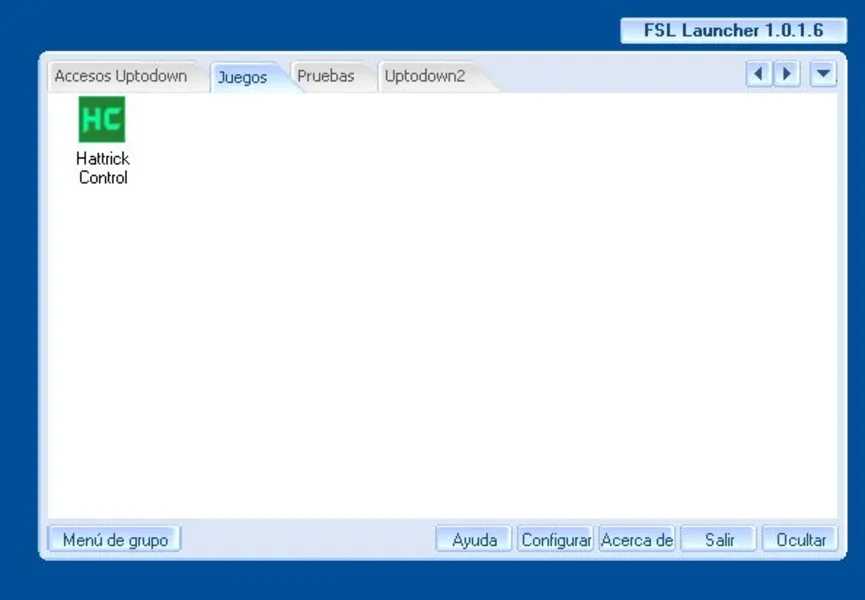
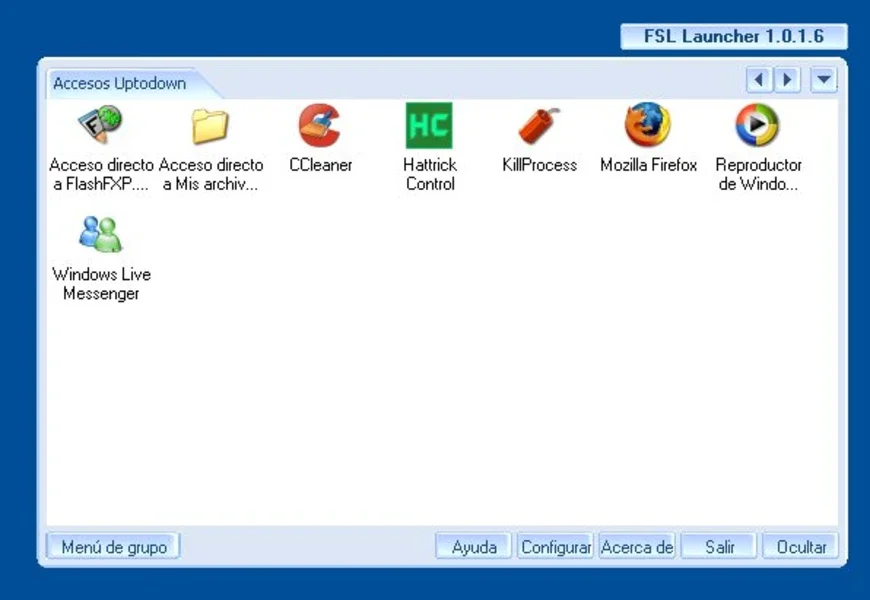
Drag an application's icon onto the FSL Launcher interface to add a shortcut. The program is a workspace for keeping frequently used shortcuts in one place, and it stays hidden until accessed at the top-left corner of the screen. You can group shortcuts into customizable categories, whether by theme, by purpose, or by user.
Multiple profiles can be used within the same interface. The launcher can run at system startup.
Download files
File1.1.4.4EXE
Version1.1.4.4
ReleasedOct 20, 2008
Size3.2 MB
SHA-256
Get
f5d98890a9e21af53f6b328bbeefe844e368d7984a4402956938676d00d6bb04
No digital signatureSystem requirements
Available on:
Additional information
Developer
Latest release
1.1.4.4 · Oct 20, 2008
Size
3.2 MB
Category
File type
EXE
SHA-256
f5d98890a9e21af53f6b328bbeefe844e368d7984a4402956938676d00d6bb04
Digital signature
No digital signature





