
Glarysoft Quick StartUp 6.0.1.22 for Windows
See and control which apps run when Windows starts
Screenshots
Description
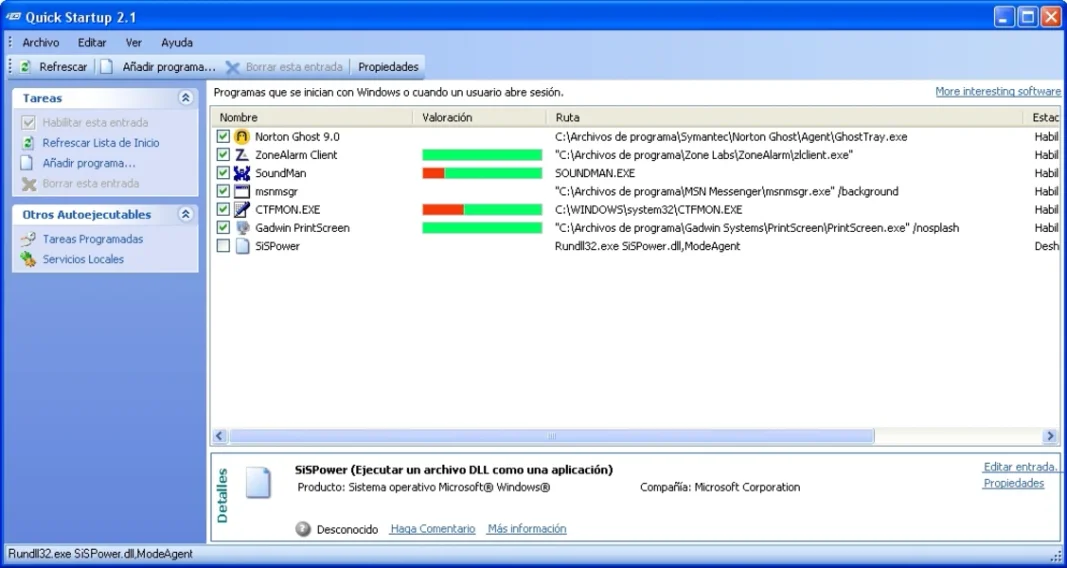
Quick Startup lets you see and control which applications run when Windows starts. You decide how many of them run to make startup faster.
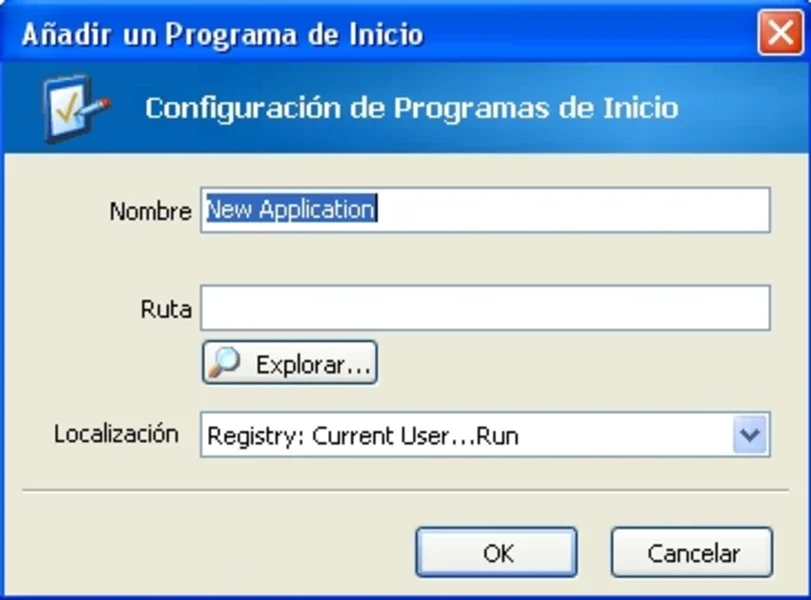
Its interface shows information about the processes and where they come from. That way you can tell what you are removing and what you are keeping. The program runs on Windows, and it does not cost anything. The list of startup items is the main thing you work with. Each entry has details so you know what will happen if you disable it. Nothing is hidden, and you make the call on each item. Quick Startup shows the processes and their sources, so you are not guessing about what a name means. You can go through the list and decide which ones to keep running and which to stop. The point is to cut down on the number of programs that start with Windows, which can make startup faster. There is no need to dig through system settings yourself. The interface puts the information in front of you.
The current version is 6.0.1.22. GlarySoft publishes it as a free download for Windows.
Download files
92047c291982893401730cad832d03219abcbc0099ec06f914c46f39f8e41b72
Signed by Glarysoft Ltd · valid until Jul 21, 2028b5185d36cd48bacc0998959888a6b4a805a70ea6b12300b695ded30f73a0e911
Signed by Glarysoft Ltd · valid until Jul 21, 2028654d03752b60b0478e13129e621f10a08478f4db74742f4def4f6b9dac65e542
Signed by Glarysoft Ltd · valid until Jul 21, 2028c3d1ffe6ccb7513b54e3008878283945bb8066a9b2ee5e5fa9ff2469cd615ec7
49f5b1b2213eace8697bb437586396e68699d591669dd312dca05d13a6846c6c
System requirements
Available on:
Additional information
Developer
Latest release
Size
Category
File type
SHA-256
92047c291982893401730cad832d03219abcbc0099ec06f914c46f39f8e41b72





