
GLview 7.4.11.0 for Windows
Reports which graphics extensions and shader features a card supports
Screenshots
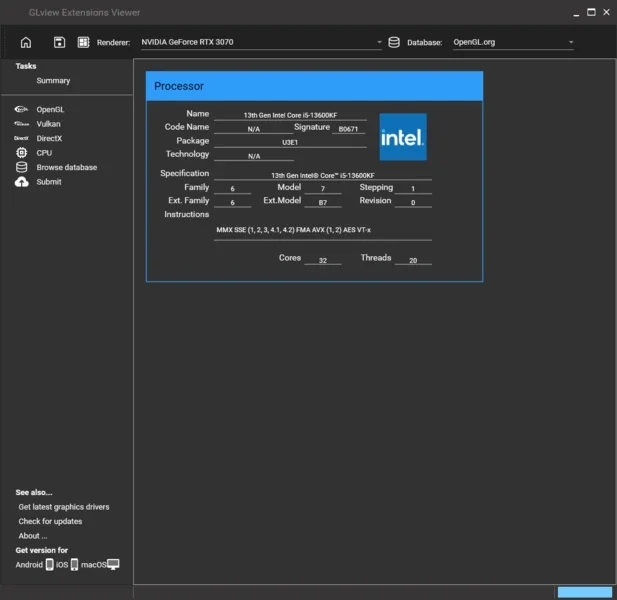
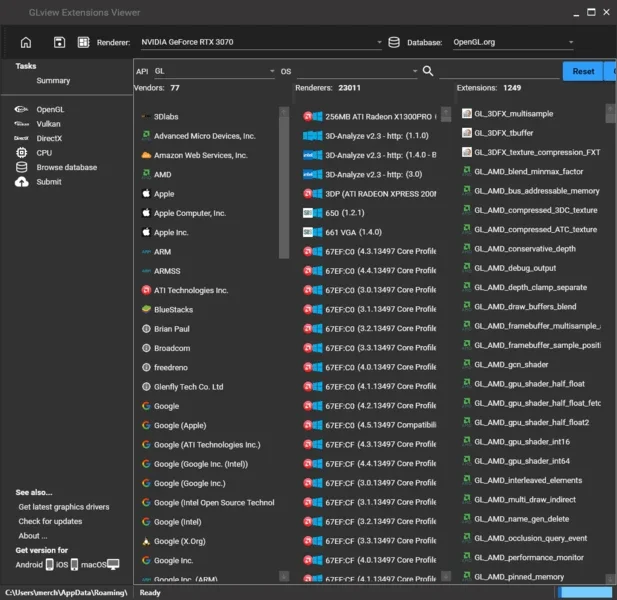
Description
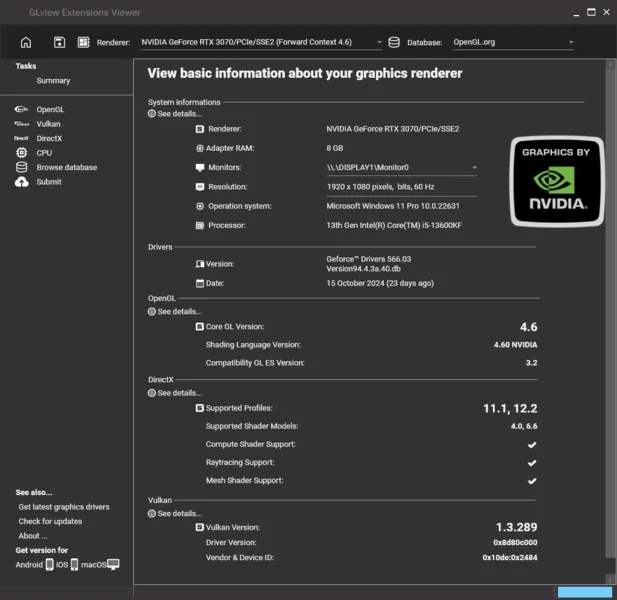
GLview is a graphics diagnostic tool for Windows. It reports what the graphics card can do, which is how you check a machine against the requirements of an app or game, or trace the cause of graphics acceleration trouble.
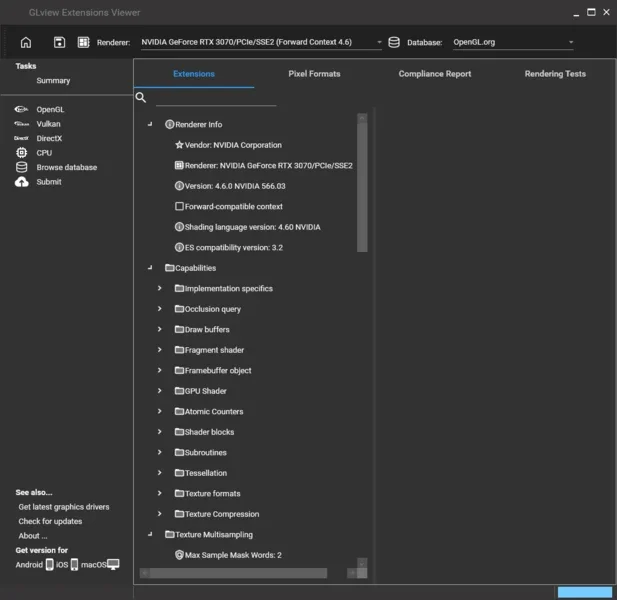
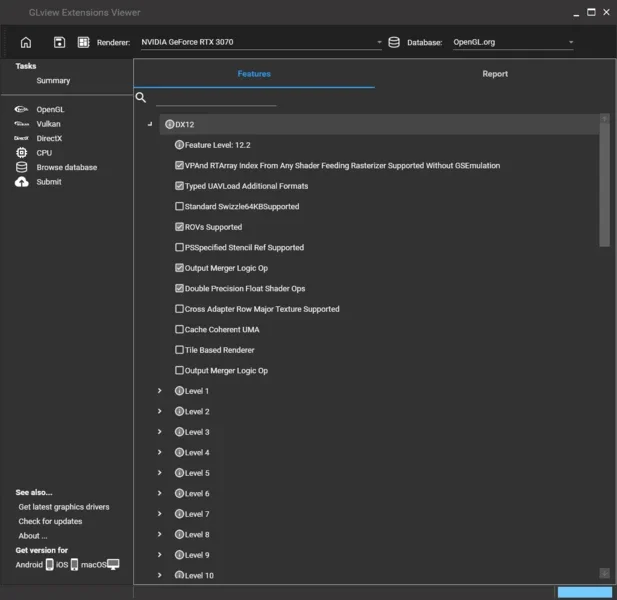
The core of it is per-API breakdown. OpenGL, OpenGL ES, Vulkan and DirectX are each examined against the hardware: what the card supports, which extensions are present, which specific features are exposed. DirectX 9, 11 and 12 can all be tested. For OpenGL and Vulkan the extension list is matched against what the driver reports, and features like shading and geometry modelling are covered. Extensions are worth checking because they differ between graphics card models and manufacturers, so two cards from the same family may not expose the same set. The extensions covered include those tied to shaders and to texture processing. Each DirectX version gets its own account of what is supported and what the GPU can handle.
Output is a report for each component, detailed enough to read feature by feature. That is what lets you identify which features the hardware actually has, rather than which ones the box claimed.
Download files
c12f0e26fe1689249ca7b1c5c386839aef4e9bea160d1cf00da47223620e4efb
No digital signaturef7c8889c83e5bda857c869230b556f449e88e9441637a9a51a010503a135e701
No digital signaturea331738214c9fbfe27b92fe25b1c5e082744335980f21aa13e327e27257fb0a5
No digital signaturedc49702319e7385fbf7b0e5e9b4d417e391421343c9723d9d841bddd8e615c27
No digital signature0760cad6c06db70e464d71bbdbe4ddd9b05d9b942b3d6fcce88626aac07eb485
No digital signatureSystem requirements
Available on:
Minimum OS:
Windows XP or later
Additional information
Developer
Latest release
Size
File type
SHA-256
c12f0e26fe1689249ca7b1c5c386839aef4e9bea160d1cf00da47223620e4efb