
GMail Drive 1.0.17 for Windows
SHA-256 listed
Mounts a drive that stores files as Gmail messages
All ages
Age rating
Screenshots
Description
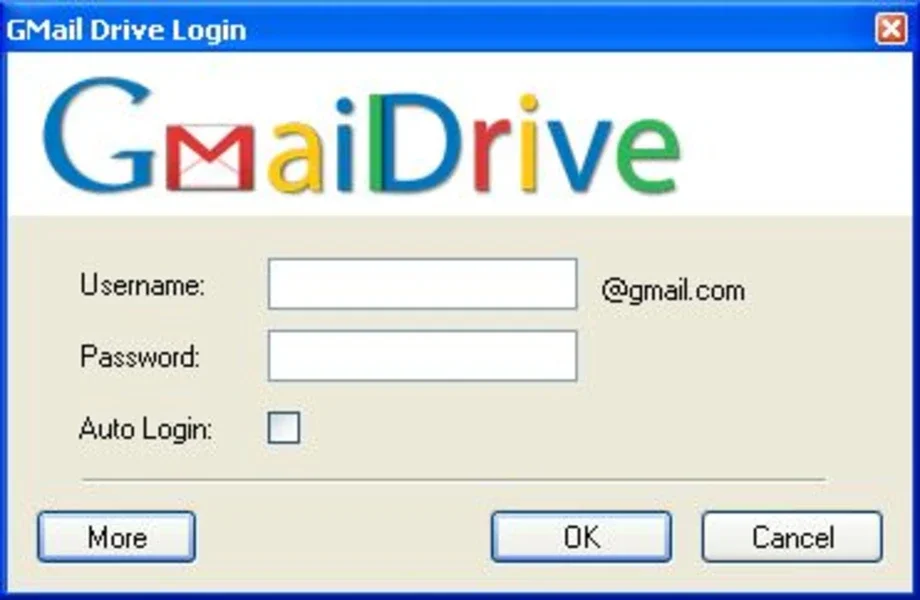
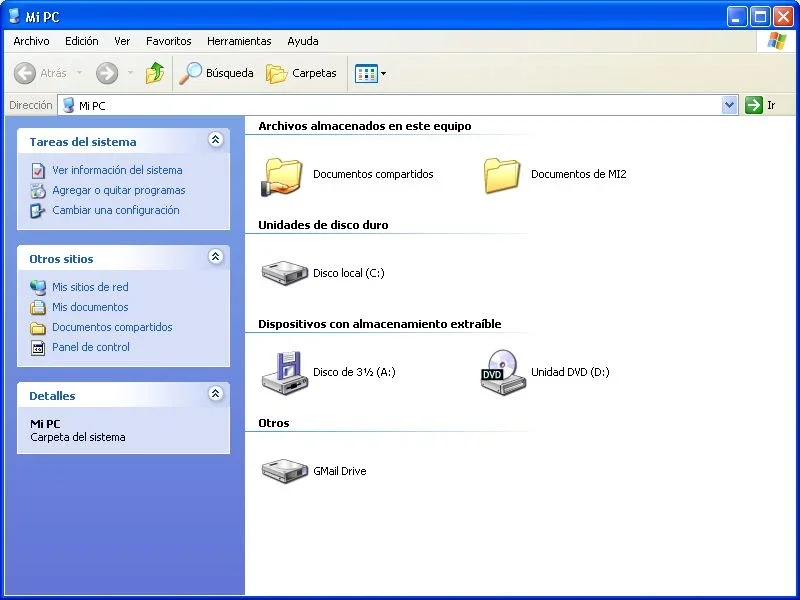
GMail Drive installs a drive into the My PC folder, and you work with it the way you work with any other drive. Copy files to it, open them, delete them. The storage behind it is the capacity your GMail account provides, so backups you save there sit online.
Each uploaded file becomes an e-mail with the subject GMAILFS. Those e-mails have to stay where they are. Delete one and the file it carries is gone.
Restoring a backup takes two steps: copy it back and use it. The program is free. Version 1.0.17 is the latest.
Download files
File1.0.17ZIP
Version1.0.17
ReleasedDec 9, 2010
Size366.2 KB
SHA-256
Get
36a2862e5a30af4910052de61b028060b3d40c2926d6f923b79628f0c771d9b7
System requirements
Available on:
Additional information
Developer
Latest release
1.0.17 · Dec 9, 2010
Size
366.2 KB
File type
ZIP
SHA-256
36a2862e5a30af4910052de61b028060b3d40c2926d6f923b79628f0c771d9b7