
Microsoft Outlook 16.0.19725.20152 for Windows
Email and calendar client for Windows with a customizable interface
You are on macOS — this is the Windows version. See the macOS version
Screenshots
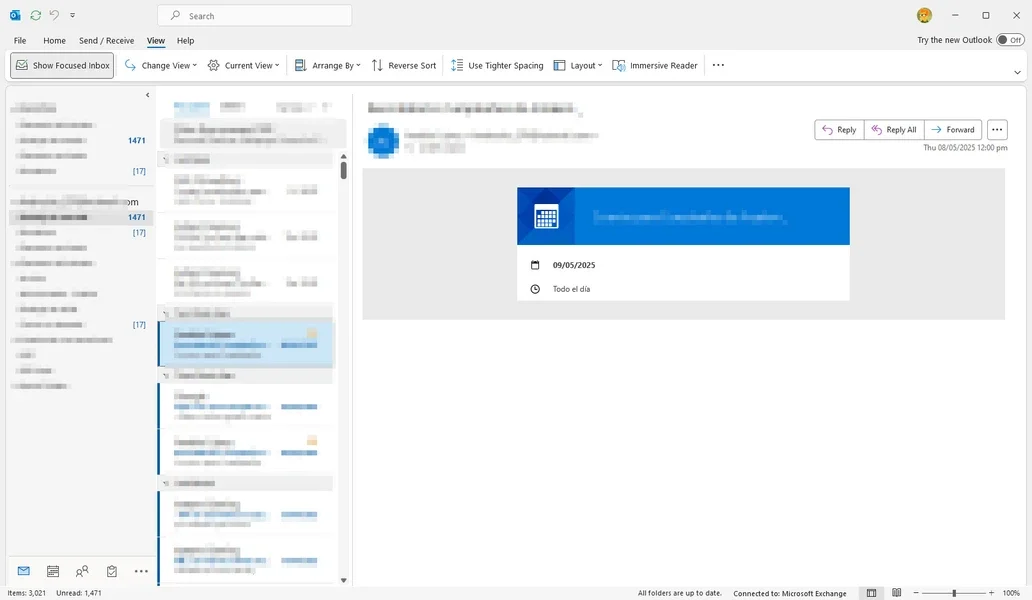
Description
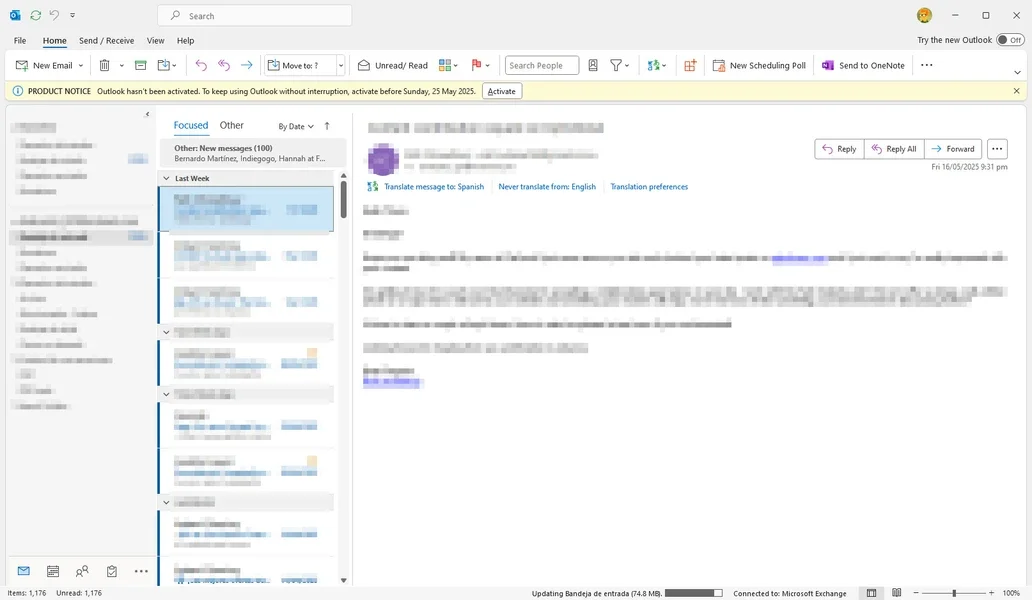
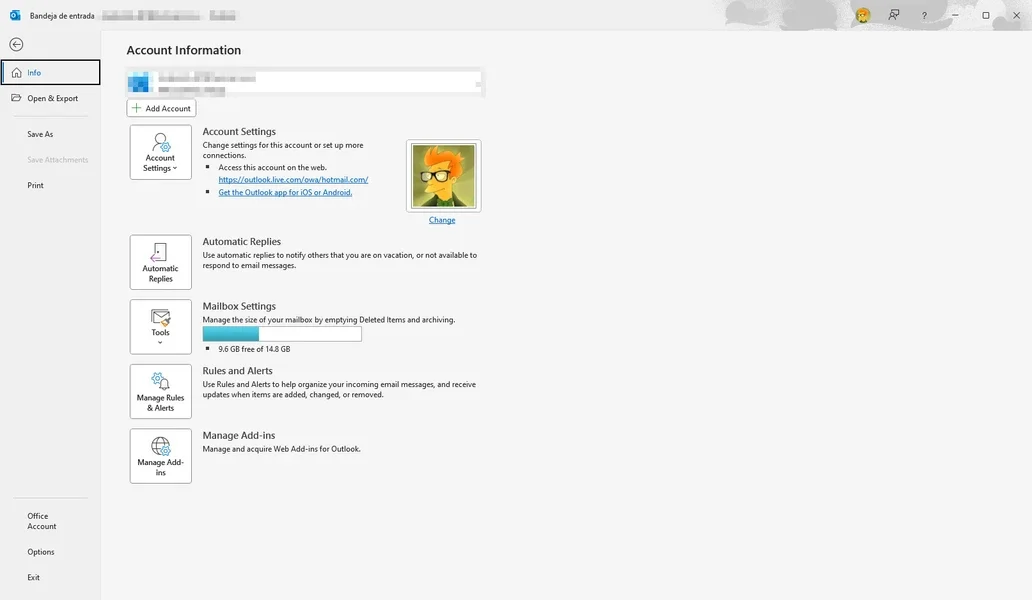
Microsoft Outlook is Microsoft's email and calendar application for Windows. To start using it, you log in with your Microsoft email account; after that, the inbox syncs, which can take anywhere from seconds to minutes depending on how much mail you have.
Additional email accounts can be added, and several inboxes can be managed at once from the same interface. The calendar stores appointments on the Microsoft calendar and shows notifications on the desktop when they come due. Calendar syncing works the same way. The mobile app can sync notifications and reminders as well.
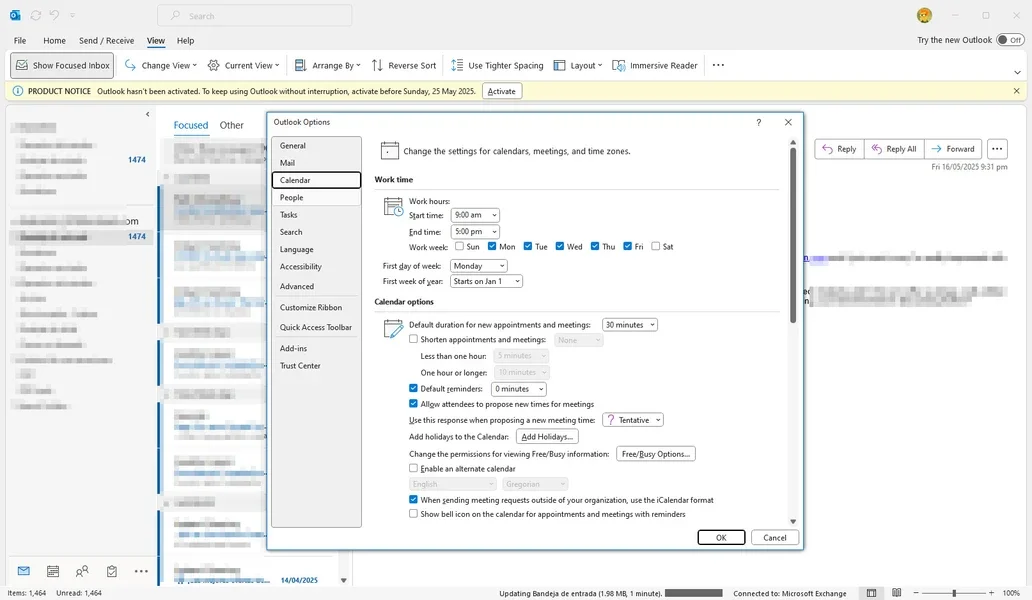
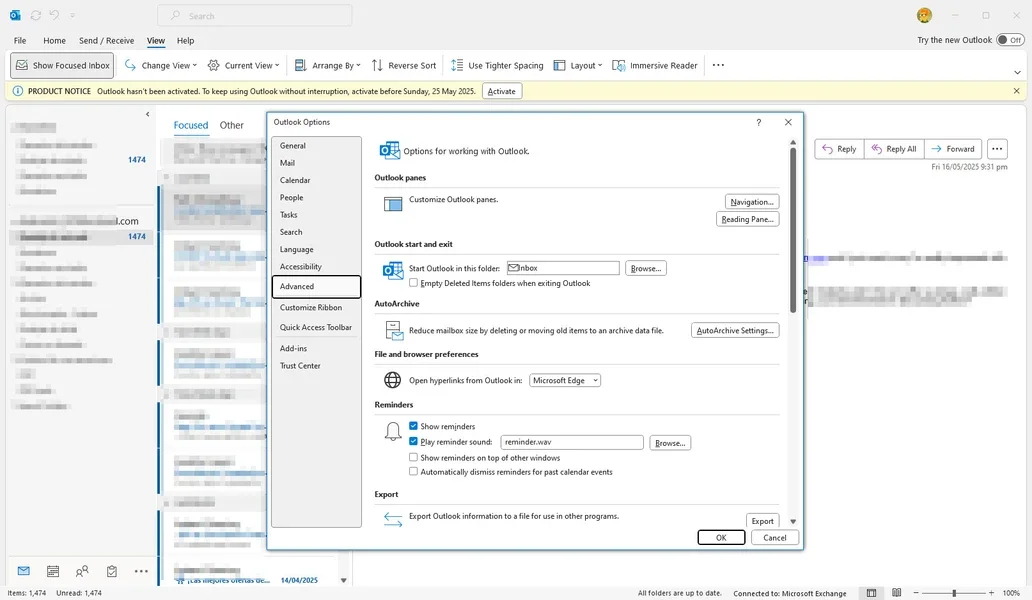
This version lets users keep using the classic client and skip many features added to the new Outlook. The interface can be customized in detail, including column size, tag color, and light or dark mode, so the app's look and feel can be changed substantially. It is a multi-featured email client suited to casual users and to those managing several accounts and mailboxes at once.
Download files
596979165403bd24f08dde6f07544b91a8871dfe1364b29c5a0cca8e3701eec4
Signed by Microsoft Corporation · valid until Jun 18, 20264400616a704f70c7c1c597a62b3369b610dbdfdf3b1502b989245ac16d5c6f2c
Signed by Microsoft Corporation · valid until Jul 5, 2025System requirements
Available on:
Minimum OS:
Windows XP or later
Additional information
Developer
Latest release
Size
File type
SHA-256
596979165403bd24f08dde6f07544b91a8871dfe1364b29c5a0cca8e3701eec4