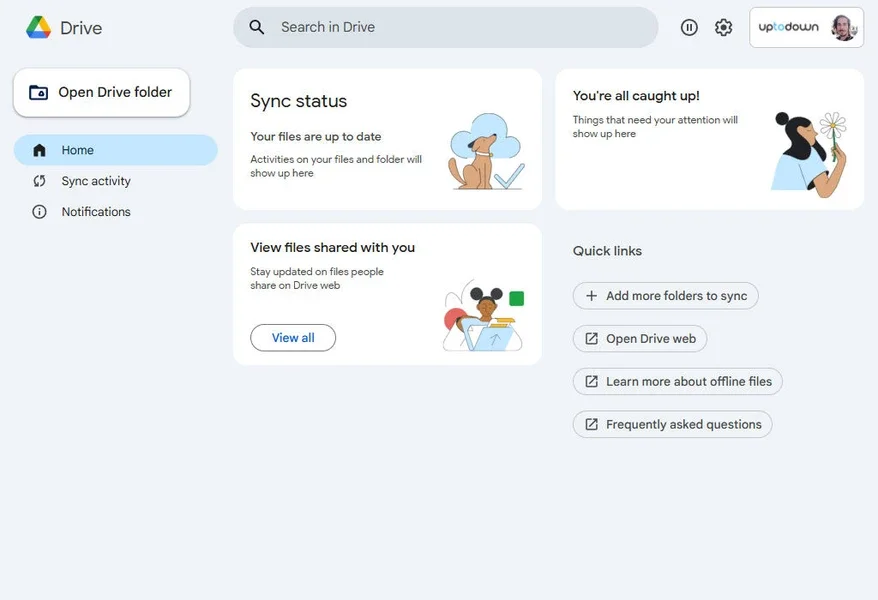

Google Drive 134.0.1.0 for Windows
Signs in with a Google account to sync folders and disks to the cloud
You are on macOS — this is the Windows version. See the macOS version
Screenshots
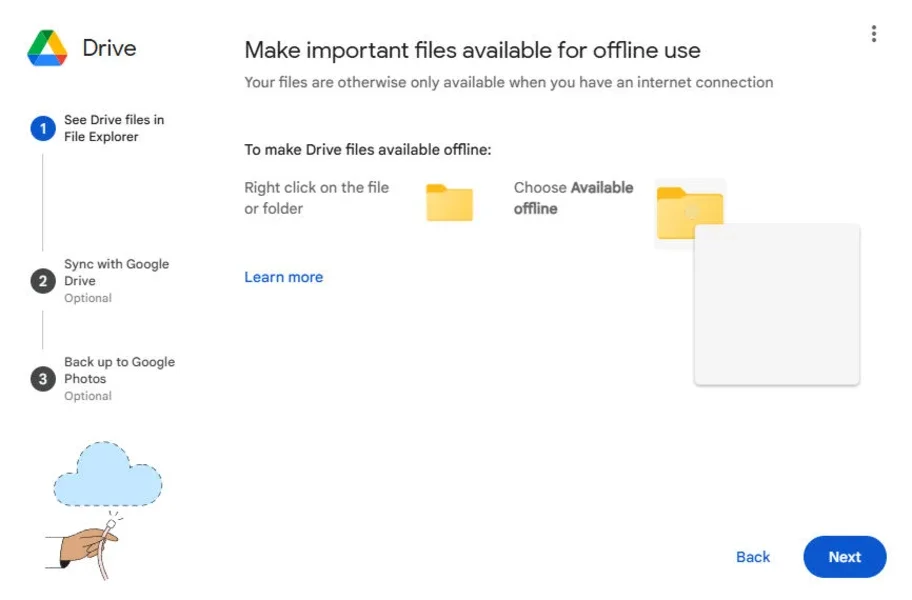
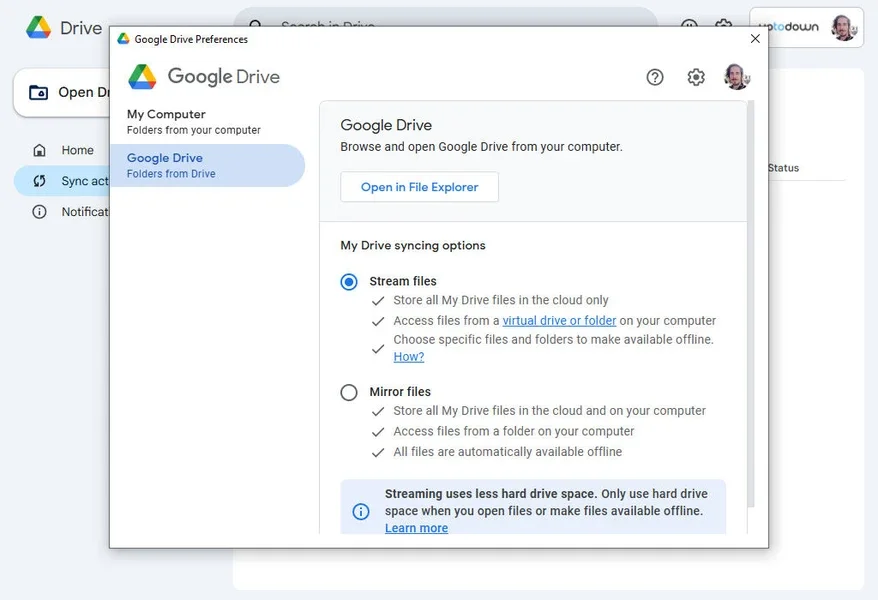
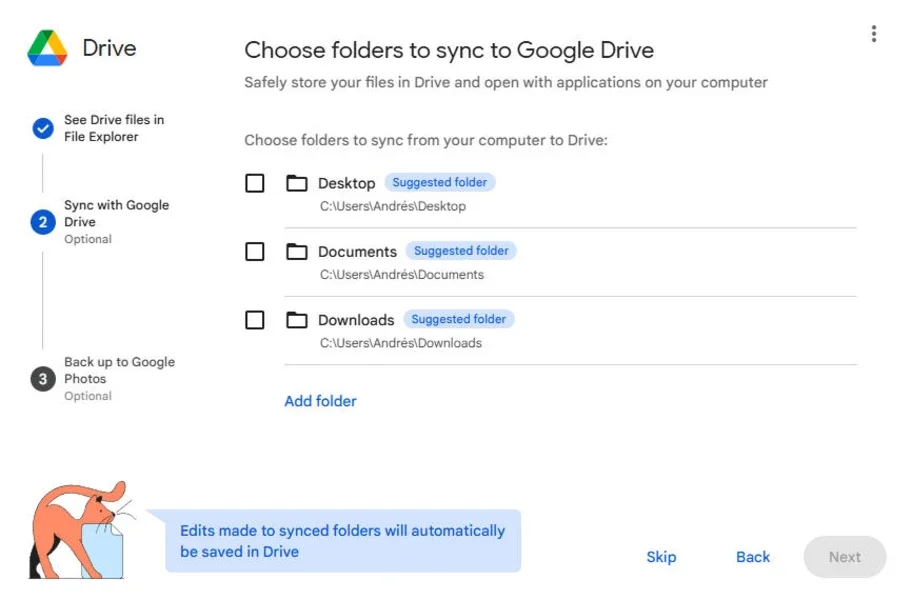
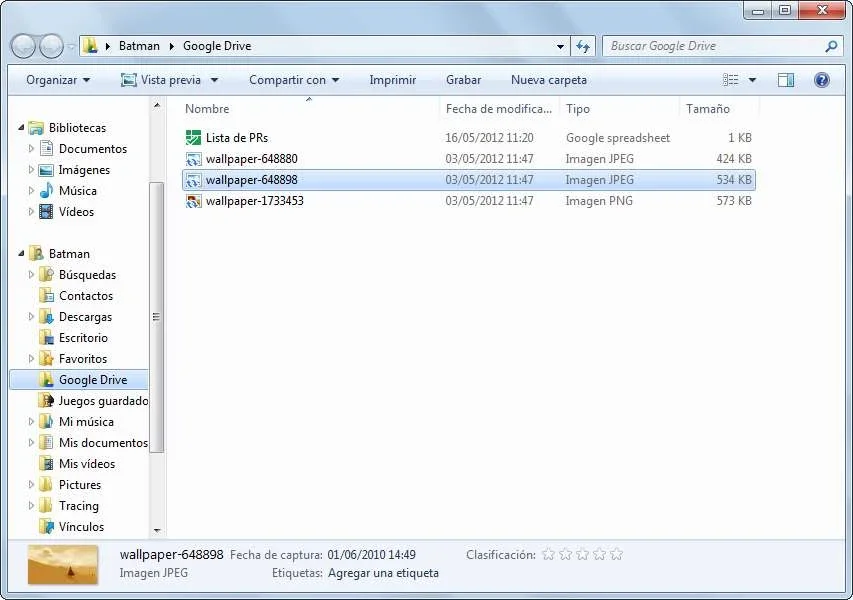
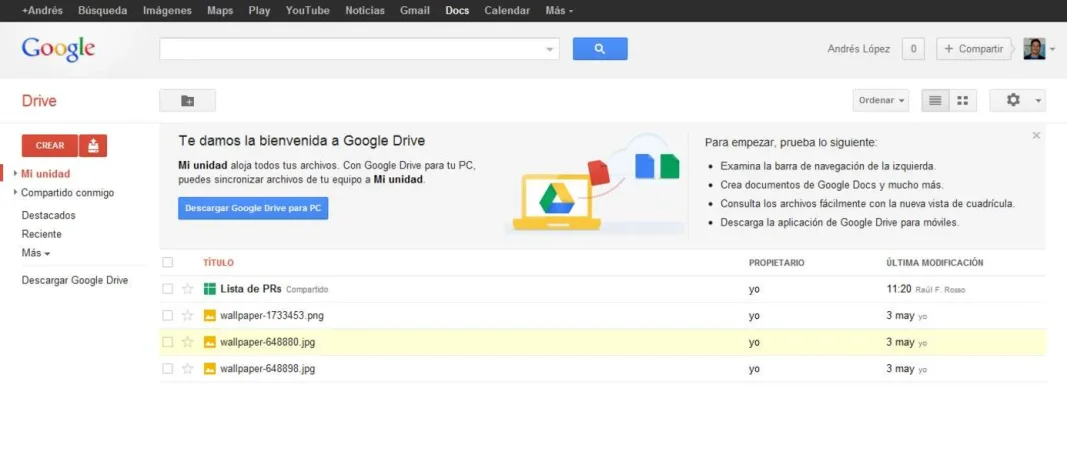
Description
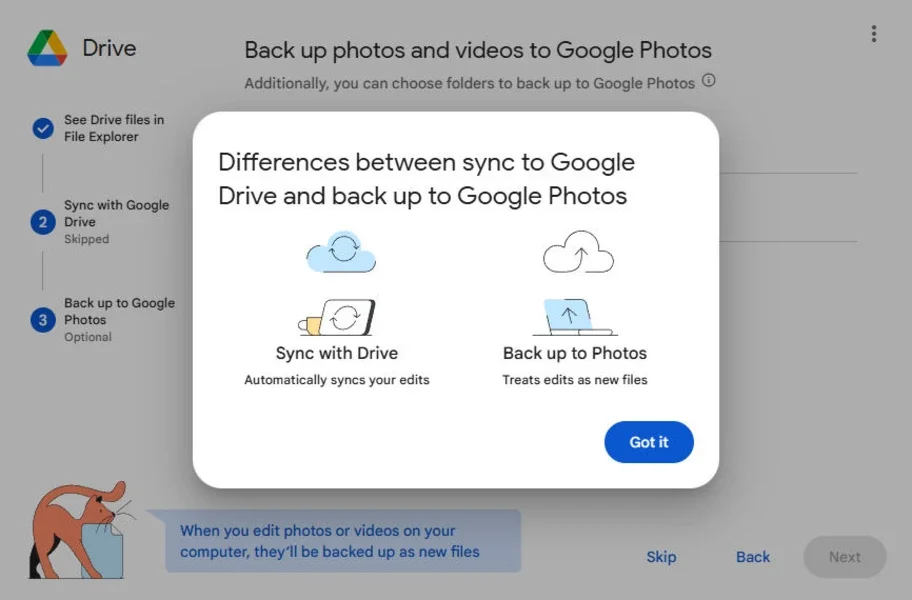
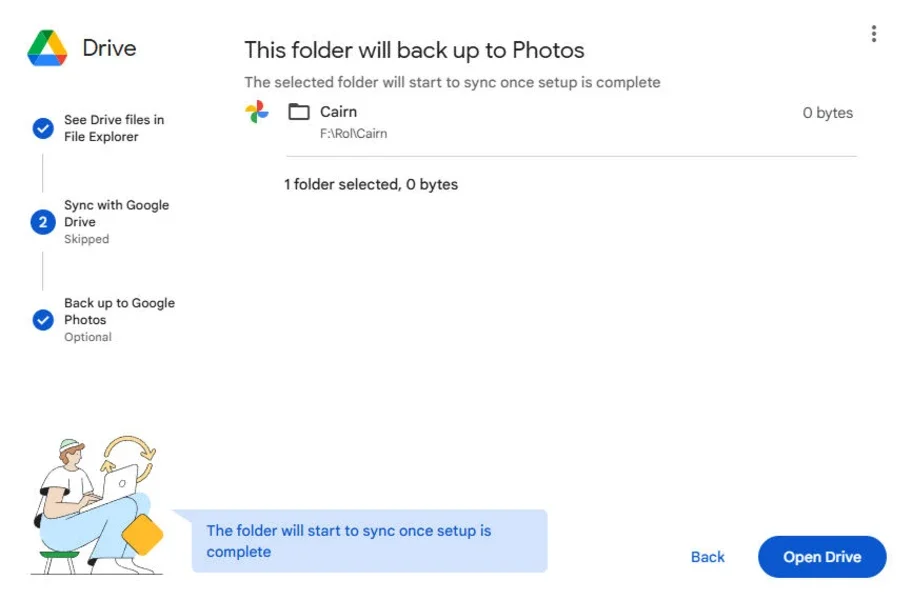
Google Drive syncs selected folders or whole disks to Google's cloud storage, keeping their contents updated and saved online. It is Google's official client for that service on Windows, and you manage your files from the program.
Signing in and storage
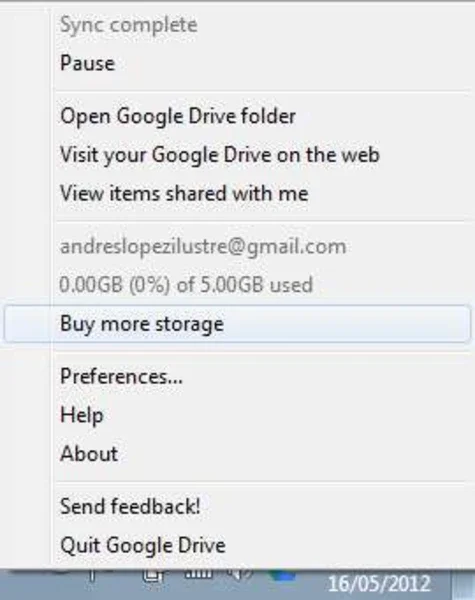
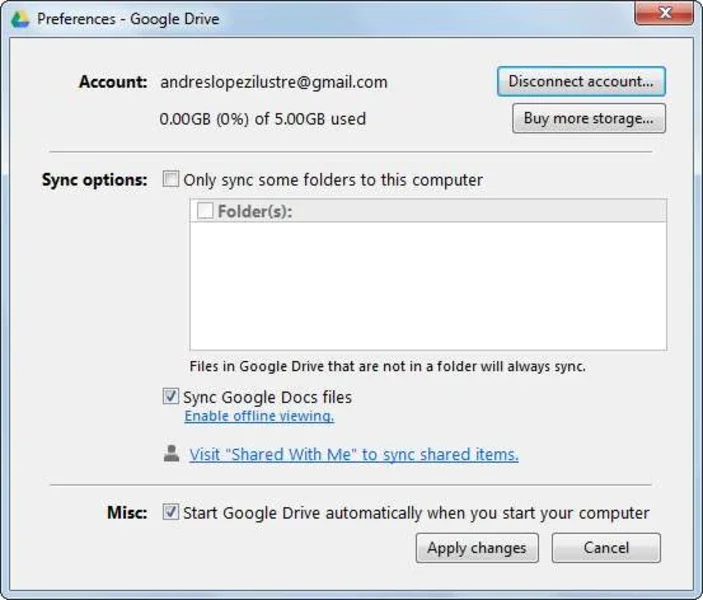
After installing, you sign in with a Google account to begin syncing. Dragging a file into the shared folder uploads it automatically and links it to that account. An uploaded file can then be downloaded again from any other PC. The free subscription allows up to 15 GB, covering photos, videos, and any other file type. Paid subscriptions raise that limit: Basic gives 100 GB, Standard 200 GB, and Premium 2 TB. The client also integrates with other Google products.
Download files
2e723b70b0f6693fb4c9b5e63dc1f484e4874f5a8cbdd2c28c5c392517f95f8e
Signed by Google LLC · valid until Apr 10, 20270b05cafc98a7e360add5e9b0b5911b11af535256fa4e350ef880fddf3ce4454c
Signed by Google LLC · valid until Apr 10, 20276ab7af8224736d4b6f0b06345f5bdc78a664c0a995973c0b1b38c3a0ad5cd853
Signed by Google LLC · valid until Apr 10, 2027d1eadc7cb0c4072316cba751d0d981533edd96957f9130c2b4eb543384c7f3a0
Signed by Google LLC · valid until Apr 10, 20273fcdf80dea25a1af139996e5126ab3b88517e8257eef6f81dc9973c12cc372aa
Signed by Google LLC · valid until Apr 10, 2027System requirements
Available on:
Architecture:
64-bit
Additional information
Developer
Latest release
Size
File type
SHA-256
2e723b70b0f6693fb4c9b5e63dc1f484e4874f5a8cbdd2c28c5c392517f95f8e