Google Gemini 156.0.8067.0 for Windows
Desktop AI assistant that works alongside your other apps
You are on macOS — this is the Windows version. See the macOS version
Screenshots
Description
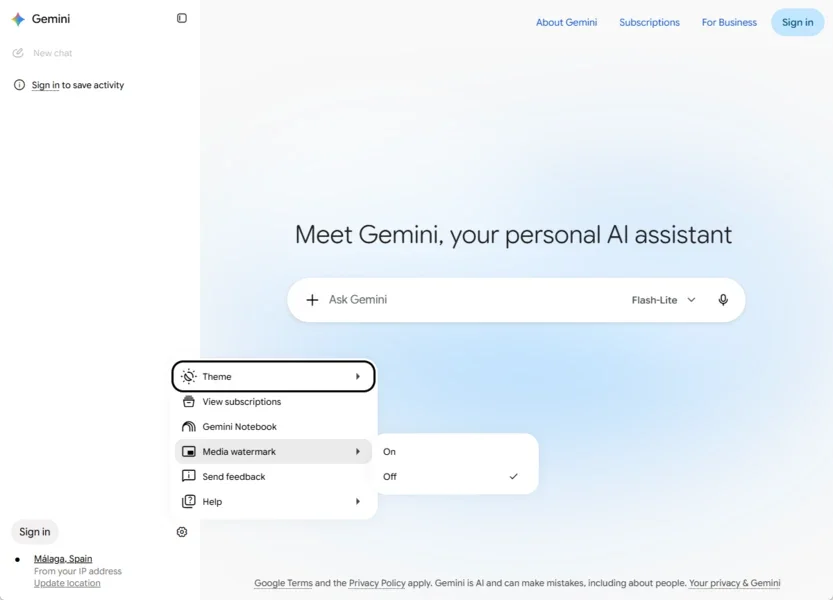
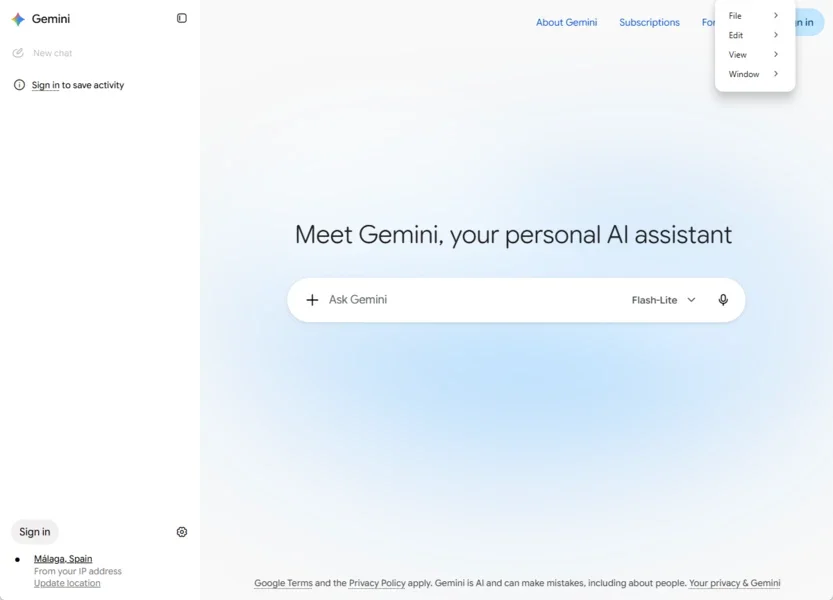
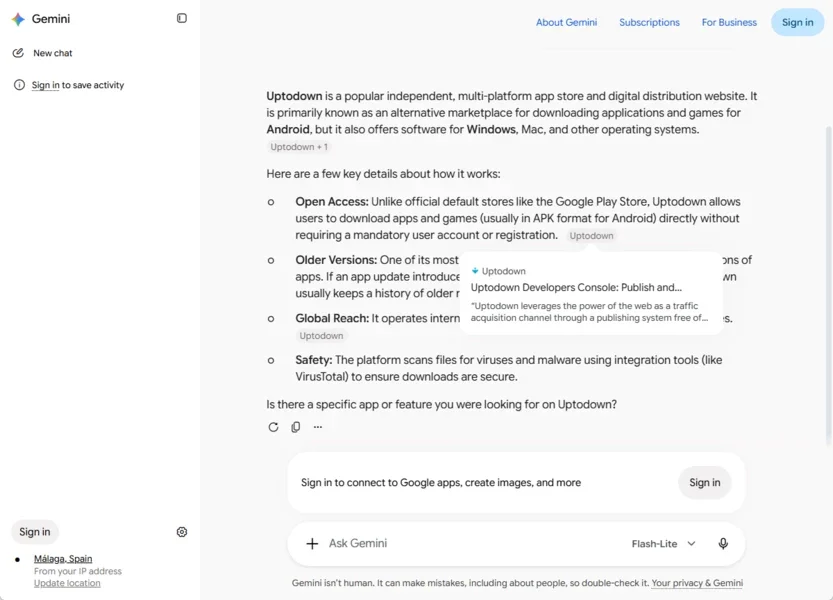
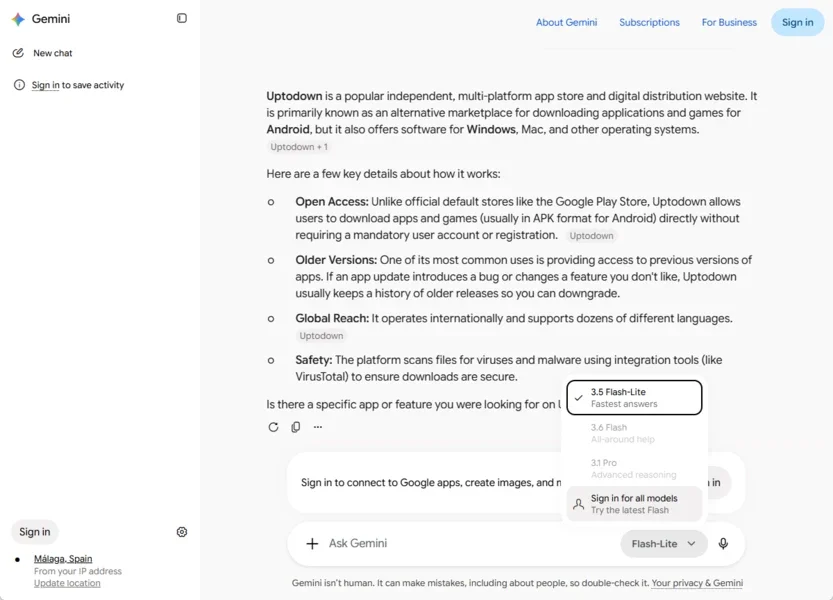
Google Gemini opens with Alt + Space, so you can call it up without leaving the app you're working in. Ask questions, check information, draft text, work out ideas, or reach for AI tools while your current task stays open. The shortcut can be changed in the app's settings.
- Gemini Spark is an AI agent for research, planning, and pulling information together.
- Gemini Omni handles video creation.
- Nano Banana makes personalized images.
It connects to Gmail, Google Drive, Docs, and Calendar, so it can search your email, summarize shared documents, and compare information from different sources. Beyond single queries, it can organize information and run multi-step processes. Some features depend on the system, account, and AI plan, and some are only in the paid version.
Download files
59780221be966c1852b15e1ef5731aa65e87623a77d8374d8614180462218387
No digital signature62a10c2275d84a31a46d9eb1c569aa4ad940abd8cea888965e1d595444d2d184
No digital signatureSystem requirements
Available on:
Minimum OS:
Windows XP or later
Additional information
Developer
Latest release
Size
Category
File type
SHA-256
59780221be966c1852b15e1ef5731aa65e87623a77d8374d8614180462218387