
Google Software removal tool 5.39.1 for Windows
SHA-256 listed
Finds and removes software that affects Chrome, no install needed
3+
Age rating
Screenshots
Description
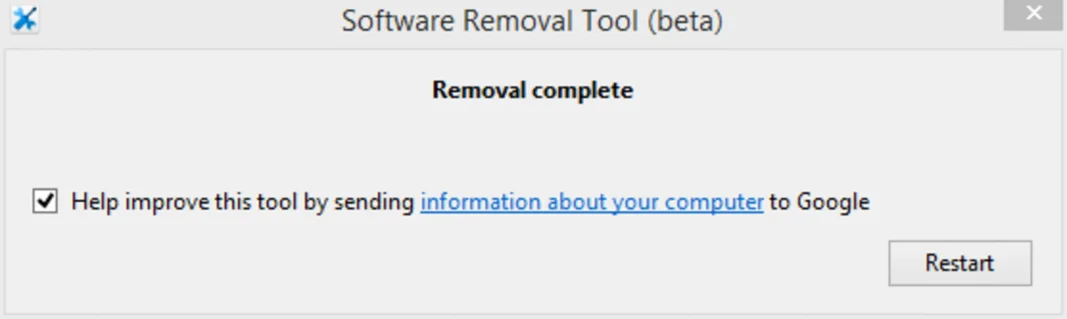
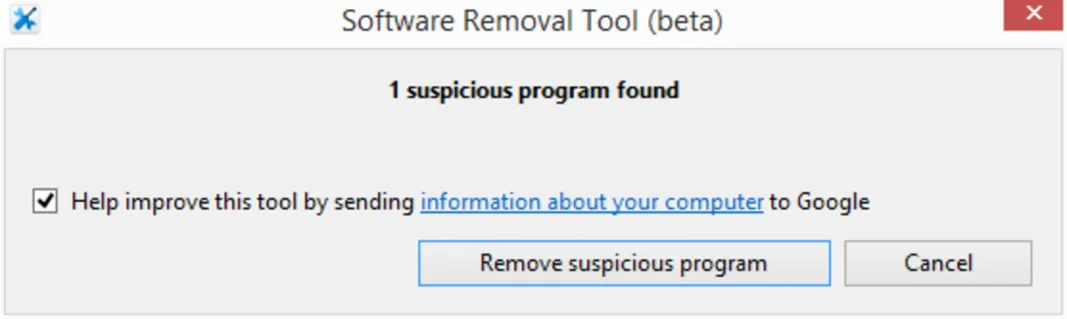
Google Software Removal Tool automatically detects software affecting the Chrome browser, including software the user did not know existed. There is no installation step. You can keep it on a USB drive and run it from there on whatever computer needs it.
Scanning and resetting Chrome
After the scan of the browser finishes, the computer restarts on its own. Following the restart, the tool asks whether to return Chrome to its factory settings. Restoring factory settings ends anything that was slowing down browsing. This is not an antivirus and does not prevent malware.
Download files
File5.39.1EXE
Version5.39.1
ReleasedDec 24, 2015
Size4.3 MB
SHA-256
Get
6b8e621644afaefd6cfd7dcb300aec9f5e210689cdfcb03c6b13dd7d9b767d41
Signed by Google Inc · valid until Jan 29, 2016Filegoogle-software-removal-tool-3.27.0.exeEXE
Version3.27.0
ReleasedJul 23, 2015
Size3.9 MB
SHA-256
Get
b4eb603302181ec909c83e8adee8ab085f8aedaa81785e11c1e44724a55bc123
Filegoogle-software-removal-tool-2.80.exeEXE
Version2.80
ReleasedApr 20, 2015
Size4.2 MB
SHA-256
Get
fa86982fa7466d4598ed08effa665c323d9f2d880db45b67223beb43088a15df
Filegoogle-software-removal-tool-Beta.exeEXE
VersionBeta
ReleasedSep 26, 2014
Size4.4 MB
SHA-256
Get
002ecbd5281ed6c3de861d55e526b4967573a32166f91730eda15d8578de9a77
System requirements
Available on:
Additional information
Developer
Latest release
5.39.1 · Dec 24, 2015
Size
4.3 MB
Category
File type
EXE
SHA-256
6b8e621644afaefd6cfd7dcb300aec9f5e210689cdfcb03c6b13dd7d9b767d41
Digital signature
Signed by Google Inc · valid until Jan 29, 2016