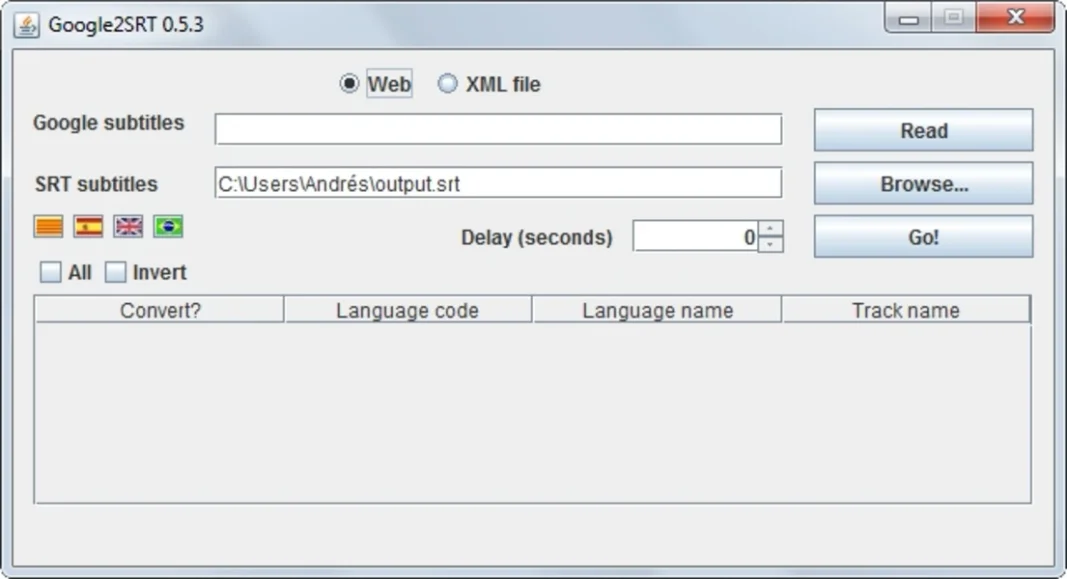

Screenshots
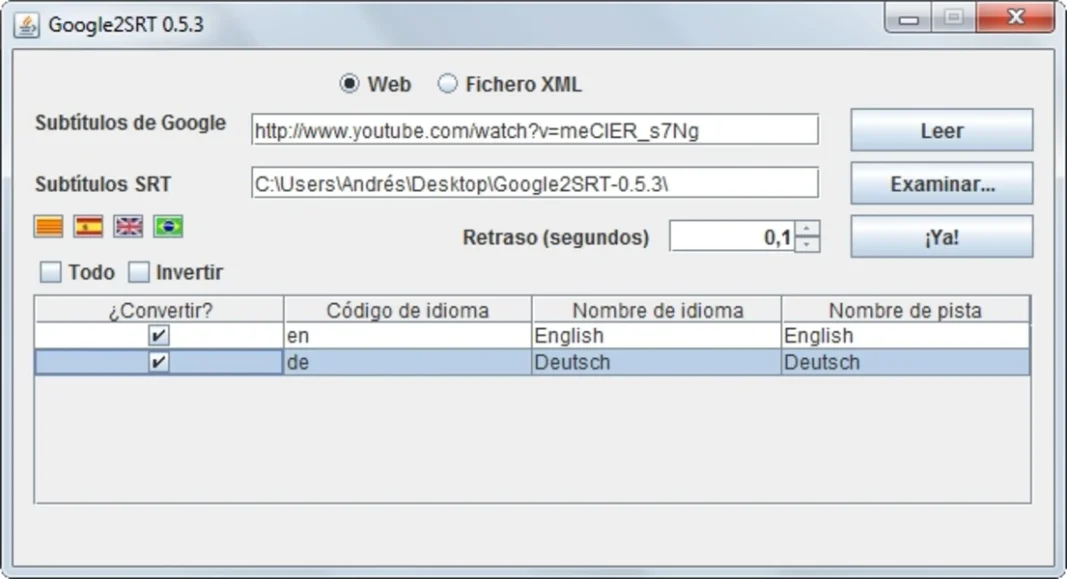
Description
Paste a YouTube video URL into Google2SRT and it fetches the subtitle tracks that are available for that video. Finding tracks and downloading them is the whole job. YouTube serves non-embedded subtitles, its Closed Captions, through its own system; this program pulls those tracks down and converts them to SRT.
When a video has several subtitle tracks, you pick the language you need before anything downloads. Then you select an output folder, and the process is done: a URL, a language, a save location. The files land as SRT, a format most video players and subtitle editors read without trouble. From there you can load the saved captions alongside a local video, review them in an editor, or keep them for later reference. If you need SSA, SUB, or another format, the SRT file converts with separate software. There are no tools here for writing or correcting subtitles, so nothing in the program edits the text itself.
It runs on Windows and is free.
Download files
bcc43a2b50f82373122382adf0e17b0bd3bb0170fd58d74c4582b52faa73a7de
System requirements
Available on:
Additional information
Developer
Latest release
Size
File type
SHA-256
bcc43a2b50f82373122382adf0e17b0bd3bb0170fd58d74c4582b52faa73a7de