
HeliosPaint 1.7 for Windows
Java image editor with Paint-style tools and extra options
You are on macOS — this is the Windows version. See the macOS version
Screenshots
Description
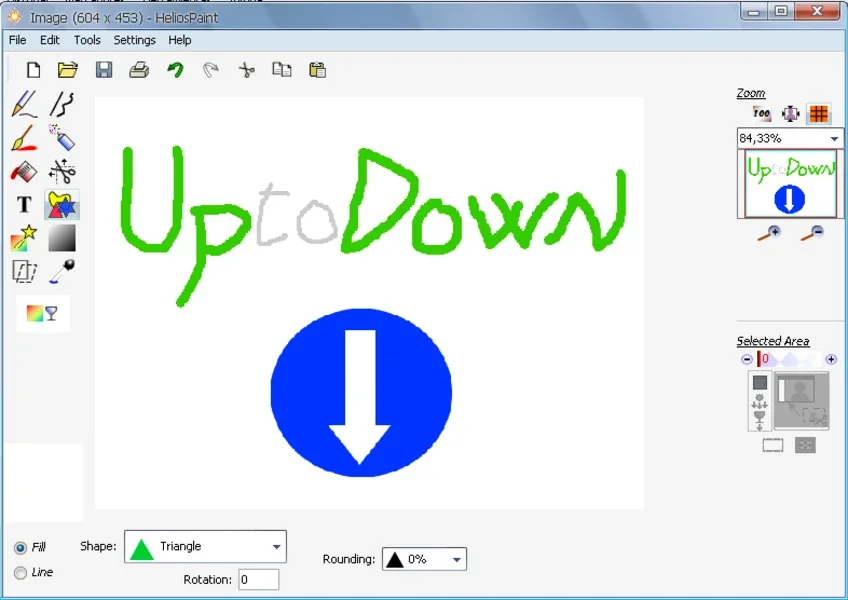
Draw a bezier curve with HeliosPaint's line tool, or keep it to freehand strokes and point-to-point lines. Line type, end format, width and connector type are all selectable. The pencil, paintbrush, line, fill, shapes and text tools mirror the original Paint set, and every tool has extra options that change how it behaves. Selection is handled by a magic wand, a lasso or a marquee tool. The program can flip, rotate, resize and focus the image you're editing. Written in Java, it adds features beyond what standard Windows Paint does. Files can be saved as JPG or JPEG, BMP, GIF, PCT or PICT, PCX, PGM, PNG, PPM, PSD, RAS, TGA, TIF or TIFF, and XPM.
HeliosPaint 1.7 is free and runs on Windows. The developer is D.J.B. Osborne, and the license is proprietary.
Download files
a1794550b50928ca8fdfb4c20f08285c8ad16e2a6b6c4ead8fd7486ac0a5d405
No digital signature50109cbc7223d78b6f602f0ec495a17f5e429398a1c11205207d039d2841b5ad
No digital signatureaed2b4084c3ed13b0689818cdcef0c8a5fd51d64aa63d1643fc3de713d80be59
116ee754aa99eb985d678c4e0f020dd3778b4f2dbfd0b0249c28682782c8098a
0cef8cd95911f3997dafe45afd45c2cb8bb4a39673b02456ac9f015fe12af372
System requirements
Available on:
Minimum OS:
Windows 2003 or later
Additional information
Developer
Latest release
Size
Category
File type
SHA-256
a1794550b50928ca8fdfb4c20f08285c8ad16e2a6b6c4ead8fd7486ac0a5d405