
HFS 24.20.0 for Windows
Turns your PC into a web server and shares chosen files directly
You are on macOS — this is the Windows version. See the macOS version
Screenshots
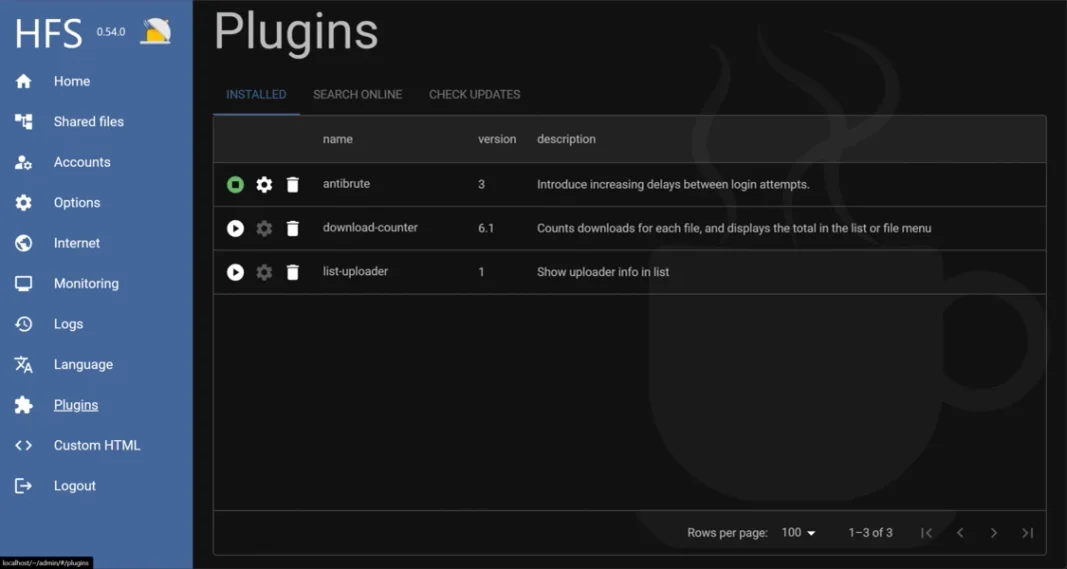
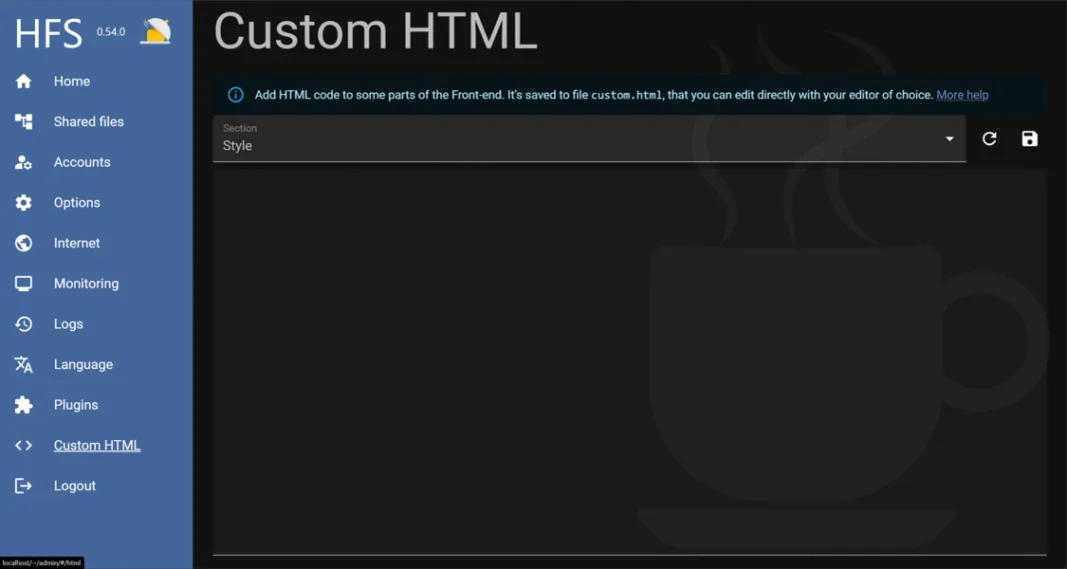
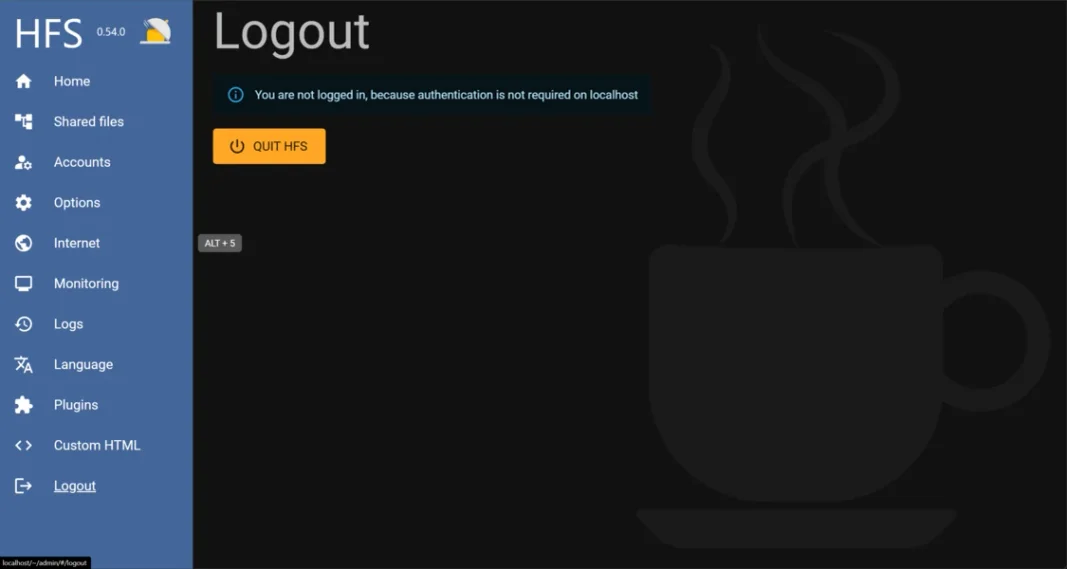
Description
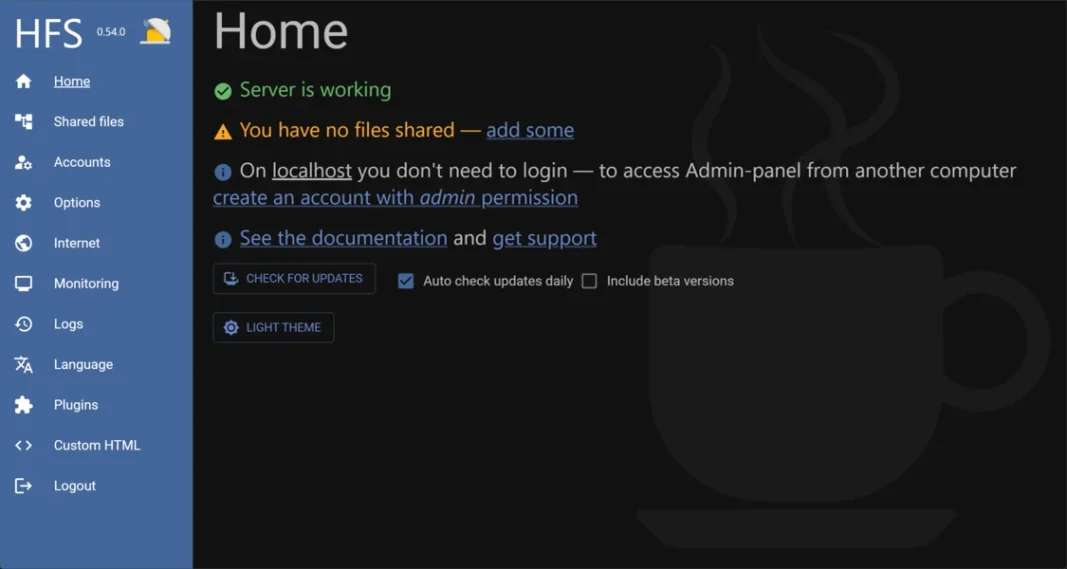
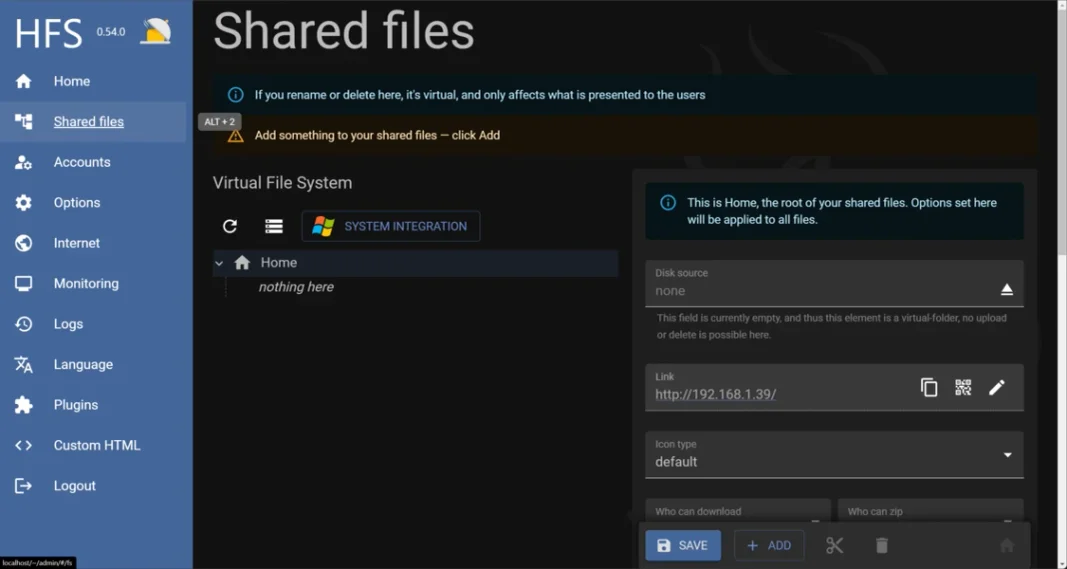
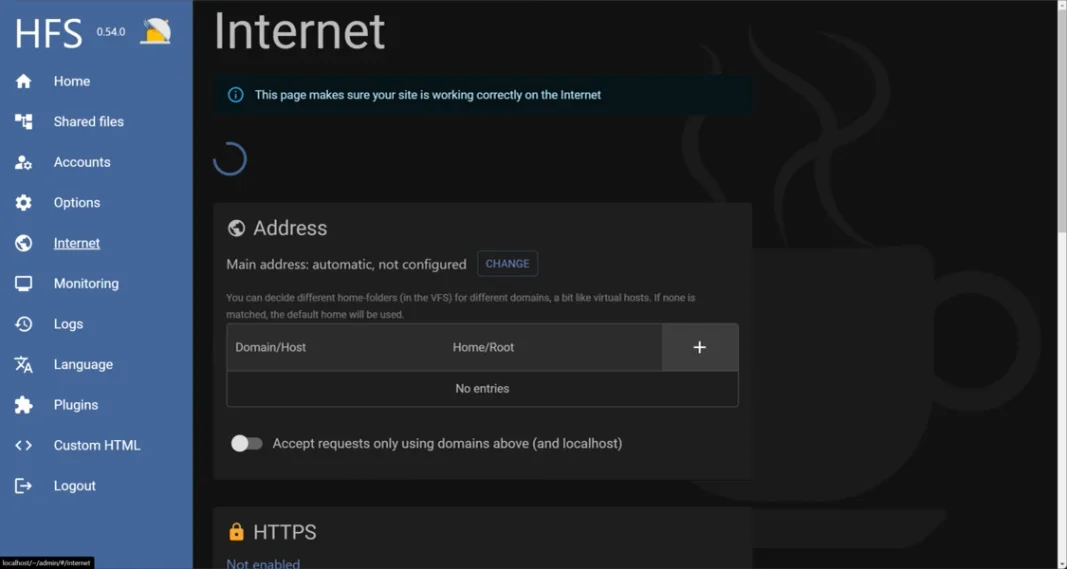
HFS turns a Windows PC into a web server. You pick the folders and files to share, and HFS generates a link that authorized users can open. The files stay on your computer; nothing is uploaded to the cloud and no intermediary is involved. No prior experience with web servers is needed.
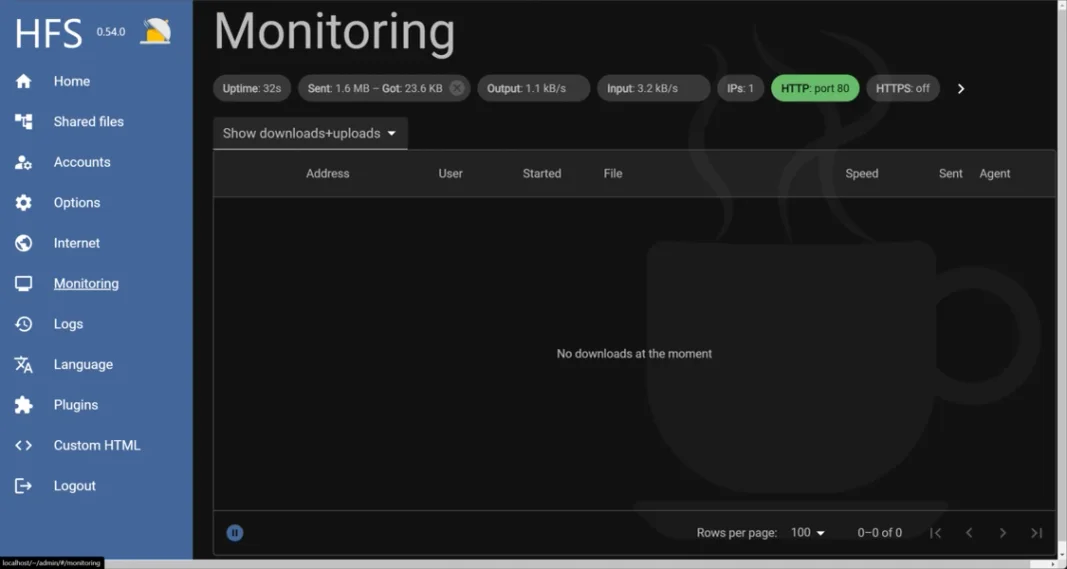
- Server activity visible in real time
- A detailed list of active connections
- A view of which files are currently transferring
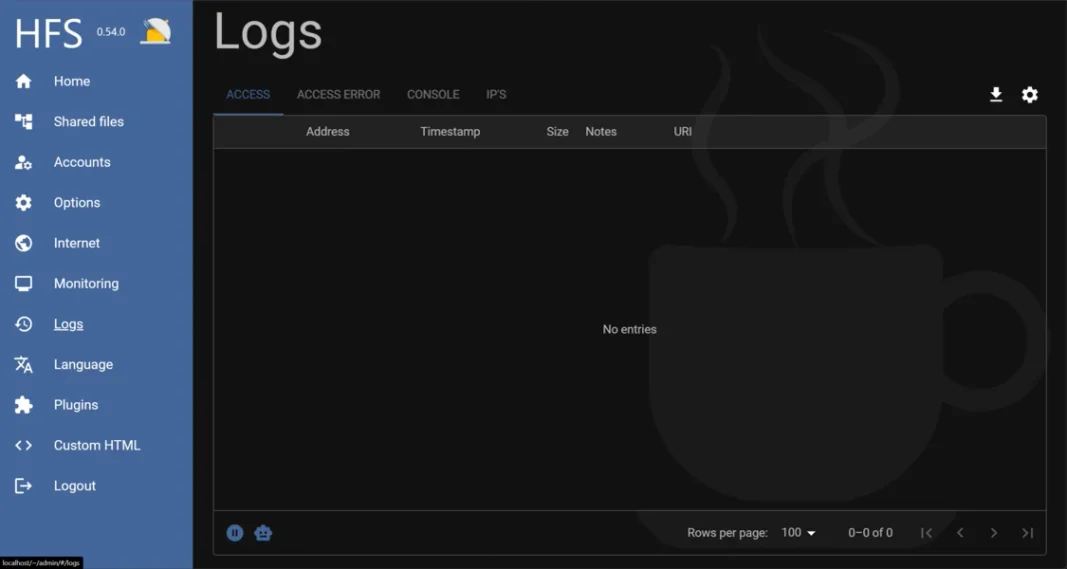
- A log recording what users have done
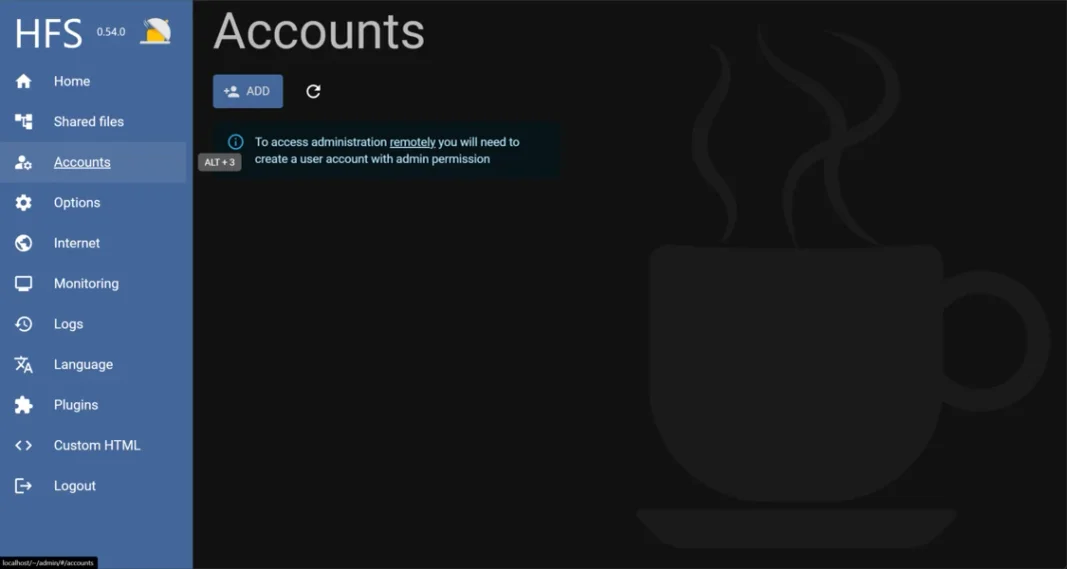
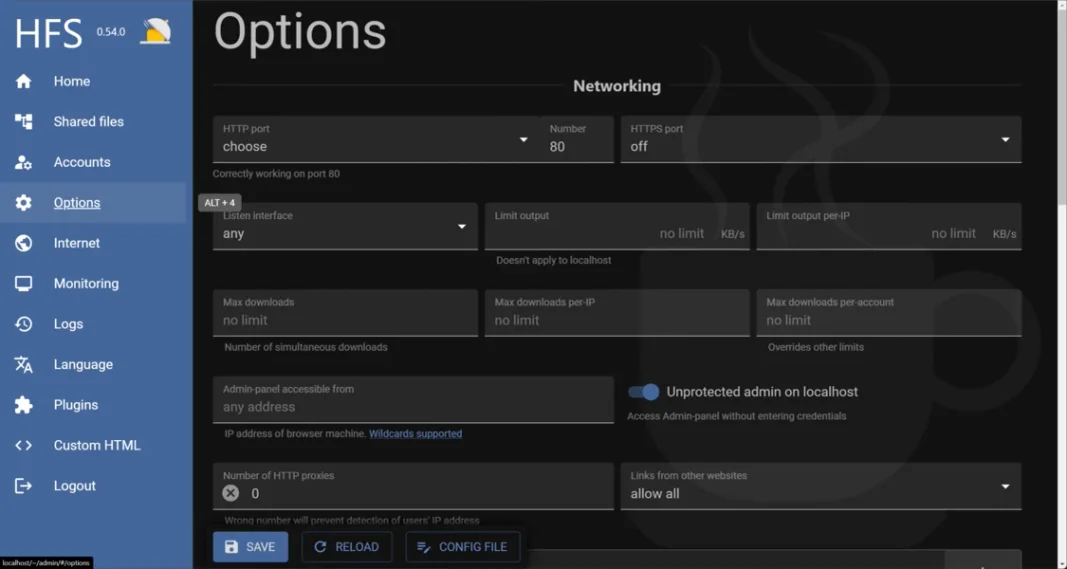
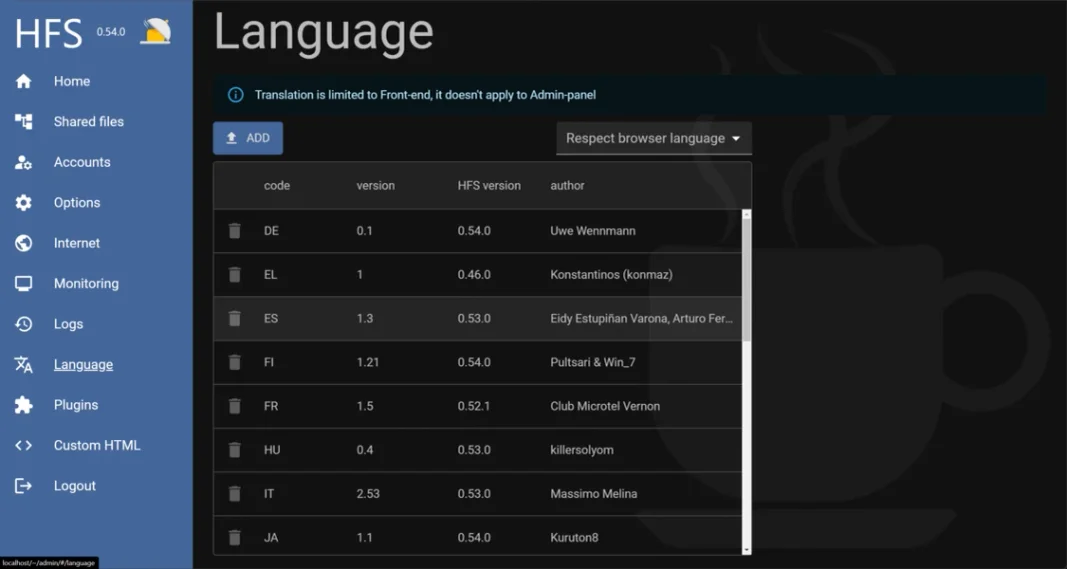
Access to shared files can be protected with passwords, and specific permissions control what each user may view and download. Certain connections can be blocked. The look of the server interface can be changed, and HTML templates let you customize the structure and design of the generated website.
Download files
2021648c72e5ee0b78eb67e7f68bfde069acc753776d8d6e66afc4a8ec4569ca
8e68f5df65d0fb872bbcfe3a9b38f3fb6b11e613c52ddd9cc3493ee4fa883743
4b7b46487f58b7a7a06d361a60af4961dfb6a4a1999d2edb3662c94f9852675a
9172965da16b19bfc794be48b373fd70b37b17f3d0eed20cfe7604382a9f912d
9a73ce0df1b3b775159c2615f70c353ea81bac5f7ae4cc9101d4f46d77e388c0
System requirements
Available on:
Minimum OS:
Windows XP or later
Additional information
Developer
Latest release
Size
File type
SHA-256
2021648c72e5ee0b78eb67e7f68bfde069acc753776d8d6e66afc4a8ec4569ca