
HotKeyMan 01.00.01.00 for Windows
SHA-256 listed
Assigns keyboard shortcuts to apps, documents and window actions
All ages
Age rating
Screenshots
Description
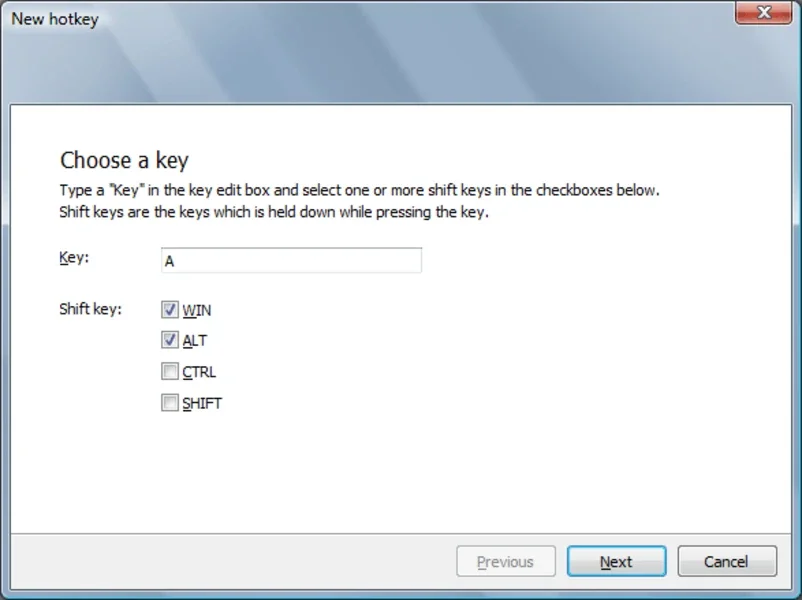
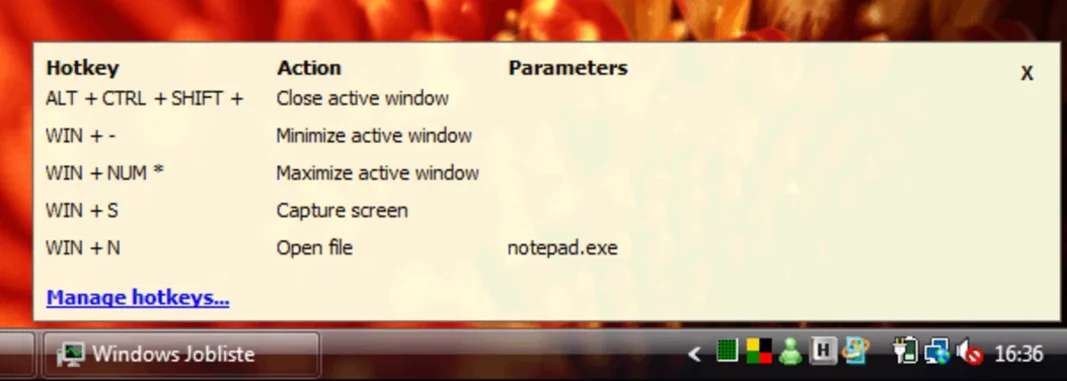
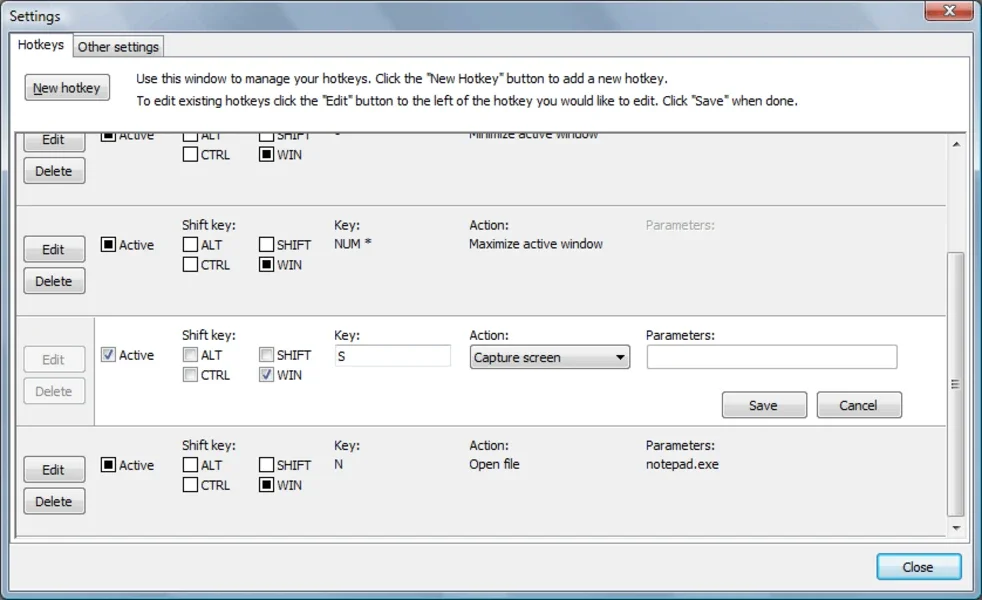
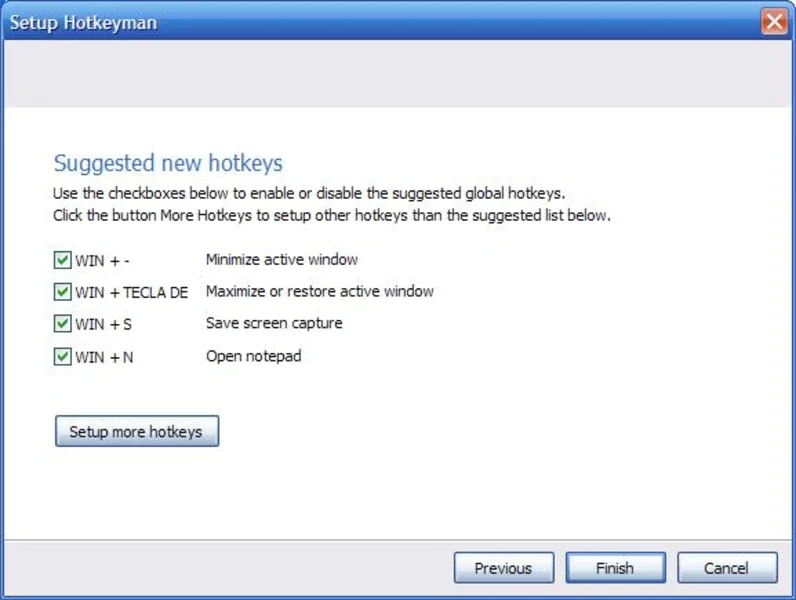
Press a key combination and a document opens, an application starts, or the active window maximizes, minimizes or closes. HotKeyMan assigns those combinations, and it can also map one to a screen capture, to shutting down Windows or to logging off. Shortcuts are edited and set up in the program itself.
It runs from an icon in the Windows system tray. From that icon you can refresh the shortcuts you already have or create new ones.
Download files
File01.00.01.00EXE
Version01.00.01.00
ReleasedOct 21, 2025
Size591.0 KB
SHA-256
Get
4544b391b56c1105ab52c6454f64ba3954ed4f2d6dfc035ec520a757e1aeaa93
No digital signatureFile1.21EXE
Version1.21
ReleasedJan 23, 2013
Size1.5 MB
SHA-256
Get
dd463ee0fdf6bb34035d26785a6878e1a431cd64d0e71e7f78b30060a64ca39a
No digital signatureFilehotkeyman-1.20.exeEXE
Version1.20
ReleasedJun 15, 2012
Size1.5 MB
SHA-256
Get
f1ef888aea8b1edb6cc4351abd7b1576163db0a504ddc15a592159cc0cb19e1d
Filehotkeyman-1.11.exeEXE
Version1.11
ReleasedApr 4, 2012
Size601.9 KB
SHA-256
Get
f742d48f2ae4eed4755f2fcdbe041eb0144b469522441ef63f78892ae54555bd
Filehotkeyman-1.0.1.exeEXE
Version1.0.1
ReleasedJul 30, 2008
Size591.0 KB
SHA-256
Get
4544b391b56c1105ab52c6454f64ba3954ed4f2d6dfc035ec520a757e1aeaa93
System requirements
Available on:
Minimum OS:
Windows 2000 or later
Additional information
Developer
Latest release
01.00.01.00 · Oct 21, 2025
Size
591.0 KB
Category
File type
EXE
SHA-256
4544b391b56c1105ab52c6454f64ba3954ed4f2d6dfc035ec520a757e1aeaa93
Digital signature
No digital signature





