
IE8 Blocker Toolkit 1 for Windows
Stops IE8 from arriving through Windows Update
Screenshots
Description
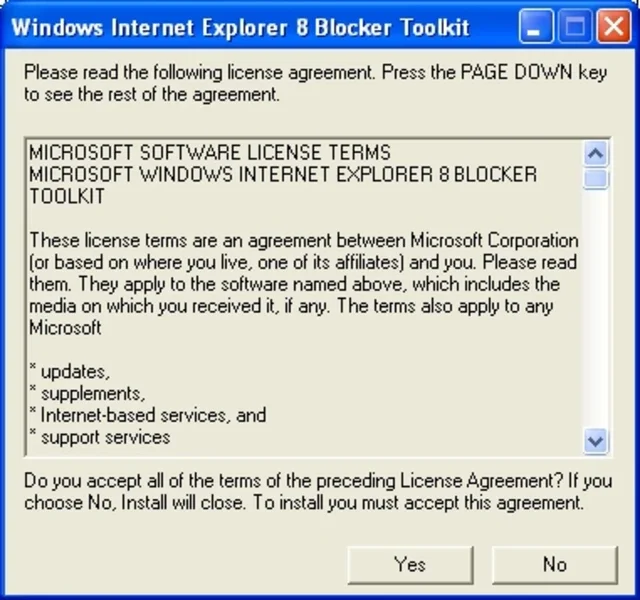
IE8 Blocker Toolkit is a small Microsoft tool for Windows users who do not want Internet Explorer 8 to arrive on its own. Once IE8 ships, it will go out as a high-priority automatic update through Windows Update, and the update installs as soon as its download is available. To hold it off for now, you download and extract this application, then run the file inside it.
That file is named IE80Blocker.cmd. It is a script or batch file, and it creates a key in the Windows registry that does the blocking.
The toolkit only stops the automatic installation. It does not prevent manual installation of IE8, so anyone who wants the browser can still install it by hand. Waiting is one option: manual installation can be done later, once the browser has been in use for a few months and has passed its trial period. IE8 has not been released yet, so for now users must settle for downloading IE7. The toolkit is free and its version is listed as 1.
Download files
f58cbd67f261d581a1d49266b85e5546dddc11a392675b631d2c9ed6db2704be
Signed by Microsoft Corporation · valid until Feb 23, 2009System requirements
Available on:
Additional information
Developer
Latest release
Size
Category
File type
SHA-256
f58cbd67f261d581a1d49266b85e5546dddc11a392675b631d2c9ed6db2704be





