
Image Convert 1.0 for Windows
SHA-256 listed
Bulk-converts images to JPG, GIF, PNG, BMP, WMF, EMF or TIFF at once
All ages
Age rating
Screenshots
Description
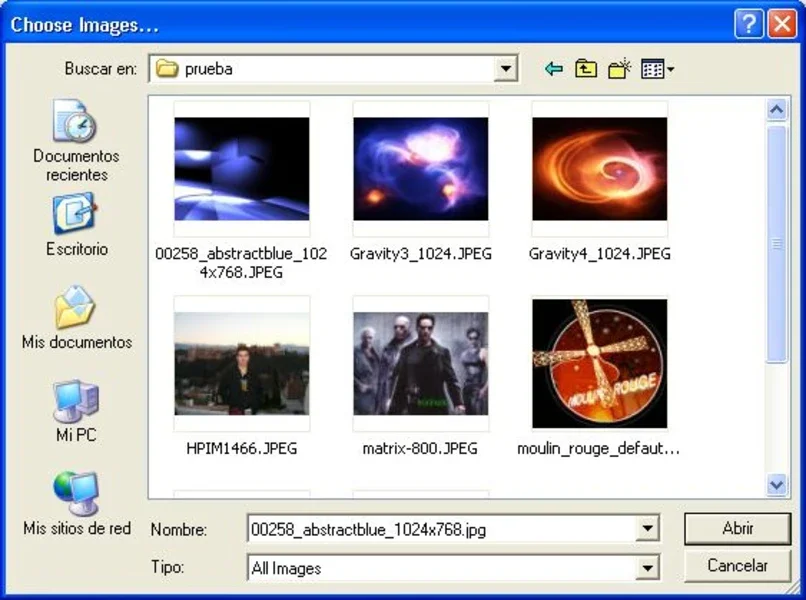
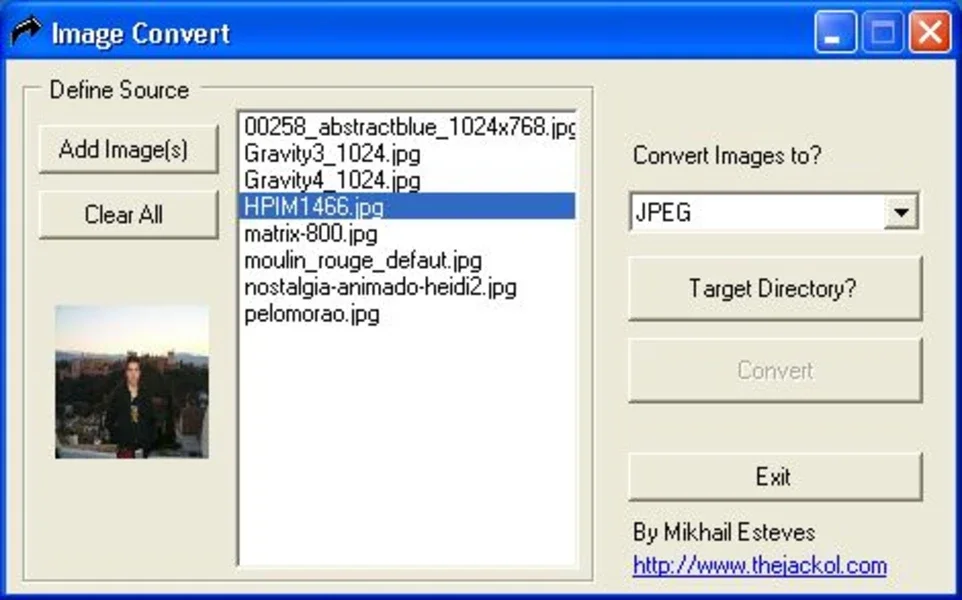
Image Convert turns a batch of images into one format in a single pass. You import any number of files, pick the target format, and choose the folder where the results should land. Every chosen file ends up in that folder in the new format.
It handles JPG, GIF, PNG, BMP, WMF, EMF and TIFF. The whole batch converts in a few seconds.
The output folder is yours to pick each time, so the converted copies sit apart from the originals.
Download files
File1.0EXE
Version1.0
ReleasedJul 6, 2005
Size284.3 KB
SHA-256
Get
719aa36ddf4ea73b66b90cdf491ce659bc064b507daf65528fe7edc47e2b5ab5
No digital signatureSystem requirements
Available on:
Additional information
Developer
Latest release
1.0 · Jul 6, 2005
Size
284.3 KB
Category
File type
EXE
SHA-256
719aa36ddf4ea73b66b90cdf491ce659bc064b507daf65528fe7edc47e2b5ab5
Digital signature
No digital signature