
ImageConverter 1.6.3.0 for Windows
Converts folders of images between formats, with optional edits
Screenshots
Description
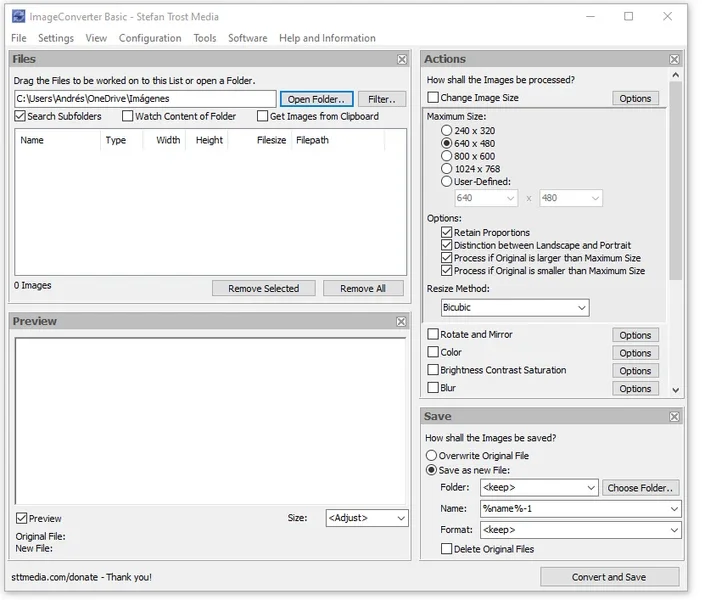
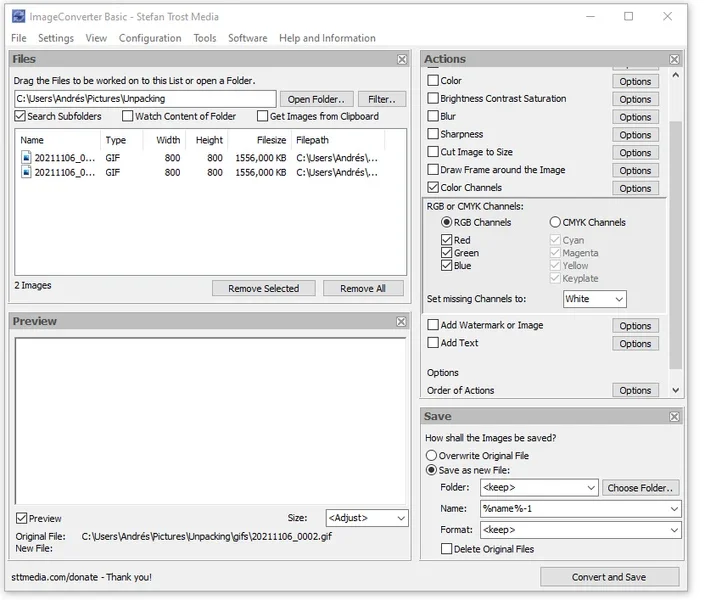
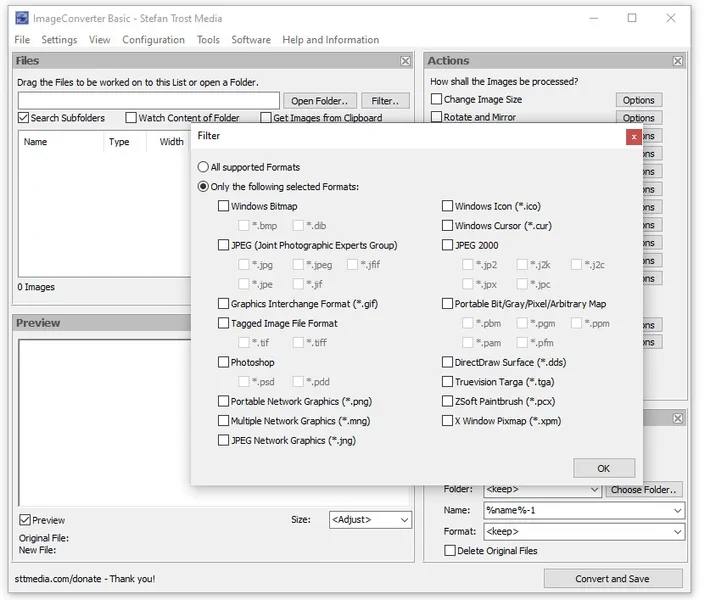
You point ImageConverter at the folder holding your images, and it lists what it finds. Everything goes in at once: pick the folder, and the program builds a list of the images inside it. Images can be filtered out by format or size, and individual photos can be removed from the list by hand.
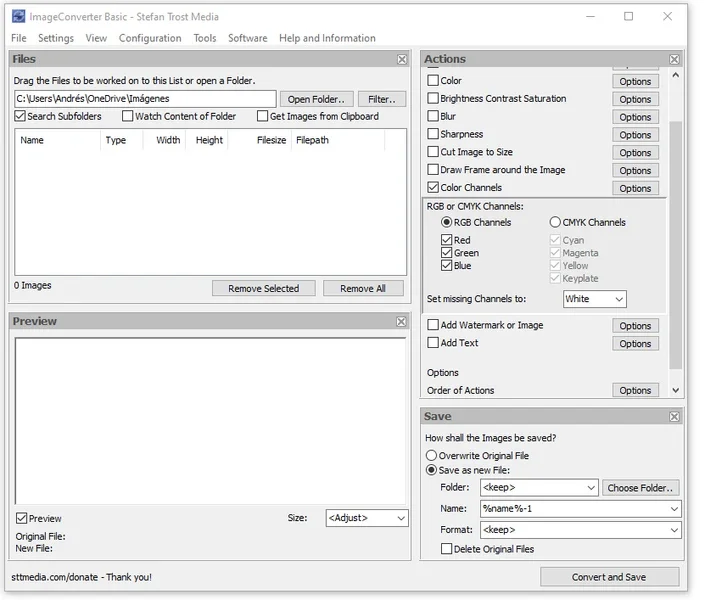
Before the conversion runs, additional actions can be applied to the whole group. The list covers resizing, adjusting brightness and saturation, changing the color gradient, adding a watermark and adding a frame. Whatever you choose applies to every image in the batch, so these are light modifications made during the conversion rather than edits done one photo at a time.
The last step is choosing the output format and clicking the convert and save button. That single click does the work on the entire group. As a rough guide, many BMP images convert to JPG or PNG in seconds; larger jobs take a few seconds to several minutes depending on image count, image size and the actions chosen.
The basic version converts only 3 images at a time. The PRO version converts any number of images and is bought on the author's official website.
Download files
a0a506a16f0bfa51b920025bb63636657cd0ae6f5272a8fd5fc4ce4e90065cce
233392b4a7e400fccdfe794e86663772d467688e36d0fd9d19568b6b63db3aa1
fe0be077da59d26f35b440d3e1395d24a20763317b26b298a95981c1b8306765
77a8e2477f7c0eb87670e34fb95a6e33a8504dba8aa78f769aaff3ea4be04f4e
e469e39e66b21db968fde297c5b565d1fb2b58d4a09eff95070f220fe145900b
System requirements
Available on:
Additional information
Developer
Latest release
Size
Category
File type
SHA-256
a0a506a16f0bfa51b920025bb63636657cd0ae6f5272a8fd5fc4ce4e90065cce