IMG Converter 1.0 for Windows
SHA-256 listed
Resize an image or switch it between JPG, BMP, PNG, GIF and ICO
All ages
Age rating
Screenshots
Description
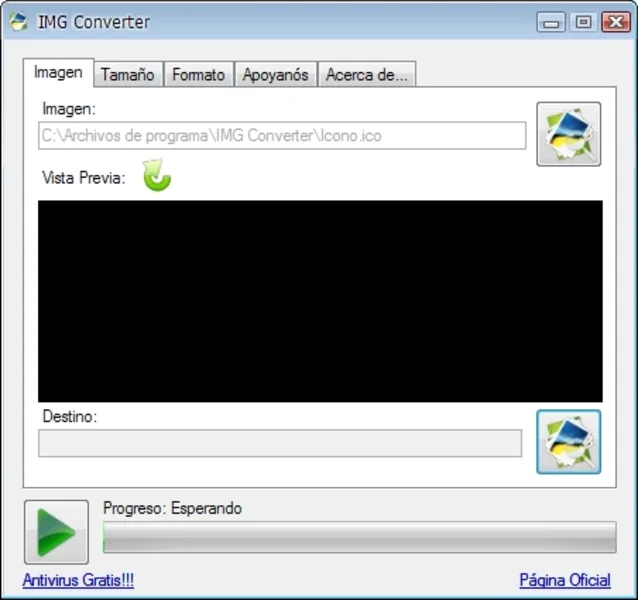
IMG Converter resizes and changes the format of an image in a few steps. You pick the photo, choose a size and format, and click once.
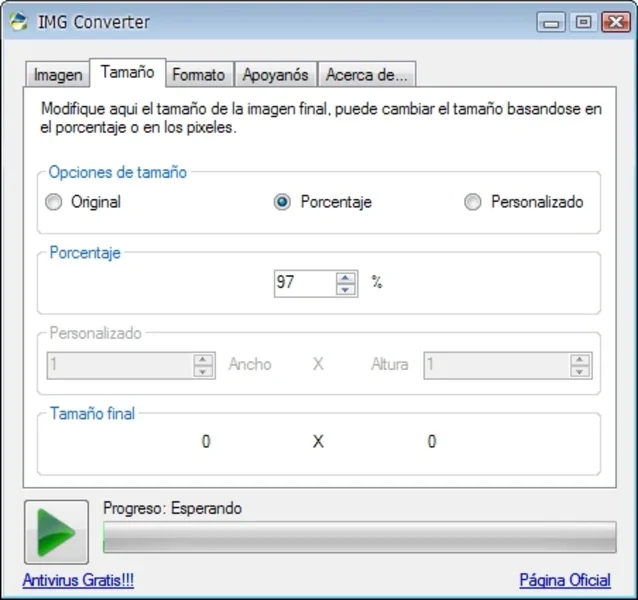
- Leave the size unchanged, reduce it by a set percentage such as 80% or 50%, or enter a custom width and height in pixels.
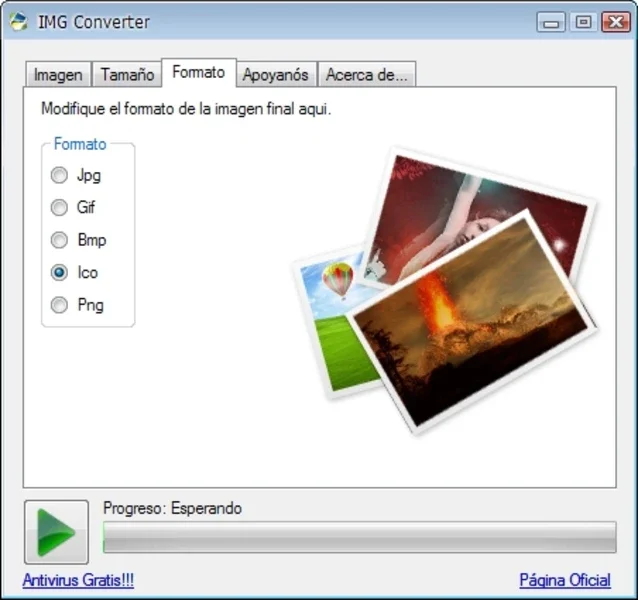
- Output as JPG, BMP, PNG, GIF or ICO.
The size controls sit in a tab of their own, so the percentage and pixel options stay in one place while you work. The application is free.
Download files
File1.0ZIP
Version1.0
ReleasedAug 4, 2010
Size590.6 KB
SHA-256
Get
b0a88e80240d3bc58494b5087a4dfc257c8946ca0a389973e7f3c0171f4d550d
System requirements
Available on:
Additional information
Developer
Latest release
1.0 · Aug 4, 2010
Size
590.6 KB
Category
File type
ZIP
SHA-256
b0a88e80240d3bc58494b5087a4dfc257c8946ca0a389973e7f3c0171f4d550d