Inpaint 11.0 for Windows
SHA-256 listed
Removes unwanted objects and blemishes from photos
All ages
Age rating
Screenshots


Description
Inpaint removes unwanted elements from photographs. It fills the space with a similar texture.
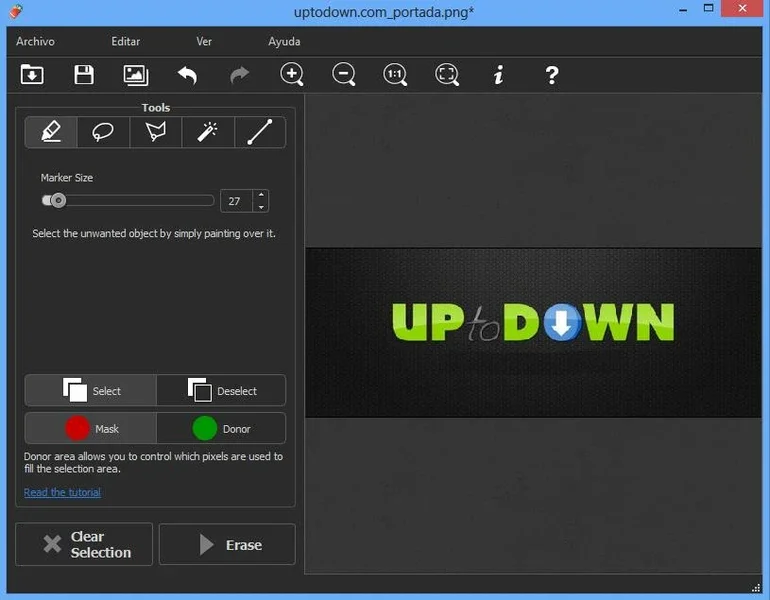
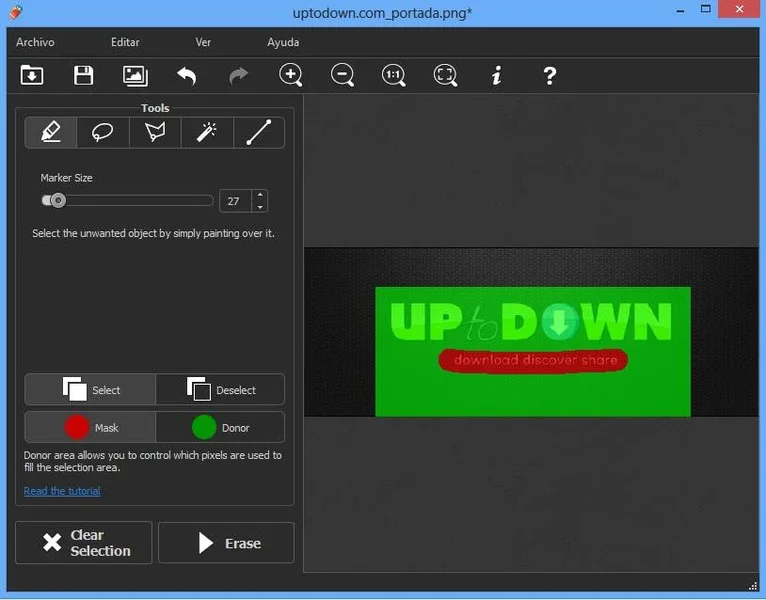
With the lasso or rectangle tool, mark the area you want to delete. That selection disappears and a restored background replaces it. Inpaint analyzes the visible contour to determine what should be behind the erased object. You then press the green triangle. Dates on digital camera photos can be removed this way. Watermarks imposed by other editing programs can also be removed.
The green triangle is the button that starts the process.
Download files
File11.0EXE
Version11.0
ReleasedSep 2, 2024
Size1.6 MB
SHA-256
Get
fc9d8a4171e15080400010b573ee9ef0cc6343b4a612423502b7bb73fe377ae1
Signed by Maxim Gapchenko · valid until Feb 17, 2024Fileinpaint-10.2.3.exeEXE
Version10.2.3
ReleasedDec 1, 2023
Size92.1 MB
SHA-256
Get
183bcce15f98e86dbe6ef9b2c49873a5cce0201dadd084fa9758a1a2c9521865
Fileinpaint-10.2.2.exeEXE
Version10.2.2
ReleasedOct 27, 2023
Size92.1 MB
SHA-256
Get
adfb714ce5af95ad80a4ee9cb4e484a2ce71d79e9a10fc6074cdb9f32d616915
Fileinpaint-10.1.1.exeEXE
Version10.1.1
ReleasedSep 27, 2023
Size9.7 MB
SHA-256
Get
4ef412bc6bdeaf12ebcb475b60519bc914ee1ffc8c204b42efcab33b0e137ad3
Fileinpaint-10.1.exeEXE
Version10.1
ReleasedSep 22, 2023
Size9.7 MB
SHA-256
Get
169da0fc432e1d842a18b21d78d558682dc390db7e41d8a3f2c92c8fc7ea8073
System requirements
Available on:
Minimum OS:
Windows XP or later
Additional information
Developer
Latest release
11.0 · Sep 2, 2024
Size
1.6 MB
Category
File type
EXE
SHA-256
fc9d8a4171e15080400010b573ee9ef0cc6343b4a612423502b7bb73fe377ae1
Digital signature
Signed by Maxim Gapchenko · valid until Feb 17, 2024