
IOTransfer 4.3.1.1562 for Windows
Moves files between an iOS device and a PC, and cleans up junk
Screenshots
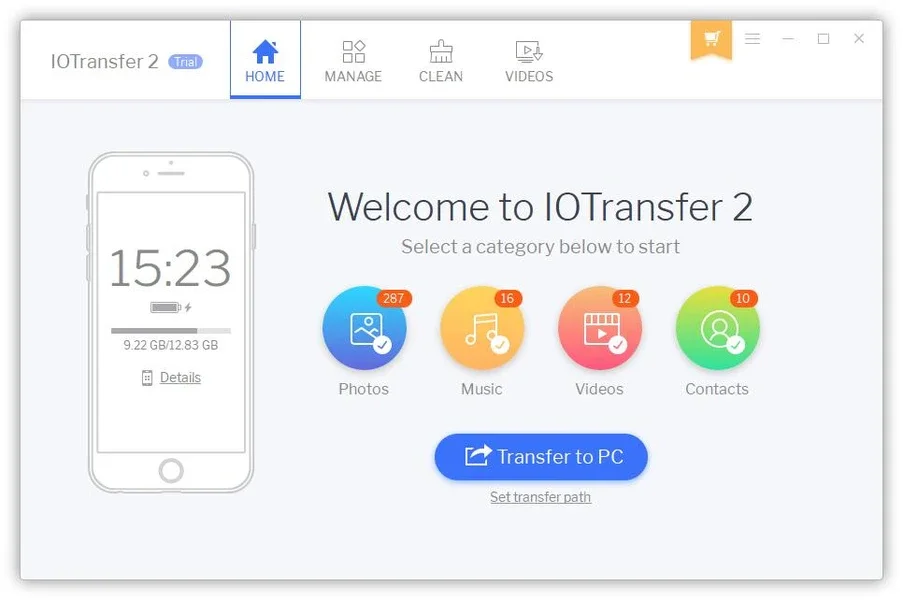
Description
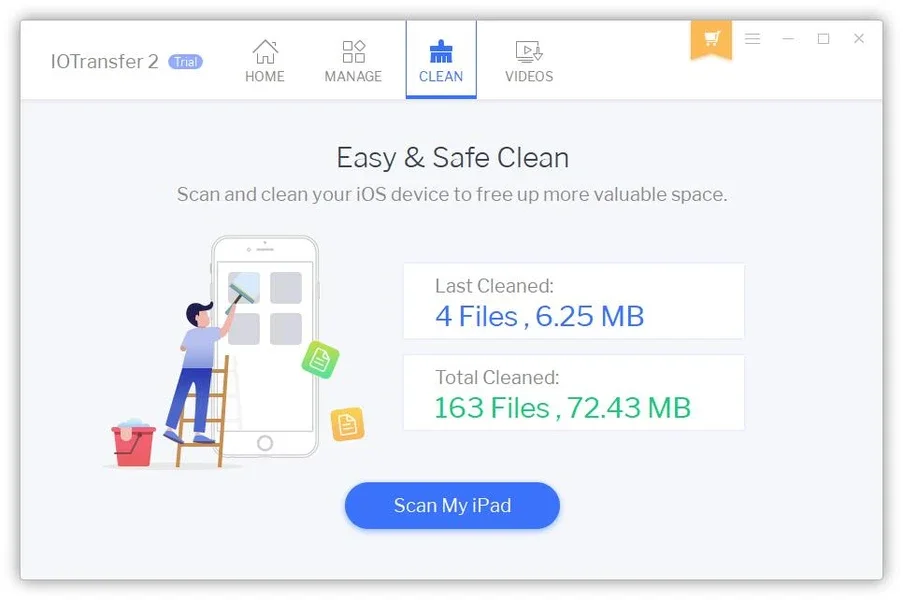
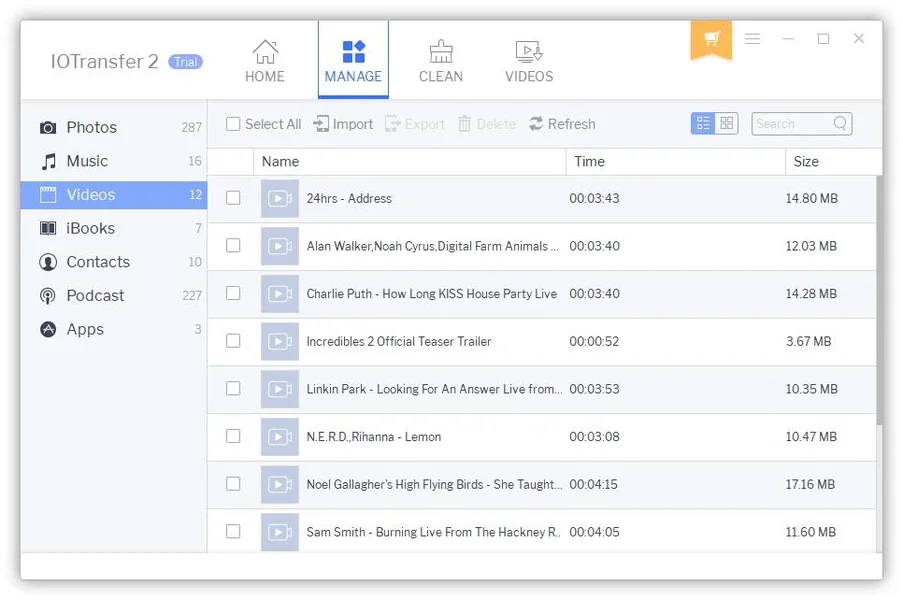
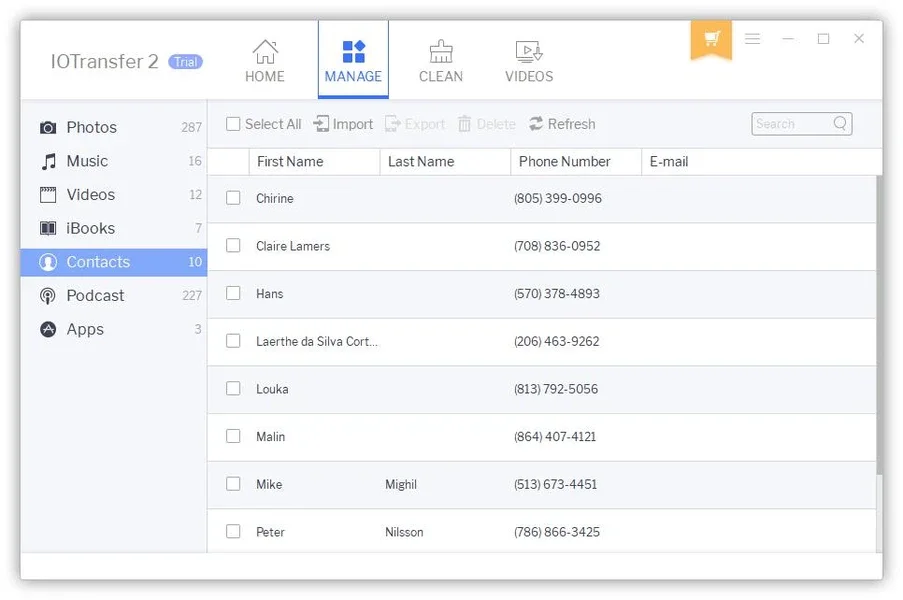
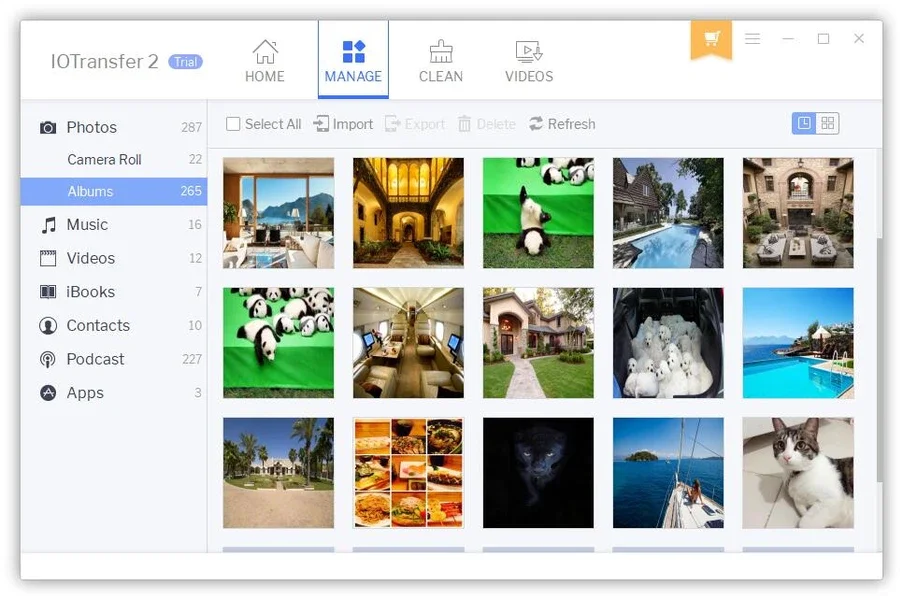
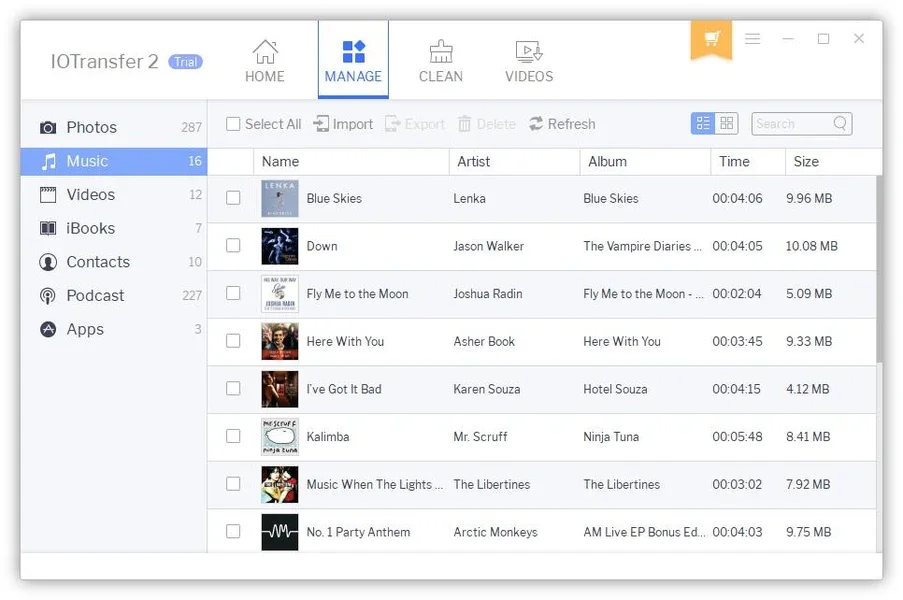
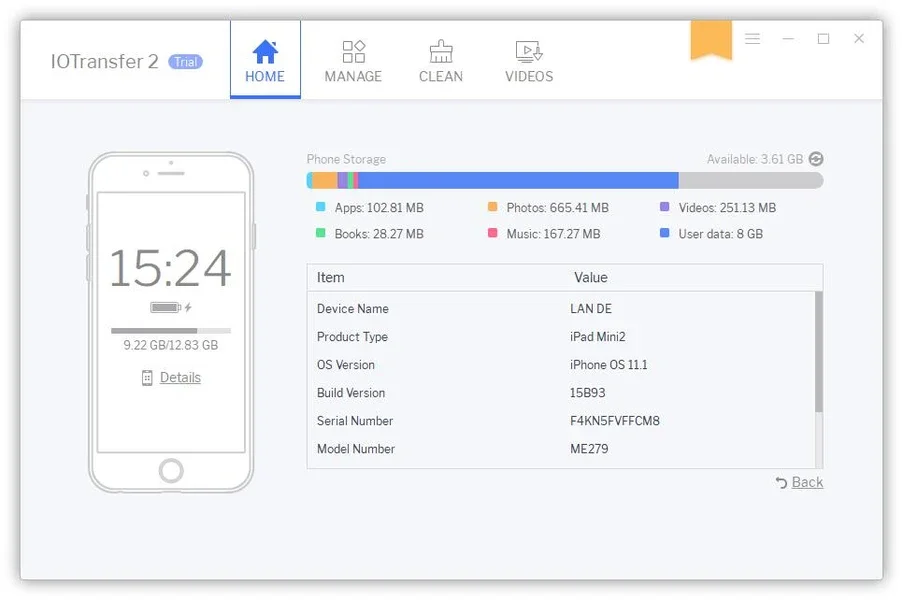
IOTransfer copies files off an iOS device and onto a Windows computer, which gives you a backup copy. It also goes the other way: connect a device, and the Manage section lets you organize files and move them between the phone and the PC. The transfer can run wirelessly over a shared WiFi network instead of a cable. A Clean section sweeps for unneeded files that can be deleted to free up space, and the program can delete junk files from the iOS device itself.
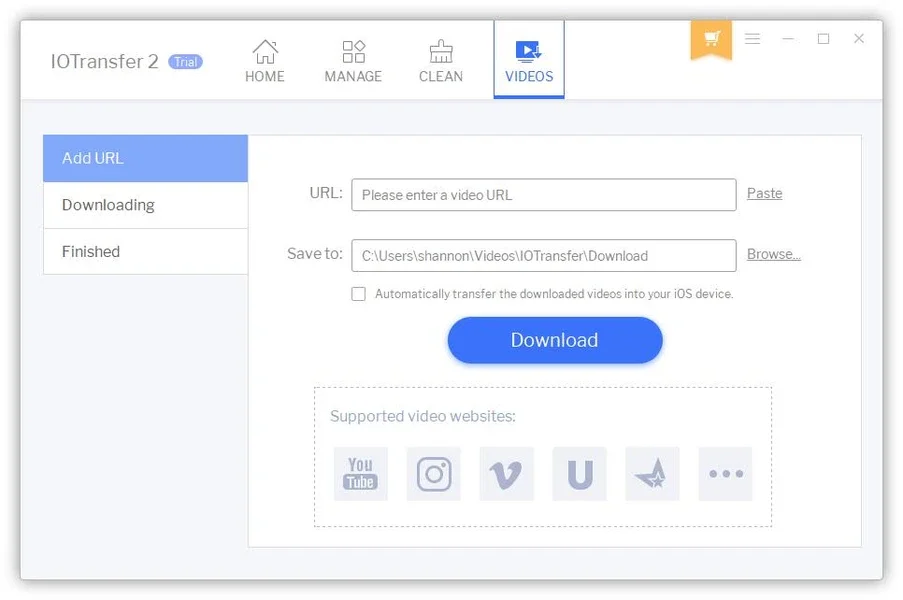
The Video tool downloads media content from platforms such as YouTube, and downloaded files can be saved for watching without an Internet connection. Files can be converted to MP4, AVI, MKV, FLV, or MP3.
The interface is simple, with shortcuts to each function at the top of the screen.
Download files
17288beae0d17ad2df4d16d036c8db2472e9b07e82c9dc5191566190ddcf83b1
Signed by ORANGE VIEW LIMITED · valid until Oct 22, 2023ad3f2c9b67f30faf02b255027b4ea4c161bea0e1bc5dfdab86905fbf2e483738
1d01d8bb7903ed6f7ed1c36d98b560c1c4b3c0a42c7d18673213de3476ab73bd
99aeff060499862622b9880e710898cd0d508dd72b780eb20d68558be1a5f705
Signed by Qi Wang · valid until Dec 28, 201966fcd40bb521fe834a1c008ad4e9b5fbdaa9d2dcd1f0cb1955c63dac51123c83
Signed by Qi Wang · valid until Dec 28, 2019System requirements
Available on:
Minimum OS:
Windows Windows 11 or later
Additional information
Developer
Latest release
Size
File type
SHA-256
17288beae0d17ad2df4d16d036c8db2472e9b07e82c9dc5191566190ddcf83b1