
Moves calls, messages, photos and apps to a new Samsung phone
You are on macOS — this is the Windows version. See the macOS version
Screenshots
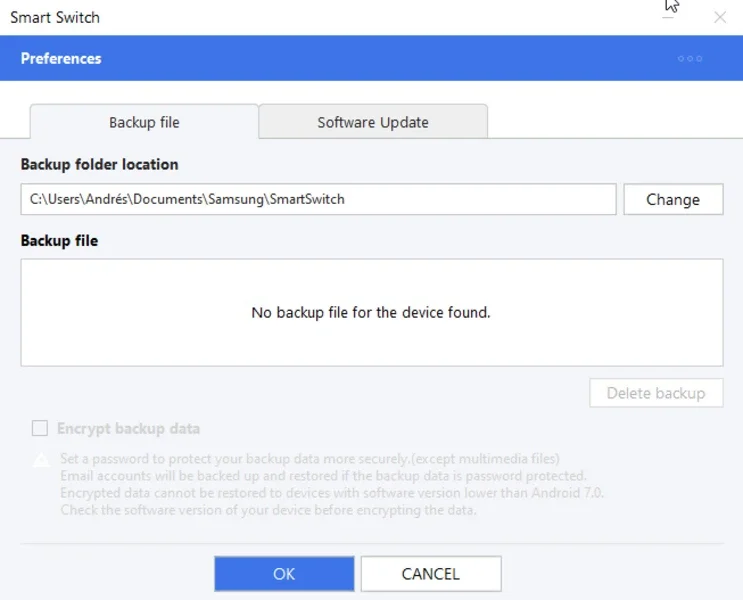
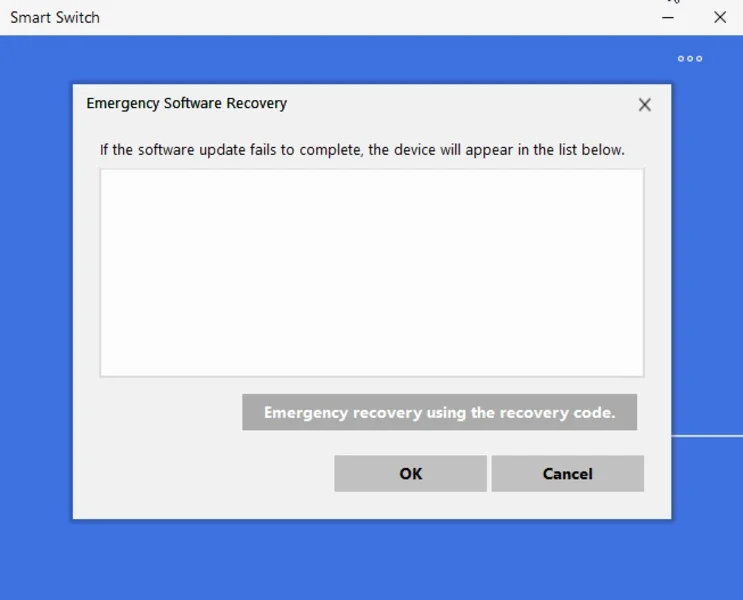
Description
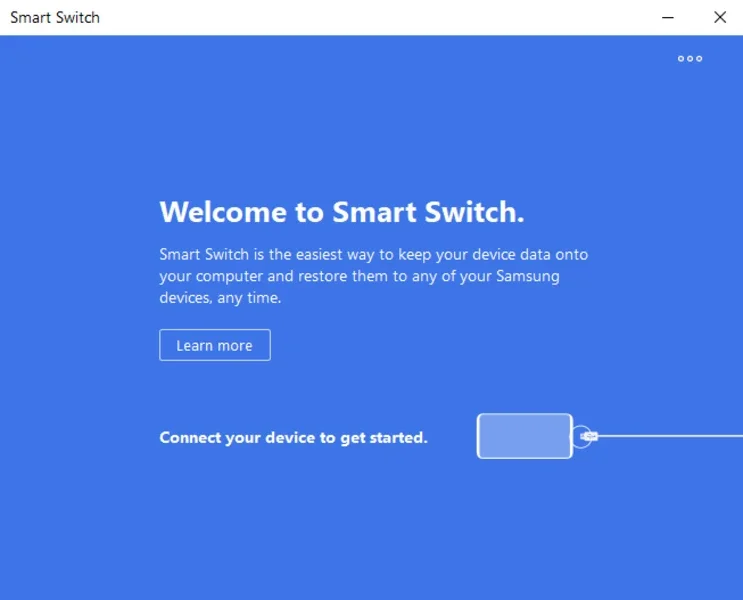
Samsung Smart Switch moves the contents of an Android phone onto a new Samsung phone, with the computer sitting in between the two devices. You pick what goes across and what stays behind: call history, videos, messages, images, ringtones, apps, alarms and WiFi connection data.
The program is a wizard for Windows and needs either WiFi on the computer or a cable linking the Android devices to it. A USB cable is the easiest and safest method, and the transfer takes no more than five minutes that way. The order is fixed: back up the Android phone first, then connect the new Samsung phone to the computer.
It is Samsung's official tool for this, free to use, and it runs on Windows.
Download files
9d4146d3d9b8e8c557cf9386de7434d8574681d5d54a2970d14915be6f9e67e6
Signed by Samsung Electronics Co., Ltd. · valid until Feb 8, 2026cc41daaafb4df625a3f513c5b49eb7c02ba1f4e3aec71d1084ff59394358f75f
bf330c985a5bdd051a4000f8e8f54fc512a77f4c897ed18363f7df284953dec1
47ccd1a0a653168da53c2af6941bc8d9be4c4786df1241a34ed53834a296d781
87aad04c1b2c2d5461fca1e8b79c7ca55e1a382713053d58a8b83eee6d7f0aca
System requirements
Available on:
Minimum OS:
Windows XP or later
Additional information
Developer
Latest release
Size
File type
SHA-256
9d4146d3d9b8e8c557cf9386de7434d8574681d5d54a2970d14915be6f9e67e6