
Iso Recorder 0 for Windows
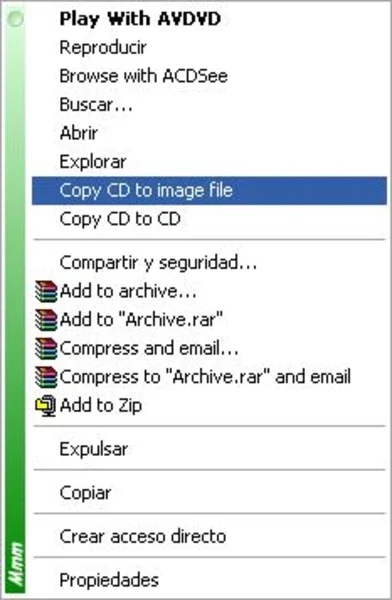
Right-click a drive to make, burn or copy a CD image
Screenshots
Description
Iso Recorder has no main menu of its own. You get at it through right-click context menus, and which one you use depends on what you want to do. The program handles three jobs: making a disk image from a CD, writing an ISO image to a CD, and copying one disk straight to another.
Getting to each task
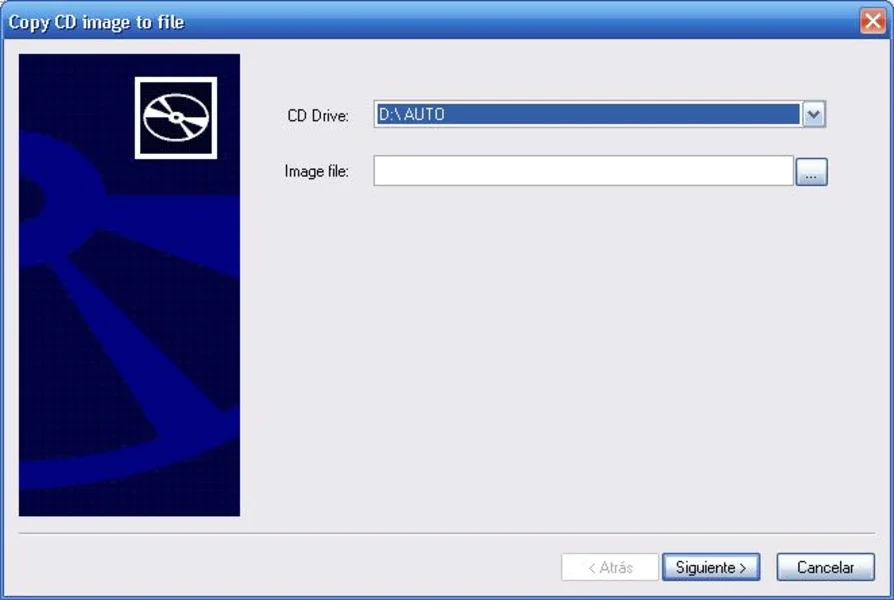
To make a disk image, right-click the CD you want to copy and choose Copy CD to Image File. Burning an ISO is the same gesture: right-click and choose Copy Image to CD. That choice brings up a menu that walks you through what is left to do, and you keep following it until recording finishes. For a straight disc-to-disc copy, go through the same motions but pick Copy Disk to CD, then do what the on-screen instructions say. Copying audio CDs is not supported.
Download files
System requirements
Available on:
Additional information
Developer
Latest release
Size
File type
SHA-256
f98850cb92465f7716f333361a863690a9db066c66184a79c7dd08bf1aac096e