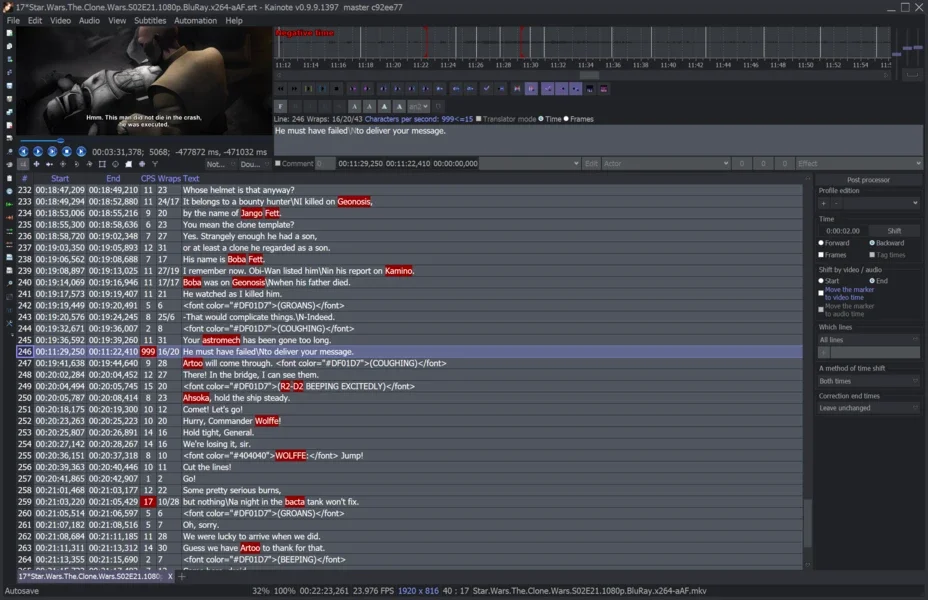

Screenshots
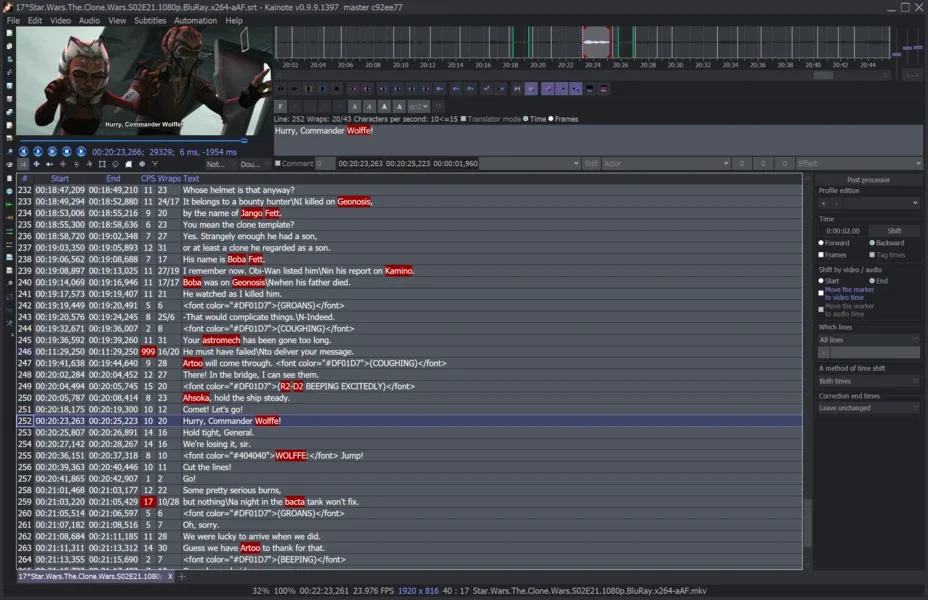
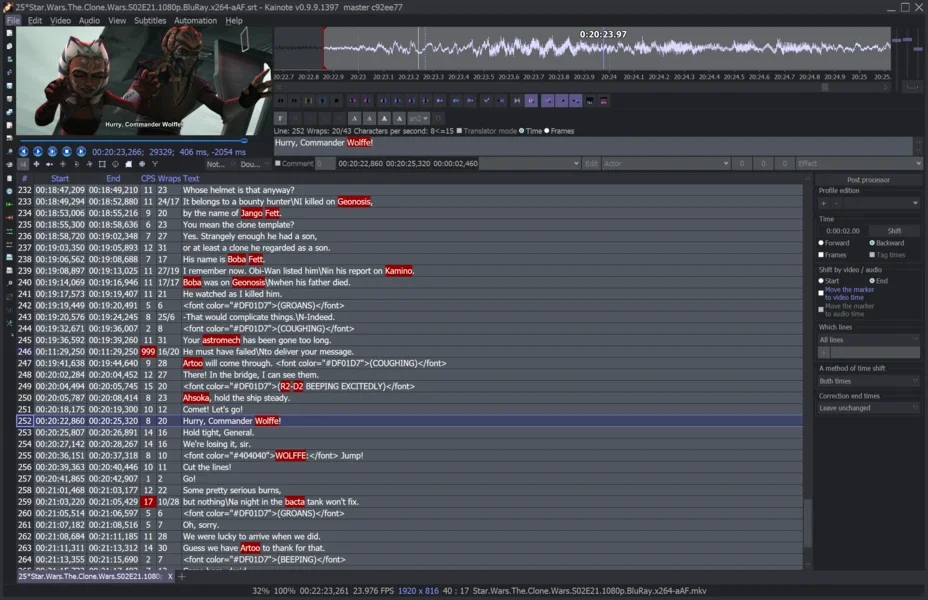
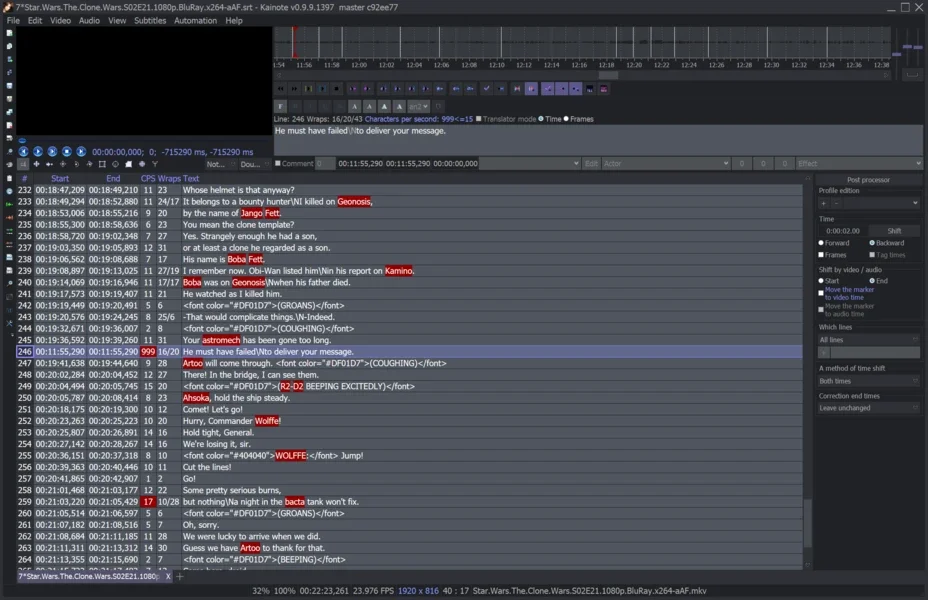
Description
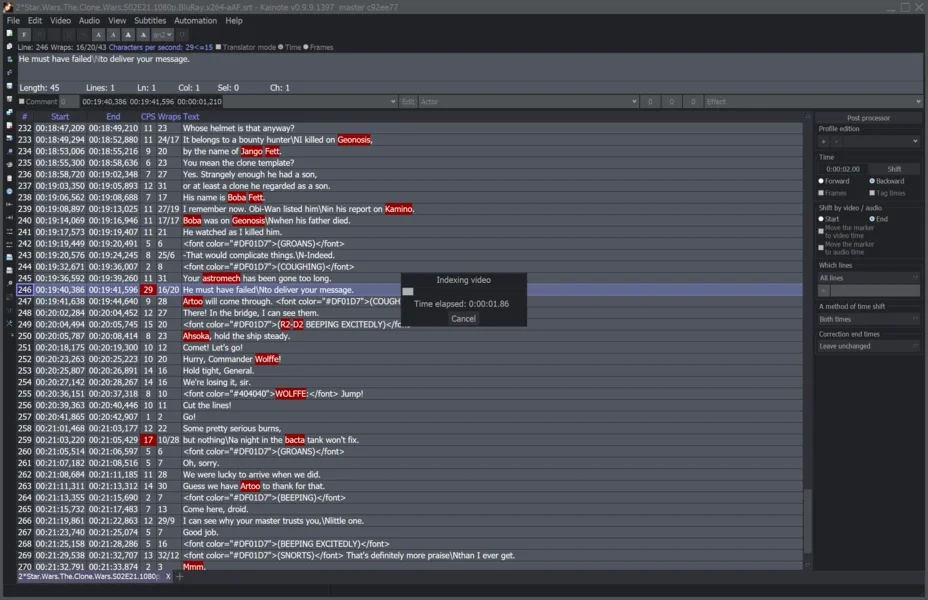
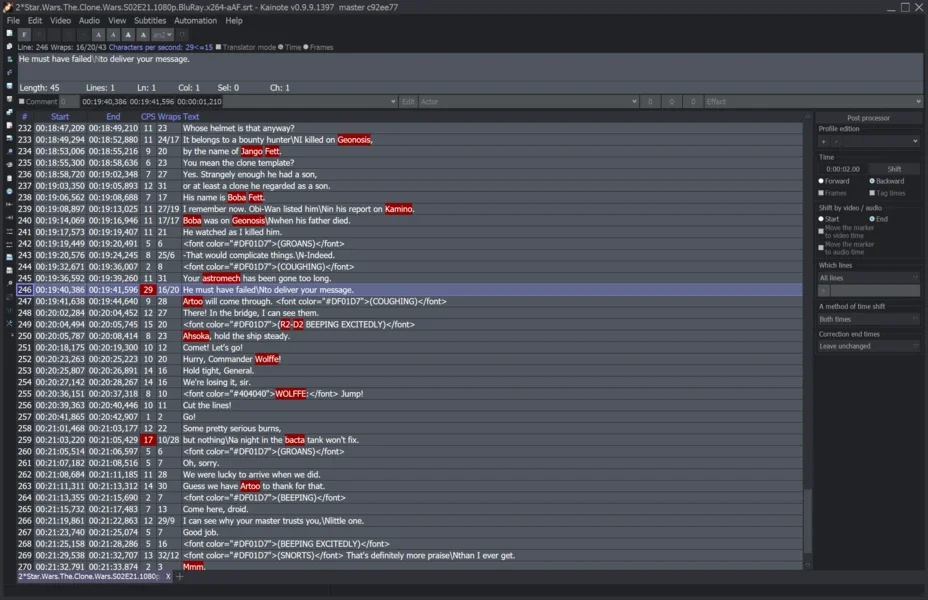
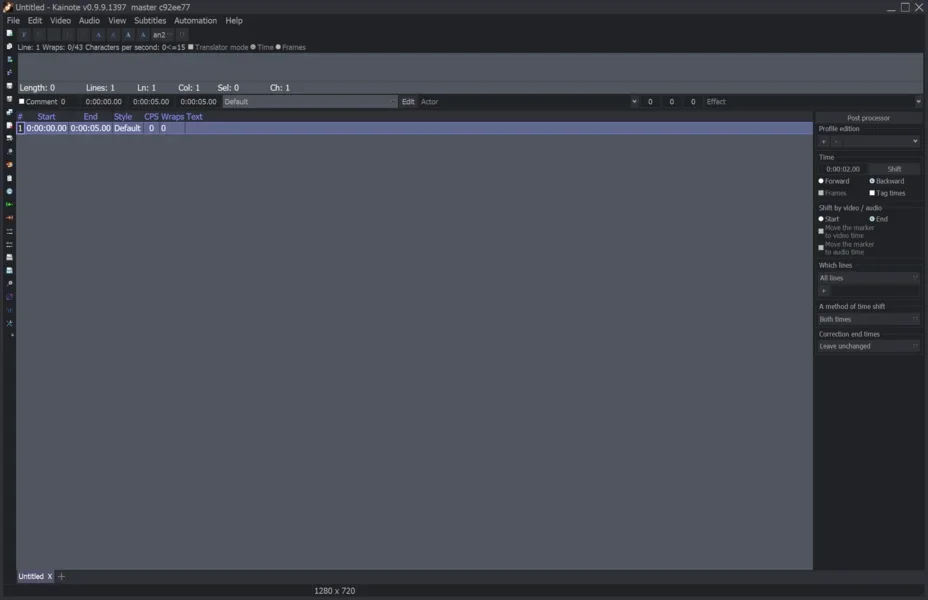
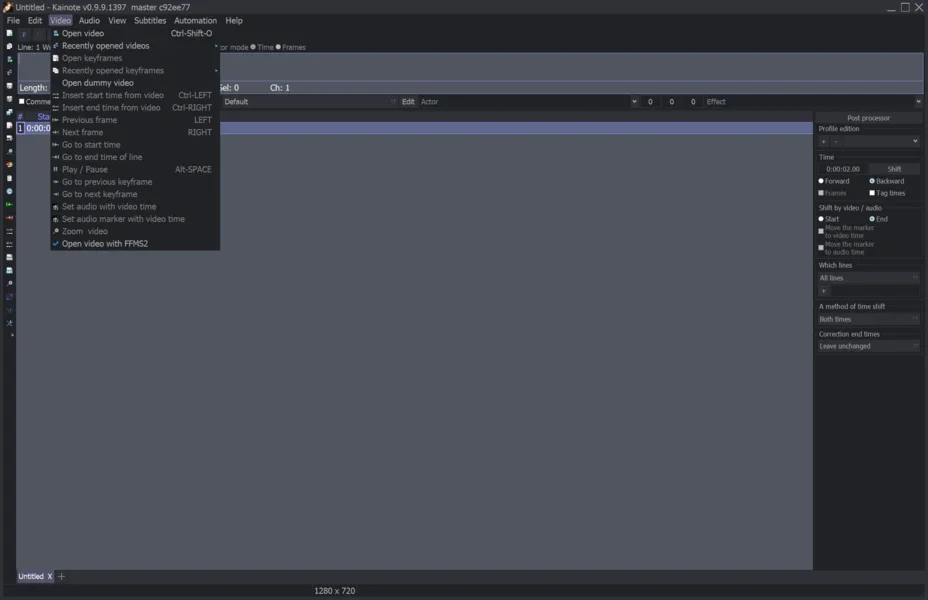
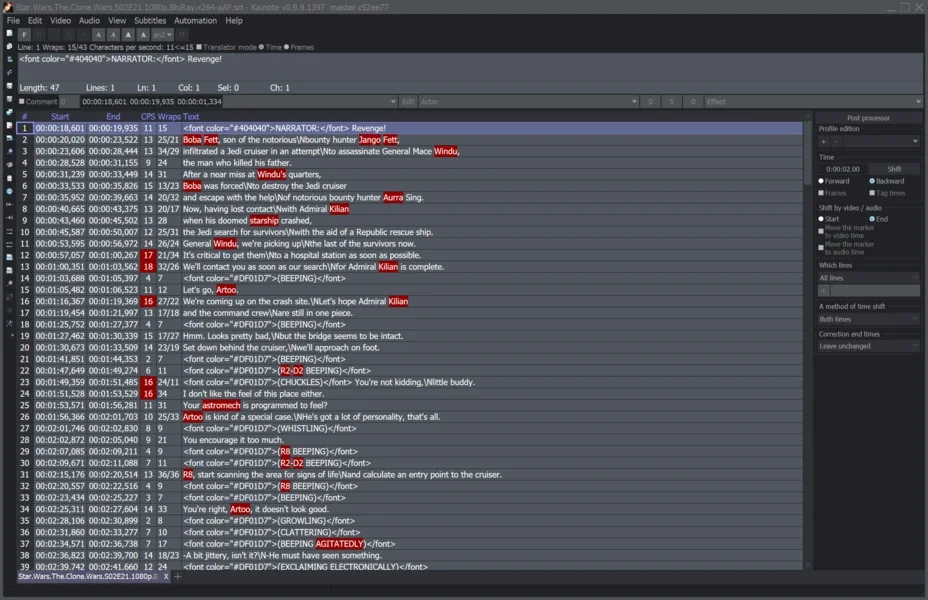
Kainote is a subtitle editor for synchronizing and formatting text that appears over video. You load a video and work on the subtitle lines alongside it. Clicking a line jumps the video to where that line starts, and playback stays in step with the text as you move through it. Style changes show up in the preview immediately.
Timing is handled with an audio view that includes a graphic sound wave display and a spectrogram, so you can set where a phrase begins and ends. You can loop a fragment of the player, change its speed without shifting the voice pitch, and zoom into sections of the audio. Frame-by-frame navigation helps match timestamps to scene cuts, and markers, moved by mouse or set through configurable shortcuts, help split syllables or adjust fast dialogue without upsetting the reading flow.
- Automated tools shift timestamps in bulk, split lines that run past the characters-per-second limit, and catch accidental overlaps between dialogues.
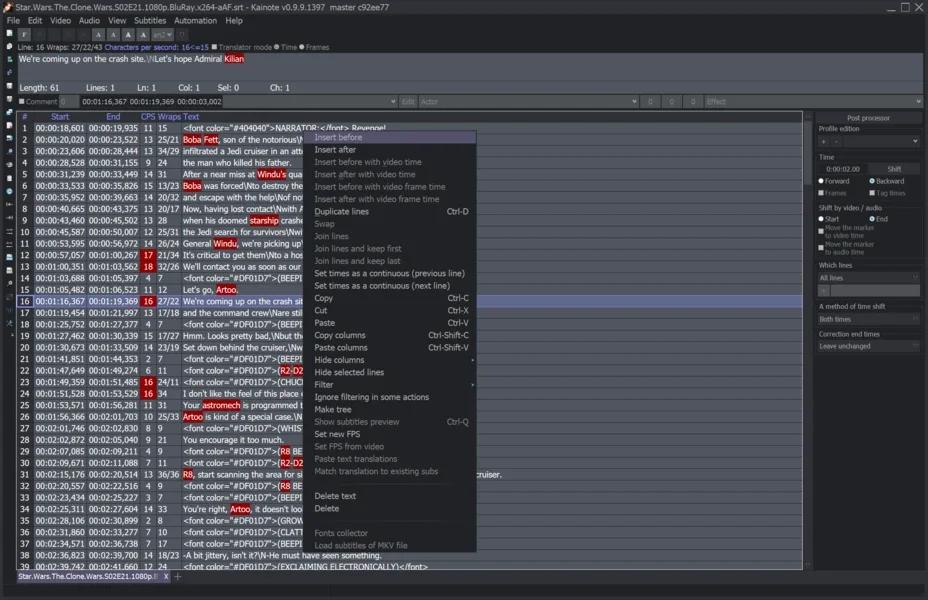
- Bulk find and replace works with regular expressions, handy for renaming characters or recurring terms.
- Spelling errors get flagged as you type.
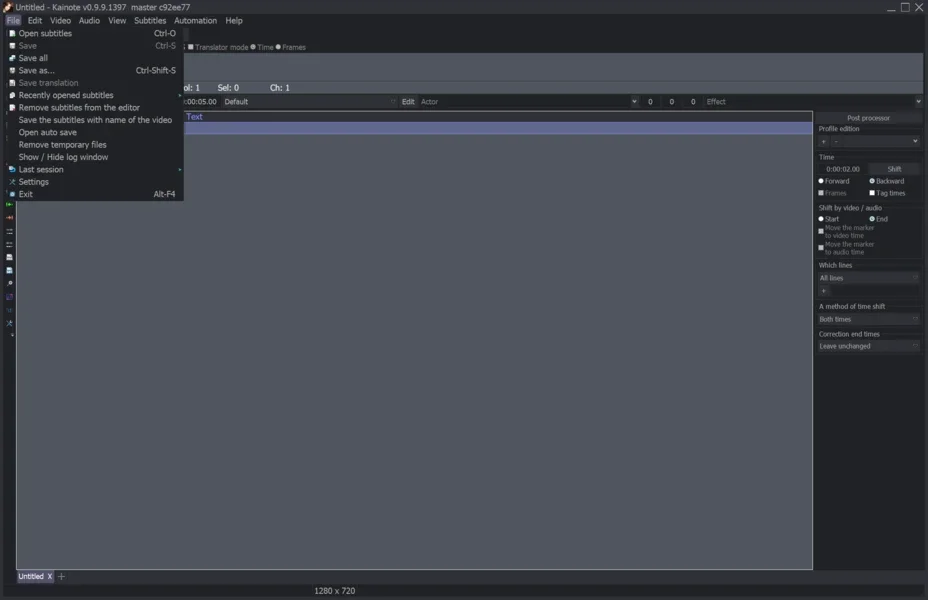
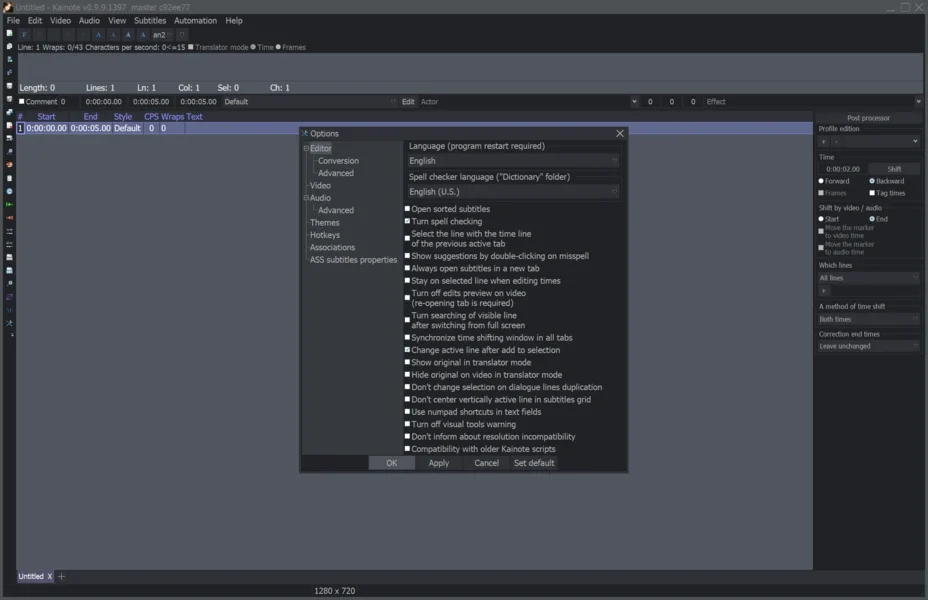
The style manager sets how each on-screen line looks, with options for typeface, size, the color that fills the text, border treatment, shadow, and alignment margins. Those style configurations can be saved into libraries and reused across episodes or projects. A clean code window and shortcuts insert formatting codes without typing them out, and advanced ASS tags are fully supported, including color transformations, 3D rotations, edge blurring, and X/Y coordinate positioning. Files open and save as ASS, SRT, MPL2, MDVD, and SSA, and SRT and other formats can be imported and exported for other media players or web platforms. An internal rendering engine covers a broad set of video formats and codecs. The interface has no newer customizable theme system. Setting up the video rendering engines the first time usually means reading the supporting documentation.
Download files
d91b719818e084e07b92e979ba53cf4331349e5770f0f465186459e2fcddafdf
System requirements
Available on:
Minimum OS:
Windows XP or later
Additional information
Developer
Latest release
Size
File type
SHA-256
d91b719818e084e07b92e979ba53cf4331349e5770f0f465186459e2fcddafdf