Keyboard Layout Indicator 2026.08.30 for Windows
Shows the active keyboard layout wherever you look
Screenshots
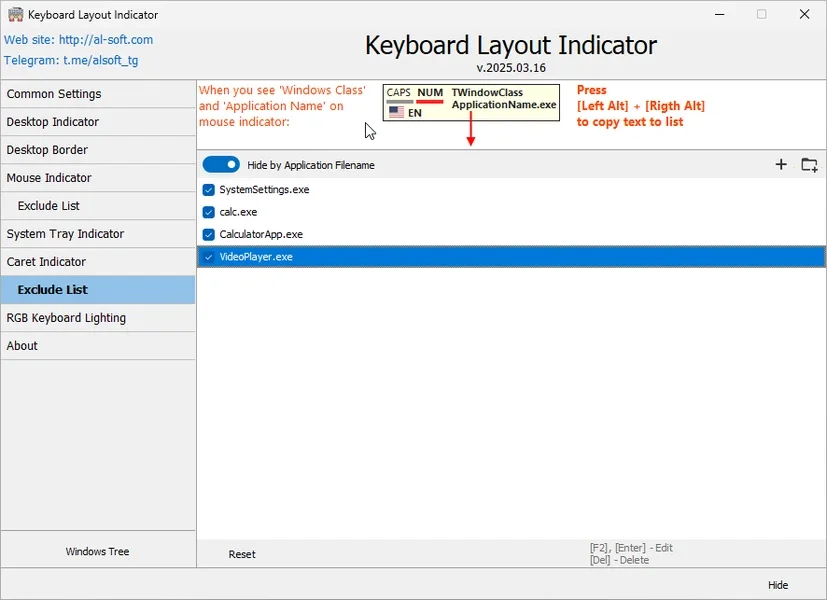
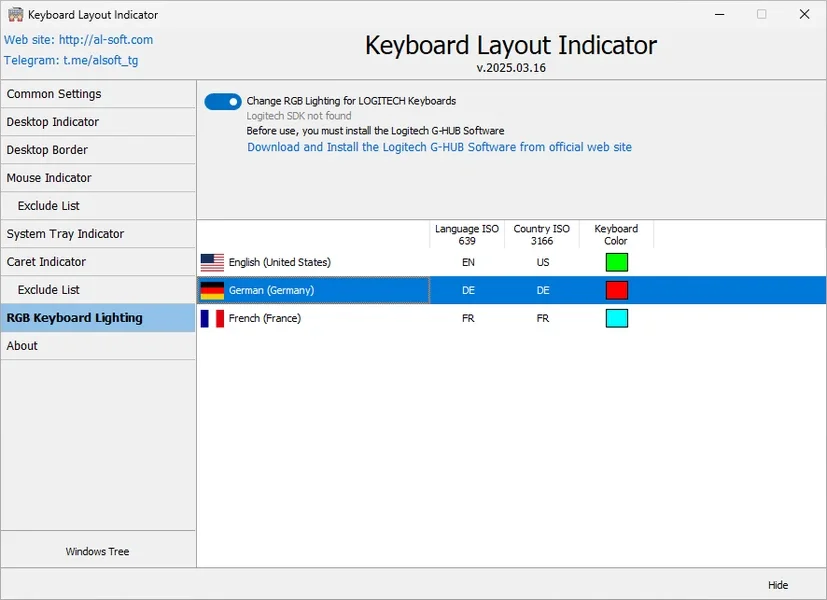
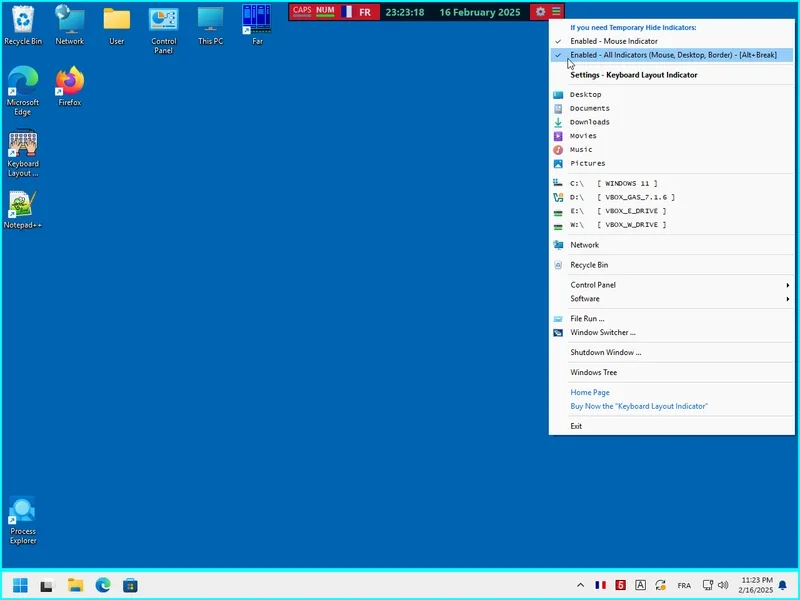
Description
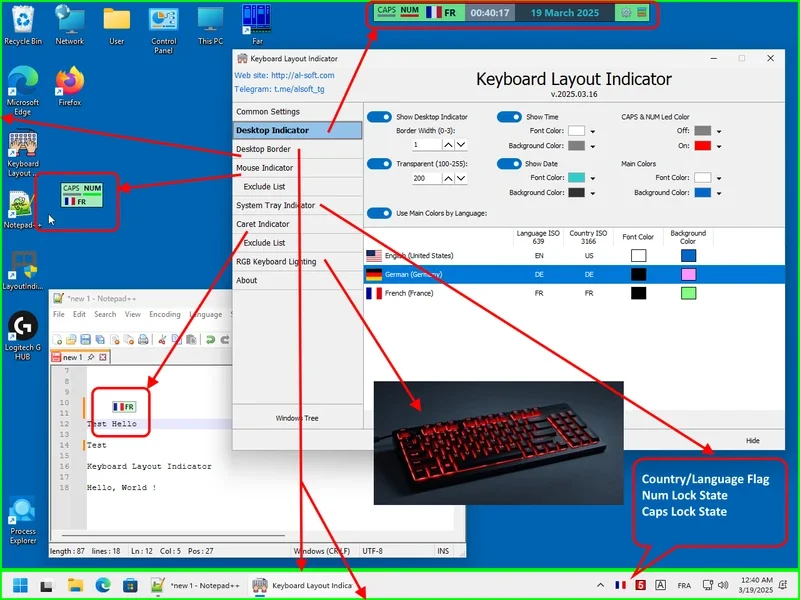
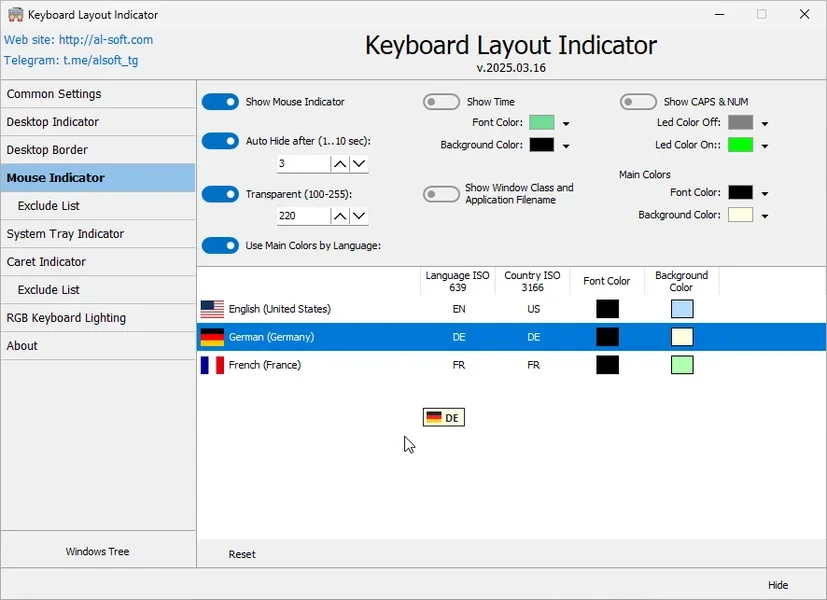
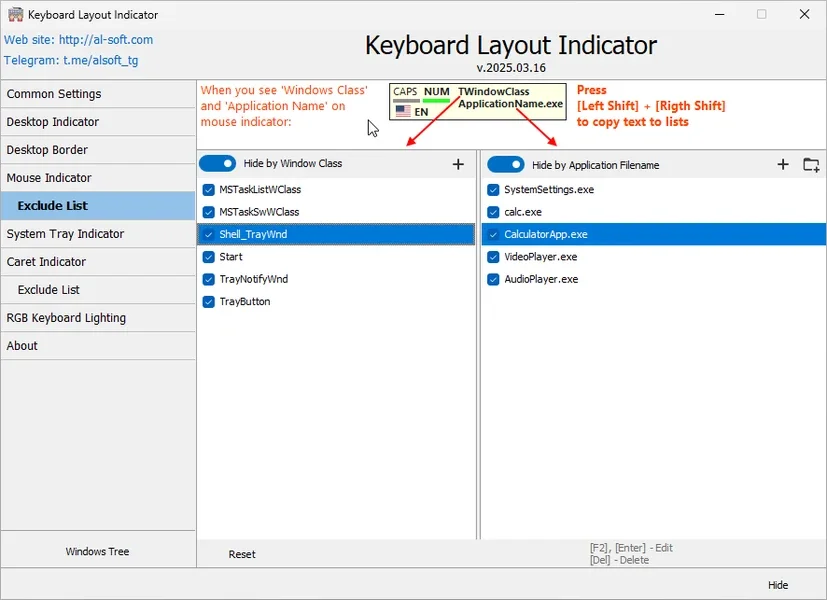
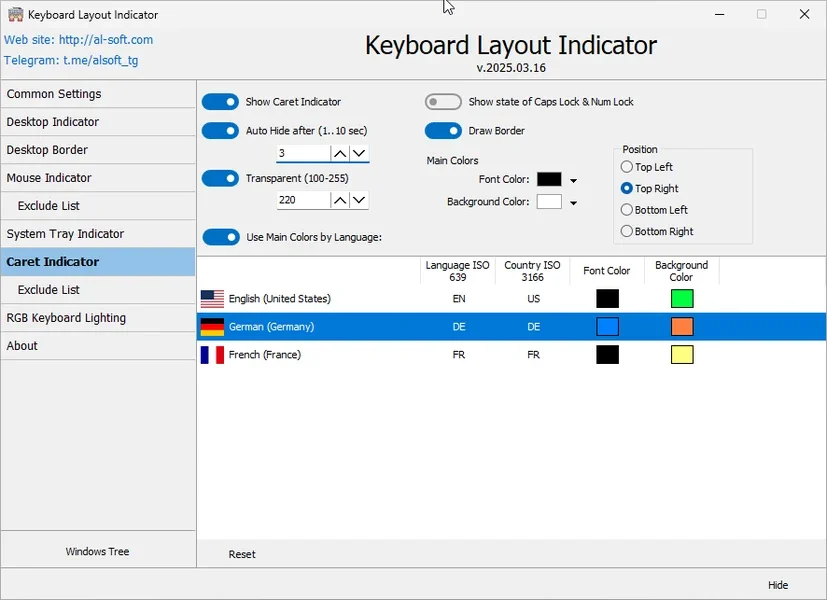
Keyboard Layout Indicator puts the current layout in the places you actually look at on screen. You can combine several indicators at once, so a text caret indicator, a colored taskbar edge line, and RGB keyboard lighting can all be active together. Each one is customized separately.
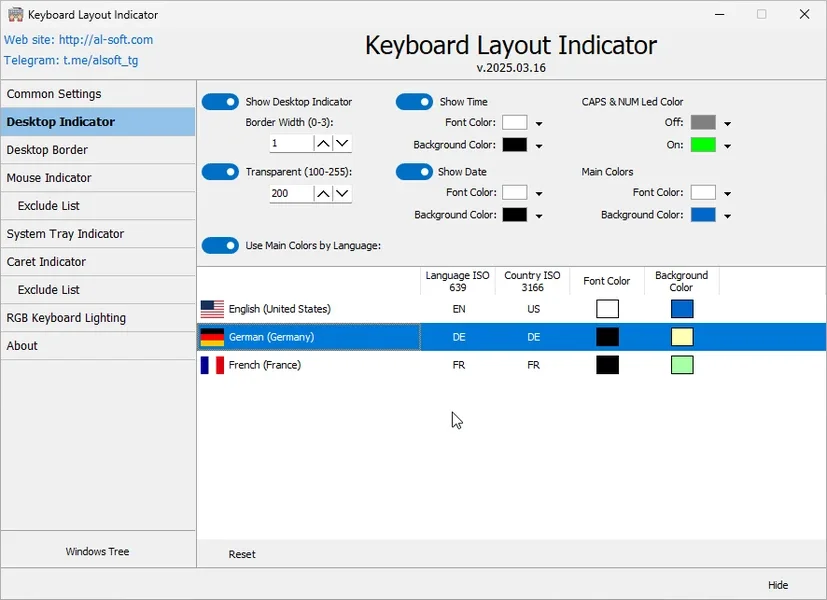
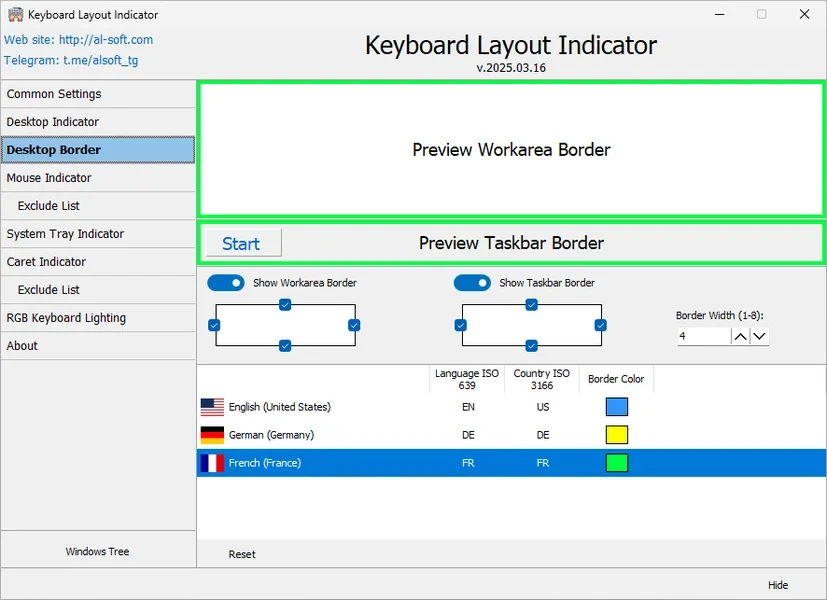
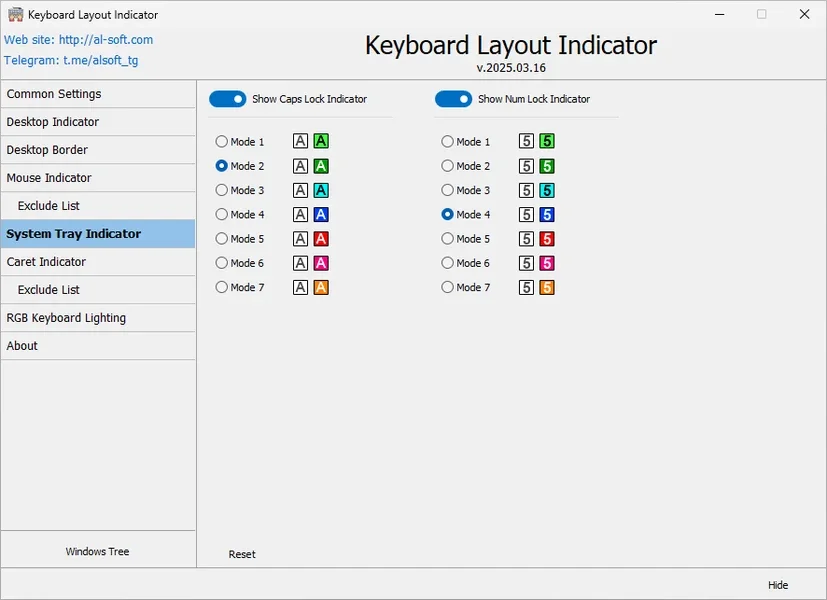
Indicators can sit near the text cursor, by the mouse pointer, along the taskbar, on the desktop edges, in the system tray, or on RGB devices. A floating window indicator is always visible, and the taskbar edge can be a full frame or a single line, with only the edges you need turned on. A 1 to 4 pixel line does the job quietly. Desktop edge indicators use any combination of the four screen edges, and RGB devices change their lighting based on the active layout. The system tray indicator is compact and includes Caps Lock and Num Lock indicators.
It runs on Windows.
Download files
041fc657ac0824c75589ff6c28f203bd73a7b21f8cb8d2063afc7629248ca973
No digital signature0cb25c8f7514764c696d369d1a0c5be541399d2da406e91b9a97d07f495b3201
System requirements
Available on:
Minimum OS:
Windows 8 or later
Additional information
Developer
Latest release
Size
Category
File type
SHA-256
041fc657ac0824c75589ff6c28f203bd73a7b21f8cb8d2063afc7629248ca973