
Keyviz 2.1.1 for Windows
On-screen key and mouse indicators for tutorial streams
Screenshots
Description
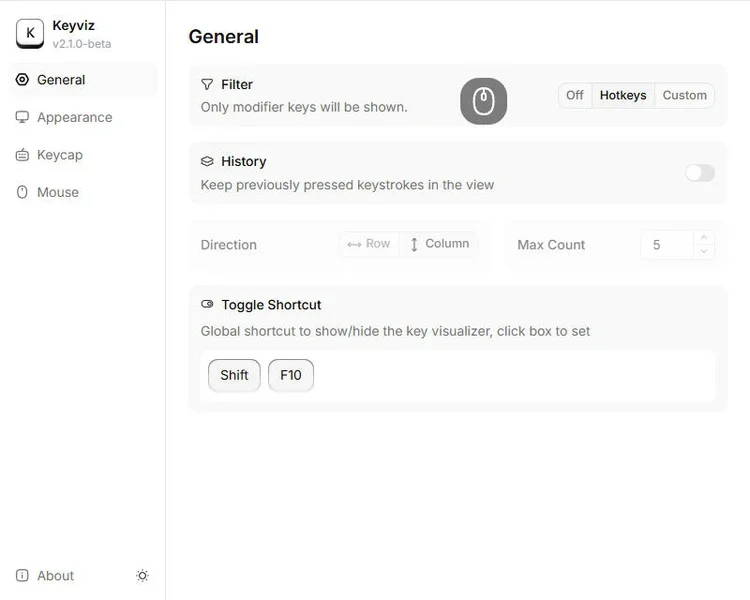
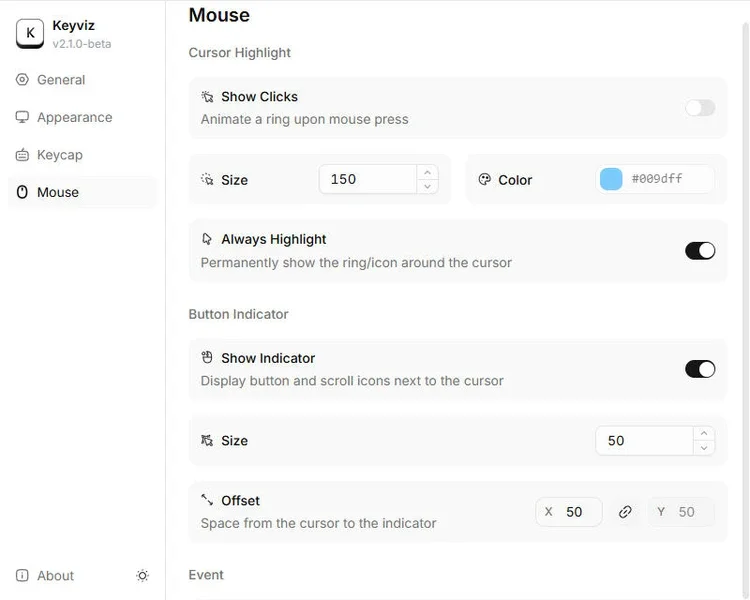
Keyviz shows your mouse movements and keyboard shortcuts on screen, in real time, so an audience can see which shortcuts and gestures you are using. The indicators stay up for a few seconds and then go away. It runs in the background while you work.
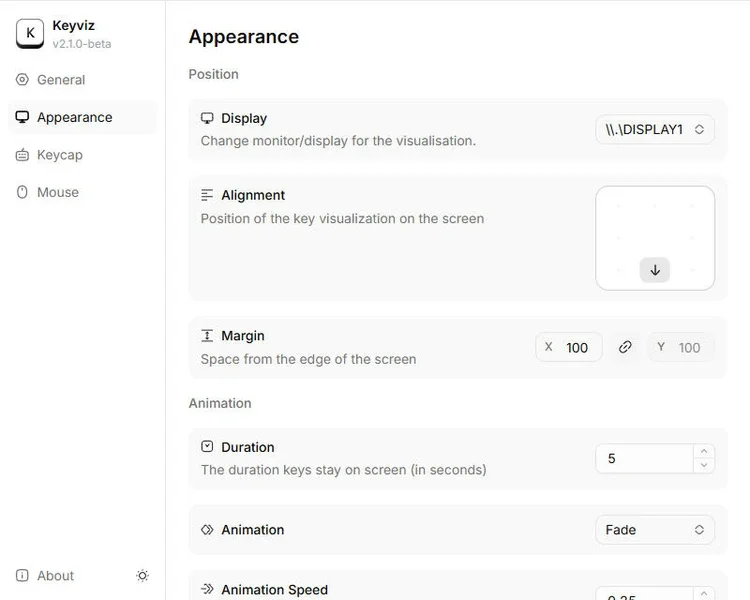
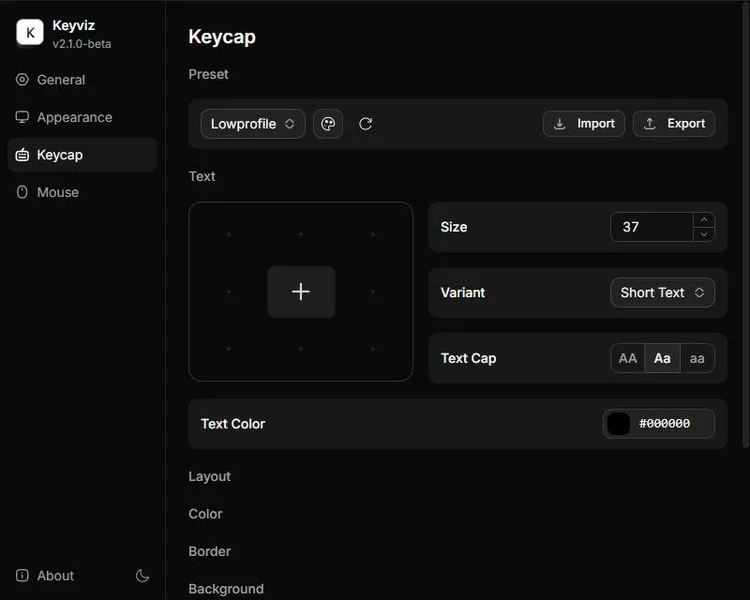
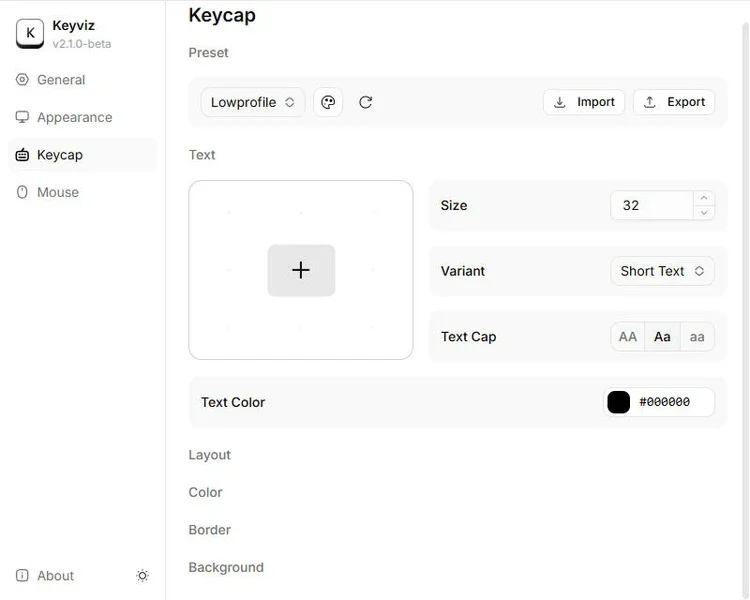
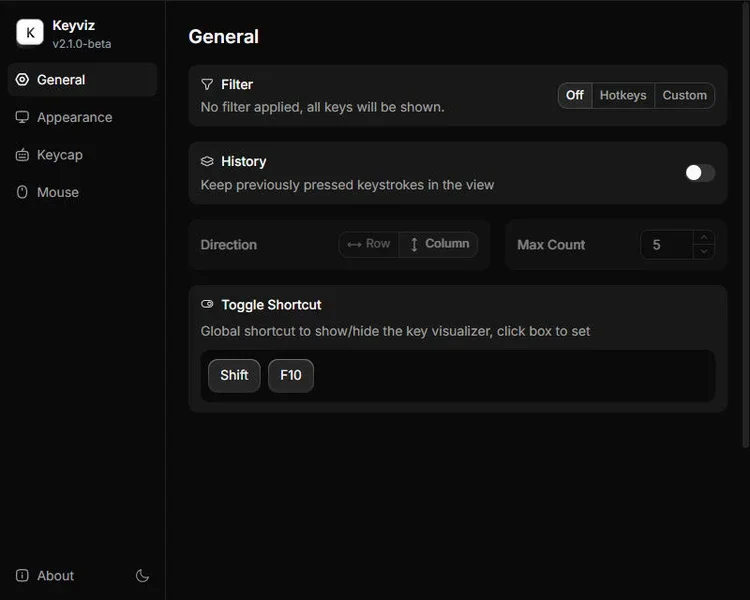
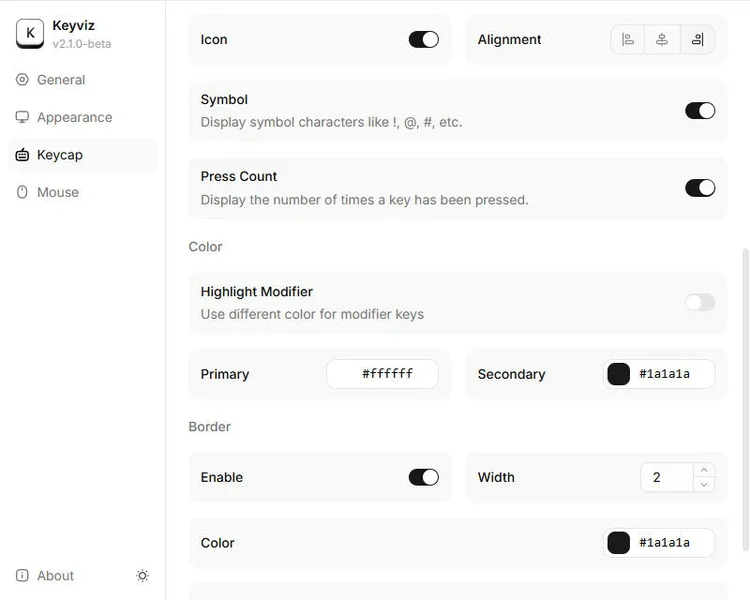
The app is aimed at streamers, especially those making tutorials. Right-click the taskbar icon to open the Configuration Options. From there you set where the on-screen indicators appear, how long they stay visible, and which animations and colors they use. The interface itself can be customized too. It is free and open-source.
A reviewer found the app polished and everything working perfectly, and liked the customization options best. The same reviewer's least favorite aspect was having no personal need for the app.
Download files
b58263eb3be44cbba6c5f7518a63bcf7ae31396493dfc1ff143677e7ab710b3a
Signed by Rahul Mula · valid until Jan 6, 20272d3f6c922102834a6fc5fff473b9f6fed8ec3bb34a34cb2e5b2df8d4654acc80
Signed by Rahul Mula · valid until Jan 5, 2027System requirements
Available on:
Additional information
Developer
Latest release
Size
File type
SHA-256
b58263eb3be44cbba6c5f7518a63bcf7ae31396493dfc1ff143677e7ab710b3a