
LClock 1.62b for Windows
Adds notes, skins and a month view to the Windows system clock
Screenshots
Description
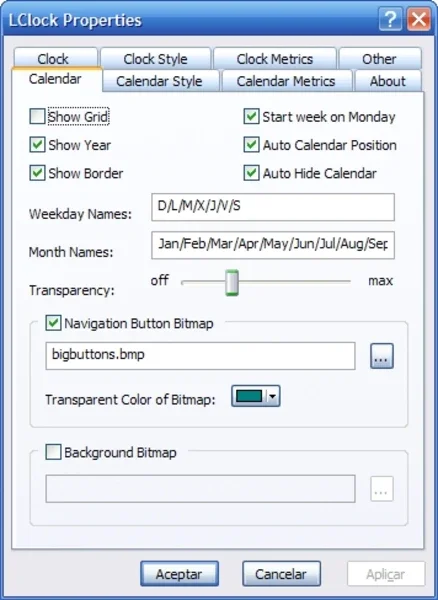
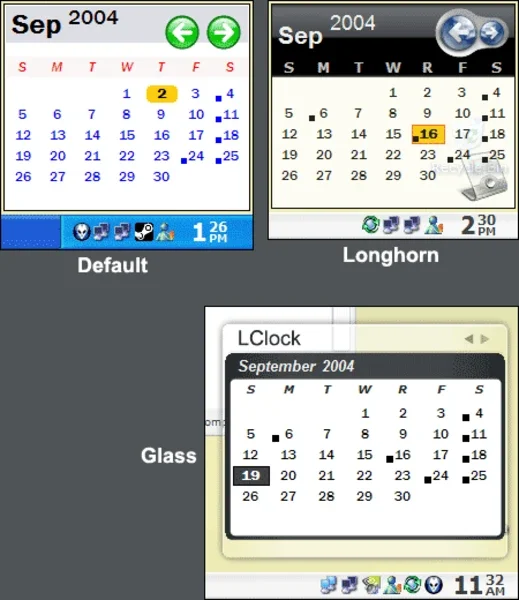
LClock adds features to the clock already installed on the system. Clicking the clock area opens the calendar directly, so you don't have to double-click anything.
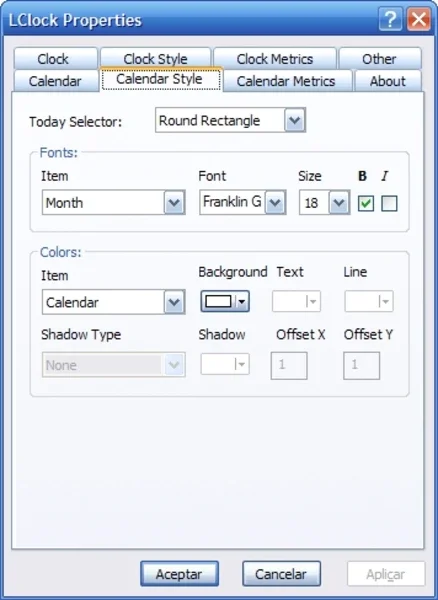
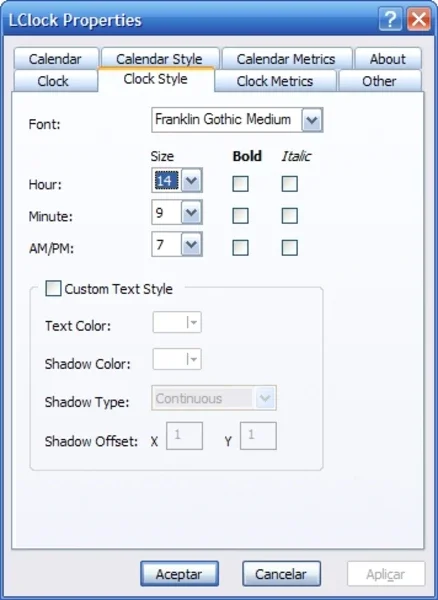
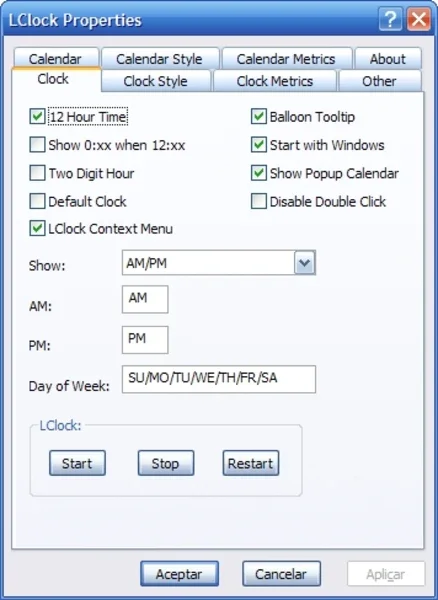
Notes can be included in the calendar, which makes it a place to keep short reminders next to the dates they belong to. The clock can be set to 12 or 24 hour format, and properties can be adjusted, including the starting day of the week. Color and transparency can be adjusted too, so the clock sits on the desktop the way you want it. LClock is skinnable, so the face and look can be changed out. All of this works through the existing system clock rather than a separate floating app.
LClock is free.
Download files
fd1d55b34b1c43bc4b495ab47f3c05e5c666a686d9bad2834d6894d7dc5ee268
System requirements
Available on:
Minimum OS:
Windows Windows 2000 or later
Additional information
Developer
Latest release
Size
Category
File type
SHA-256
fd1d55b34b1c43bc4b495ab47f3c05e5c666a686d9bad2834d6894d7dc5ee268