
LibreSprite 1.3 for Windows
Create, edit, and animate sprites and GIFs without installation
You are on macOS — this is the Windows version. See the macOS version
Screenshots
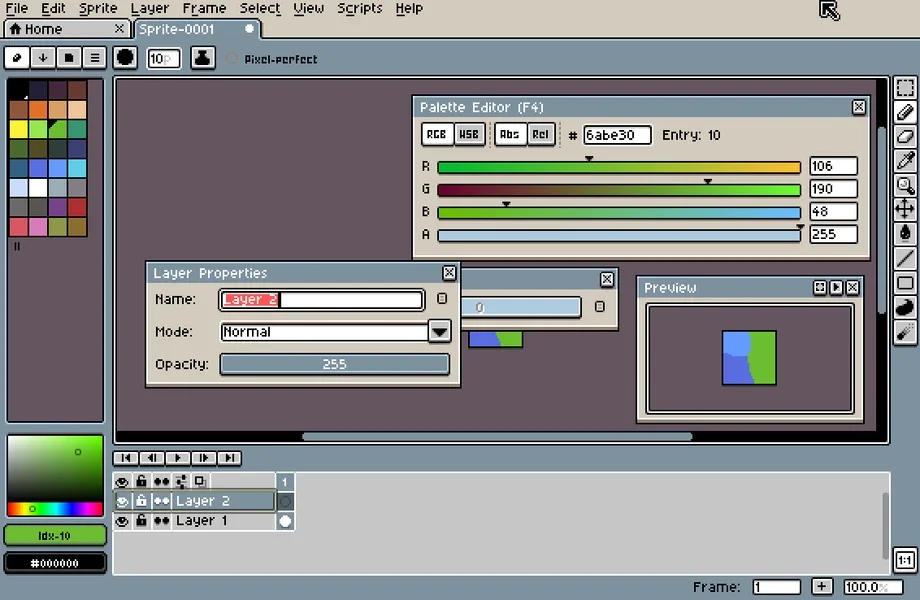
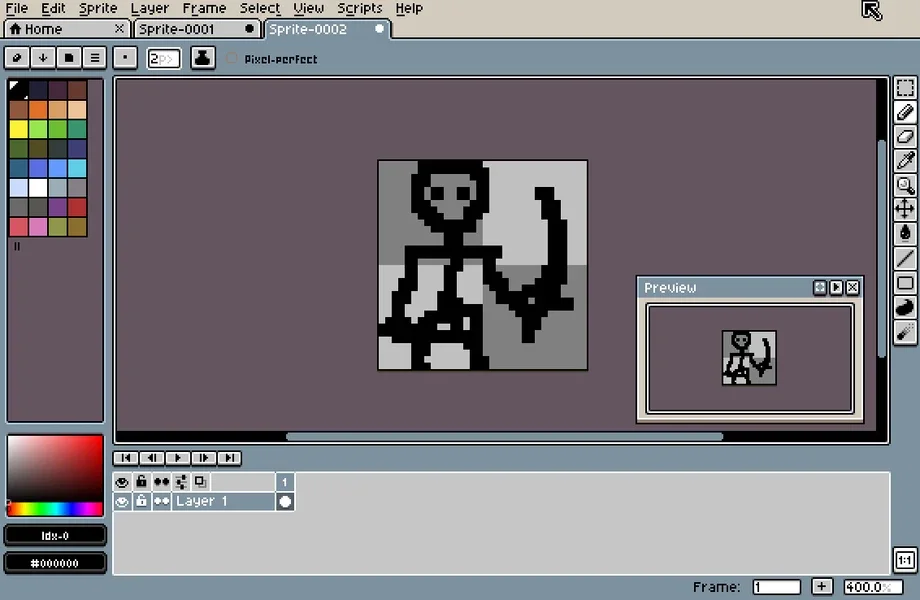
Description
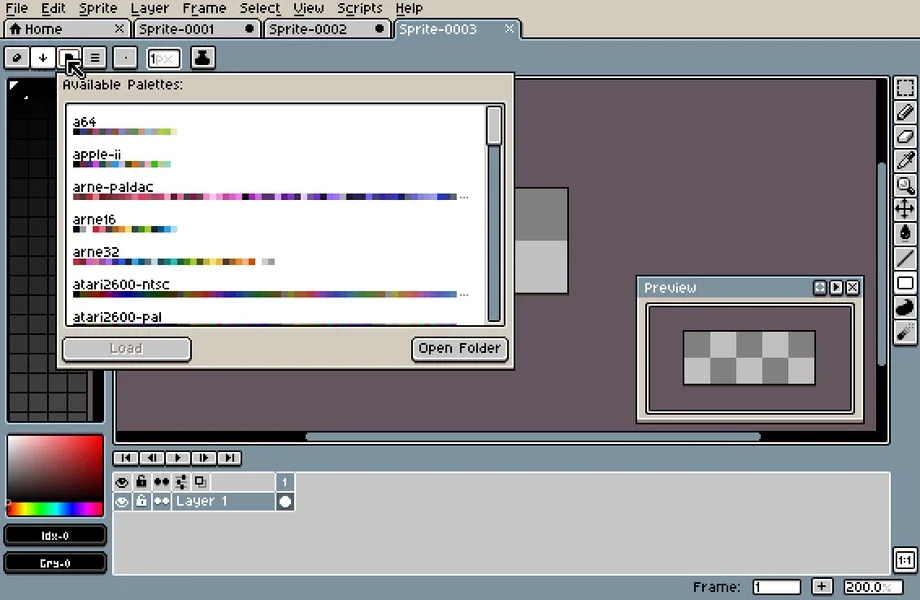
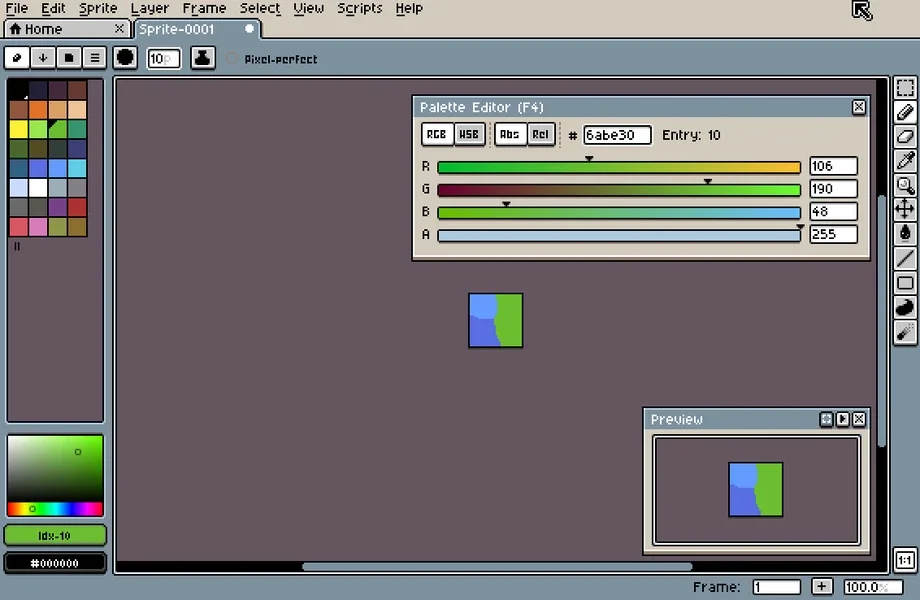
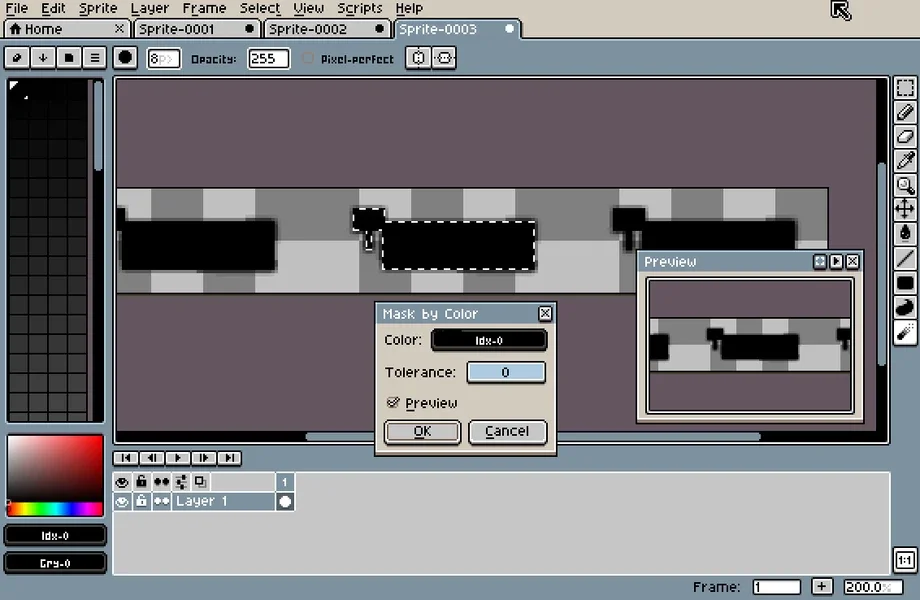
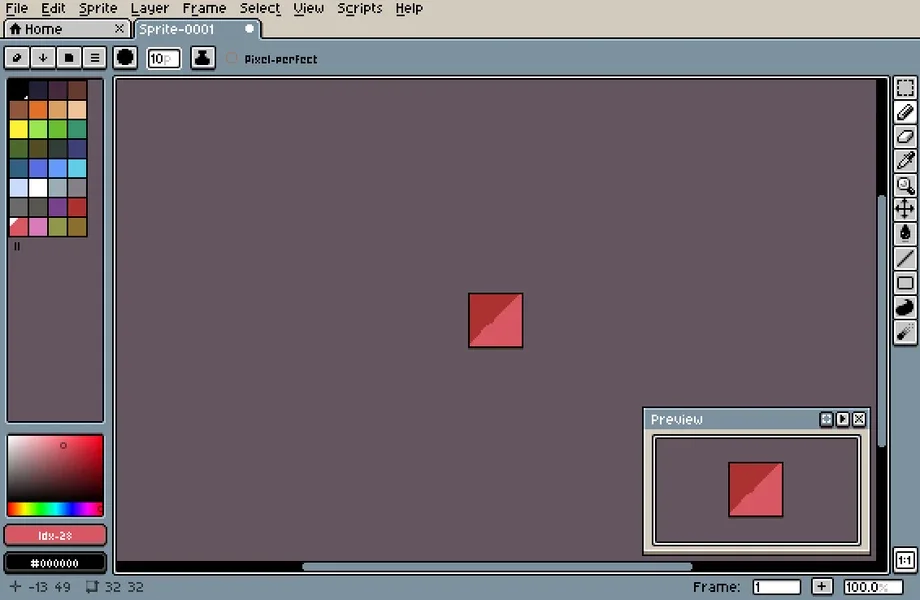
LibreSprite lets you create, edit, and animate sprites, and it also works for animated GIFs. The toolbox includes brush, pencil, geometric shapes, selection, paint pot, and blur tools. These same tools work for editing pixel-art and regular GIFs. Sprites can be managed by layers and frames, and you can make subtle changes within each frame to produce complex animations. Onion skinning lets you edit animations while seeing how each frame looks in real time. The program can export pixel-art for video games.
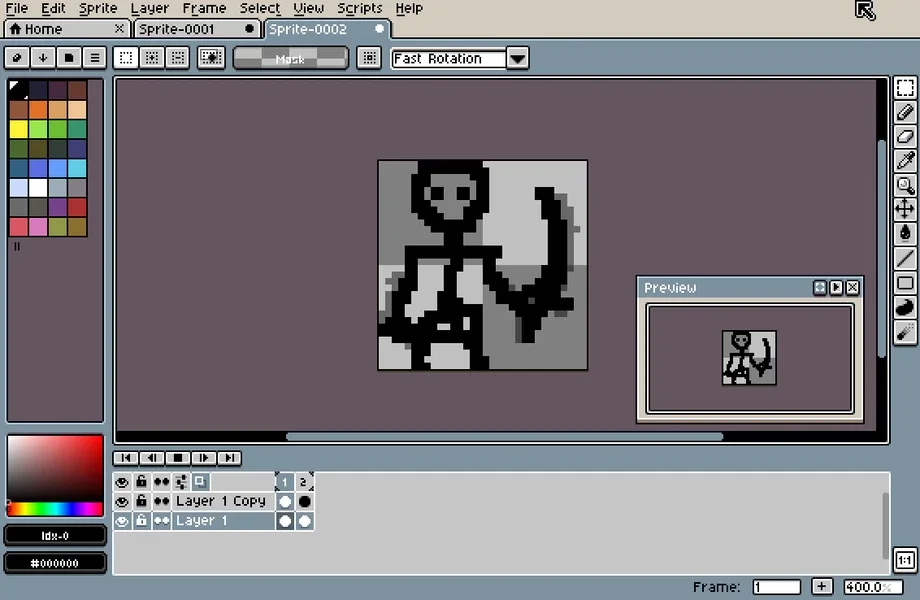
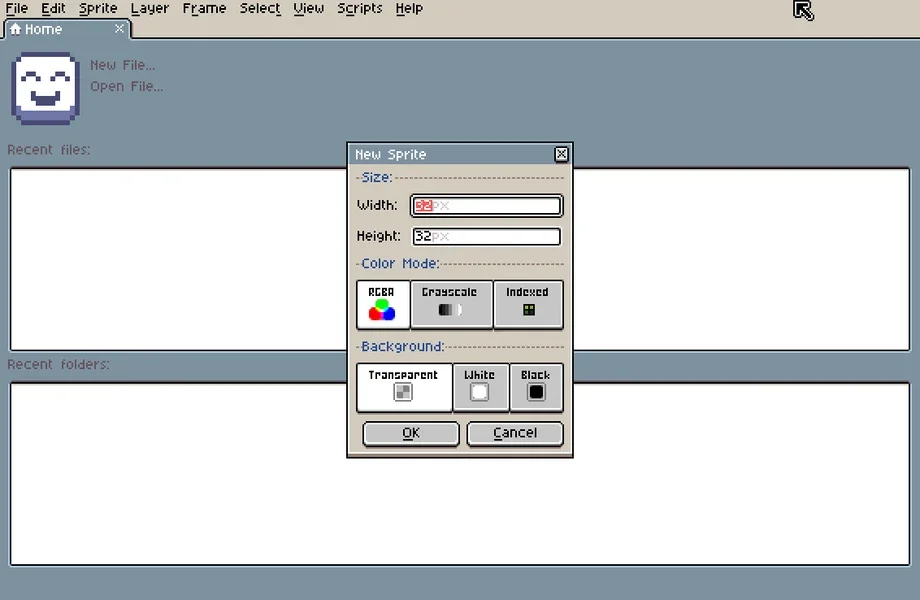
It requires only 1GB of RAM to run correctly and is about 75MB in size. It does not require installation; you unzip it into a folder, double-click the executable, and start using it. By default, the chosen color palette appears on the left, with the toolbox on the right. Based on Aseprite, it has an almost identical interface.
Download files
8408d2f962121948e9fbee053756b5e1e7e88d6d645120574d13fca66d475874
f3c1134416f0948d876da78681364d783bd47cad585866d086f74b9ed97a6655
fcc7fe9f122e228b991299863b73539c5b7707137559d52dc9e91b104a96004b
System requirements
Available on:
Minimum OS:
Windows XP or later
Additional information
Developer
Latest release
Size
Category
File type
SHA-256
8408d2f962121948e9fbee053756b5e1e7e88d6d645120574d13fca66d475874