LibreSprite1.3 for macOS
Create and animate sprites without installing a thing
Free · GPL 2.0
You are on Windows — this is the macOS version. See the Windows version
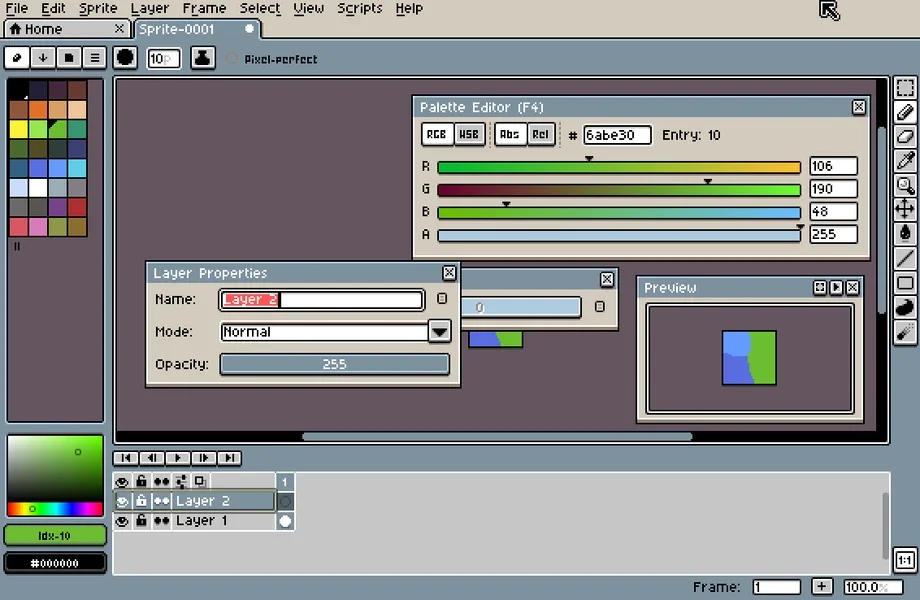
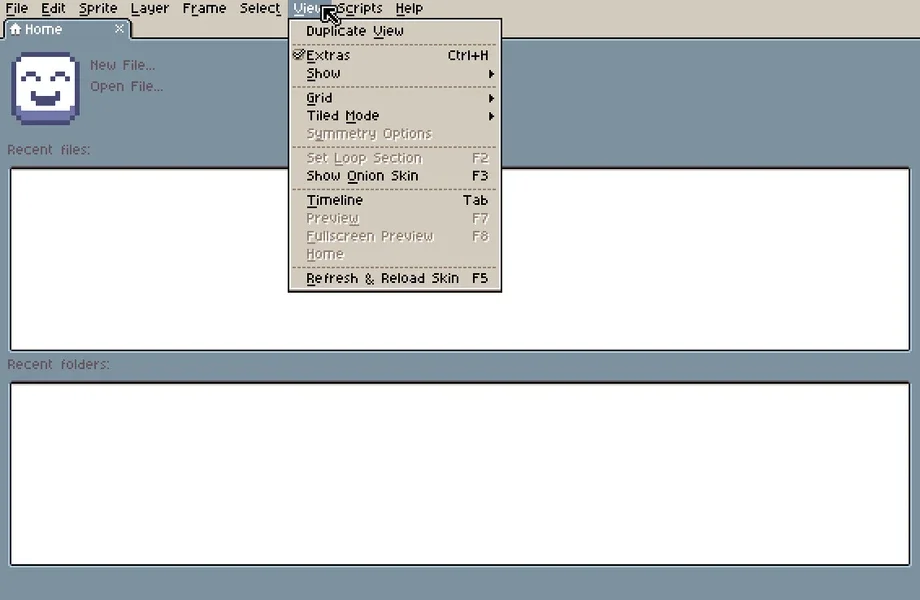
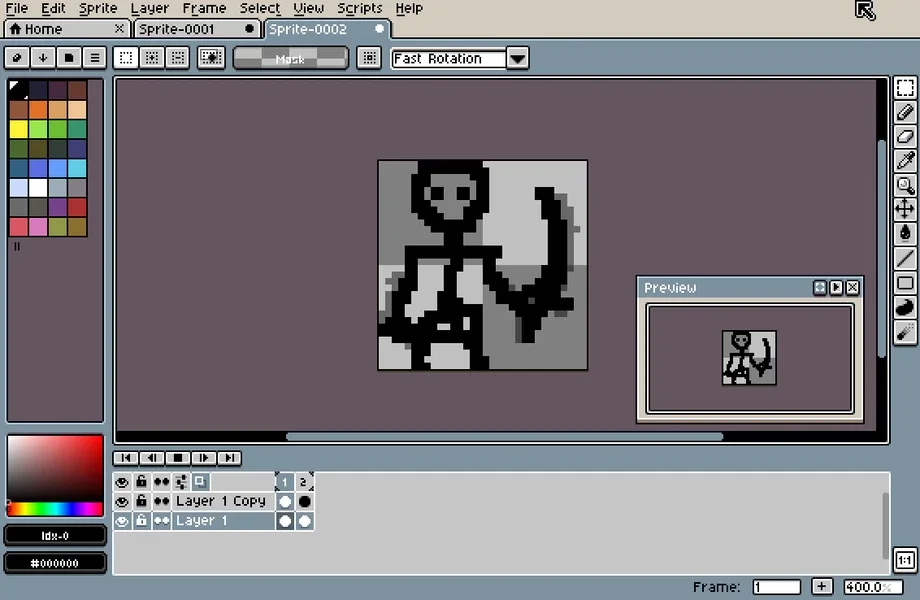
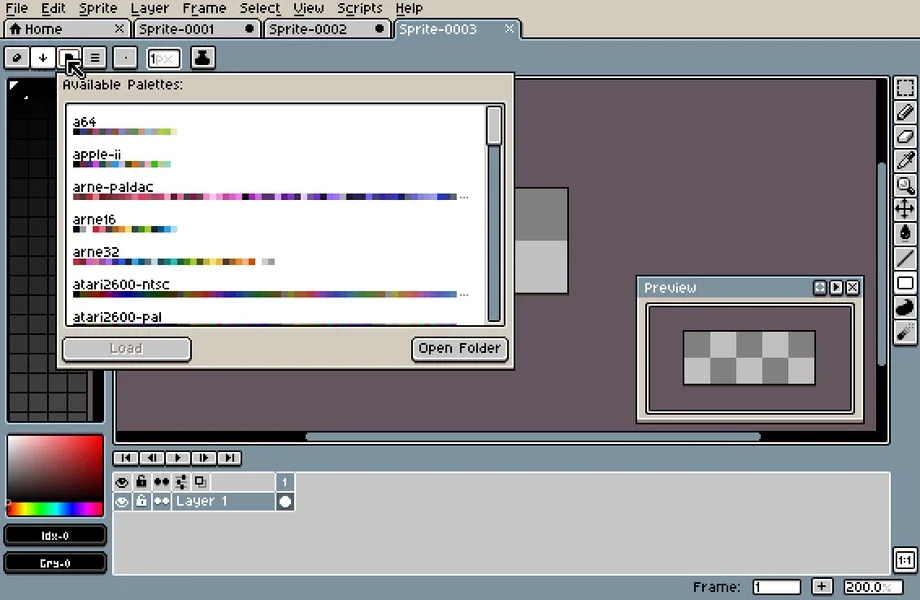
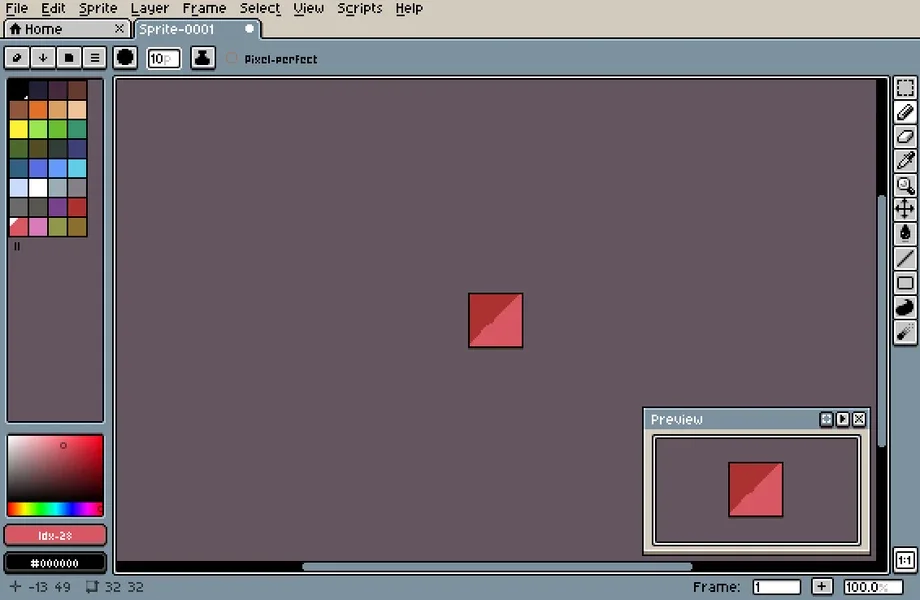
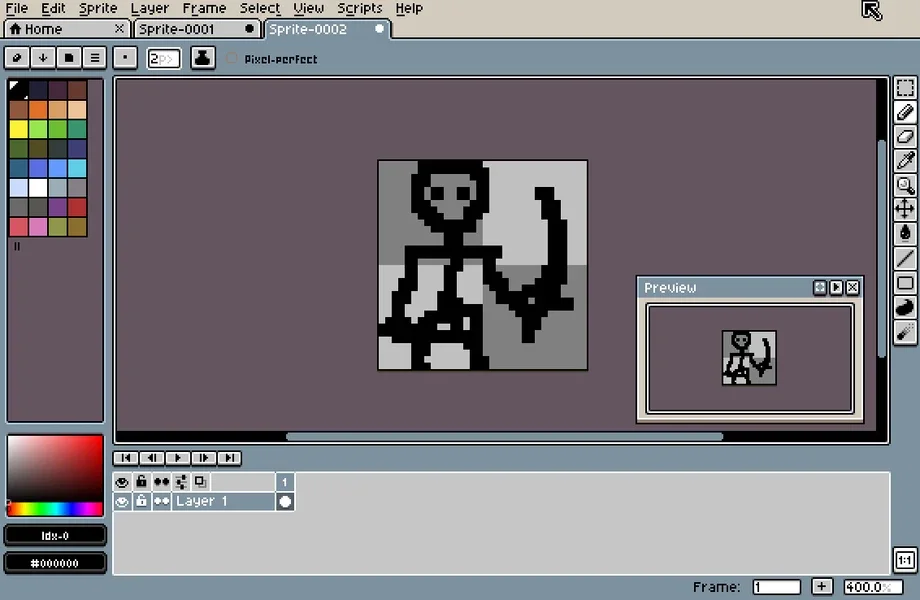
You unzip LibreSprite into a folder on your Mac and click the executable. That is the whole install. It is a free, open-source application for creating, editing, and animating sprites, and it is based on Aseprite, with a similar feature set and interface. The download is about 60MB, and it needs 1GB of RAM to run smoothly.
Sprites are managed by layers and by frames. The toolbox has brush, pencil, geometric shapes, selection, paint bucket, and blur tools, and those tools work for editing ordinary GIFs as well as pixel-art. Onion skinning shows how the animation looks in each frame in real time while you edit. By default, the chosen color palette sits on the left side of the screen and the toolbox on the right.
You can generate and export pixel-art for any video game. It is available for MacOS.
[Release notes coming soon]
Verify the file
Compare the SHA-256 of the file you downloaded with the value below. Files exactly as the publisher released them.
-
libresprite-1-3.dmg
1.3 · DMG · 25.2 MB
SHA-256
b84a4e23c742226bf3dc96e2f510e3ebae6aa70e1da8537ab5ede6acaed11ebfCheck on VirusTotal Get
Files exactly as the publisher released them.
Information
- Seller
- LibreSprite
- Size
- 25.2 MB
- Category
- Design & editing
- Compatibility
macOS 10.4 Tiger or later
- Languages
Afrikaans and 47 more
- Afrikaans, Amharic, Arabic, Armenian, Belarusian, Bulgarian, Catalan, Chinese, Croatian, Czech, Danish, Dutch, English, Estonian, Farsi, Finnish, French, German, Greek, Hebrew, Hindi, Hungarian, Icelandic, Indonesian, Italian, Japanese, Kazakh, Korean, Latvian, Lithuanian, Malay, Norwegian, Polish, Portuguese, Romanian, Russian, Serbian, Slovak, Slovenian, Spanish, Swahili, Swedish, Tagalog, Thai, Turkish, Ukrainian, Vietnamese, Zulu
- Age rating
- All ages
- License
- GPL 2.0
- Price
- Free
- Platform
- Also available on Windows