
Linux Mint 7 for Windows
Ubuntu-based Linux distribution that installs alongside Windows
Screenshots
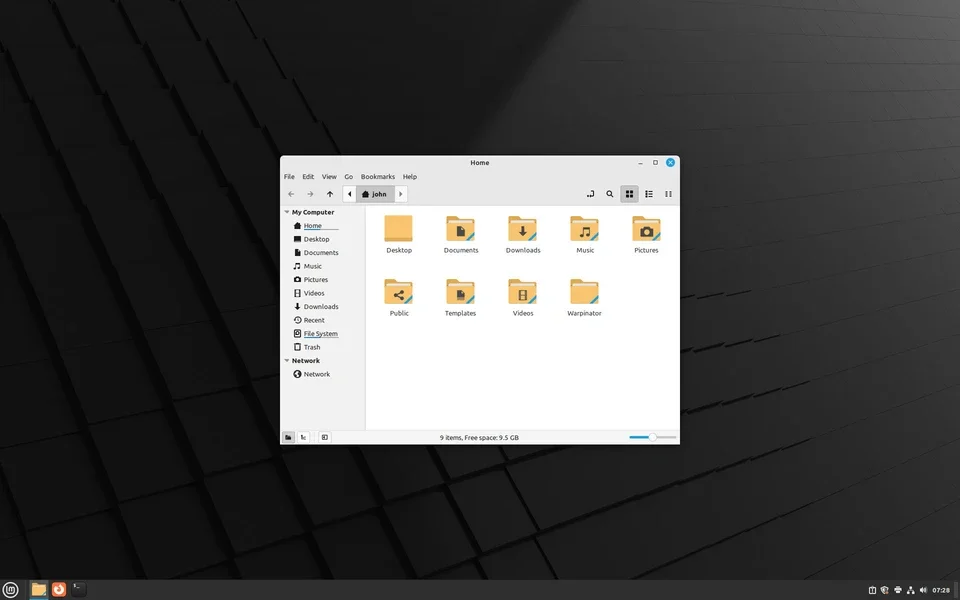
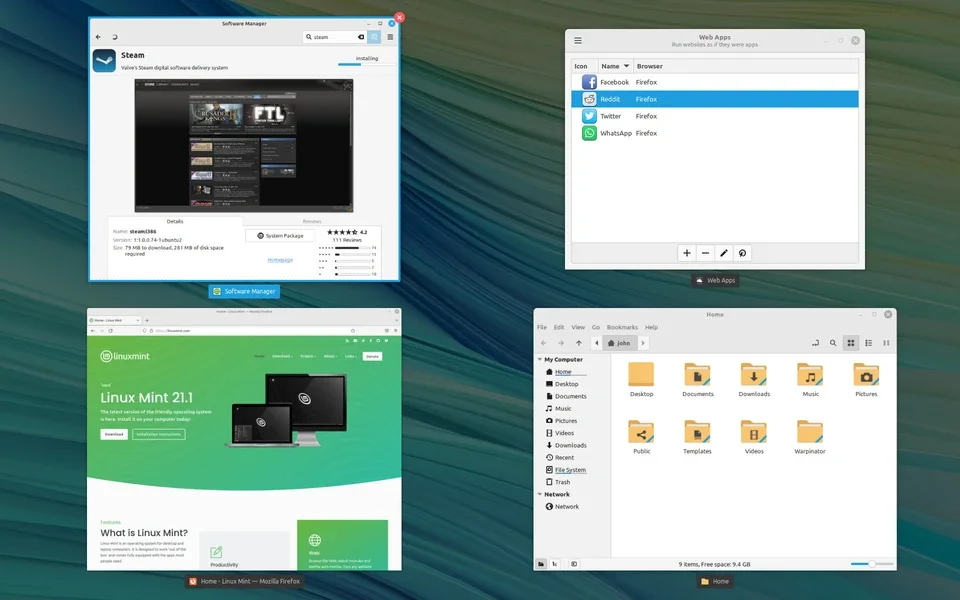
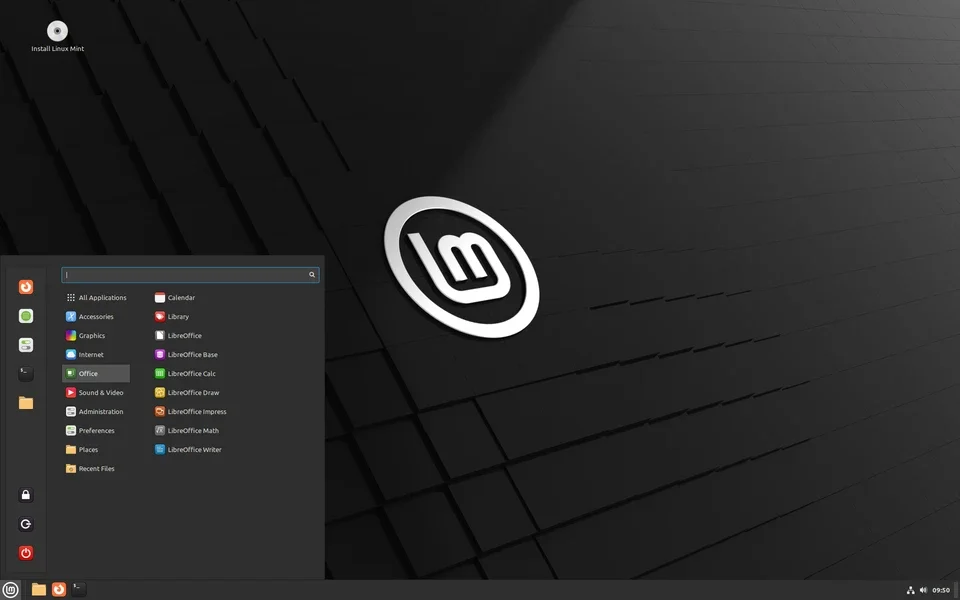
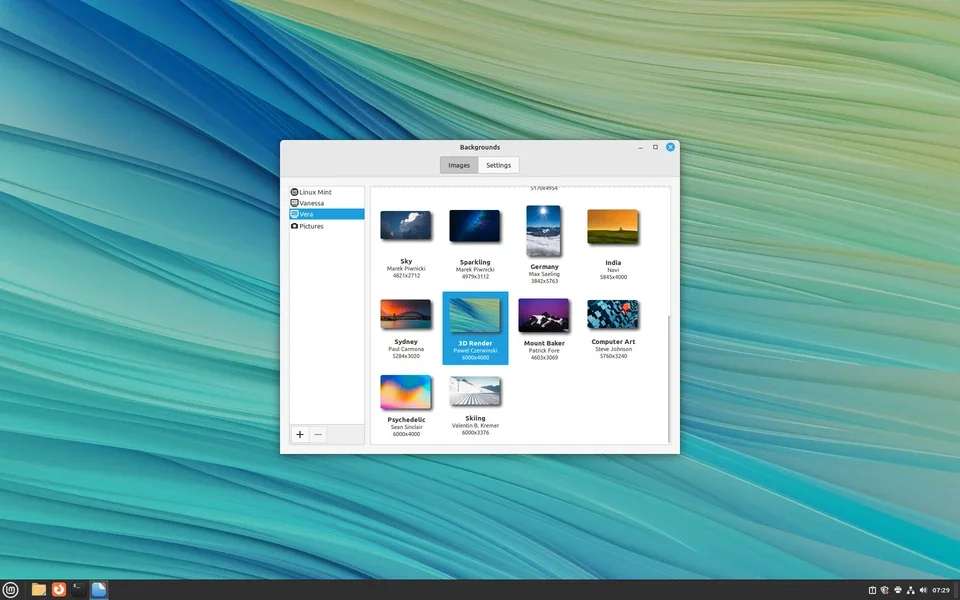
Description
Linux Mint lets you install it alongside any version of Windows on the same PC, and at boot a window asks which operating system to load. Installation means writing the ISO to a DVD or USB stick, possibly with a third-party tool such as Etcher, then rebooting and choosing to boot from that drive in the BIOS. A full guide with screenshots sits on the official Linux Mint website, and you follow the installation instructions step by step.
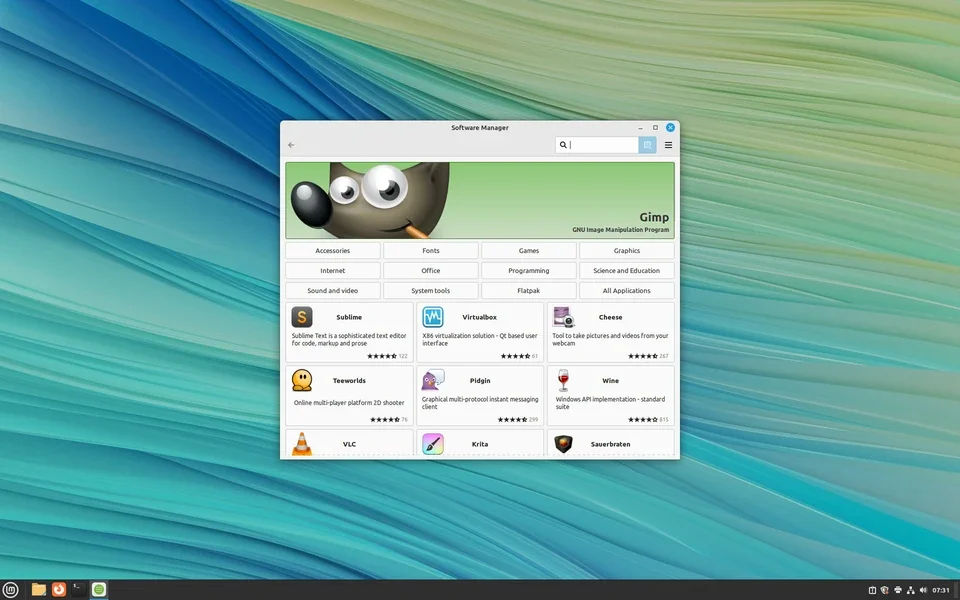
The distribution is built on Ubuntu, which itself derives from Debian. A wide range of open-source software comes with the installation, plus multimedia codec libraries, and the Software Manager lets you choose which programs to install. These install with one click and are free of charge. Among the titles on offer are LibreOffice, Firefox, Krita and Thunderbird, along with VirtualBox, HexChat, Pidgin, Transmission and VLC.
Steam games are another matter: it is compatible with more than 8000 of them, which can be downloaded and installed from the distribution, and many titles on GOG and Itch.io are fully compatible as well. Almost all software available for Mint is free and open source. It runs on virtually any PC.
Download files
a19bcbab5b214e29770c52e01e581676b081ef5522ba05d649895544d82ec772
a081ab202cfda17f6924128dbd2de8b63518ac0531bcfe3f1a1b88097c459bd4
759c9b5a2ad26eb9844b24f7da1696c705ff5fe07924a749f385f435176c2306
ccf482436df954c0ad6d41123a49fde79352ca71f7a684a97d5e0a0c39d7f39f
78a2438346cfe69a1779b0ac3fc05499f8dc7202959d597dd724a07475bc6930
System requirements
Available on:
Minimum OS:
Windows Windows ME or later
Additional information
Developer
Latest release
Size
Category
File type
SHA-256
a19bcbab5b214e29770c52e01e581676b081ef5522ba05d649895544d82ec772





