
Screenshots
Description
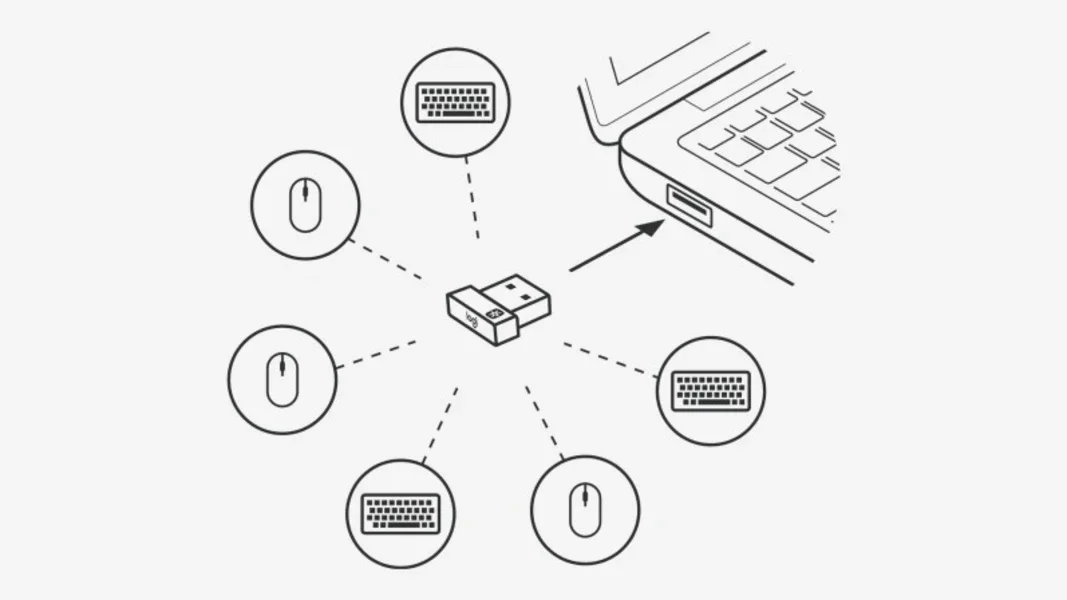
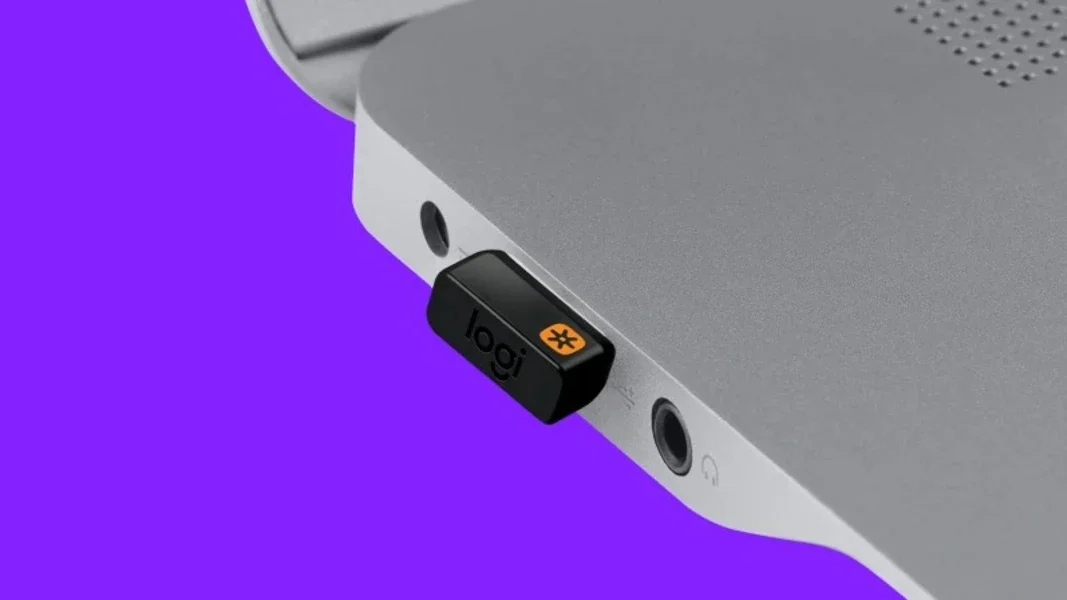
Logitech Unifying is Logitech's official software for using the Unifying receiver. It automatically detects compatible peripherals and associates them with the receiver, so you can pair a device by running the app, following the on-screen instructions and keeping the device near the receiver. One receiver connects up to six Logitech devices, including keyboards, mice and presenters. Devices from the MK, MX and K400 ranges can be mixed, and you can rearrange them as needed.
The software lets you view added devices and check their connection, and on compatible models you can check battery status. Communication between devices and the receiver uses 128-bit AES encryption to prevent interference or unauthorized access, and you can block unauthorized pairing so other devices cannot connect without permission. Running one peripheral management program instead of several reduces RAM consumption, and using the receiver frees up ports on the PC and simplifies setup while reducing cable and adapter clutter.
Troubleshooting options include restarting pairing, updating receiver firmware and resetting to default settings, and tools are included to diagnose and resolve common connection issues. If the receiver is lost, a new one can be bought and used with all the peripherals.
Download files
bea2ca4c9d9abd1ff214166d638792be974ffad7907a8a8ed0370acba800e815
Signed by Logitech Inc · valid until Jul 22, 2022System requirements
Available on:
Minimum OS:
Windows XP or later
Additional information
Developer
Latest release
Size
File type
SHA-256
bea2ca4c9d9abd1ff214166d638792be974ffad7907a8a8ed0370acba800e815