Luminar Neo 1.5.3.0 for Windows
AI photo editor with sky replacement, portrait tools and slider-based effects
You are on macOS — this is the Windows version. See the macOS version
Screenshots



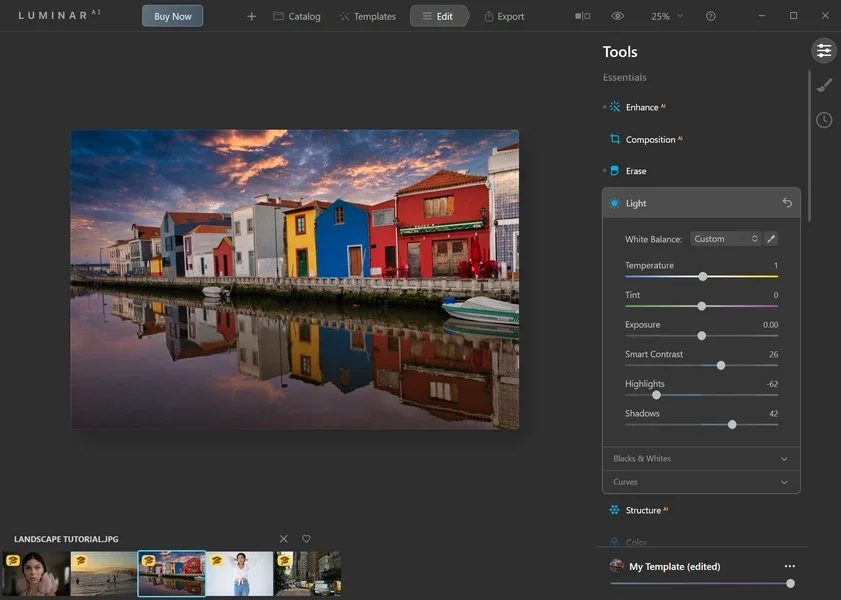
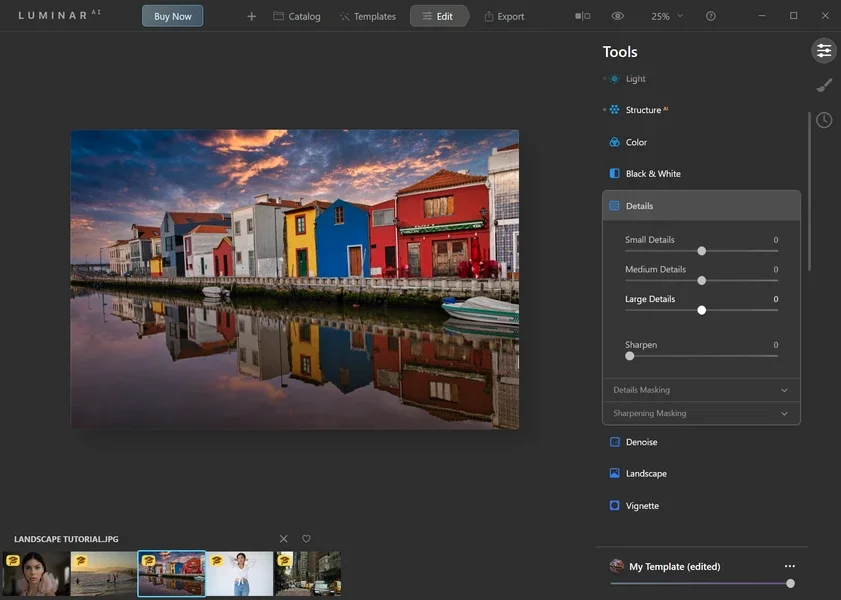


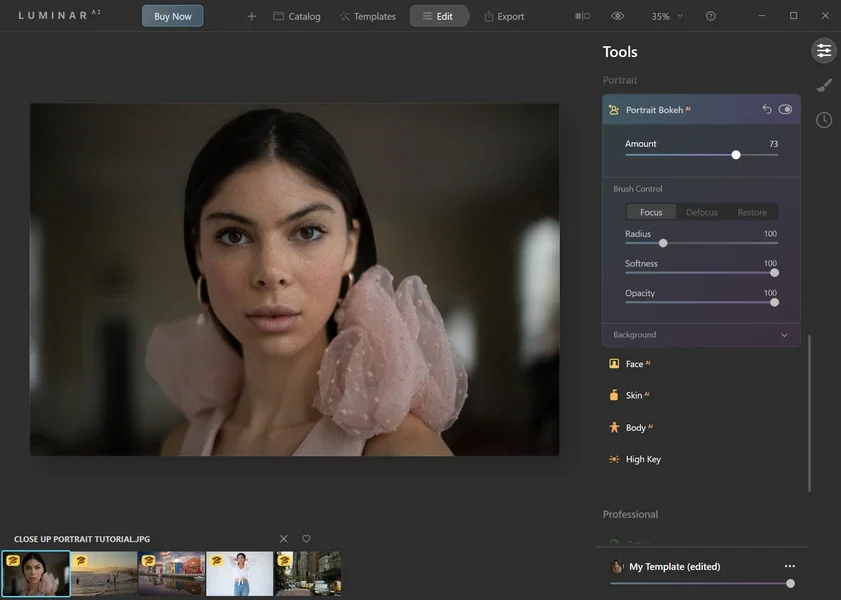

Description
Luminar Neo is a Windows photo editor from Skylum Software. You edit by adjusting sliding bars, and the program handles the rest with artificial intelligence.
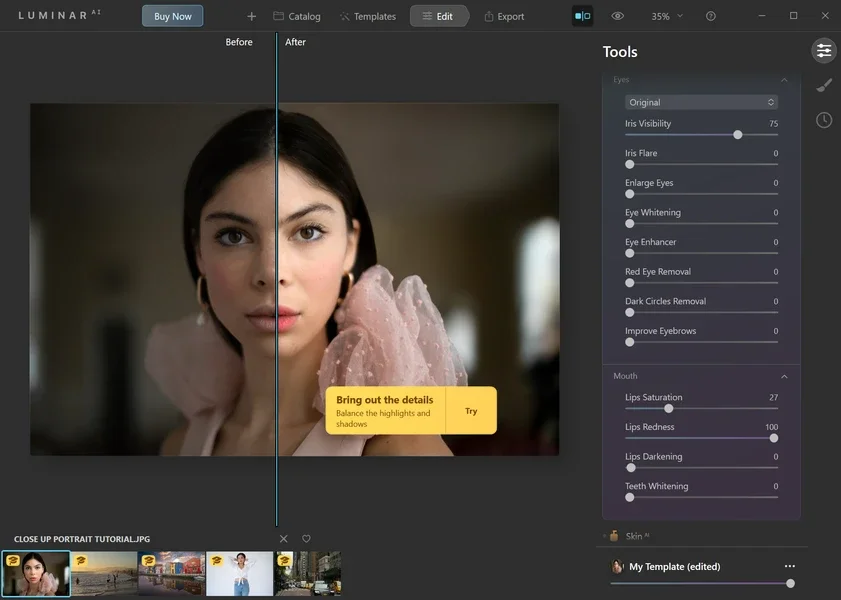
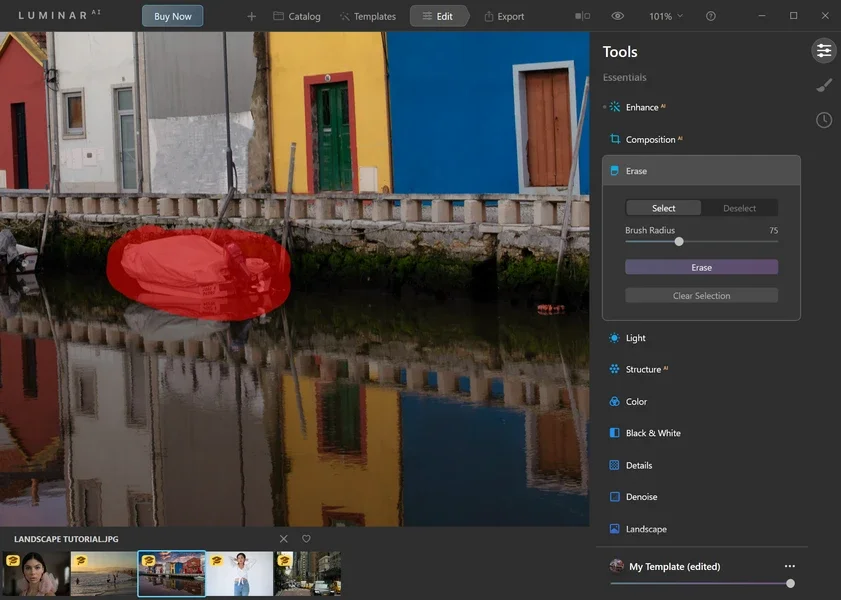
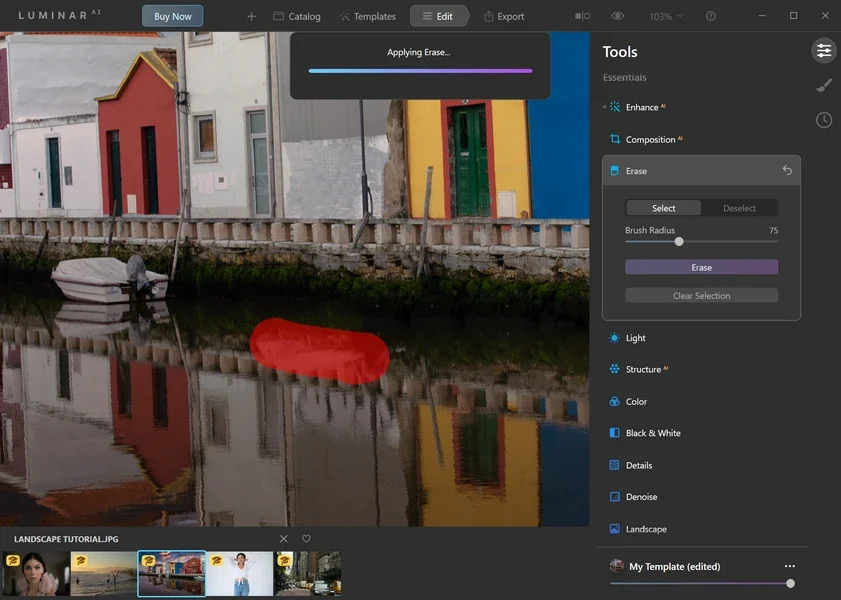
Retouching is where the AI does most of the work. The program can erase objects from a shot and replace the sky. It can add blur to a photo without you selecting the subject first, and it can add reflections and sun rays. Portrait features include skin smoothing, face styling, lip color, and background blur. Basic edits cover exposure, contrast, lights, shadows, and color. Modifications are unlimited, and you can view before and after versions of the edits at any time. The learning curve is reduced compared with other photo editors.
Finished photos export directly to JPG and can be shared on social media. The program is free of charge during a trial period; continued use after that requires purchasing it.
Download files
01a3567aa0004e340114ea0b2749843ad9d6c468f243268c05f85a62ca4c7c33
Signed by F6C21A79-E5C9-4849-8AB7-D42ED9505525 · valid until Jul 29, 20227ec8ec5c9bf3b1e9549305778a3861570ef6f8df94fc598b51c735273bc0b439
System requirements
Available on:
Additional information
Developer
Latest release
Size
Category
File type
SHA-256
01a3567aa0004e340114ea0b2749843ad9d6c468f243268c05f85a62ca4c7c33